Hipaa Compliant Scheduling App helps healthcare teams and patients coordinate appointments in one place while keeping scheduling communication organized. Use it to offer a clear path to book appointments, view appointment details, and contact the care team without confusion or missed steps. It’s a practical fit for clinics, private practices, therapy providers, and medical offices that want a simple self-service experience for scheduling requests and intake, plus an easy way for staff to route patients to the right next action.
Jotform makes it easy to turn these workflows into a polished app experience using App Templates and a no-code app builder with a drag-and-drop interface. Connect buttons and pages to forms for data collection, centralize information for quick navigation, and share the app through a link or QR code for convenient self-service. As your workflow evolves, you can update pages, adjust navigation, and keep everything consistent across teams without needing to code.
Related templates

Patient Registration App
A patient registration app is used by clinics and hospitals for managing patient information. Our readymade Patient Registration App makes it easy for front desk staff to register new patients and record patient medical history in a central database. This app also includes a COVID-19 self declaration form and COVID-19 liability waiver for patients to fill out and digitally sign upon entering the building. All patient data is instantly synced and stored in your secure Jotform account, which you can access from any device for ease of use.This Patient Registration App is ready to go, but if you’d like to make it your own, just use Jotform’s no-code app builder to make changes in seconds. Simply drag and drop to add or change form elements, edit form text and fields, upload images and documents, choose fonts and colors, and more. After you’re done, you can access and download your app onto any device in your office with the app link. Easily record and compile patient data with the touch of a button using Jotform’s fully-customizable Patient Registration App.
Go to Category:Healthcare Apps
Nurse Notes App
A nurse notes app is used by nurses to manage information for their patients. Hospitals, doctor’s offices, and other healthcare centers can use this free Nurse Notes App to securely record patient information from any device! Your nurse notes are kept safe with Jotform’s advanced security measures, including optional HIPAA friendly features.This free app already includes forms for assessments, exams, and general notes, but feel free to add more forms, update the app icon or splash screen, and make other changes with no coding required. Your custom app can then be shared with a link and quickly downloaded onto nurses’ smartphones, tablets, or computers. Upgrade from messy paper forms with an all-in-one Nurse Notes App.
Go to Category:Healthcare Apps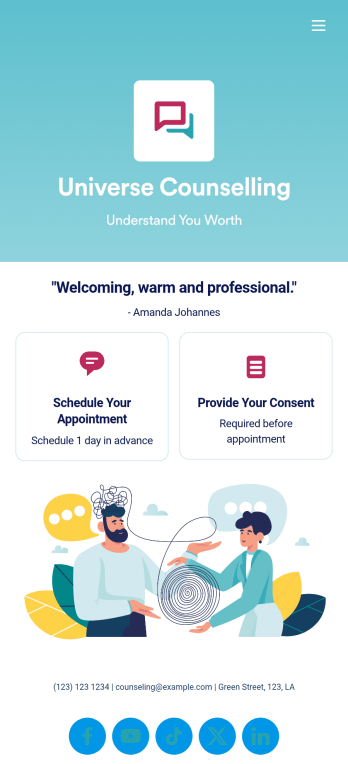
Custom Counseling App
A counseling app provides easier access to mental health resources and tools. Whether you’re a school counselor, family therapist, or life coach, build a fully-custom app for your counseling services with our free Counseling App Template. This ready-to-use app template comes with multiple forms — including a client information form, COVID-19 consent form, and appointment booking form — so clients can access and fill out your forms all from one place.Make this Counseling App your own by customizing it in just a few clicks. Without any coding, you can create and add new forms, embed links to other sites, update the provided text, upload different images, and change app settings. Once you’re satisfied with the app design, embed the app link in your website or send it directly to clients to download on their preferred devices. Make it easier for clients to get the help they need with a professional Counseling App for your services.
Go to Category:Consulting Apps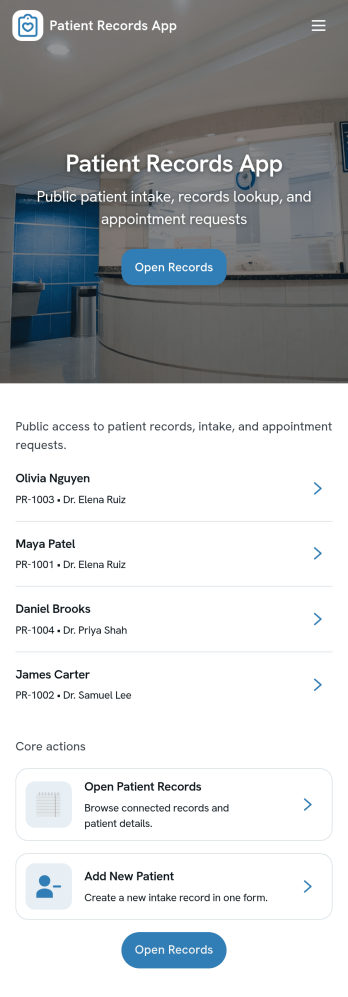
Patient Records App
Patient Records App gives clinics, private practices, and care teams a simple way to organize patient profiles and document medical activity in one place. Use it to browse a patient list, open an individual patient page for quick context, and add new patients or records as visits happen. It’s a practical fit for front-desk staff, nurses, and providers who need a consistent process for capturing information and keeping records easy to find across day-to-day operations.With Jotform, you can turn patient recordkeeping into a guided self-service workflow that’s easy to share with your team. Start with this app template, customize pages with a drag-and-drop interface, and connect forms and tables for reliable data collection and ongoing updates. As your workflow evolves, you can adjust what users see, keep information organized across pages, and publish a polished app experience without writing code.
Go to Category:Healthcare Apps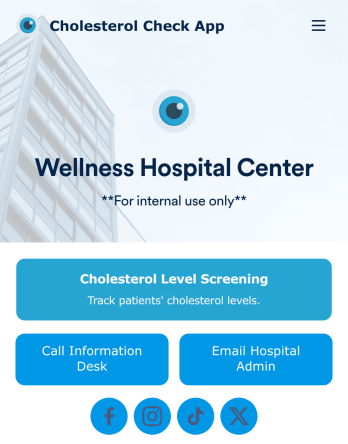
Cholesterol Check App
A cholesterol check app is used by healthcare providers to measure and keep track of patients’ cholesterol levels. With Jotform’s free Cholesterol Check App, nurses or doctors get an easy way to track patients’ cholesterol readings on their office smartphone, tablet, or computer — with no paperwork needed! Submissions through the Cholesterol Screening Form are stored securely in a Cholesterol Screening Sheet, which can be reinforced with HIPAA compliance features.With no coding knowledge needed, you can quickly customize this app template to better suit your needs. Upload your logo, change the background image, include additional forms, or add helpful documents with our drag-and-drop builder. Once you’re done, share the app with a link to save it to any device in seconds. Manage patient data more efficiently with a powerful Cholesterol Check App for your practice.
Go to Category:Healthcare Apps
Medication Log App
For patients and clinics alike, keeping track of your patients' medications can be daunting — so streamline the process for everyone with our Medication Log App! This readymade app provides your patients with a single online portal to log and update their medical history, medication regimen, and general contact information. Patients can then access and download your app on any smartphone, tablet, or desktop computer.This Medication Log App is ready to use and doesn't require any coding, but you can easily customize this app template to better suit your needs. With our drag-and-drop interface, you can add forms, choose fonts and colors, and customize your app name, icon, and splash screen. Make it easier for your patients to keep track of their medications with a custom Medication Log App they can use from any device!
Go to Category:Healthcare Apps