
The Hotel Front Desk Operations App gives hotel reception teams a central place to coordinate daily guest and room activities. Front desk agents, duty managers, housekeeping coordinators, and independent lodging operators can use it to log guest requests, review and update room status, record reservations, and document incidents requiring follow-up. Organized views make it easier to check request context, guest details, arrival and departure information, room assignments, housekeeping notes, and incident records without relying on scattered messages or paper logs. This app template supports smoother shift handoffs, clearer communication between departments, and more consistent service during busy check-in and check-out periods.
Jotform makes this Hotel Front Desk Operations App easy to adapt with a no-code app builder and a flexible drag-and-drop interface. Hotels can change pages, navigation cards, buttons, colors, fonts, and branding to match their operating procedures. Connected forms support data collection, while tables and automated workflows help teams organize updates and act on new records. Staff can open the mobile-friendly app from a shared link or QR code, making key operational tools available at the desk or while moving around the property. Start with one of Jotform’s App Templates, customize the layout, connect relevant processes, and publish a practical resource for coordinated hotel operations.
Related templates
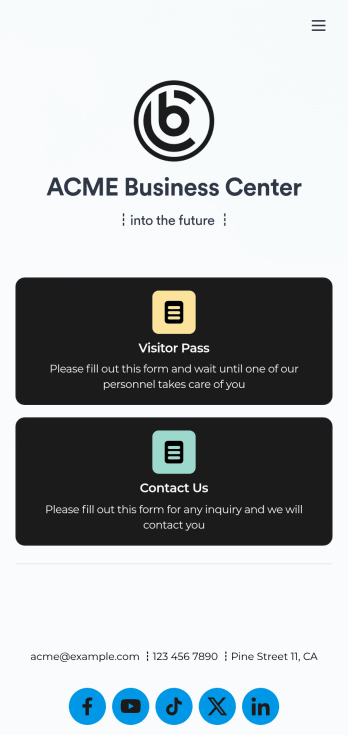
Visitor Sign In App
A visitor sign in app is used by businesses or organizations to log and track sign ins for their building. With this free Visitor Sign In App that downloads instantly onto any device — such as your building’s tablet or computer — you can collect, track, and manage sign-ins with ease. The app also includes a contact form so visitors can quickly get in touch if they encounter any issues, and connects to a Visitor Approval Process Template so you can approve or deny visitors instantly.Feel free to add more forms, upload your logo, update the background image, and make other changes with our drag-and-drop builder. All responses collected through the app are stored securely in your Jotform account and protected with advanced security measures. Switch from paper sign in sheets to an online Visitor Sign In App to collect information more efficiently — no messy paperwork required.
Go to Category:Tracker Apps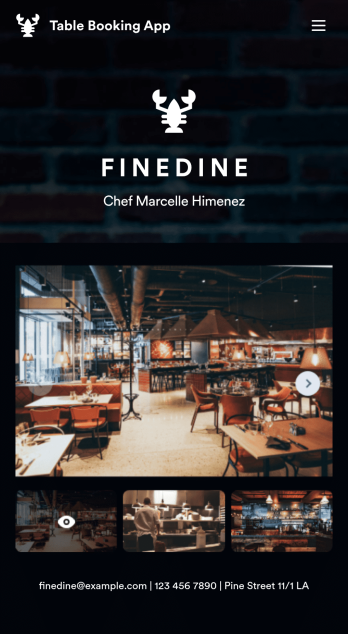
Table Booking App
A table booking app is a great way to build a micro-website for your restaurant. This free and mobile-ready app template allows diners to make table reservations days ahead of time, view photos of the dining area and menu items, and contact your restaurant via email or phone. You can also create additional pages and add them to your app’s topbar with the click of a button. Reservations are instantly stored and synced to your secure Jotform account, and can be accessed by restaurant staff from any device.Making changes to this Table Booking App template is a cinch with Jotform’s intuitive no-code app builder. Simply drag and drop to customize your table reservation page, upload images of your restaurant and entrées to the main page image carousel, add social media widgets, choose fonts and colors, and add your own branding with just a few clicks. Embed a link to your app in your website or share it on social media — diners can then make table reservations from their favorite device. Create a fully customizable mobile-ready app for your restaurant in minutes with this Table Booking App from Jotform.
Go to Category:Booking Apps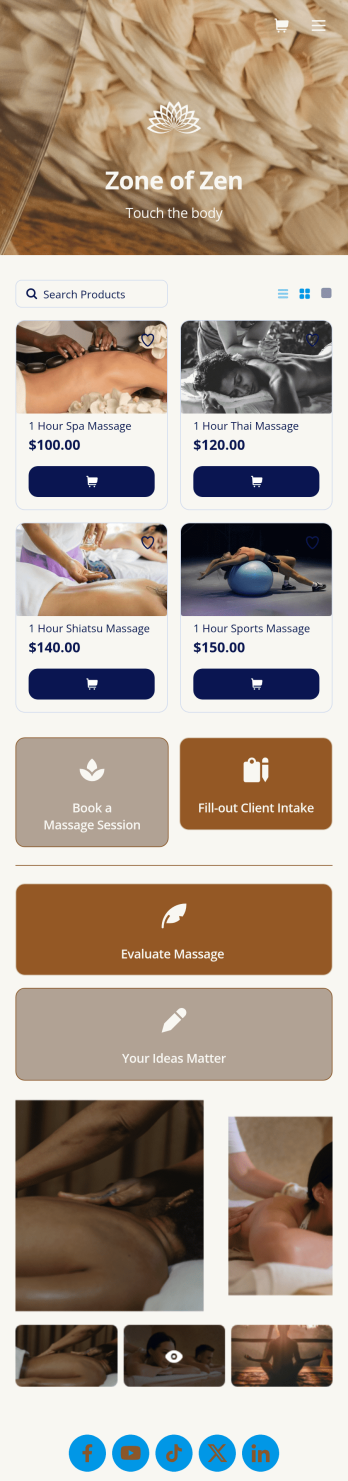
Massage Booking App
Wondering how to sell massage bookings online? A massage booking app makes it easier for clients to book consultations and appointments from any device. If you’re a massage therapist or masseuse, create your very own Massage Booking App with this free template, which includes a booking form, client intake form, evaluation form, and feedback form. Without coding, you can customize it to match your spa or studio, upload images, and add your social media links. Once clients have downloaded your app onto their smartphone, tablet, or desktop, they’ll be able to book appointments with ease.Want to customize this Massage Booking App? Using our drag-and-drop interface, you can easily change the app icon and name and add forms, documents, links, buttons, images, videos, and more. Once you’re happy with your app design, send email invites to clients or share it on your website or social media. Clients will be able to download it onto their favorite device for quick and easy access to your massage services. Take the stress out of online massage appointments with a fully customizable Massage Booking App!
Go to Category:Booking Apps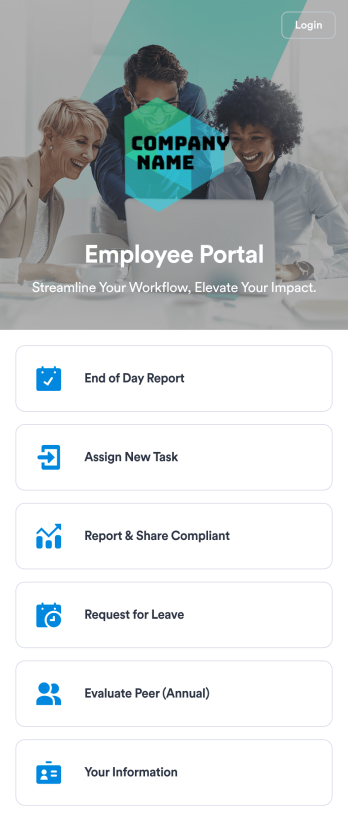
Employee Portal App
An employee portal app allows employees to access all internal company documents and links from any mobile device or computer. Create your own company portal in just a few clicks with Jotform’s free Employee Portal App. This customizable template includes a report form, task form, complaint form, leave request form, evaluation form, and employee information form all in one app. Employees will be able to fill out these forms from any smartphone, tablet, or computer, and submissions will be stored in your secure Jotform account.Customize this Employee Portal App to better meet your company’s needs. Without any coding, you can add forms, documents, links, images, buttons, videos, and much more to the template. You can also change the app icon and name and include your company branding in just a few clicks. When it’s ready to use, send email invites to employees directly or share the app link. With a fully-custom Employee Portal App for your company, your employees will enjoy more organized team collaboration and communication, no matter which device they prefer!
Go to Category:Company Portal Apps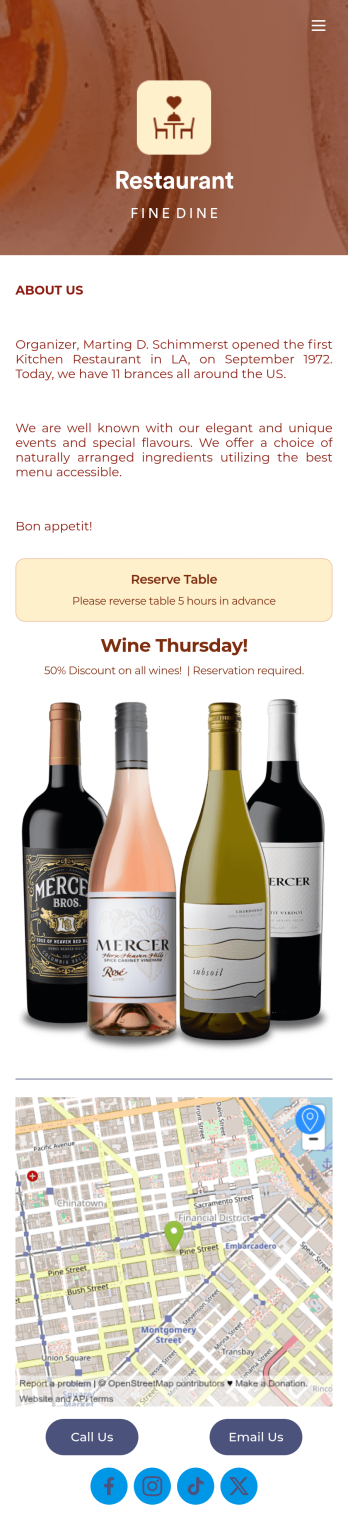
Restaurant Reservation Mobile App
Ditch the pen and paper and keep all your table reservations in one convenient location with our Restaurant Reservation Mobile App. This readymade app template allows guests to easily reserve a table online using their name, email, and phone number. Tapping on the embedded calendar displays all available reservation slots for a particular day. Your reservations are then compiled and stored securely in your account, and viewable in an easy-to-read database from any device.Want to customize this Restaurant Reservation Mobile App to match your restaurant’s branding? Our drag-and-drop interface makes it easy to add or change forms, choose fonts and colors, upload your logo, update the app name or text, and more — all with zero coding. You can even display signature dishes and inform customers of discounts or happy hours on your splash page. Just share a link to your app on your website or social media, and customers can access and download it on any smartphone, tablet, or computer. Start taking online table reservations today with this Restaurant Reservation Mobile App!
Go to Category:Booking Apps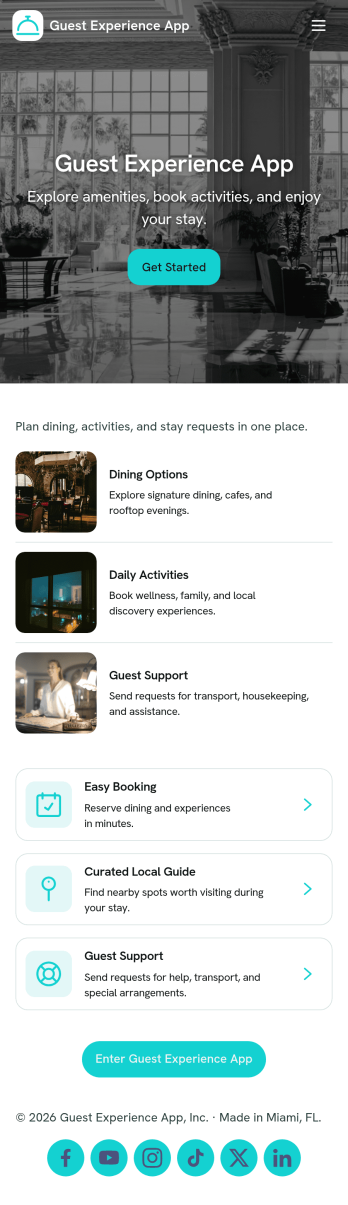
Guest Experience App
Guest Experience App brings key guest touchpoints into one easy place, so visitors can find what they need and get help without hunting through multiple channels. Use it in hotels, short-term rentals, resorts, event venues, and serviced apartments to share a local guide, highlight guest services, route service requests, and collect feedback while the stay is still in progress. It’s especially helpful for front desk teams, concierge staff, property managers, and hosts who want a consistent experience across locations and a clearer view of what guests are asking for.With Jotform, you can customize this app template with a no-code app builder and a drag-and-drop interface, then connect it to forms for fast data collection and smoother workflow follow-up. Add or rearrange pages, update cards and buttons, and publish a mobile-friendly self-service hub guests can open from a link or QR code. As requests and feedback come in, your team can respond faster, keep service organized, and refine the guest journey using the same Jotform workspace.
Go to Category:Customer Portal Apps