House Chore App keeps everyday household tasks organized so everyone knows what needs to be done and what has already been handled. Use it to highlight today’s focus, browse a shared chore list, and open each chore to view its details before getting started. It’s a practical fit for families, roommates, and caretakers who want fewer misunderstandings, clearer responsibility, and a simple way to stay consistent with routine cleaning and home upkeep.
Built with Jotform, this app template turns chore planning into an easy self-service experience you can share in minutes. With a no-code app builder and a drag-and-drop interface, you can adjust pages, reorder chores, and connect the app to forms and tables for reliable data collection. As chores are finished, log completed work and review records over time, helping your household build better habits and keep a lightweight workflow running without extra messages or spreadsheets.
Related templates
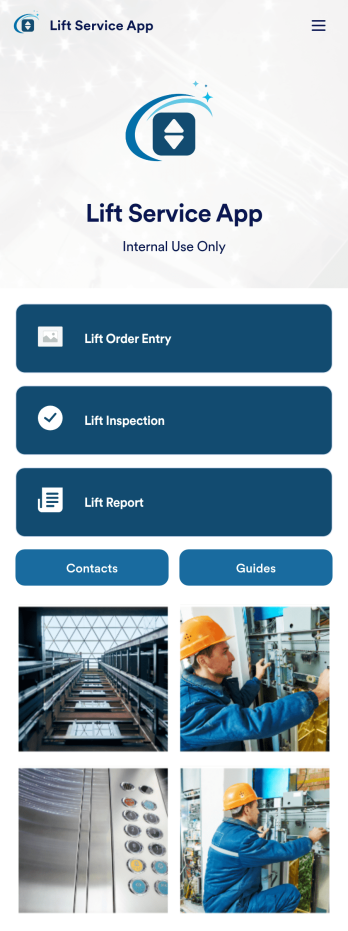
Lift Service App
A lift service app is used by lift operators to keep track of inspections, orders, reports, and more. With this ready-made Lift Service App by Jotform, your company can switch from paper forms to efficient online forms that can be filled out seamlessly on any device. Once you customize this app template to your liking with our drag-and-drop builder, you can share it to start collecting form submissions instantly.Need to update the design of this Lift Service App? Add your company logo, add or remove forms, split your app into separate pages, and make other changes with no coding required. You can even integrate with 200+ other platforms to sync submissions to your other accounts automatically — no manual data entry required.
Go to Category:Company Portal Apps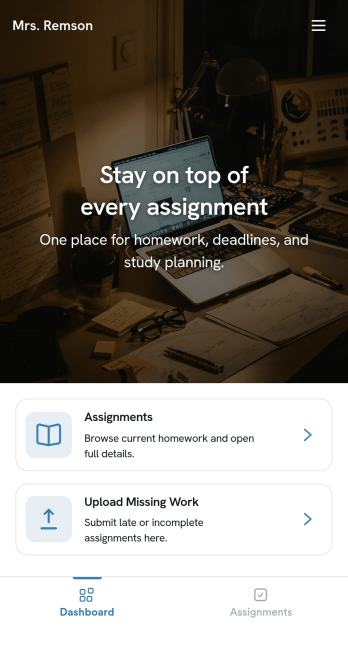
Homework Management App
A homework management app is used by teachers to collect homework assignments from their students. Give your students an easier way to submit homework for your remote or in-person classroom with a free Homework Management App from Jotform. Students can upload documents through the app’s homework or missing assignment forms, which you can view easily on any device from your secure online account.Need to make changes to this app template? Add or remove forms, update the app icon or background, include important information for your classroom, or add helpful links with no coding required. You can then copy and paste the app link to share your custom Homework Management App with your students, who can download it onto their computer, tablet, or smartphone to submit their homework instantly.
Go to Category:Classroom Management Apps
Customizable Goal Tracker App
Need an easier way for your clients to track their goals? With Jotform’s Goal Tracker App, you can build an online goal tracking app in minutes. Start creating your app from scratch or choose one of our ready-made app templates to get your creativity flowing. Add a contact form, let your customers create a schedule that works for them, showcase past client reviews, and more. Once you’ve customized your app to your liking, share with clients — downloadable onto any computer or iOS or Android device.Personalize your Goal Tracker App with Jotform’s easy-to-use app builder. Just drag and drop to change the look and feel of your app, add powerful app elements, install helpful app widgets, and integrate with one of our 25+ payment processors, including Stripe and Square. Share your customized app via email or embed it directly into your own website for easy access. Help your clients reach their goals with your very own Goal Tracker App — free on Jotform.
Go to Category:Activity Tracking Apps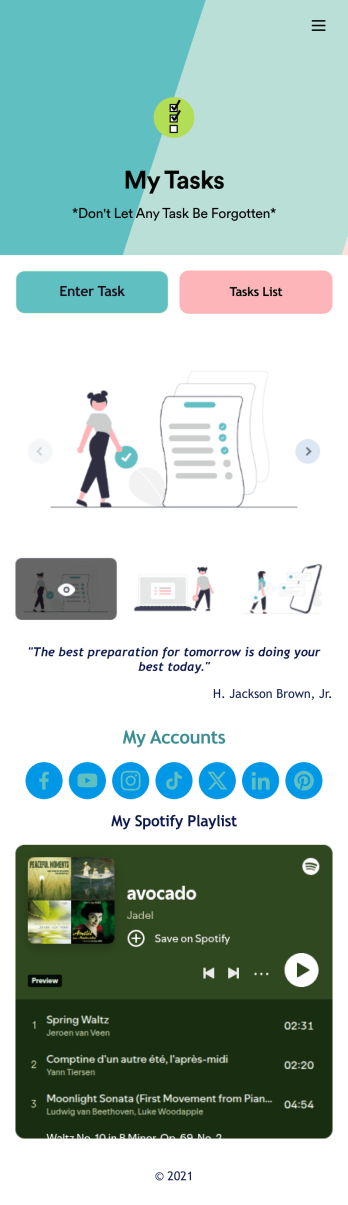
Recurring Tasks App
A recurring tasks app is used to track and manage daily tasks. Whether you’re organizing tasks for school, work, or at home, do it directly from your desktop or mobile device with a free Recurring Tasks App from Jotform! All tasks are stored securely in your Jotform account and easily accessible on any device — including as a spreadsheet, calendar, or individual cards with Jotform Tables’ Daily Task List!Feel free to update the design by adding other forms, changing colors, uploading your logo, and making other changes for a personalized touch with our no-code builder. You can even copy and paste the app link to send it to members of your team, so they can download it onto their devices too! Organize your tasks more efficiently with this Recurring Tasks App.
Go to Category:Management Apps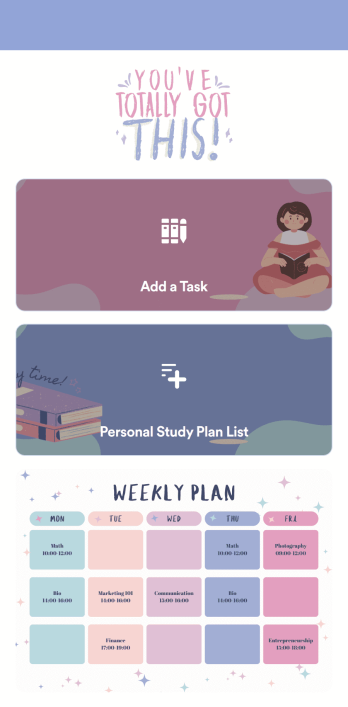
Customizable Study Planning App
A study planning app lets students create a student plan and track it on their mobile device. With this ready-made Study Planning App from Jotform, you can quickly and efficiently start tracking tasks, schedules, and study plans no matter where you are. Just customize the app to meet your study needs and download it for iOS, Android, or onto your computer for easy access.Need to make changes to this Study Planning App template? No problem — just drag and drop to get the design you want. Split your app into multiple pages, add more forms or tables, and make other changes in seconds with no coding knowledge required. You can even connect your app to 250+ other platforms like Trello, Asana, and more to monitor your study plans in your other accounts!
Go to Category:Organization Apps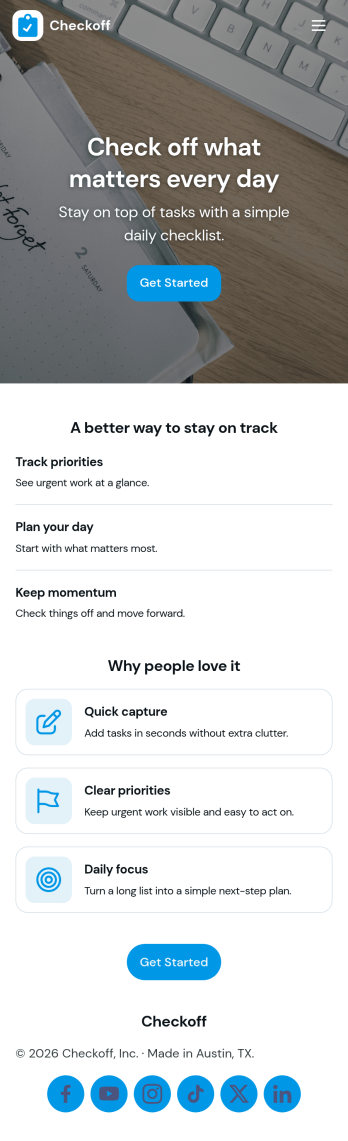
Check Off List App
Check Off List App helps you keep a simple, actionable checklist you can open, add to, and work through as tasks change throughout the day. Use it for personal to-dos, shift checklists, packing lists, cleaning routines, or quick project punch lists where finishing an item matters more than writing long notes. The layout makes it easy to jump into an open list, add a new item in seconds, and view tasks in a clear list so nothing gets missed.With Jotform, you can turn a basic checklist into a shareable, self-service app experience using an intuitive no-code app builder and drag-and-drop interface. Connect the app to a form for consistent data collection, keep task entries organized, and update your workflow as your needs evolve. Publish with a link for fast access on desktop or mobile, and adjust pages, buttons, and branding to fit how you manage tasks.
Go to Category:Checklist Apps