
The Internal Operations Management App is a ready-to-use app template for coordinating workplace requests and giving teams a clear view of ongoing operational needs. Employees can submit operations requests, managers can monitor progress by status, and authorized team members can review request records and key details. It suits operations leaders, office managers, facilities teams, administrators, and growing businesses handling maintenance, supply, location, or process support needs. Centralized data collection helps prevent missed requests, improves accountability, and gives stakeholders a consistent self-service channel for reporting internal issues.
Jotform Apps makes it easy to adapt this experience with a no-code app builder and an intuitive drag-and-drop interface. Teams can customize pages, branding, navigation, and access points while connecting forms, tables, approvals, notifications, and other workflow steps. As one of Jotform’s customizable App Templates, it can be shared through a direct link or QR code for convenient mobile access. Organizations can publish a polished internal resource without coding and update it as responsibilities, request types, and operating procedures change.
Related templates
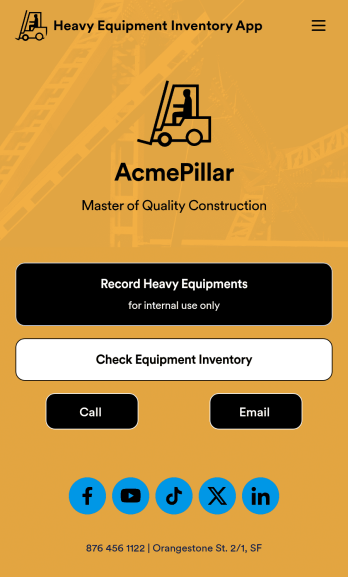
Heavy Equipment Inventory App
A heavy equipment inventory app is used by warehouse companies that need to keep track of incoming equipment purchases. With this customizable Heavy Equipment App, your drivers can record equipment name and type, date of purchase, vendor name, location, number of items, and unit cost. There is also an upload form for attaching pictures and receipts to individual entries. Entries are stored securely in an easy-to-read database, which you can view and manage from any device.This Heavy Equipment Inventory App is fully customizable and doesn’t require any coding. Using our drag-and-drop interface, you can add or change forms, choose fonts and colors, upload your company logo, update the app name, text, splash page, and more. After you’re done customizing, your app can be shared internally via the link and then accessed and downloaded on any device. Record and track warehouse inventory purchases with this Heavy Equipment Inventory App. No coding is required!
Go to Category:Inventory Apps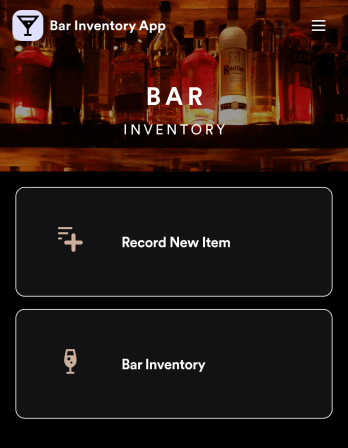
Bar Inventory App
A bar inventory app is used by bar staff to keep track of a bar’s equipment, ingredients, and other beverage information. Stop tracking inventory with pen and paper and enjoy an easier way to do it with a free Bar Inventory App from Jotform. Employees can download the app onto their iOS or Android device and fill it out as they go. All stock take submissions are stored securely in an inventory spreadsheet and viewable directly from the app.Customize this app template using our drag-and-drop app builder. With no coding required you can add your company logo, update forms or spreadsheets, change the background image, and make other design changes in seconds. Help your bar staff save time with a more efficient inventory process using this free Bar Inventory App that downloads onto any computer or mobile device.
Go to Category:Inventory Apps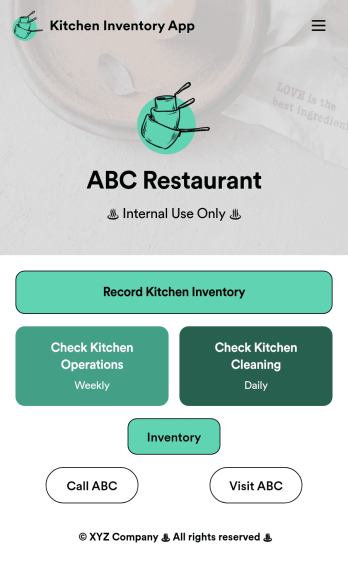
Kitchen Inventory App
Tracking inventory in your kitchen is the key to success for your restaurant. Make inventory a breeze with our free, customizable Kitchen Inventory App! It lets you bundle multiple forms in one app, so you can access our Restaurant Inventory Template and other kitchen forms from anywhere. Supervisors or employees can open the app on any smartphone, tablet, or computer to record stock inventory, report on kitchen operations, and track daily cleaning.This Kitchen Inventory App is ready to use as is, but feel free to make any modifications if necessary. Without any coding, you can add forms, text, images, links, and more. You can even change the name, icon, and splash page for your app for a fully-custom design! Monitor food usage and keep track of your inventory more efficiently with a custom Kitchen Inventory App for your restaurant.
Go to Category:Inventory Apps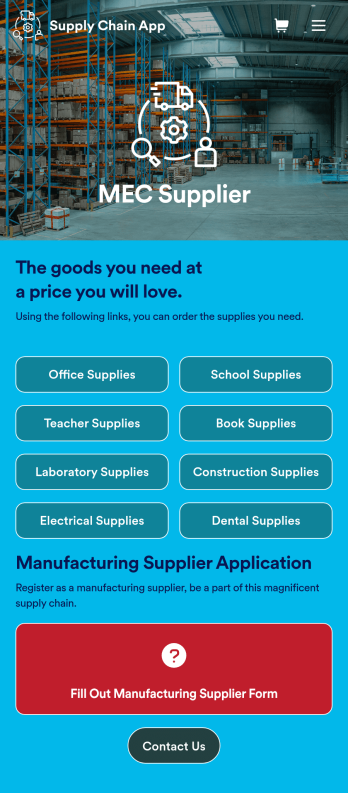
Supply Chain Management App
A supply chain management app is used by wholesale supplier companies for selling products to their customers. Want to learn how to sell your products online? This Supply Chain Management App allows customers to order supplies for offices, schools, labs, dental offices, and more with a simple ordering form. There is also a new customer signup form as well as a contact page. Once an order is placed, it will automatically be sent to your secure Jotform account, where you can see all of your orders at a glance.Making changes to this Supply Chain Management App is easy with Jotform’s no-code app builder. Simply drag and drop to add form elements, create new pages, edit text files and radio buttons, choose fonts and colors, upload images, include your branding, and more. When you’re satisfied with the look and feel of your app, you can share it by embedding it on your website or by sharing email invites with your customers. They can then download your app on any smartphone, tablet, or computer and start placing orders right away. Create an all-in-one supply chain ordering form with this ready-to-use Supply Chain Management App from Jotform.
Go to Category:Online Service Apps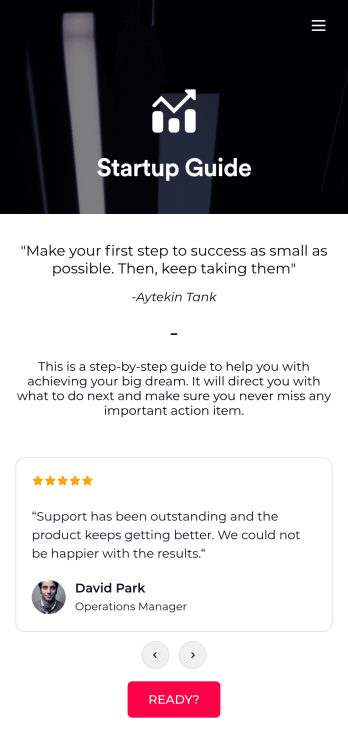
Startup Guide App
Ready to launch your very own startup? Get started with Jotform’s free Startup Guide App designed to help you turn your business vision from idea to reality. This ready-to-use mobile app template includes a link to our bootstrapping guide, inspirational quotes from business leaders, and multiple checklist forms to help guide you through the process of testing your concept and building your business plan. Responses will be synced to your secure Jotform account, which lets you view your data in whatever way works best for you — be it an inbox, spreadsheet, or as easy-to-read cards.This Startup Guide App is ready for you to use as is — but if you’d like even more from it, feel free to customize it using our drag-and-drop builder. With just a drag and drop, you can add or remove forms, include tables and documents, embed links to other websites, upload photos or videos, create new pages and buttons, update fonts and colors to match your branding, and change the app icon and name to better represent your business. When you’re happy with how the app looks, download it onto your favorite device for easy access. You can even share it with other aspiring entrepreneurs via the app link or email invites. Get your business ideas off the ground with a comprehensive and easily-accessible Startup Guide App powered by Jotform.
Go to Category:Checklist Apps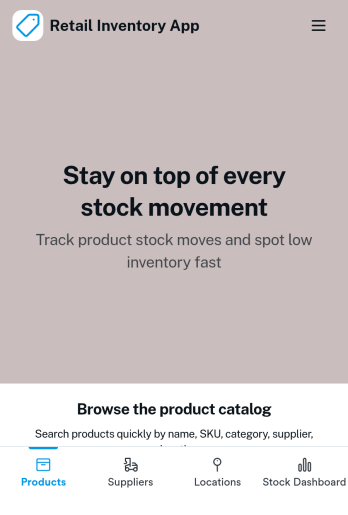
Retail Inventory App
A retail inventory app is used by retail store managers and employees for keeping records of product inventory. This free Retail Inventory App allows you to easily keep track of inventory by recording product name, inventory ID, stock location, unit price, quantity, and more through a Product Inventory Information Record Form. Product entries are stored securely in a Product Inventory Table in your account, which you can sort, filter, and search from any device. You can also share and export an inventory list with just a few clicks.If you’d like to personalize your app, just use our drag-and-drop form builder to add or change form elements, choose fonts and colors, and customize your icon and splash page—no coding required. With Jotform’s Role-based feature, you can control access so tutors, admins, and other users see only the parts of the app relevant to them. Afterwards, you can share your app with managers and employees using a link or embed it in an internal website. Start keeping detailed product inventory records with this customizable Retail Inventory app from Jotform.
Go to Category:Company Portal Apps