IoT Device Registry App is a centralized asset record template for IT teams, engineering departments, facilities managers, field service providers, and organizations that operate connected devices across multiple locations. Staff can browse the device registry, add or update equipment records, and document maintenance and inspections from one accessible workspace. Key information such as device identifiers, manufacturers, models, deployment dates, locations, inspection history, and notes stays organized for faster reference. This reduces reliance on scattered spreadsheets and gives authorized teams a clearer view of deployed equipment throughout its operational life.
Jotform turns this IoT Device Registry App into a customizable experience without requiring programming knowledge. Use its no-code app builder and drag-and-drop interface to adjust pages, navigation, branding, and content for your asset management workflow. Connected forms support consistent data collection, while Jotform Tables can keep device entries and operational updates together. Publish the app with a direct link, share it by QR code, or embed it in an internal resource center so employees and technicians can access self-service tools from a phone, tablet, or computer. Jotform app templates also make it easy to expand the registry as device inventories, teams, and maintenance processes evolve.
Related templates
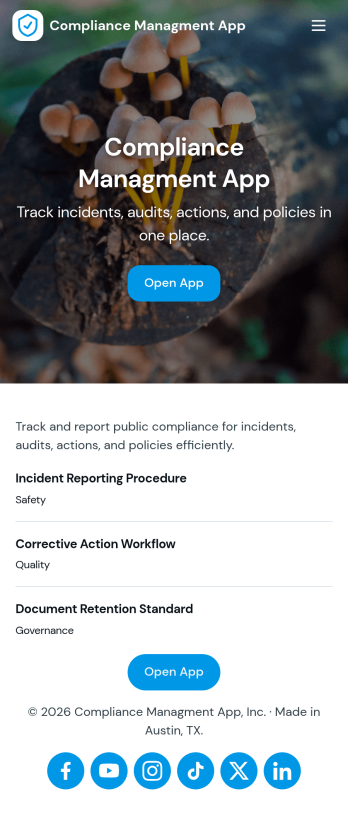
Compliance Managment App
Compliance Managment App brings your day-to-day compliance work into one place so teams can keep controls visible, document what happened, and stay ready for reviews. It’s built for operations leaders, IT and security teams, HR, and managers who need a practical way to organize controls, report incidents as they occur, log audits, and maintain supporting documents without hunting across folders or email threads.With Jotform you can turn this app template into a branded self-service workspace using a drag-and-drop interface and a no-code app builder. Connect the app to forms and tables to support ongoing data collection, route key steps through a workflow, and keep updates consistent across controls, incidents, audits, and documents. Share it with internal stakeholders through a link, tailor pages to your process, and keep information easy to access on any device.
Go to Category:Information Technology Apps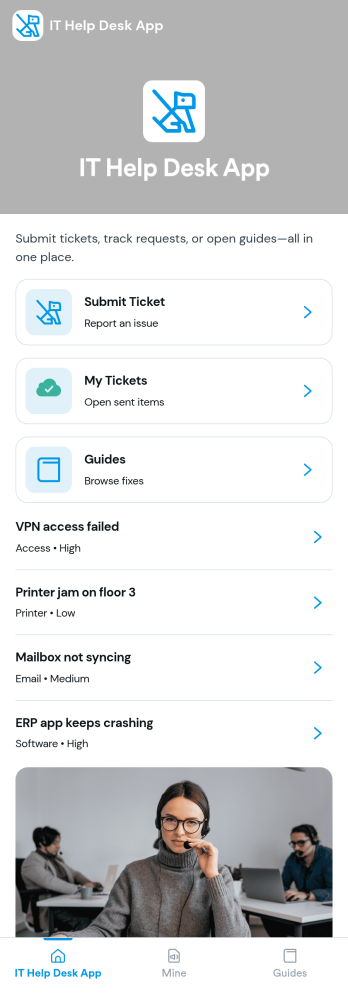
It Help Desk App
It Help Desk App gives teams a clear place to route internal tech issues and keep requests from getting lost in chat threads and inboxes. Employees can submit a ticket, check their open tickets, and review request details like priority and issue type in one simple experience. It works well for IT departments, managed service teams, and fast-growing companies that need a consistent way to capture problems, assign attention, and follow up without confusion.With Jotform App Templates, you can publish a self-service help desk that connects pages, buttons, and lists to the forms and tables behind your process. Build and update your workflow in a no-code app builder with a drag-and-drop interface, then share the app as a single link for quick access on any device. Jotform supports reliable data collection and organized request tracking, so your team can spend less time searching for context and more time resolving issues.
Go to Category:Information Technology Apps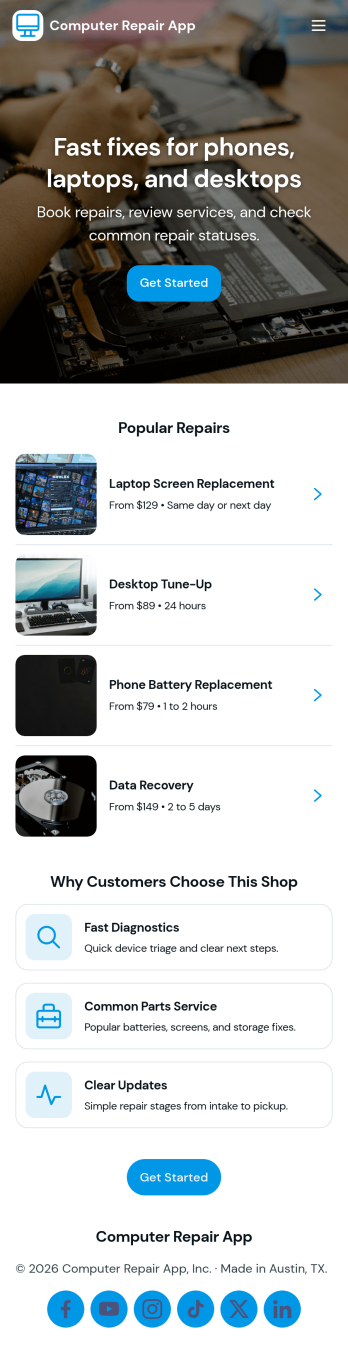
Computer Repair App
Computer Repair App brings your repair shop’s front desk and workbench into one place so you can capture new repair requests, create tickets fast, and keep jobs moving without losing track of device details. It’s built for computer repair businesses, IT service counters, and technicians who need a clear way to open intake, start a new repair, and follow each customer job from check-in to pickup. With quick intake and job tracking in the same experience, teams can reduce missed information and keep customers updated with fewer manual handoffs.Jotform makes it easy to turn this computer repair app template into a branded, self-service workflow using a drag-and-drop no-code app builder. Connect buttons and pages to your intake form, organize job records for faster lookups, and use dashboards to monitor repair operations at a glance. Share the app by link or QR code, refine it as your process evolves, and keep your data collection and daily workflow consistent across the whole team.
Go to Category:Information Technology Apps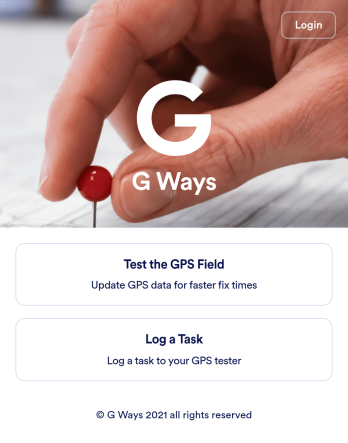
Gps Field Testing App
A GPS field testing app is used by GPS businesses for adjusting and servicing location data. Our GPS Field Testing App is a convenient way for field employees to create on-site GPS testing reports using a Field Testing Form and a Task Log Form. Employees can document device configuration, weather conditions, and note any obstructions. There is also space to record additional notes and upload photos of the sites. Reports are synced and stored in your secure Jotform account so you can keep them organized in one centralized location.Want to make this app template your own? No problem — just use our drag-and-drop app builder to customize the perfect app in seconds. Without any coding, you can add or change form elements, edit text fields and checklist items, choose fonts and colors, upload your branding, and more. Sharing your app by sending email invites or the app link, and employees can start filling out forms right away on any device. Ditch the paperwork and go digital with this free GPS Field Testing App from Jotform.
Go to Category:Engineering Apps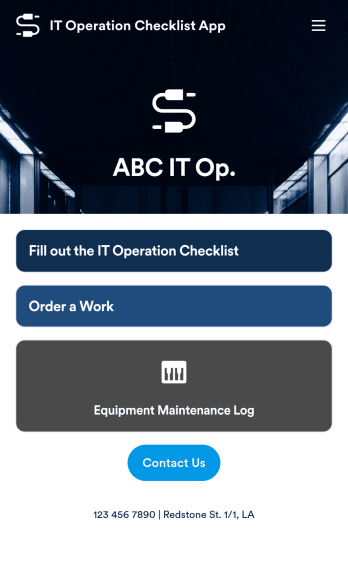
IT Operation Checklist App
An IT operation checklist app is used by IT departments for documenting routine operations and maintenance. This free app template from Jotform is a great way for IT departments to keep track of system servers, network status, and equipment maintenance. With an included IT Operation Checklist Form, IT associates can fill out and digitally sign a daily, weekly, or monthly general operations checklist. Supervisors and employees can also request new IT jobs with a Job Work Order Form, and specify a starting date, tools and requirements, and upload any relevant images and documentation. Equipment maintenance submissions are stored in an Equipment Maintenance Log, which you can sort, filter, and search from your secure Jotform account.You can easily make changes to this IT Operation Checklist App with Jotform’s intuitive app builder. No coding required — simply drag and drop to add or swap out form elements, edit checklist items, choose fonts and colors, create a custom app icon and splash screen, upload your own branding, and much more. Once you’re finished, share your custom app with other IT associates by sending email invites, or by embedding it in an internal website. Create an all-in-one app for routine IT work with this IT Operation Checklist App that works on any device.
Go to Category:Checklist Apps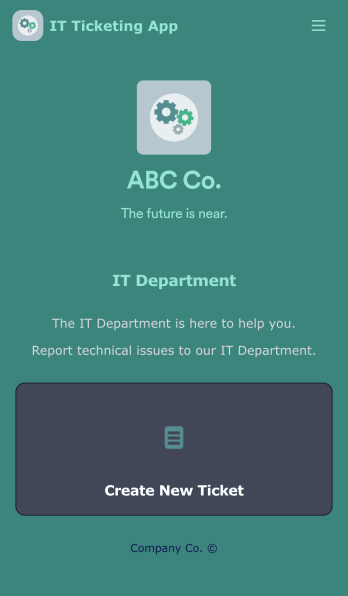
IT Ticketing App
An IT Ticketing App is used by companies to internally record IT issues using support tickets. This readymade app allows employees to specify their IT issue, browser, and operating system, add relevant URLs, assign priority level, and even attach screenshots using an included upload form. IT tickets are then stored securely in your account, where they are compiled into an easy-to-read spreadsheet in Jotform Tables.Our drag-and-drop interface makes customizing this IT Ticketing App a breeze. With just a few clicks, you can add or change forms and text, choose fonts and colors, upload your company logo, update the app name and icon, and more — no coding required. When you’re finished, just share a link with your employees, where they can access and download your app on any smartphone, tablet, or desktop. Start squashing bugs today with this fully customizable IT Ticketing App!
Go to Category:Tracker Apps