Lone Worker Alarm App helps organizations keep track of solo staff who work off-site, after hours, or in high-risk environments by giving them a simple place to raise an alarm, complete live check-ins, and keep safety contacts up to date. It fits teams that manage field service, maintenance, property management, healthcare visits, security rounds, and any role where a person may be out of sight and need a fast way to flag an incident. With a check-in log and incident history in one view, supervisors can follow activity patterns, respond faster when something feels off, and keep critical information easy to find during an escalation.
Jotform makes it easy to publish this kind of self-service safety experience using its no-code app builder and drag-and-drop interface. Connect buttons and pages to forms for data collection like check-ins and incident reports, route updates into a workflow your team already follows, and share the app by link or QR code so workers can access it from their phones. You can also tailor the layout, add your branding, and adjust what each page shows as your lone worker process evolves.
Related templates
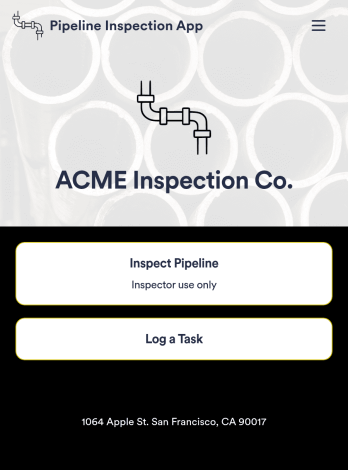
Pipeline Inspection App
A pipeline inspection app is used by safety inspection companies to record the condition of pipelines. With this ready-made Pipeline Inspection App, inspectors can fill out a form with details for each pipeline inspection, including location, type, dimensions, quadrangle, and watershed. There is also space to write down any additional information — for example, if a pipeline needed to be flagged for maintenance. Submissions are compiled and stored securely in your online account, and can be viewed in an easy-to-understand database from any device.This Pipeline Inspection App can be fully customized with no coding. Using our drag-and-drop form builder, it’s easy to swap out forms, change text, choose fonts and colors, upload your logo, and more. Employees can access and download your app with a shareable link, or you can embed it in your website. Keep all your pipeline inspection reports in one place with our free Pipeline Inspection App.
Go to Category:Inspection Apps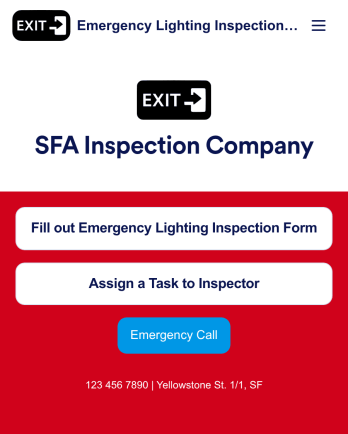
Emergency Lighting Inspection
An emergency lighting inspection app is used by safety inspectors to log reports ensuring that the proper emergency lighting is installed in a property or building. Inspectors can fill out an Emergency Lighting Inspection Form with details such as business name and address, inspection date, start and end times, and include general comments. There is also a safety checklist and an e-signature form to be signed by the inspector upon completion of a report. Managers can assign specific tasks and projects with an included Task Log Form.Want to customize this app template? No problem — Jotform’s intuitive app builder makes it easy to make changes without any coding knowledge. Just drag and drop to add form elements, edit text fields and checklist items, create additional forms and pages, choose fonts and colors, and more. Once you’re finished making changes, you can share your mobile-ready app with inspectors by sending email invites or the app link, where they can then download it on any device. Record and store emergency lighting inspection reports with this readymade app from Jotform.
Go to Category:Inspection Apps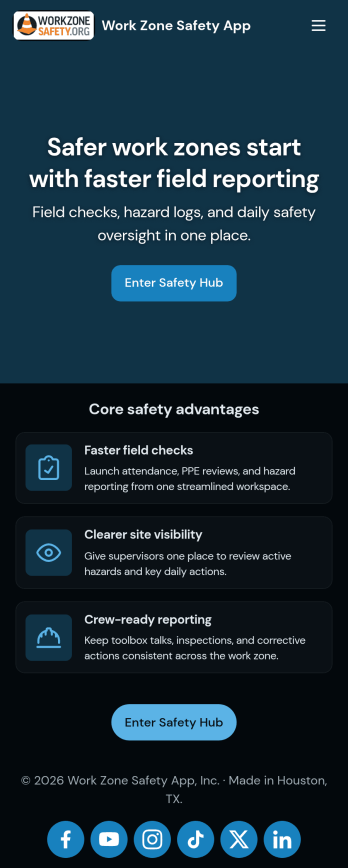
Work Zone Safety App
A work zone safety app is used by occupational health and safety (OHS) inspectors to keep track of work zone safety inspections. With Jotform’s free Work Zone Safety App, you can track attendance, analyze job hazards, assess PPE, and perform other important tasks straight from your mobile device — no messy paperwork required. Submissions are securely stored in your Safety Meeting Sign In Sheet and easy to access on any computer, tablet, or smartphone.If you’d like to customize this app template by adding new forms, uploading your logo, choosing new fonts and colors, or changing the splash screen, do it fast with our drag-and-drop builder. Your custom app can then be shared with employees and downloaded directly onto their devices for easy access whenever they need it. Speed up the way your company conducts safety checks with a free Work Zone Safety App.
Go to Category:Inspection Apps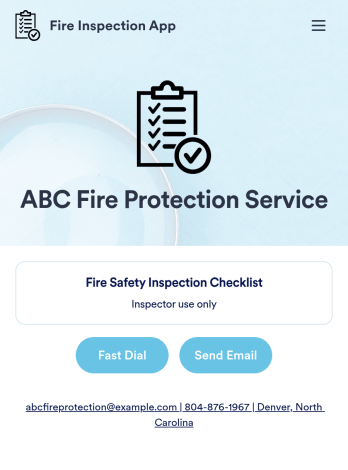
Fire Inspection App
A fire inspection app is used by inspection companies for performing on-site fire safety inspections. Jotform’s readymade Fire Inspection App contains a form for inspectors to complete a Fire Safety Inspection Checklist ensuring that fire alarms, fire extinguishers, sprinklers, and exit and escape routes are available and in working order. Inspectors can sign and date reports at the bottom of the form using a digital signature box. Reports are automatically synced to your Jotform account and can be conveniently accessed from any device.This app template is ready to use, but customizing it to suit your individual needs is a snap. Our drag-and-drop form builder makes it easy to add or change form elements, swap out checklist items, upload images, create a custom splash page, and more — no coding required. Share your app with a link or embed it in an internal website and safety inspectors can download it on any smartphone, tablet, or desktop. Keep track of all your fire inspection safety reports with this free Fire Inspection App.
Go to Category:Inspection Apps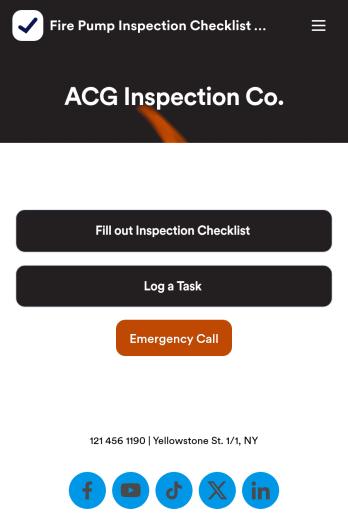
Fire Pump Inspection Checklist App
A fire pump inspection checklist is used by municipal workers to conduct fire pump inspections. Workers can download this readymade app template on any device and fill out a Fire Pump Inspection Form with inspection details. This form includes safety checklists and an e-signature form for workers to sign off on after completing an inspection. A separate Task Log Form allows managers to assign specific tasks to employees with start and end dates. Reports are instantly synced and compiled in your secure Jotform account.Make this app template your own in seconds with Jotform’s app builder. No coding required — simply drag and drop to add form elements, edit text fields and checklist items, install widgets and integrations, customize the app’s look and feel, upload your own branding, and much more. Download your custom app on your favorite device to perform on-site fire pump inspections, and share it with others by sending email invites or by embedding a link in an internal website. Make sure fire pumps are in good working order with this free Fire Pump Inspection Checklist App that works anywhere.
Go to Category:Checklist Apps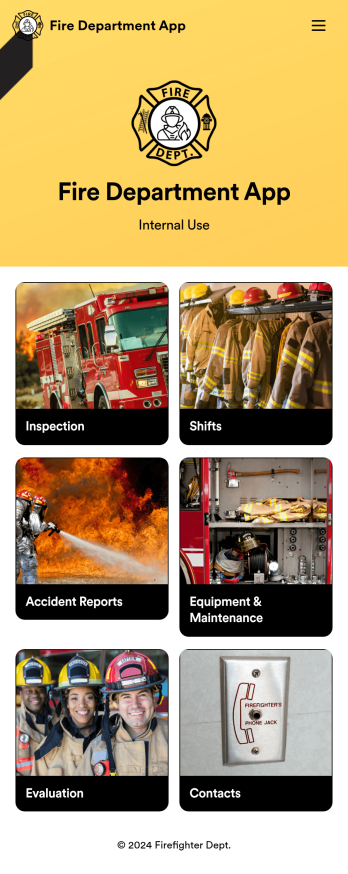
Custom Fire Department App
A fire department app is used by fire departments to track and manage important tasks and activities. This type of app can be used for fire truck inspections, new firefighter applications, shift tracking, equipment logging, performance reviews, and more. To create a custom Fire Department App for your station, use this ready-made template.Personalizing the design of this Fire Department App Template is easy and quick with Jotform’s no-code app builder. Simply drag and drop to make any design or content changes you need. Pick a unique icon for your app, add or remove forms, change colors and fonts, integrate with useful platforms and widgets, and more. Keep your fire department running smoothly with Jotform Apps.
Go to Category:Company Portal Apps