
The Manager Approval App is an internal request and decision hub for managers, department leaders, operations teams, and growing businesses that need a clearer way to review workplace requests. Employees can submit a request, managers can browse incoming items, and decision-makers can view approval insights without relying on scattered messages or spreadsheets. Each request can present key details such as the requester, requested amount, department, and priority, helping reviewers understand the context and act consistently. This app template works well for spending requests, resource needs, project proposals, equipment purchases, and other internal decisions that require managerial oversight.
Jotform makes it easy to adapt the Manager Approval App to existing processes with a no-code app builder and intuitive drag-and-drop interface. Teams can customize pages, navigation, colors, and branding, then connect forms, tables, approval steps, and notifications to create a unified workflow. Compared with building an internal tool from scratch, Jotform App Templates provide a faster starting point for data collection and employee self-service. Publish the app with a shareable link or QR code so staff and managers can access current requests from phones, tablets, or computers.
Related templates
Visitor Sign In App
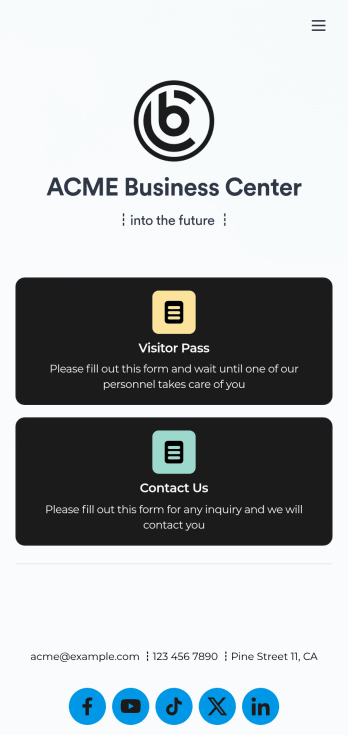
A visitor sign in app is used by businesses or organizations to log and track sign ins for their building. With this free Visitor Sign In App that downloads instantly onto any device — such as your building’s tablet or computer — you can collect, track, and manage sign-ins with ease. The app also includes a contact form so visitors can quickly get in touch if they encounter any issues, and connects to a Visitor Approval Process Template so you can approve or deny visitors instantly.Feel free to add more forms, upload your logo, update the background image, and make other changes with our drag-and-drop builder. All responses collected through the app are stored securely in your Jotform account and protected with advanced security measures. Switch from paper sign in sheets to an online Visitor Sign In App to collect information more efficiently — no messy paperwork required.
Go to Category:Tracker Apps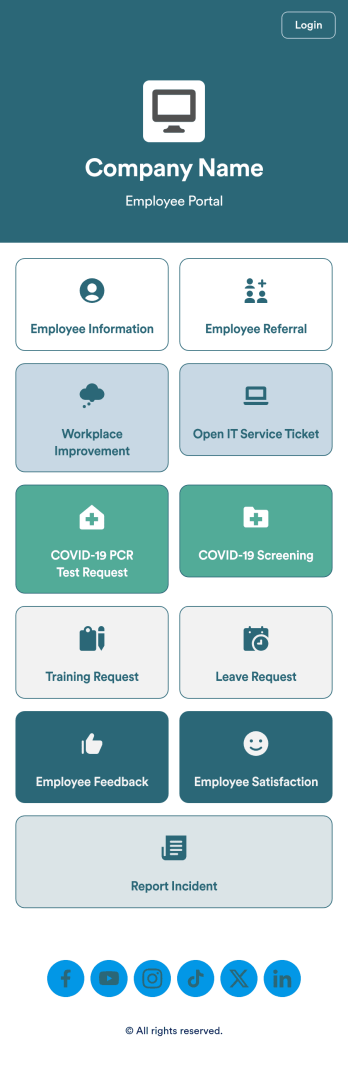
Intranet App
An Intranet App is used for consolidating company forms and documents in one convenient location. This Intranet App bundles nearly a dozen forms for employees to record general contact information, request training or time off, open IT service tickets, and fill out COVID-19 screening checklists. There are also several surveys for employees to submit workplace improvement suggestions and report incidents. Employee data and submissions are stored securely in your Jotform account, which managerial staff can access from any smartphone, tablet, or computer.Make this app template your own with Jotform’s no-code app builder. Just drag and drop to add or change forms, upload documents, create buttons, add external links, and more. You can also customize your splash screen to include your own branding and make company-wide announcements. When you’re finished, you can share your app with a link and employees can then access and download it on any device. Create a one-stop-shop for your company’s forms and documents with this free Intranet App from Jotform.
Go to Category:Company Portal Apps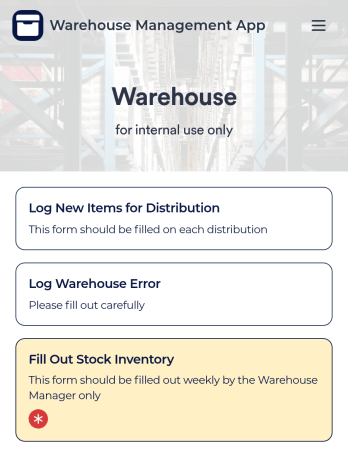
Warehouse Management App
A Warehouse Management App is used by businesses to keep track of new warehouse inventory. With this fully-customizable app, you can record item names, descriptions, quantities, model and serial numbers, as well as account and payment details from the distributor and receiving company. An easy-to-read stock inventory list is stored securely in your online account and can be accessed and downloaded on any device.Want to customize this Warehouse Management App to match your company’s branding? Our drag-and-drop interface makes it easy to add forms, upload your logo, change fonts and colors, create a custom app icon, and more — no coding necessary. When you’re done, employees can download your app on any smartphone, tablet, or desktop for future use. Keep a bird’s eye view on your warehouse inventory with this Warehouse Management App.
Go to Category:Management Apps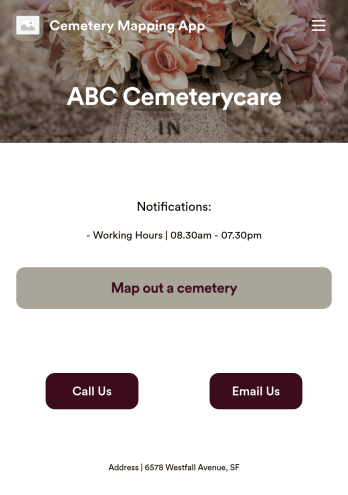
Customizable Cemetery Mapping App
A cemetery mapping app is used by funeral homes to keep track of existing or new plots in their cemetery. Using Jotform’s free Cemetery Mapping App, you can keep track of important information — like plot identification number, date of birth and death, and full name — from any device. App users can even take and upload photos of plots directly from their smartphone or tablet.Want to make changes to this free app template? Add more form fields to gather more information, include your logo and cemetery details, and add links, documents, and more with no coding required. Just drag and drop to get the look you want! Once your app is fully customized and ready to go, share it with a link or via email for members of your team or community to fill out on any device.
Go to Category:Management Apps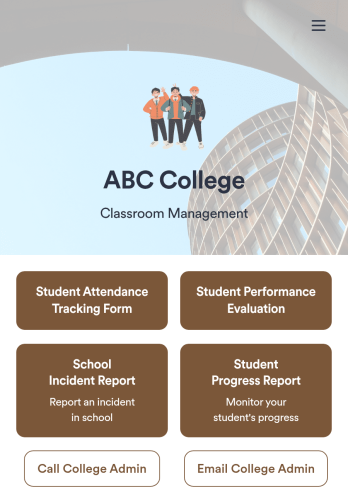
Classroom Management App
A classroom management app is used by schools and educational institutions for recording students’ attendance and progress. This all-in-one Classroom Management App contains four useful forms: teachers can mark attendance with a Student Attendance Tracking Form, record student progress with a Student Progress Report Form, keep track of student evaluations with a Student Performance Evaluation Form, and report incidents with a School Incident Report Form.This app template can be easily customized to suit your school or classroom’s particular needs. Using our drag-and-drop interface, you can add or swap out form elements, change text, choose fonts and colors, upload images, and more — all without any coding. After you’re done, you can share your app with a link or embed it in an internal website for teachers to access and download on any device. Stay on top of your students’ progress and performance with this free Classroom Management App from Jotform.
Go to Category:Classroom Management Apps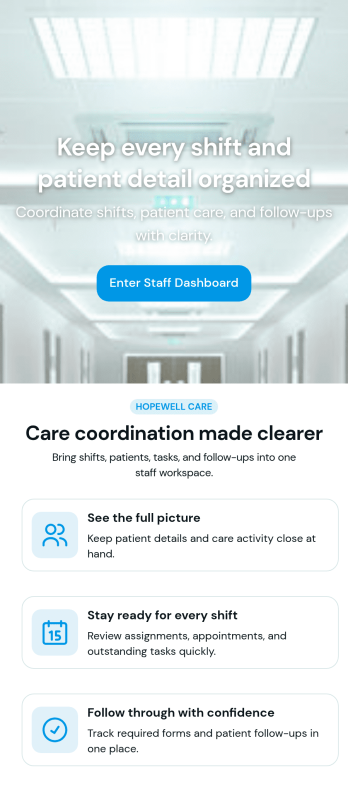
Custom Patient Management App
Patient Management App is an app template designed to streamline the workflows of healthcare providers, clinics, hospitals, and medical practices. By offering a centralized system that manages patient information, appointments, and care plans, the app helps improve operational efficiency. Suitable for healthcare administrators who are tasked with scheduling patients, updating medical records, tracking treatment plans, and facilitating communication throughout the patient care journey, it collects critical data in a structured and consistent manner. The app's value lies in its ability to simplify complex operational tasks, thus reducing the likelihood of errors and enhancing the quality of care provided.Jotform's intuitive design tools make it easy to customize the Patient Management App to match your healthcare practice's branding. Using Jotform's No-Code App Builder, you can quickly adjust forms, pick fonts and colors, and upload your logo without writing a single line of code. Once set up, your patients can access and download the app onto any device; be it a smartphone, tablet, or desktop, through a shareable link. This ease of access maximizes the app's adoption and use, further improving the efficiency of your healthcare practice. The Patient Management App from Jotform embodies the perfect blend of utility and usability, making patient management a breeze.
Go to Category:HIPAA Apps