
The Meat Shop Management App is a centralized workspace for butcher shops, meat retailers, market counters, and specialty food businesses that need better oversight of stock and daily transactions. It brings inventory records, sales orders, purchasing activity, and stock checks into one accessible experience. Owners, managers, purchasing teams, and counter staff can use it to document incoming products, create customer orders, review supplier-related purchases, and record physical stock counts. By replacing disconnected paperwork and spreadsheets, the app improves visibility across routine operations, helps teams identify replenishment needs, and reduces the chance of missed or duplicated records.
Built with Jotform Apps, this app template can be adapted through a no-code app builder and an intuitive drag-and-drop interface. Users can tailor pages, navigation, colors, and branding to match their shop while connecting forms and organized lists to support data collection and workflow management. Staff can access the latest operational resources from phones, tablets, or computers, making self-service record entry convenient on the sales floor or in storage areas. Jotform app templates can also be shared by a direct link or QR code, helping businesses provide quick access without developing software from scratch.
Related templates
Property Inventory App
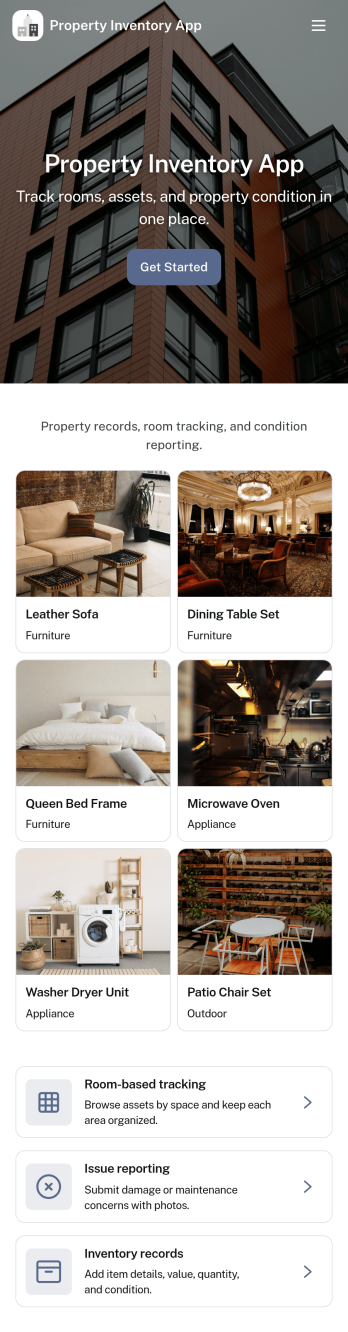
Property Inventory App helps you keep a clear, room-by-room record of what’s inside a home, unit, or managed property. Use it to add inventory items with key details, browse rooms to see tracked items at a glance, and flag issues when something is damaged, missing, or needs attention. It’s a practical fit for landlords, property managers, short-term rental hosts, housing providers, and inspection teams who want consistent documentation for turnovers, maintenance follow-ups, and ongoing asset tracking.With Jotform App Templates, you can launch a mobile-friendly inventory experience and tailor it to how your properties operate. Use Jotform’s no-code app builder and drag-and-drop interface to adjust pages, refine data collection fields, and connect the app to your existing workflow, so updates stay organized and easy to share with staff or stakeholders when needed.
Go to Category:Inventory Apps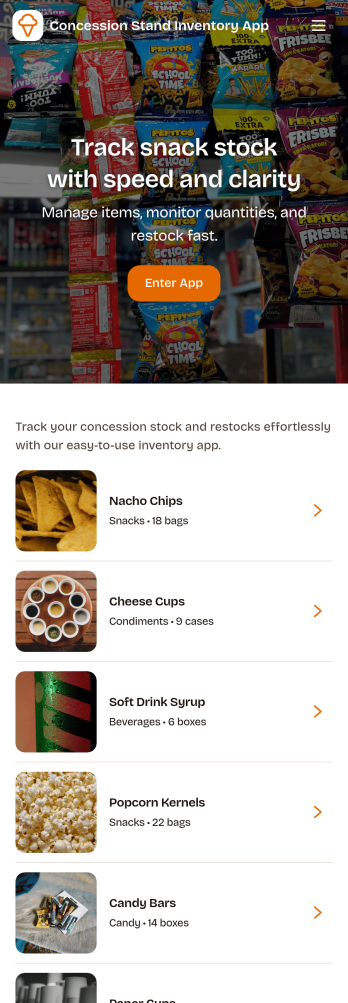
Concession Stand Inventory App
Concession Stand Inventory App helps you keep snack and drink stock under control for busy booths at games, tournaments, fairs, and school events. Use it to view current inventory, add new items as your menu changes, and log restocks so volunteers and staff know what’s available before the next rush. With a dedicated area for operational inventory insights, this app supports day-to-day decisions like which items are running low, what needs replenishing, and how stock levels shift across event days.Jotform makes it easy to turn this Concession Stand Inventory App into a mobile-friendly self-service experience using a no-code app builder with a drag-and-drop interface. Connect your app to Jotform forms and tables for reliable data collection, then share a single link or QR code with your team so updates happen in one place. As your workflow evolves, you can adjust navigation, add pages, and keep inventory records organized without relying on technical help.
Go to Category:Food & Beverage Apps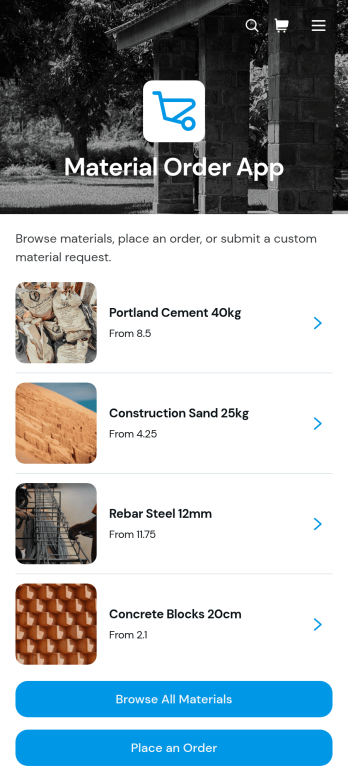
Material Order App
Material Order App is a ready-to-use ordering experience for teams that need a central place to find materials and submit requests. Employees, contractors, construction crews, warehouse staff, purchasing teams, and operations managers can browse a material catalog, review unit prices and availability, and place an order through a connected form. It replaces scattered product lists and informal requests with a consistent self-service process, helping organizations reduce ordering mistakes, give requesters clearer information, and keep material needs easier to review. It is especially useful for job sites, workshops, facilities, warehouses, and businesses that regularly distribute supplies across teams.With Jotform Apps, organizations can adapt this app template without writing code. The no-code app builder and drag-and-drop interface make it easy to update catalog content, adjust navigation, apply company branding, and connect forms, tables, approvals, or other workflow steps. Teams can use the Material Order App to support organized data collection while sharing it through a direct link or QR code for convenient mobile access. Jotform App Templates also provide a practical starting point for expanding the experience as inventory processes, purchasing rules, and operational needs change.
Go to Category:Inventory Management Apps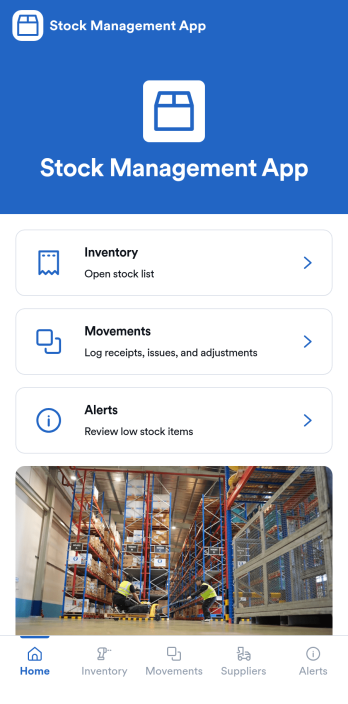
Stock Management App
Stock Management App helps teams track inventory levels, record stock movements, and follow up on low-stock alerts without juggling spreadsheets. It’s a practical fit for retailers, warehouses, small manufacturers, clinics with supply rooms, and field service businesses that need quick visibility into what’s on hand and what’s running out. With dedicated areas for inventory, movements, and alerts, staff can log updates as items are received, used, returned, or adjusted, so everyone works from the same source of truth.Built with Jotform, this app template pairs a mobile-friendly interface with organized navigation and connected data collection. You can add new items, record movements through linked forms, and keep supplier information alongside your inventory records, then share the app as a self-service tool for your team. Using Jotform’s no-code app builder and drag-and-drop interface, it’s easy to adapt the layout, fields, and workflow to match your stock process across one location or multiple sites.
Go to Category:Inventory Apps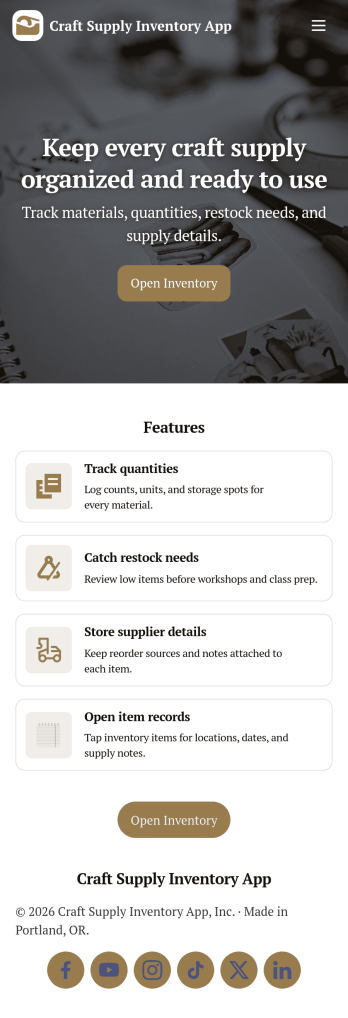
Craft Supply Inventory App
A craft supply inventory app gives you a practical way to organize and monitor the materials that keep your projects moving, from paper, vinyl, and paint to beads, fabric, and tools. This template is useful for small craft businesses, Etsy-style sellers, art classrooms, community studios, and hobby groups that need a clear view of what’s on hand, what’s running low, and what needs to be reordered. With an inventory KPI dashboard and an easy form button to add new supply items, your team can keep records current without digging through spreadsheets or scattered notes.Built with Jotform App Templates, this craft supply inventory app can be tailored with a no-code app builder and a drag-and-drop interface so it fits your workflow. Connect the inventory list to item detail pages for quick lookup, and use restock request forms to collect reorder needs in one place for simple self-service. Jotform helps you centralize data collection, keep inventory and requests organized, and share the app through a link so collaborators can log items and submit restock requests from anywhere.
Go to Category:Inventory Apps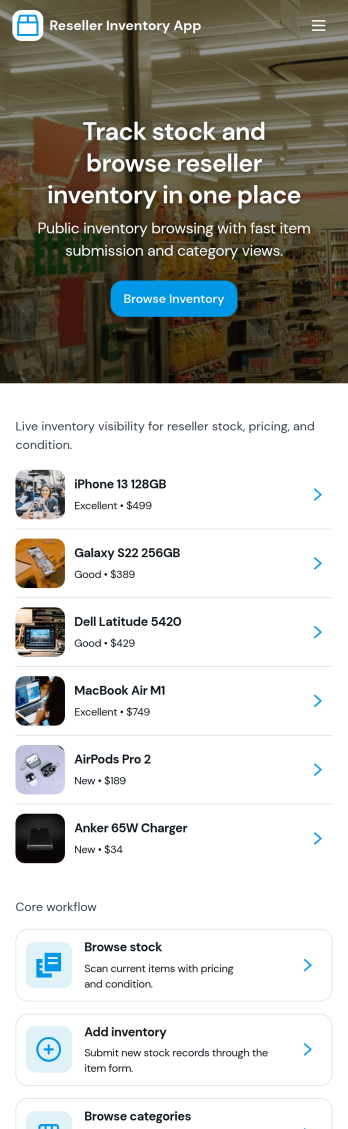
Reseller Inventory App
Reseller Inventory App helps resellers keep product stock organized in one place so you can add new stock, review what you have on hand, and quickly spot items that are running low. It fits common resale workflows like tracking inventory for online marketplaces, pop-up booths, local pickup sales, and small warehouse shelves where quantities change often and accuracy matters. Use it to reduce missed sales from stockouts, avoid overbuying, and keep your catalog up to date as you source new items.With Jotform, you can turn this app template into a branded, self-service inventory experience without coding. Use the drag-and-drop app builder to adjust pages, buttons, and navigation, then connect your inventory list to a form for consistent data collection when you add stock. As your workflow evolves, you can update fields, organize records in Jotform, and share the app with your team so inventory updates stay timely and reliable.
Go to Category:Inventory Apps