
The Missed Time Entry App gives employees a convenient place to report work hours that were omitted from an earlier time record. Employees can submit missed dates and hours with their contact information and manager details, then view previous entries from the same mobile-friendly experience. It is well suited to human resources departments, payroll support teams, managers, contractors, and growing businesses that need a consistent process for correcting incomplete time records. Centralizing these reports reduces scattered emails, gives employees a clear self-service option, and helps authorized teams review each entry with the necessary context.
With Jotform, this app template can be adapted to match an organization’s time-reporting workflow without writing code. The no-code app builder and drag-and-drop interface make it easy to update pages, instructions, buttons, colors, and branding. Teams can connect forms, tables, approval steps, and notifications to support data collection and follow-up work. Jotform App Templates can also be shared by direct link or QR code, giving employees convenient access from phones, tablets, and computers while keeping time-entry resources organized in one location.
Related templates
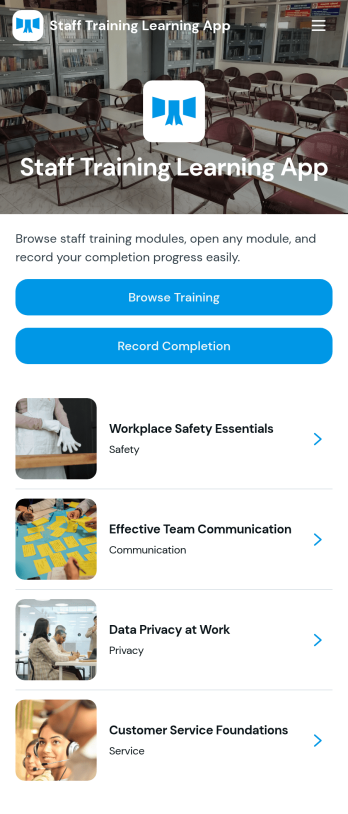
Staff Training Learning App
Staff Training Learning App helps teams share internal training in one place so employees can browse available courses, open a course page to review key details, and request enrollment when they’re ready. It’s a practical fit for HR teams, operations managers, and department leads who need a clear way to roll out onboarding lessons, role-based training, or refresher learning across locations without relying on scattered documents and links.Built with Jotform, this app template can be customized with a no-code app builder and a drag-and-drop interface, so you can organize course information and connect the enrollment request form to your workflow. Publish a branded self-service experience, share it by link or QR code, and keep data collection consistent as training offerings change over time.
Go to Category:Employee Self Service Apps
Time Off Request App
A Time Off Request App is used by employers to provide their employees with a streamlined way to request time off from work. This free readymade app template includes a simple form for employees to fill out with their basic contact information, requested start and end dates, reason for time off, and a space for additional comments. Employees can access and download your app to their smartphone, tablet, or computer for future use.Want to customize the look and feel of this Time Off Request App? Our drag-and-drop interface allows you to add or change forms, choose fonts and colors, upload your company’s logo, update the app name or text, and more — all with no coding. Once it’s ready to go, simply share the link with your employees. All time off requests will be stored securely in your account and can be accessed at any time in Jotform Tables. Make it easy for your employees to request time off with this Time Off Request App!
Go to Category:Company Portal Apps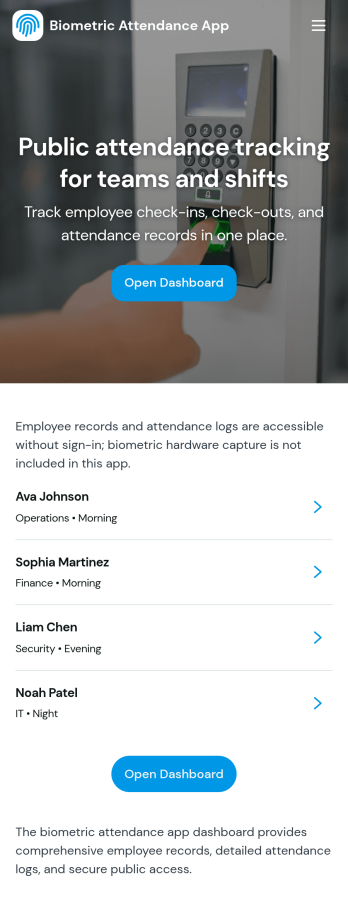
Biometric Attendance App
A biometric attendance app gives teams a central place to manage employee records, log attendance activity, and review time-based insights for day-to-day operations. This template fits HR teams, operations managers, and supervisors who need a clear view of who is on site, who is absent, and how shifts are being covered across locations or departments. Use it to add employees, record attendance logs, and keep shift windows organized so your workforce data stays consistent and easy to reference.Built with Jotform, this app template can be customized in a no-code app builder using a drag-and-drop interface, so you can match your existing workflow without engineering help. Connect forms and tables to keep data collection in one place, route information to the right people, and make self-service updates simple for authorized staff. Share the finished app by link or QR code and keep attendance details and reporting accessible on any device.
Go to Category:HR Portal Apps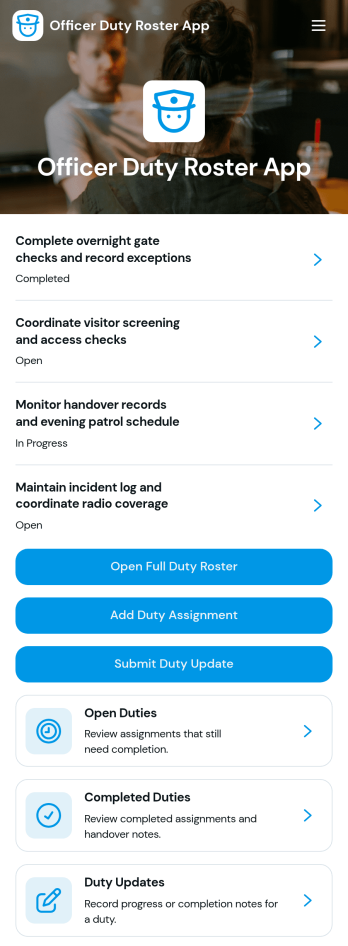
Officer Duty Roster App
The Officer Duty Roster App gives police departments, security teams, public safety units, and other officer-based organizations a central place to coordinate duty assignments. Supervisors can publish roster entries, add new assignments, review open and completed duties, and receive duty updates from personnel. Each assignment can present the responsible officer, shift, station, current status, briefing notes, and completion notes, helping teams understand who is working, where they are assigned, and what requires attention. It is especially useful for daily deployment planning, shift handovers, station coverage, event security, patrol coordination, and other operations where timely roster information supports accountability and continuity.Jotform makes this app template easy to adapt with a no-code app builder and a drag-and-drop interface. Teams can update pages, navigation, colors, fonts, images, and buttons to reflect their procedures and branding, then connect forms and tables to support data collection and workflow management. The finished app can be shared by direct link or QR code for convenient mobile access, giving officers and supervisors a practical self-service resource wherever duties are performed. Jotform App Templates also help organizations launch faster while retaining the flexibility to revise assignments, resources, and connected processes as operational needs change.
Go to Category:Scheduling and Planning Apps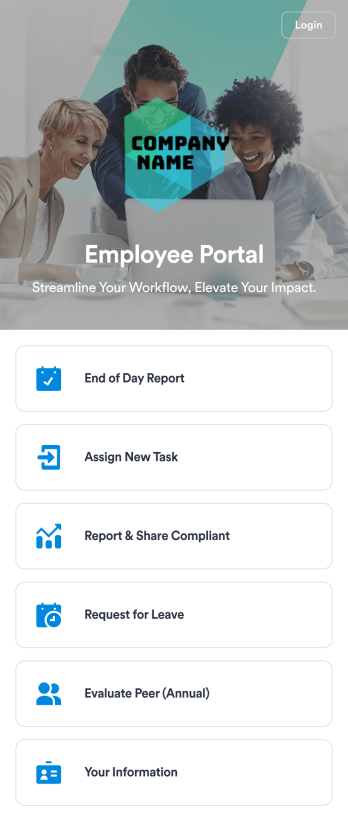
Employee Portal App
An employee portal app allows employees to access all internal company documents and links from any mobile device or computer. Create your own company portal in just a few clicks with Jotform’s free Employee Portal App. This customizable template includes a report form, task form, complaint form, leave request form, evaluation form, and employee information form all in one app. Employees will be able to fill out these forms from any smartphone, tablet, or computer, and submissions will be stored in your secure Jotform account.Customize this Employee Portal App to better meet your company’s needs. Without any coding, you can add forms, documents, links, images, buttons, videos, and much more to the template. You can also change the app icon and name and include your company branding in just a few clicks. When it’s ready to use, send email invites to employees directly or share the app link. With a fully-custom Employee Portal App for your company, your employees will enjoy more organized team collaboration and communication, no matter which device they prefer!
Go to Category:Company Portal Apps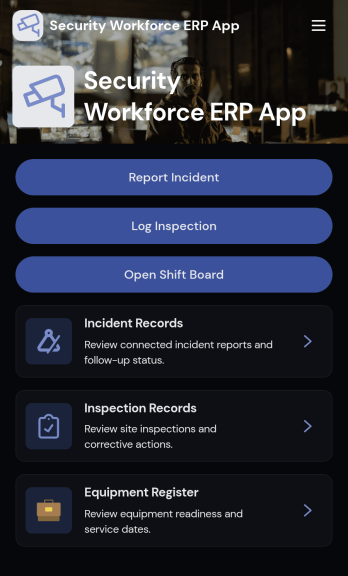
Security Workforce ERP App
Security Workforce ERP App brings your guard force and site operations into one place so supervisors can add workforce records, set up security sites, record shift coverage, and capture incident reports without juggling spreadsheets or scattered messages. It’s built for security companies, contract guarding teams, and in-house security departments that need a dependable way to keep rosters current, track who covered which shift, and document incidents with clear details for follow-up and review.Jotform makes it easy to turn these everyday workflows into a polished, shareable experience with App Templates you can customize in minutes. Using Jotform’s no-code app builder and drag-and-drop interface, you can organize pages for workforce, coverage, sites, and incidents, connect forms for data collection, and keep your workflow moving with a self-service hub that works on any device. As records grow, you can continue adapting the app to match how your team schedules, responds, and reports in the field.
Go to Category:Operations & Logistics Portal Apps