
The Network Measurement Tracker App is an app template for IT teams, network technicians, engineering departments, field service providers, and consultants who need a shared record of connection performance. Users can submit measurements, browse previous entries, and review download speed, upload speed, latency, measurement dates, and location notes. It supports routine site checks, remote-work connectivity reviews, service investigations, installation assessments, and performance comparisons across offices or field locations. Keeping these records in one accessible experience helps teams identify recurring issues, document changes over time, and make better-informed troubleshooting decisions.
Jotform Apps makes this template easy to adapt with a no-code app builder and an intuitive drag-and-drop interface. Teams can adjust the layout, apply their own visual style, connect forms and tables for data collection, and organize the workflow around their operating practices. Like other Jotform App Templates, it can be shared through a direct link or QR code for convenient mobile access. Build a practical self-service resource for staff or contractors without coding, then update its content and connected processes as network monitoring needs evolve.
Related templates
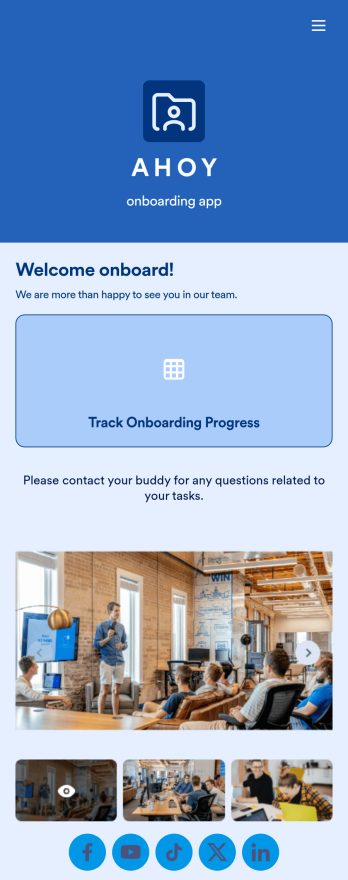
Custom Employee Onboarding App
An employee onboarding app makes it easier to integrate a new employee into your company by making important internal resources available on any device. Simplify the transitional period and successfully onboard new hires with a fully custom Employee Onboard App powered by Jotform. This ready-to-use mobile app includes a table for tracking onboarding progress, company photos and social links, and a separate page with team contact information. New hires can download the app onto their mobile device or computer for easy access at any time.Customize this Employee Onboarding App for your company in just a few clicks. Without coding, you can use our drag-and-drop builder to add forms and tables, embed links, upload documents and training videos, create new pages, update fonts and colors, and much more. When your app is ready to use, it can be sent directly to new hires via email invites or the app link. Successful employee onboarding can be the key to business success — so get started with an efficient, easy-to-use Employee Onboarding App tailored to your company.
Go to Category:Company Portal Apps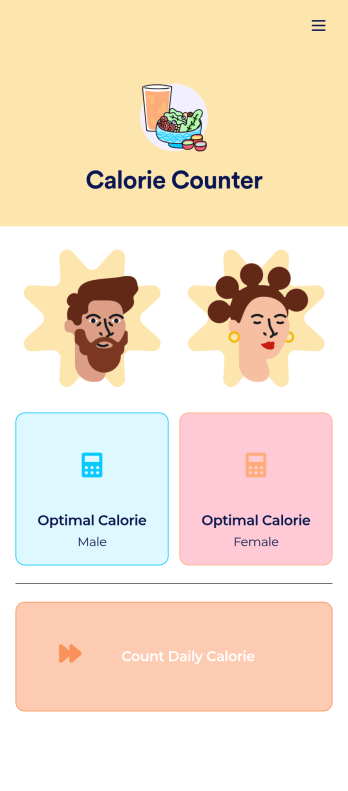
Customizable Calorie Counter App
A calorie counter app is used to track calorie intake from any device. No matter what your weight goals are, start tracking calories with Jotform’s free Calorie Counter App. This customizable app template comes with a calorie calculator and tracking form that you can fill out yourself or assign to clients if you’re a personal trainer or dietician. Submissions will be received instantly and synced to your secure Jotform account.Customize this Calorie Counter App to meet your needs in just a few clicks. Without coding, you can use our drag-and-drop builder to add or remove forms, create new app buttons or pages, embed links, upload images or videos, and include other app elements. When it’s ready to use, your app can be downloaded onto any device and shared via app link or email invite. Make calorie counting easy from anywhere with a custom calorie counter on your favorite device!
Go to Category:Self Care Apps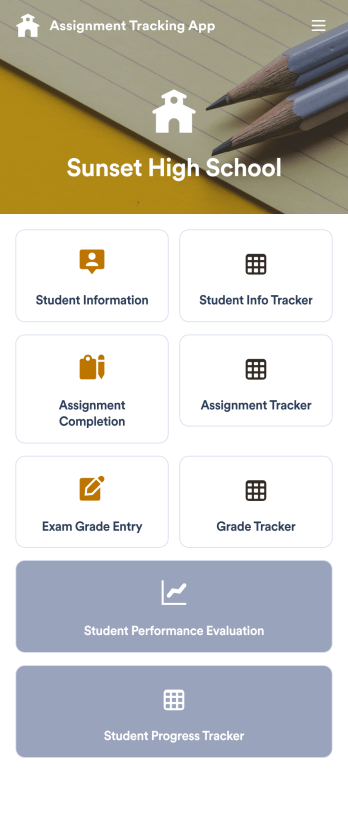
Assignment Tracking App
An assignment tracking app is used by teachers as an all-in-one classroom app for keeping track of students’ assignments and assessments. With Jotform’s Assignment Tracking App, teachers can record student information, completed assignments, test scores, and performance evaluations. Form submissions are automatically compiled in a companion spreadsheet, where teachers can sort, filter, and search through grades and test scores in an easy-to-understand format from any device.This app template works right out of the box, but you can easily customize it to meet your classroom’s needs with our intuitive app builder. No coding necessary — just drag and drop to add or swap out form elements, edit individual forms, upload images and documents, choose a custom app icon and splash screen, and more. When you’re done, you can access and download your very own app on any smartphone, tablet, or desktop for ease of use. Ditch the paperwork and manage your classroom from a single app with this fully-customizable Assignment Tracking App from Jotform!
Go to Category:Education Apps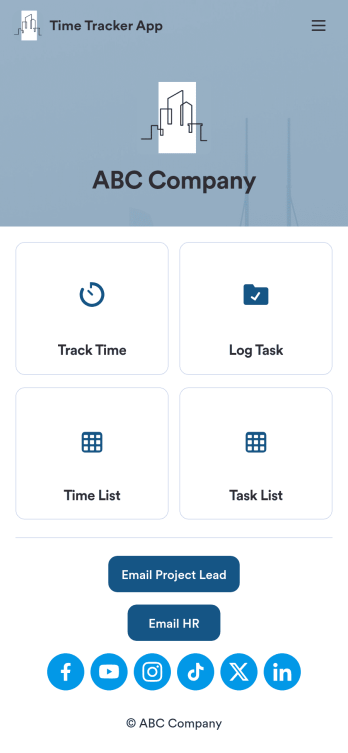
Custom Time Tracker App
A time tracker app is used to keep track of employees’ hours and tasks. With Jotform’s free Time Tracker App, managers can keep a complete record of the times employees punch in or out, task details and the amount of time employees spend on them, and view all the information in a professional spreadsheet. All submissions are stored securely in your Jotform account and ready to access on any device.Need to make changes to this app template? Be sure to add your logo, change the background image, and choose new fonts and colors for a personalized touch. You can also customize the spreadsheet layouts and make changes to the app’s forms to collect other types of information — then share the app for your employees to download onto their devices. Better manage employee information with a free Time Tracker App from Jotform.
Go to Category:Management Apps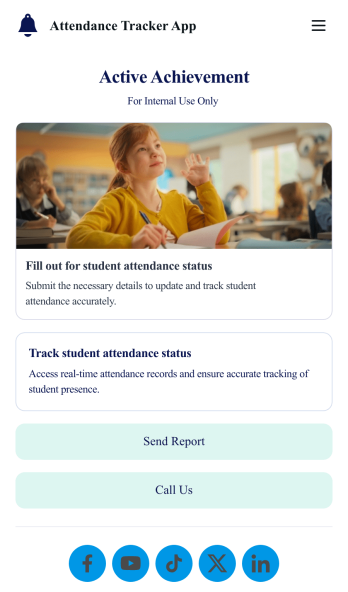
Custom Attendance Tracker App
An attendance tracker app is used by teachers or managers to track attendance for their classroom or company. With Jotform’s free Attendance Tracker App, you can download the app onto your computer, smartphone, or tablet to easily track attendance online. Just fill out the forms to log attendance details, and access your records in a spreadsheet or calendar using Jotform Tables.Need to change elements of this app template? Upload your logo, add or remove forms, include helpful links, and change the app background or icon to get the exact design you need — with no coding knowledge required. Once you’ve used our drag-and-drop builder to customize your app, share it with a link to be downloaded onto any device. Track attendance more efficiently with a free Attendance Tracker App!
Go to Category:Classroom Management Apps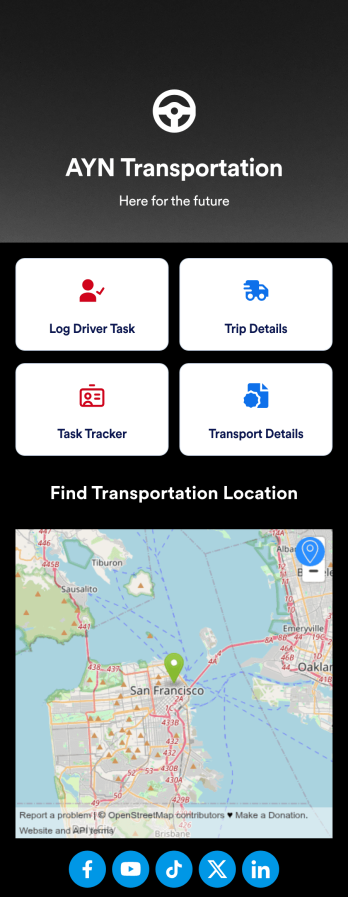
Customizable Driver Dispatch App
A driver dispatch app is used by taxi companies or other transportation services to keep track of trip details for their drivers. With this free Driver Dispatch App from Jotform, you can keep a complete record of trip details without the need for messy, disorganized paper forms. All form submissions through the app are stored in your secure Jotform account, ready to view in Jotform Tables as a spreadsheet or calendar.Customize this app template’s design without coding. Drag and drop to add or remove forms or change other design elements like app icon, logo, and background in a few easy clicks. Once your app is ready to go, download it onto your computer, tablet, or smartphone or copy-paste the app link so others can download it too! Upgrade the way you manage trip details with a powerful Driver Dispatch App.
Go to Category:Log Apps