NPS Survey App helps you collect Net Promoter Score feedback and organize responses in one place so you can understand customer sentiment, spot trends, and decide where to improve. It supports quick survey access for respondents and gives internal teams a clear path to review open responses, request follow-up when needed, and keep feedback from slipping through the cracks. Use it after purchases, onboarding, support interactions, events, or product releases to measure loyalty and identify promoters, passives, and detractors across locations or segments.
Built with Jotform, this app template makes it easy to publish a branded survey experience and connect it to your feedback workflow without code. Use the drag-and-drop interface to adjust pages, update buttons like Take Survey and View Insights, and route responses to the right people. You can share the app by link or QR code, centralize data collection, and refine your process over time with connected forms and automated notifications.
Related templates

Birthday Invitation App
A birthday invitation app is used by event planners or individuals to collect RSVPs and share important details for a birthday party. Whether you’re planning your own party or planning one for your clients, this ready-made Birthday Invitation App makes it easy to collect information like RSVPs, dietary preferences, and more on any device.Customize the app design with Jotform’s drag-and-drop builder — no coding knowledge required. You can update the app icon or background, add or remove forms, and add your party details in seconds. Keep all of your party information organized in one place with this free Birthday Invitation App that works great on any device.
Go to Category:Management Apps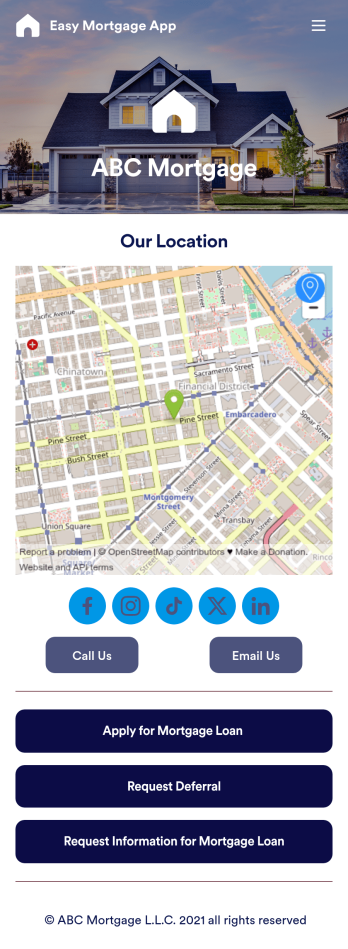
Easy Mortgage App
With Jotform’s Easy Mortgage App, members of your mortgage loan company can collect client information in the field from their smartphone or tablet — no messy paperwork required! Once the app is downloaded onto each employee’s device, they can submit mortgage loan requests for new clients, help clients request deferrals, or accept formal mortgage loan applications online.Customizing this Easy Mortgage App is, well, easy. Just drag and drop to rearrange the design, add or remove forms, include your logo for a professional touch, and make other design changes with no coding. Share the app with a link to be saved to any device instantly, and your team will be ready to start collecting information through the Easy Mortgage App and storing it in your secure Jotform account.
Go to Category:Finance & Accounting Portal Apps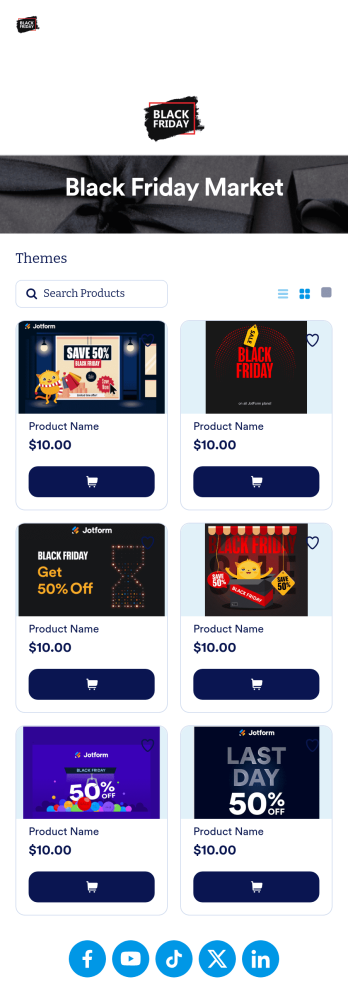
Black Friday App
Does your store need an easy way to sell your Black Friday merchandise and notify shoppers of hot deals? Look no further than this ready-made Black Friday App from Jotform. Add items, item descriptions, current deals and coupons, and more depending on your business’ needs. Then simply share your app with customers via email, QR code, or by linking straight to your mobile app in your social media bios.Use this Black Friday App ready-made, or customize it to match your store’s look and feel in just a few clicks. Our drag-and-drop builder makes it simple to add your own personal touch. Pick fonts and colors you like, upload images, integrate with helpful payment processors, and more. Engage smarter with your customers with this Black Friday App from Jotform.
Go to Category:Product Selling Apps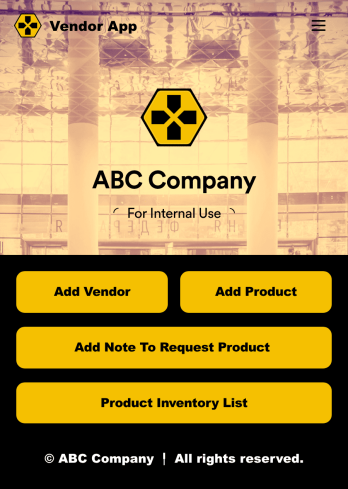
Vendor App
This ready-to-use app comes with a product inventory list via Jotform Tables, as well as forms for adding vendors or products and collecting product requests. You’ll be able to access, share, and download the app from any smartphone, tablet, or computer.Make modifications to your Vendor App in just a few clicks with our drag-and-drop interface. Feel free to create and add new forms, upload your company branding, and change the app icon, name, and splash page for a more personalized look and feel. When it’s ready, you can share your app with others by sending a link that can be opened on any device. Make vendor management a breeze!
Go to Category:Retail Apps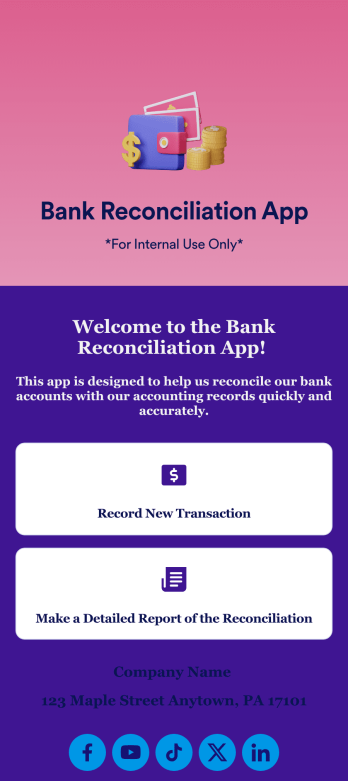
Bank Reconciliation App
Bank reconciliation is the process in which a bank account’s balance is reconciled to the amount reported by a financial institution according to the account’s most recent statement. To carry out this process in the easiest way possible, consider using Jotform to create a Bank Reconciliation App for internal use. Add forms to record new transactions, make detailed reports, and more! To share this app with others, simply link to it directly, share via QR code, or embed it in your online workspace.Need to make changes to how your Bank Reconciliation App looks? Just use our drag-and-drop app builder to do so. Upload personal branding assets, change fonts and colors, integrate with helpful payment or scheduling tools, edit letter text, and more depending on your needs. Make bank reconciliation easier for all parties with Jotform.
Go to Category:Finance Apps
Expense Report App
An expense report app is used by companies for keeping track of employee expenses. This free Expense Report App allows employees to log business expenses by filling out a form with general contact information, cost, description, date and time, and payment and expense type. There is also an upload form for employees to attach any relevant documents and receipts. Expense reports are immediately synced and stored securely in your account, and can be sorted, filtered, and exported from any device.Customize this app template in no time using Jotform’s drag-and-drop form builder. You can easily add or swap out form elements, change text, customize your app icon and splash page, and more — no coding necessary. Share a link to your app in an email or embed it in your website, and employees can access and download it on any smartphone, tablet, or computer for future use. Keep track of all your employees’ business expenses with this Expense Report App.
Go to Category:Company Portal Apps