
Offline Video Editing App is an app template for organizing projects in which footage is edited locally rather than through a browser-based editor. Freelance editors, production teams, content creators, agencies, and media departments can use its focused page as a starting point for project intake, editing resource navigation, and feedback collection. It can bring briefs, file instructions, review links, and project actions into one branded destination, helping collaborators find essential information without relying on scattered messages. The template supports the coordination surrounding offline editing but does not edit video files itself.
Jotform Apps makes this Offline Video Editing App easy to adapt with a no-code app builder and a drag-and-drop interface. Add pages, buttons, media, forms, approval steps, or connected tables as your production workflow develops. These App Templates help teams create mobile-friendly self-service experiences for collecting data, sharing resources, and coordinating work without programming. Customize the visual style, publish the finished app with a direct link, and provide editors, clients, or internal stakeholders with convenient access to the materials and actions relevant to each project.
Related templates
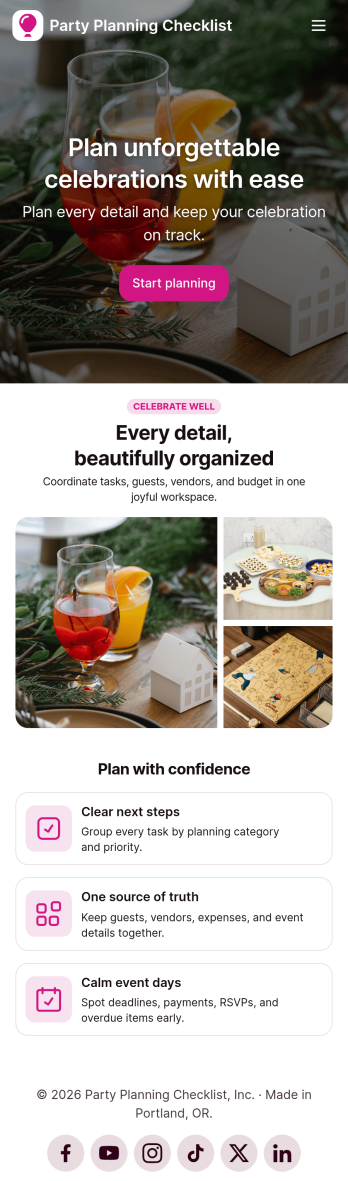
Party Planning Checklist App
Party Planning Checklist App is an app template designed to streamline the organizational aspects of planning social gatherings, offering event organizers, party hosts, and individuals a structured way to manage tasks for their events. From capturing guest information to tracking budgets, vendors, schedules, and task completion, this app provides a comprehensive solution that revolutionizes party planning. The app centralizes all critical party planning components, reducing the clutter of multiple platforms or documents. It's ideal for any occasion, whether a large corporate event or a small, intimate gathering. The Party Planning Checklist App is best suited to professional event planners, party hosts, and coordinators who require an organized, efficient way to manage their event planning details.With Jotform's intuitive no-code app builder, the Party Planning Checklist App can be customized to match your brand or event theme. Jotform Apps offers a drag-and-drop interface that makes it easy to modify forms, select preferred fonts and colors, upload logos, and more. Users can swiftly access and download the app on any smartphone, tablet, or desktop via a shareable link due to its cross-platform compatibility. Jotform Apps eliminates the complexities of event planning by offering a centralized, user-friendly platform. Start organising your events effectively with the Party Planning Checklist App from Jotform!
Go to Category:Checklist Apps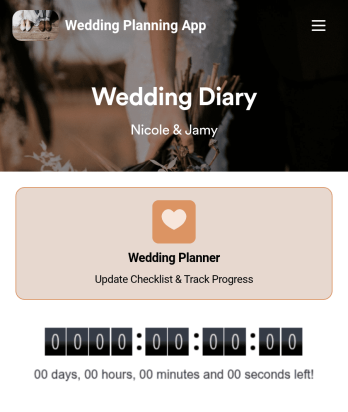
Wedding Planning App
Plan your wedding like a pro with a free Wedding Planning App from Jotform! Whether you’re a professional wedding planner or getting things ready for your own wedding, use this app to create a wedding checklist, track your progress, and view a countdown timer ticking off the seconds until the big day. You can also use the app to log expenses, manage your guestlist, and keep track of venue information.Make changes to this Wedding Planning App template in seconds with our drag-and-drop builder. Add new forms, pages, links, images, and personalize design elements like splash screen and app icon with no coding required. Your custom Wedding Planning App can then be downloaded instantly onto any device — including your computer or any iOS or Android device — so you can prepare for your event seamlessly on the go.
Go to Category:Checklist Apps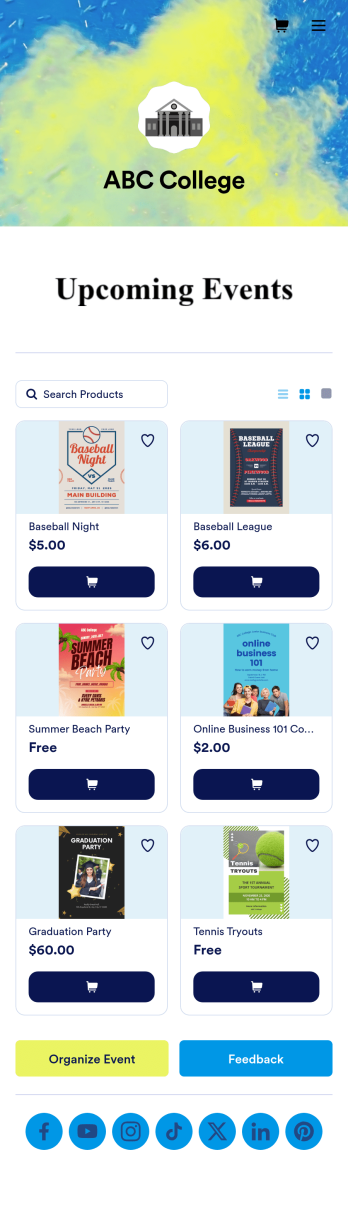
Custom College Events App
A college events app connects students to university events from any device. No matter what school you plan events for, let students know what’s coming soon with Jotform’s free College Events App. This customizable app template includes event posters, guest registration forms, and links to social media accounts that students can access from their smartphone, tablet, laptop, or computer. All submitted responses will be instantly synced to your secure Jotform account to be viewed or approved by you and other event staff.Make this College Events App stand out by using our drag-and-drop builder to customize it for your school. Without coding, you can add or remove forms, upload promotional images and videos, include tables and links, create buttons and pages, change the color scheme and fonts, and update the app name and icon to better represent your school. When it’s ready, your app can be shared on social media, your school website, or via the app link. Inform and excite students about upcoming events — and boost school pride — with a custom College Events App for your school!
Go to Category:Booking Apps
Football News App
A football news app is used to display football-related news, scores, and collect subscriptions from fans. As the app owner, you can aggregate news articles from other websites, or upload your own original work. Football fans can download your app onto their favorite device and sign up to receive email updates whenever your app is updated with football news or scores. Subscriber information is stored securely in your Jotform account.This Football News App can be fully customized to your liking with Jotform’s intuitive app builder. No coding knowledge required — simply drag and drop to add form elements, create new pages and forms, customize your app’s main screen, upload your own images and branding, and much more. You can even install one of our 30+ payment gateway integrations to charge for premium subscriptions fees. Create an all-in-one Football News App to keep sports fans in the know with this free app template from Jotform.
Go to Category:Education Apps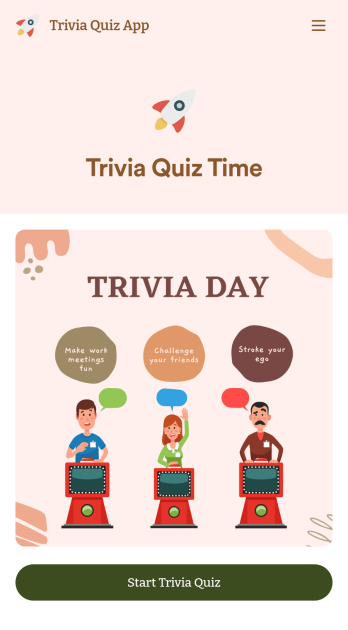
Trivia Quiz App
Create a fun trivia quiz app for your coworkers, students, or friends. Using this ready-made Trivia Quiz App, you can quickly add your quiz and share the app to be downloaded onto any iOS or Android device. Then the people who download your app can complete the quiz no matter where they are, sending you their results instantly upon completion.Customize this Trivia Quiz App with our drag-and-drop builder. Add or remove questions, upload images, add fun form widgets, change the app’s background image or icon, and make other changes in seconds with no coding knowledge needed. Enjoy a quick, easy way to create your own custom Trivia Quiz App with Jotform.
Go to Category:Entertainment Apps
Community Membership App
A community membership app allows community members to connect to each other from any device. Build your own Community Membership App without any coding with our free template. It includes a membership application form and a list of qualifications that can be accessed from any smartphone, tablet, or desktop computer. Submitted applications will be received instantly and stored in your secure Jotform account, ready to view, share, and approve.Make this Community Membership App your own by customizing it with our drag-and-drop builder. You can easily add more forms, upload logos, change the qualifications, embed links to other resources, and update the app name, icon, and splash page. Share your app by adding the link in your website, posting it on social media accounts, or sending it directly to interested applicants. Keep your community connected with an easy-to-use Community Membership App that works on the go.
Go to Category:Booking Apps