A patient portal app gives patients a single place to manage common care tasks without phone calls or paperwork. This template supports appointment booking, care requests, and quick access to important information like records and results, along with clear contact options for urgent needs and support messages. It works well for clinics, private practices, and outpatient providers that want to offer a simple self-service experience for scheduling, follow-ups, and routine requests.
With Jotform, you can publish this patient portal app using an app template and customize it in a no-code app builder with a drag-and-drop interface. Connect the portal to your forms and tables for consistent data collection and smoother workflow handoffs, then share it by link or QR code so patients can reach the right action fast. Update pages, branding, and navigation as your services evolve while keeping the experience easy to use on any device.
Related templates
Pharmacy App
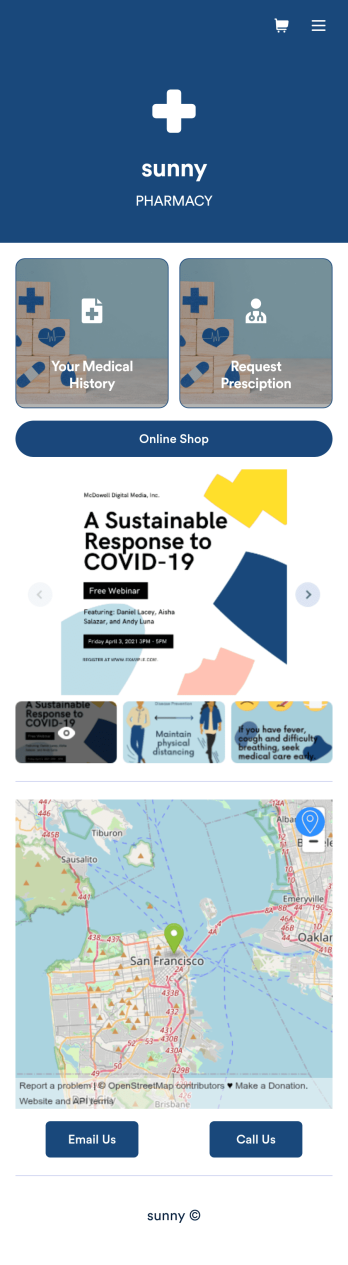
A pharmacy app is used by pharmacies for logging patient data and filling prescriptions. Need to know how to sell prescriptions online? Patients can download this Pharmacy App on any device and fill out a form with their personal and medical information, make prescription requests, and schedule COVID-19 vaccination appointments. This app also includes a COVID-19 consent form that patients can digitally sign prior to their appointment. Patient data and prescription refill requests are stored in your secure Jotform account for ease of access.Want to make this app template your own? No problem — just use Jotform’s no-code app builder to drag and drop form elements, choose fonts and colors, upload images, customize your app icon, and more. You can also use your splash screen to add informative content and make announcements. When you're finished customizing, share your app by embedding a link in your website or email newsletter. Manage your pharmacy from one convenient location with this free Pharmacy App from Jotform.
Go to Category:Delivery Apps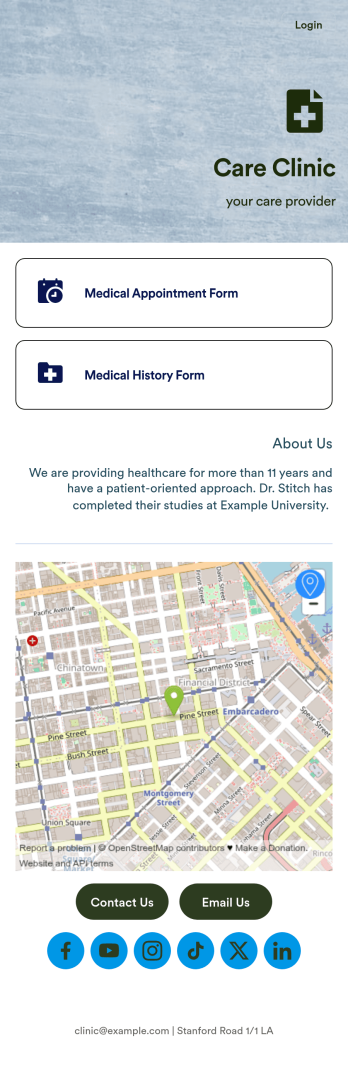
Medical Appointments App
A medical appointments app makes it easier for patients to schedule doctor’s appointments from any device. Simplify appointments for your hospital or health clinic with our free Medical Appointments App Template. This ready-to-use app includes an appointment scheduling form and a medical history form that patients can easily fill out from their smartphone, tablet, or computer. Submissions will be received instantly, stored in your dashboard, and encrypted if you opt for HIPAA friendly features in your Jotform plan.Customize this Medical Appointments App in just a few clicks with our drag-and-drop builder. It’s easy to create and add more healthcare forms, embed links to other webpages, update the provided text and images, upload branding elements, and even change the app name, icon, and splash page. Once it’s ready, share your app on your website or send it to patients directly to open and download onto their favorite device. Take the pain out of appointment scheduling by streamlining the process with a professional Medical Appointments App for your organization.
Go to Category:Booking Apps
Medication Log App
For patients and clinics alike, keeping track of your patients' medications can be daunting — so streamline the process for everyone with our Medication Log App! This readymade app provides your patients with a single online portal to log and update their medical history, medication regimen, and general contact information. Patients can then access and download your app on any smartphone, tablet, or desktop computer.This Medication Log App is ready to use and doesn't require any coding, but you can easily customize this app template to better suit your needs. With our drag-and-drop interface, you can add forms, choose fonts and colors, and customize your app name, icon, and splash screen. Make it easier for your patients to keep track of their medications with a custom Medication Log App they can use from any device!
Go to Category:Healthcare Apps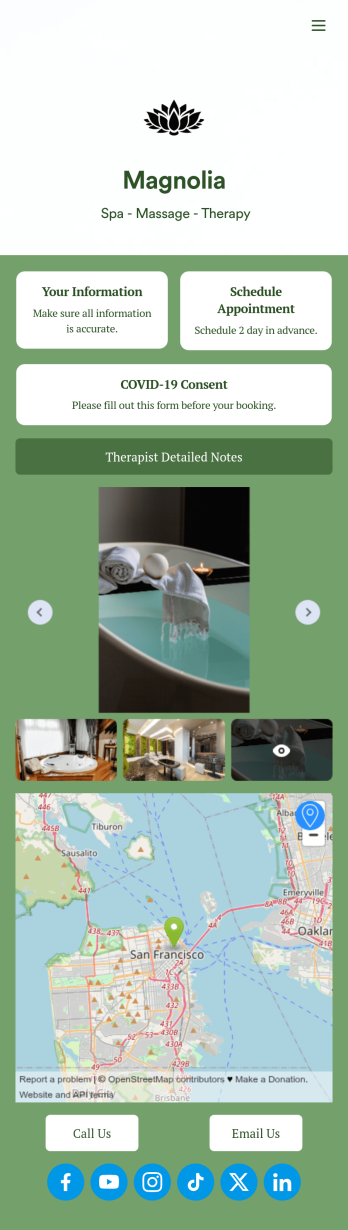
Therapist App
Eliminate stress with our free Therapist App for massage therapists and salons. This ready-to-use app shares multiple forms in one place, so you can register new clients with a Physical Therapy Intake Form, schedule appointments with a Therapy Booking Form, and receive signed Massage Therapy Consent Form responses with ease. Clients can open and download your custom app on their favorite device, be it a smartphone, tablet, or computer.Customize your Therapist App in just a few clicks with our drag-and-drop builder. Without any coding, you can easily create new forms, include links, and change the app name, icon, splash page, and background image to better match your branding. Once you’re ready to share your app, send it to clients directly via email or embed the app link in your website. Give your clients —and yourself — peace of mind with a secure and easy-to-use Therapist App for your spa.
Go to Category:Customizable Beauty Salon Apps
Mental Health Journal App
Need an efficient and less intrusive way to oversee your patients’ mental health? Jotform’s got you covered with our own custom Mental Health Journal App — no coding knowledge required. This app is great for psychologists or psychiatrists alike. Build a thoughtful app that lets your patients express themselves in a variety of ways. Upload daily or weekly check in forms, provide a list of resources and exercises, add appointment scheduling forms, and collect payments from your very own app.Need to make some changes to your app? Simply utilize our easy-to-use online app builder to give your Mental Health Journal App your own signature touch. Pick fonts and colors you like, upload images, integrate with helpful scheduling widgets, and more depending on you and your patients’ needs. Then simply share with your patients via QR code, email, or by linking to it in your patient portal.
Go to Category:Healthcare Apps
Medical History App
A medical history app is used by healthcare professionals to collect medical history data from their patients. Whether you work for a hospital, doctor’s office, or other healthcare provider, enjoy a more efficient way to collect and manage patient information with this Medical History App. All of the data you collect — including intake forms, e-signatures, and file uploads — is stored with powerful security measures, including an option for HIPAA friendly features.Update this app to better match your practice with no coding needed. Add your logo, choose a new app icon, update the splash screen, include extra intake forms, and more using our drag-and-drop builder. To share your app after getting the look you want, copy and paste the app link so employees can save it to their smartphone, tablet, or computer for easy access. Collect medical data more securely with Jotform’s Medical History App.
Go to Category:HIPAA Apps