
Personal Inspiration Tracker App is a digital space for individuals who want to capture meaningful ideas and turn them into practical action. It suits writers, artists, students, professionals, wellness enthusiasts, and anyone building a personal reflection habit. Users can add inspiration as it appears, browse saved entries, and organize thoughts with a source, category, reflection, and next step. Keeping these details together makes memorable quotes, observations, creative prompts, and motivating experiences easier to revisit. Rather than letting useful ideas disappear across notebooks or disconnected files, this app template creates a focused record that supports creativity, planning, self-care, and personal development.
Jotform makes this Personal Inspiration Tracker App easy to adapt with a no-code app builder and an intuitive drag-and-drop interface. Change the layout, colors, typography, and content to match your preferred style, then connect forms and tables to support data collection and a more organized workflow. Jotform App Templates can be shared by direct link or QR code for convenient mobile access, making it simple to record an idea wherever it occurs. No programming knowledge is needed, and the finished app can become a personalized self-service resource for reviewing insights, spotting recurring themes, and following through on promising next steps.
Related templates
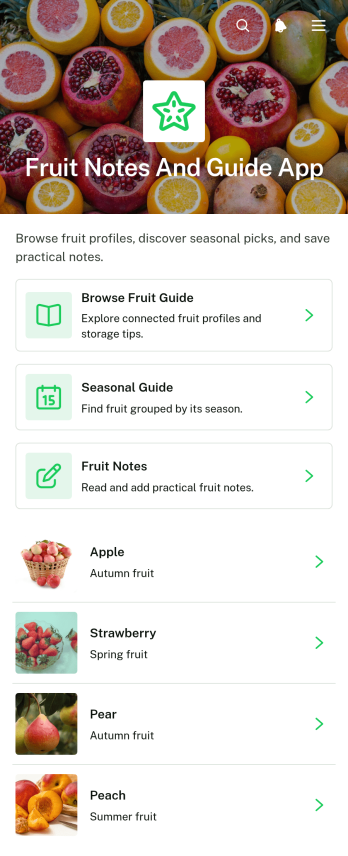
Fruit Notes and Guide App
Fruit Notes and Guide App brings fruit reference information and personal observations into one convenient, mobile-friendly resource. Home cooks, nutrition educators, culinary students, produce sellers, gardeners, and fruit enthusiasts can browse a fruit guide, consult seasonal guidance, and add notes about individual fruits. Details such as texture, best uses, and storage guidance help users choose, prepare, and preserve produce with greater confidence. Personal notes also make it easier to remember flavor impressions, preferred varieties, recipe ideas, shopping tips, and handling experiences. Whether used at home, in a classroom, at a market, or in a food-focused workplace, this app template keeps practical knowledge organized and easy to revisit.Jotform makes the Fruit Notes and Guide App simple to customize without writing code. Its no-code app builder and drag-and-drop interface let you update pages, navigation, imagery, buttons, and branding to suit your audience. Connect forms for data collection, organize submitted notes through related workflows, and expand the app with additional resources as your fruit library grows. Jotform App Templates can be shared through a direct link or QR code, giving users convenient self-service access from phones, tablets, and computers. The result is a polished reference and note-taking experience that can evolve with your educational, culinary, retail, or personal needs.
Go to Category:Food and Nutrition Tracking Apps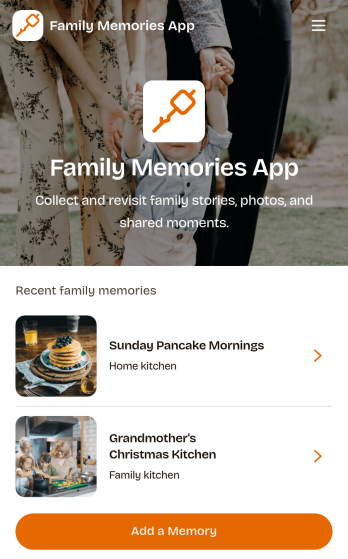
Family Memories App
Family Memories App offers families a welcoming digital space for recording meaningful stories and revisiting shared experiences. Parents, grandparents, children, and extended family members can use it to preserve milestones, celebrations, childhood moments, and traditions that might otherwise be forgotten. Users can add a memory, browse saved entries, and view helpful details about when an event happened, who was involved, and where it took place. By keeping personal stories and images in one organized experience, the app makes family history easier to explore during reunions, anniversaries, holidays, or everyday conversations. It can also support long-term storytelling projects that connect younger relatives with the people and experiences that shaped their family.Jotform Apps helps you turn this Family Memories App template into a personalized, mobile-friendly collection without writing code. Its drag-and-drop app builder makes it easy to adjust pages, navigation, colors, fonts, images, and other visual elements to reflect your family. You can connect forms for data collection, organize incoming memories through a workflow, and create a convenient self-service experience for contributors. Jotform App Templates can be shared through a direct link or QR code, helping relatives access the collection from phones, tablets, or computers and contribute wherever they live.
Go to Category:Journal Apps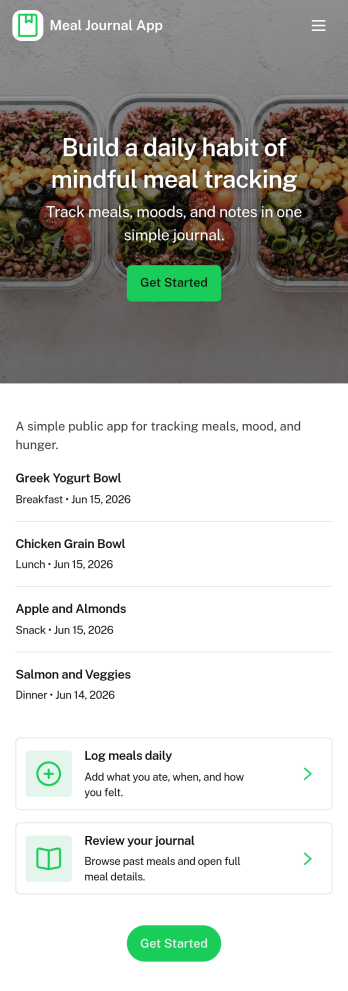
Meal Journal App
A meal journal app helps people record what they eat, review past meals, and spot patterns that support healthier everyday choices. This template is useful for individuals building consistent habits, personal trainers coaching clients, and wellness-focused teams who want a simple place to capture meals as they happen, browse a meal history, and review basic insights over time. With quick navigation to log a meal, explore meal history, and view insights, it’s easy to keep entries organized and make the journal practical enough to use daily.Jotform makes it simple to turn this meal journal app template into a branded self-service experience with a no-code app builder and a drag-and-drop interface. Connect the app to a form for fast data collection, store entries in a structured workflow, and share a single link so logging and browsing can happen from anywhere. You can tailor pages, buttons, and visuals to match your routine, then expand the experience as your tracking needs grow.
Go to Category:Food & Beverage Apps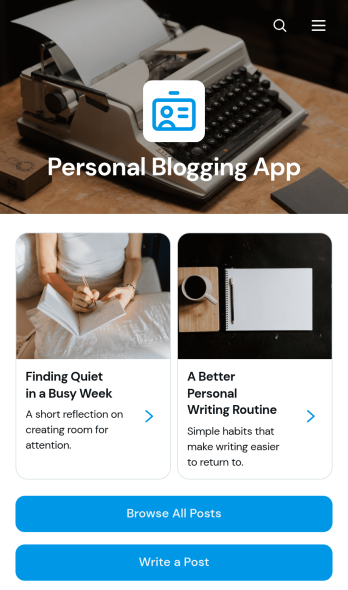
Personal Blogging App
Personal Blogging App is an app template for writers, creators, hobbyists, and independent professionals who want to publish personal stories, creative work, and reflections in an inviting mobile-friendly space. Readers can browse posts, filter articles by category, view publication details, and contact the author by email. A connected form also provides a convenient way to draft or submit a new post. This format helps authors organize a growing body of work, give each article a dedicated reading experience, and make archived content easier to discover without maintaining a complex website.Jotform App Templates make it simple to turn content and data collection into an interactive experience without coding. Customize the Personal Blogging App with the no-code app builder, arrange pages and navigation through a drag-and-drop interface, and apply fonts, colors, images, and branding that reflect your voice. You can connect forms and other workflow resources, update content as your blog develops, and share the finished app using a direct link or QR code. Jotform provides a flexible foundation for managing posts while offering readers convenient self-service access from phones, tablets, or computers.
Go to Category:Journal Apps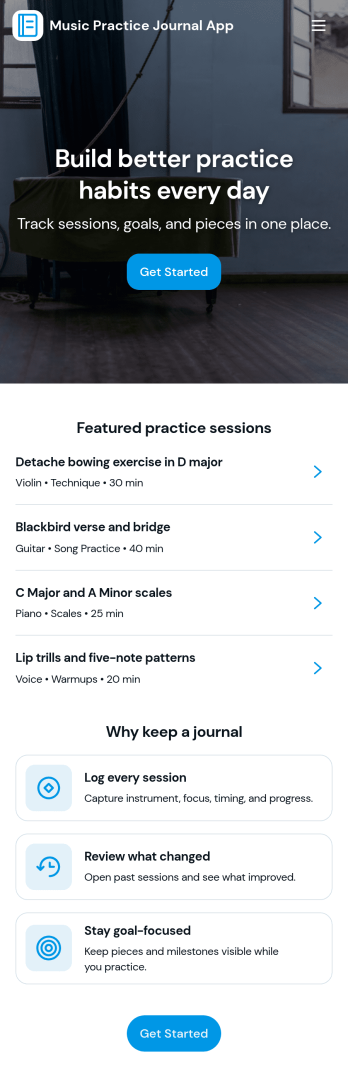
Music Practice Journal App
A music practice journal app gives musicians a simple way to record practice sessions, review past work, and stay motivated with clear goals. This template fits students, private teachers, bands, and self-taught players who want more consistency without relying on scattered notes. Use it to log each session, keep a running history of warmups and recent sessions, and check insights like weekly goals, strongest focus areas, and tempo notes for each instrument.With Jotform, you can turn this music practice journal app into a shareable, self-service experience that works on any device. Customize pages with a drag-and-drop interface, connect your session form to organized records, and keep your workflow moving with centralized data collection and easy navigation. Whether you’re tracking personal progress or managing a studio, Jotform makes it easy to tailor the app template to your routine and publish it with a link for quick access.
Go to Category:Activity Tracking Apps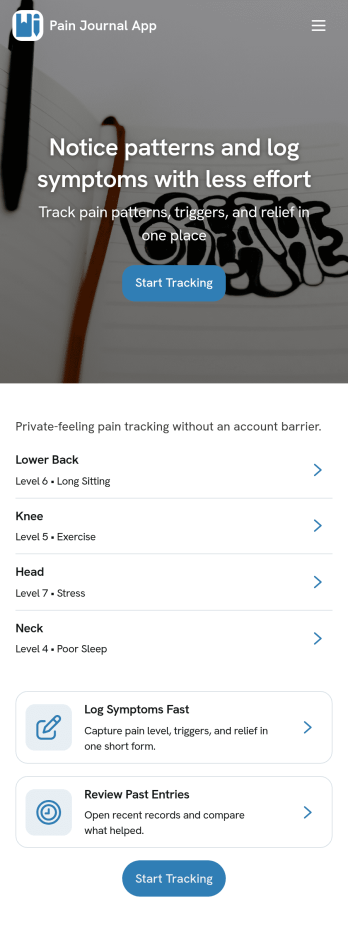
Pain Journal App
Pain Journal App helps you log symptoms in a consistent, easy-to-review way so patterns don’t get lost between busy days. Use it to add a new entry when pain starts or changes, capture key details like area and intensity, and build a personal history you can refer to when planning your routine or discussing next steps with a care team. It’s useful for anyone managing chronic pain, recovery, migraines, flare-ups, or recurring discomfort who wants a simple place to record what happened, when it happened, and what may have influenced it.With Jotform, you can turn this app template into a personalized tracking experience using a no-code app builder and a drag-and-drop interface. Connect the New Entry flow to a form for data collection, view past logs through a History page and tables, and keep information organized as your workflow grows. Share the app link across your devices for quick self-service access, adjust the layout and branding, and keep your entries structured so you can spot trends over time.
Go to Category:Healthcare Apps