
The Personal Shortcut Directory App is a customizable home for saving, organizing, and opening frequently used links. Individuals, freelancers, students, creators, and busy professionals can browse shortcuts, add new entries, and explore saved resources with filters instead of searching through bookmarks, notes, or messages. Shortcut details can include a use case, category, tags, and a short explanation, making the directory useful for daily planning, personal records, research resources, recurring tasks, and commonly visited online destinations. It brings scattered links into one easy-to-navigate space and helps users find the right resource with less effort.
Jotform App Templates provide a practical starting point for turning personal information into an interactive, mobile-friendly experience. With Jotform’s no-code app builder and drag-and-drop interface, users can adjust pages, navigation, cards, buttons, colors, and fonts without programming. The app template can connect to a form for data collection, helping new shortcuts flow into an organized workflow. Users can also share the finished directory through a direct link or QR code, update its content as their needs change, and create a branded self-service resource that works across devices.
Related templates
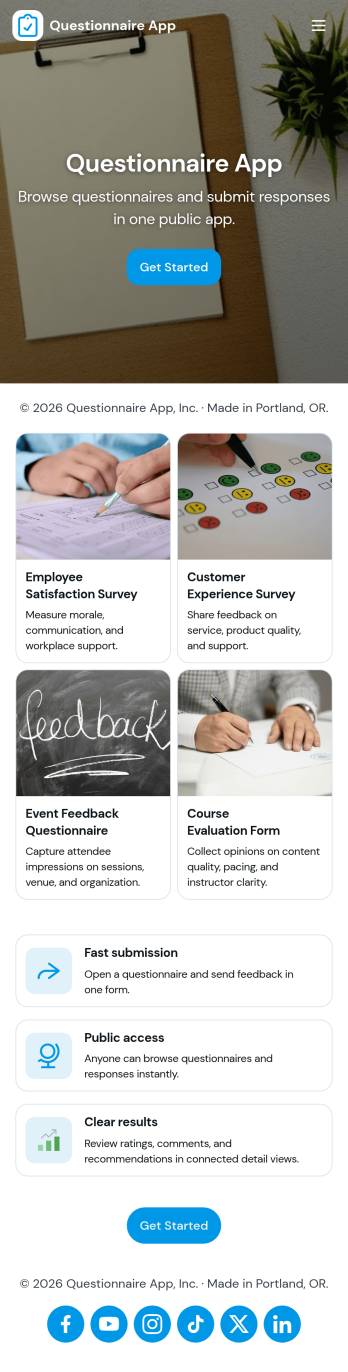
Questionnaire App
A questionnaire app brings your questions, response collection, and follow-up into one place so you can gather consistent input without juggling links or spreadsheets. Use it to create and share questionnaires for customer discovery, employee feedback, student check-ins, intake and screening, research, or post-event evaluation. With clear paths to build a questionnaire, submit a response, and review responses, this app suits teams that need repeatable data collection and an easy way to look back on what people said.Jotform makes it simple to publish this Questionnaire App using app templates and a no-code app builder with a drag-and-drop interface. Connect your questionnaires to forms for fast data collection, organize responses in connected tables, and route information through automated workflow steps when needed. Share the app with a link so people can complete questionnaires from anywhere, while your team manages updates and response review in a single self-service experience.
Go to Category:Quiz Apps
Lesson Planner App
Create and manage your classroom lesson plan with this free Lesson Planner app from Jotform. Download this app onto any device and start adding courses, start and end dates, lesson titles and objectives, tasks, resources, and more. There are also separate forms for entering student information and creating daily assignment checklists. Submissions are aggregated and stored in a color-coded and easy-to-understand spreadsheet using Jotform Tables.Want to make changes to this Lesson Planner App? No problem! With Jotform’s no-code app builder, you can build a custom app that meets your classroom’s needs in seconds. Simply drag and drop to add or change form elements, edit text fields and checklist items, install integrations and widgets, change fonts and colors, and more. When you’re done, you can access and download your app onto any smartphone, tablet, or desktop and start using it right away. Manage all your lesson plans and assignments from a single location with this mobile-friendly Lesson Planner App.
Go to Category:Daily Planner Apps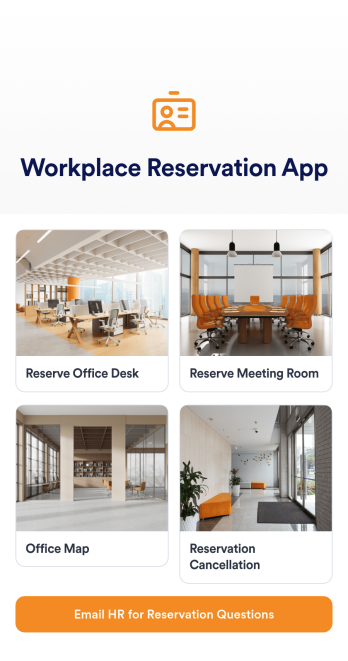
Workplace Reservation App
Workplace Reservation App is a streamlined app template designed to facilitate the efficient management of shared office spaces. Specifically, this app template is ideal for employees, office managers, and companies navigating hybrid or flexible work models who require a straightforward solution to coordinate workspace reservations. The app facilitates the reservation of desks, meeting rooms, or parking spots in advance, providing a clear snapshot of workspace availability. By managing office capacity and preventing conflicts in real-time, the app optimizes workspace usage and promotes a harmonious and productive work environment. The immediate value of this template lies in its ability to bring clarity, consistency, and a higher level of organizational efficiency, eliminating the potential confusion of ad-hoc workspace allocation.By utilizing the no-code, drag-and-drop capabilities of the Jotform Apps builder, one can effortlessly tailor the Workplace Reservation App to match their company's branding. You can modify forms, choose fonts and colors, and upload your logo to ensure that the app aligns with your brand identity, all without the need to write a single line of code. Your employees will then be able to access and download your app onto any smartphone, tablet, or desktop via a shareable link, providing seamless cross-platform compatibility. With Jotform’s Workplace Reservation App, navigating the complexities of a hybrid or flexible work model becomes a streamlined and efficient process. Your team can now focus on what really matters—collaborating and achieving their goals.
Go to Category:Appointment & Booking Apps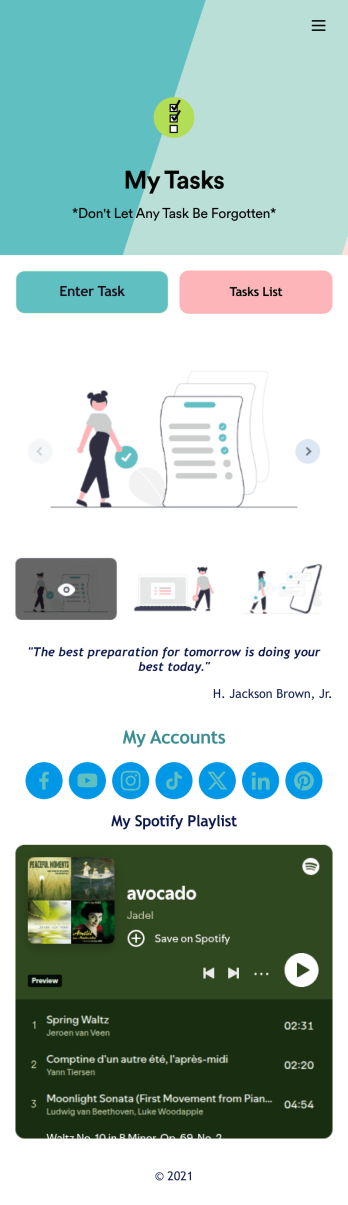
Recurring Tasks App
A recurring tasks app is used to track and manage daily tasks. Whether you’re organizing tasks for school, work, or at home, do it directly from your desktop or mobile device with a free Recurring Tasks App from Jotform! All tasks are stored securely in your Jotform account and easily accessible on any device — including as a spreadsheet, calendar, or individual cards with Jotform Tables’ Daily Task List!Feel free to update the design by adding other forms, changing colors, uploading your logo, and making other changes for a personalized touch with our no-code builder. You can even copy and paste the app link to send it to members of your team, so they can download it onto their devices too! Organize your tasks more efficiently with this Recurring Tasks App.
Go to Category:Management Apps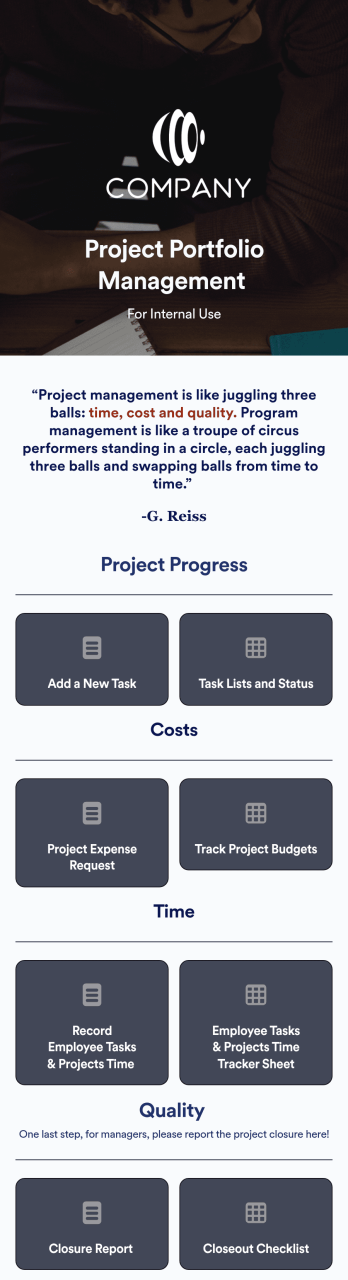
Project Portfolio Management App
A project portfolio management app is used by employees to seamlessly track and manage company projects. For businesses big or small, this ready-made Project Portfolio Management App from Jotform makes it easy to keep projects on track for success. Add project deadlines, create tables with form data, generate visual reports, and more depending on what your team needs to succeed.Personalizing this Project Portfolio Management App is a breeze with our online drag-and-drop app builder. Enrich your app by uploading personal branding assets, adding project images or videos, integrating with helpful payment or scheduling widgets, and picking fonts and colors you like. Set your team up for success with this free app from Jotform.
Go to Category:Company Portal Apps
Daily Log App
A daily log app is used by business owners and human resource departments for tracking employee leave requests and daily reports. Jotform’s free Daily Log App allows employees to fill out a leave request form with general contact information, position, manager, and start and end dates for the requested time off. A separate End of Day Form is for employees to provide a daily report summary and write down any questions and comments they may have. Submissions are synced instantly and stored securely in your Jotform account.If you’d like to customize this app template to match your company’s branding, simply use our drag-and-drop interface to add or change forms, upload your logo, change fonts and colors, and more — no coding required. You can even use your splash screen to post announcements and upcoming company holidays. Once you’re done, employees can download your app on any smartphone, tablet, or desktop with a shareable link. Keep track of employee leave requests and daily reports with this Daily Log App.
Go to Category:Daily Planner Apps