
Photo Contest Entry App is a ready-to-use app template for collecting and presenting photography contest submissions in one organized experience. It suits event organizers, marketing teams, schools, nonprofits, clubs, and community groups running themed competitions or creative campaigns. Entrants can submit a photo, while visitors and authorized team members can browse entries and open individual records containing key details such as the entrant, category, status, and entry ID. This central access point reduces submissions scattered across email and gives contest teams a clearer way to review participation, monitor entry status, and manage contest activity.
Jotform Apps helps teams turn forms and workflows into mobile-friendly app experiences without writing code. Start with App Templates, then use the no-code app builder and drag-and-drop interface to adjust pages, navigation, colors, typography, and visual content. Connected forms support data collection, while tables, approvals, notifications, and other workflow tools can help organizers coordinate review steps. Publish the customized app with a direct link, QR code, or embedded experience so entrants and staff can reach it from their preferred device. This app template supports convenient self-service access while keeping contest resources together.
Related templates
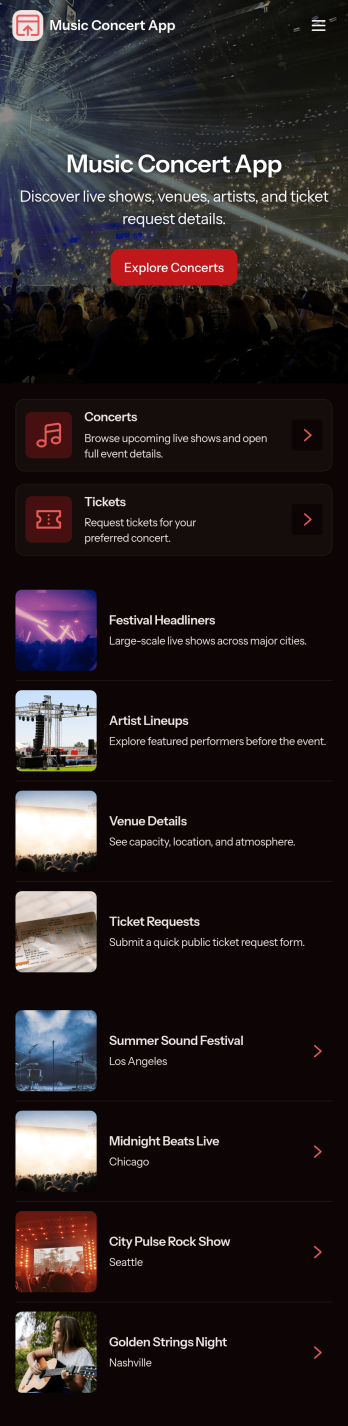
Music Concert App
Music Concert App brings upcoming shows into one place so fans can browse concerts, view key details, and quickly navigate to booking. It’s a practical fit for concert promoters, venues, artist teams, and event coordinators who want a simple, mobile-friendly way to showcase a lineup and guide attendees from discovery to reservation without relying on scattered posts or long email threads. With dedicated pages for exploring concerts and a clear path to book tickets, the app helps reduce missed inquiries, improves the attendee experience, and keeps event information easy to find and share.Built with Jotform App Templates, this app template is easy to tailor using Jotform’s no-code app builder and drag-and-drop interface. Connect the app to your booking form to support consistent data collection, route information to the right workflow, and keep your concert list and booking history organized. Share your Music Concert App with a link or QR code, update content anytime, and deliver a polished self-service experience for your audience.
Go to Category:Entertainment Apps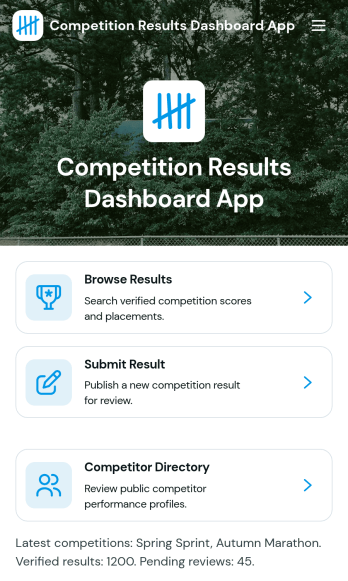
Competition Results Dashboard App
Competition Results Dashboard App brings competition outcomes into one clear place so organizers, coaches, and participants can quickly find what happened and where they stand. Use it to browse published results, submit new result entries as events wrap up, and explore performance analytics without sending spreadsheets around. It’s a practical fit for sports leagues, tournaments, academic competitions, and multi-category events that need a simple way to share placements, categories, statuses, and locations while also offering a competitor directory for quick lookups.Built with Jotform, this app template can be tailored to match your event structure and branding, then shared as a self-service results experience. With a no-code app builder and a drag-and-drop interface, you can connect the app to your existing data collection workflows, route updates to the right people, and keep results organized as the season or series progresses. Publish a single link for viewers, or keep it internal for staff managing ongoing reporting.
Go to Category:Sports Apps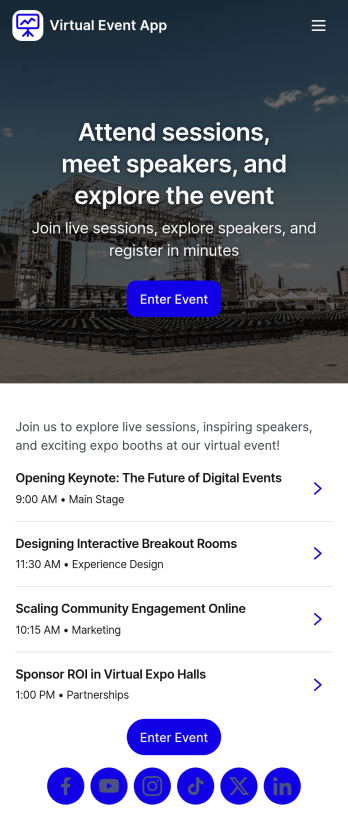
Virtual Event App
A Virtual Event App brings your online event experience into one easy-to-share place so attendees can join the event, browse sessions, and explore speaker details without hunting through emails or scattered links. It’s a practical fit for conferences, product launches, trainings, webinars, and community events that run on a schedule and need a clear path from registration to participation. With built-in navigation for session pages, a registration entry point, and feedback options, organizers can guide guests through the event flow while keeping information consistent and accessible.Jotform makes it simple to turn this Virtual Event App into a branded self-service experience using a no-code app builder and a drag-and-drop interface. Connect the app to your registration form, keep session and speaker lists organized, and collect session feedback that can be reviewed by the team. As your agenda changes, you can update pages and publish instantly, helping you maintain a polished event hub that works well on desktop and mobile.
Go to Category:Entertainment Apps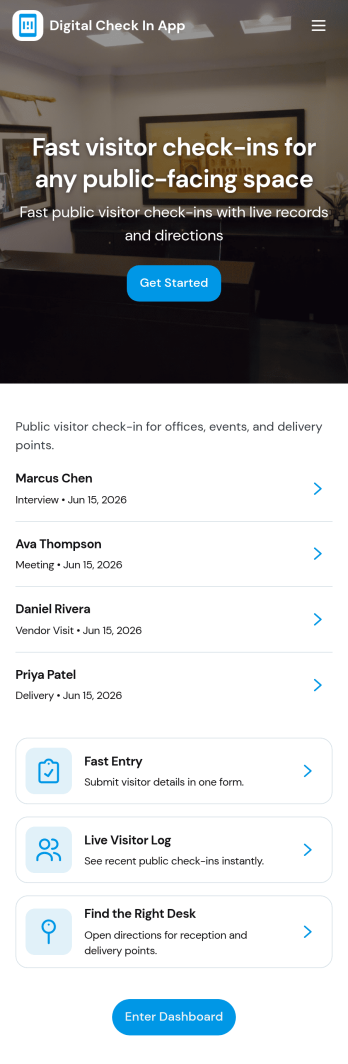
Digital Check in App
Digital Check in App helps you welcome and track visitors without paper sign-in sheets. It gives guests a simple way to start check in and complete a visitor check in form, while your team can quickly view visitors in one place. This works well for offices, coworking spaces, schools, clinics, warehouses, and event venues that need a clear record of who arrived and when, especially during busy periods with frequent walk-ins.Jotform makes it easy to turn this experience into a polished, shareable check-in flow using its app templates and no-code app builder. With a drag-and-drop interface, you can tailor pages, buttons, and navigation to match your front-desk process, then connect the app to your broader workflow for data collection and follow-up. Share the app link or QR code so visitors can check in from a phone or a kiosk-style device, and keep visitor information organized for your team.
Go to Category:Customer Portal Apps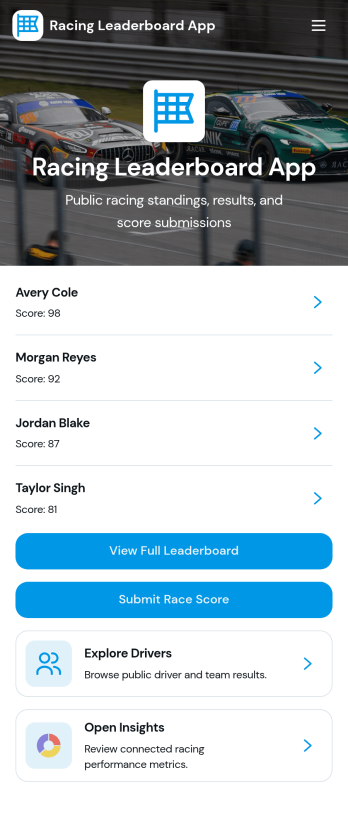
Racing Leaderboard App
Racing Leaderboard App gives race organizers and sports communities a simple way to share race listings, publish standings, and collect results in one place. Participants can browse races, open a race overview to see key details, and check the leaderboard to compare performance over time. When it’s time to report a finish, racers can submit results from the app, helping clubs, leagues, and recurring event series keep scoring consistent without relying on scattered messages or spreadsheets.Built with Jotform, this app template can be customized with a no-code app builder and a drag-and-drop interface so you can match your event branding and structure in minutes. Connect the app to your result collection form and related data so updates are easier to manage, then share the app as a self-service hub for racers, coaches, and staff. As your season grows, you can adjust pages, refine the workflow for reviewing results, and keep race information and leaderboards accessible on any device.
Go to Category:Sports Apps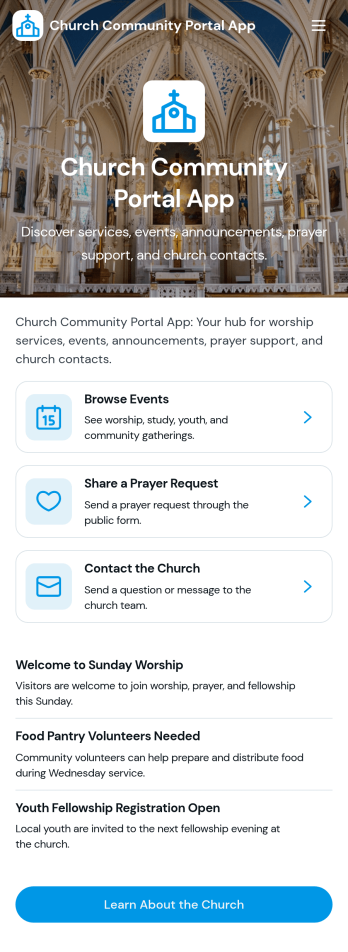
Church Community Portal App
Church Community Portal App brings your congregation’s essentials into one welcoming place, so members can find what’s happening next, share prayer needs, and reach the right church contact without confusion. Use it to highlight upcoming events with quick navigation to event details and registration links, invite community messages, and keep key worship information one tap away. It’s a practical fit for church administrators, ministry leaders, and volunteer teams who want a consistent way to communicate schedules, encourage engagement throughout the week, and help newcomers know where to start.Built with Jotform App Templates, this app template is easy to tailor using Jotform’s no-code app builder and drag-and-drop interface. Connect your event and prayer request forms, organize updates in a clear self-service experience, and share the app through a link or QR code for mobile-friendly access. Jotform helps you centralize data collection and workflows, so your team can spend less time chasing details and more time supporting the community.
Go to Category:Community & Engagement Portal Apps