
Professional Application Tracker App gives job seekers, career changers, students, freelancers, and career advisers a central place to organize professional applications. Users can add an application, browse existing records, and review essential details such as the company, role, status, application date, follow-up date, notes, and outcome. This app template replaces scattered documents and reminders with a clear tracking experience, helping users monitor progress, plan timely follow-ups, compare opportunities, and maintain an accurate history throughout an active search. It is equally useful for individuals managing their own applications and advisers supporting multiple candidates.
With Jotform Apps, this Professional Application Tracker App can be adapted through a no-code app builder and an intuitive drag-and-drop interface. Customize its pages, visual style, navigation, and connected data collection workflow without writing code. Jotform App Templates also make it easy to connect forms and tables, organize records for self-service access, and share the finished app through a direct link or QR code. The mobile-friendly experience keeps application information accessible wherever users prepare for interviews, contact prospective employers, or update an opportunity’s outcome.
Related templates
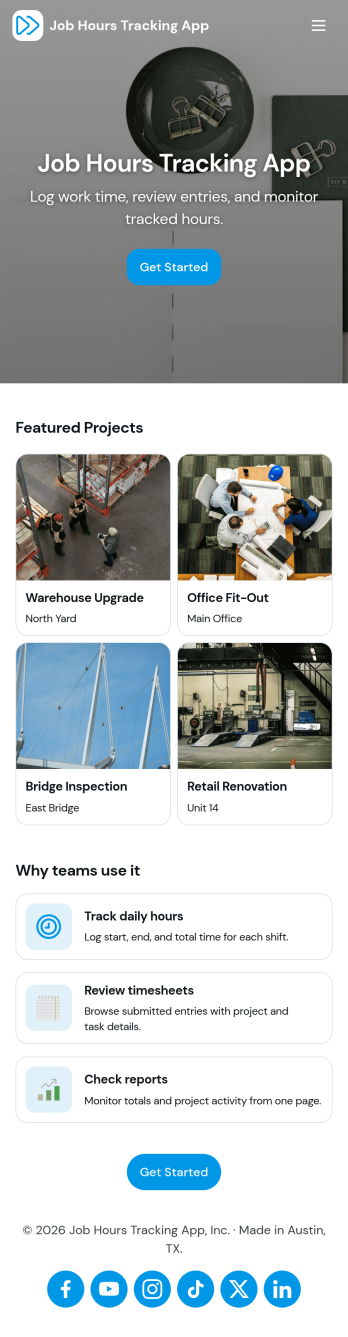
Job Hours Tracking App
Job Hours Tracking App helps teams record shift time in one place, so payroll prep and time reviews don’t depend on scattered notes or messages. Employees can quickly log a shift, add another shift when they’re done, and review My Entries to confirm what they’ve submitted. It’s a practical fit for small businesses, agencies, field service crews, and hourly teams that need a clear timesheet view by employee and a consistent way to capture work hours across roles.Jotform makes it easy to turn this app template into a polished, self-service experience without coding. With a drag-and-drop interface, you can adjust pages, buttons, and the connected form that collects shift details, then share the app as a simple link for your staff. As entries come in, you can keep your workflow organized for approvals, reporting, and ongoing operations while maintaining a single source of truth for job hours tracking.
Go to Category:Activity Tracking Apps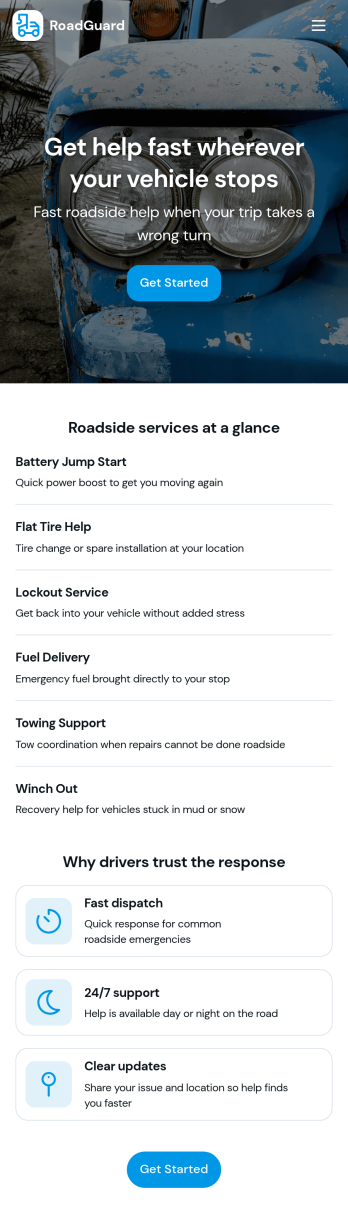
Roadside Assistance Job App
Roadside Assistance Job App helps towing and roadside teams handle active service calls from one place, from dispatch to completion. Use it to view open jobs, keep a dispatch queue organized, and review job details like status, assignment, and priority guidance so technicians know what to do next. It’s a practical fit for roadside assistance companies, fleet operators, and on-call service providers who need clear visibility into what’s in progress and who’s handling each request.Built with Jotform, this app template can be tailored with a no-code app builder and a drag-and-drop interface so you can match your workflow without development work. Connect your job records to tables for consistent data collection, let staff submit a new report when needed, and share a single self-service workspace with dispatchers and drivers through a link or QR code. As your operation grows, you can update pages, layouts, and connected resources to keep day-to-day coordination simple and reliable.
Go to Category:Automotive Apps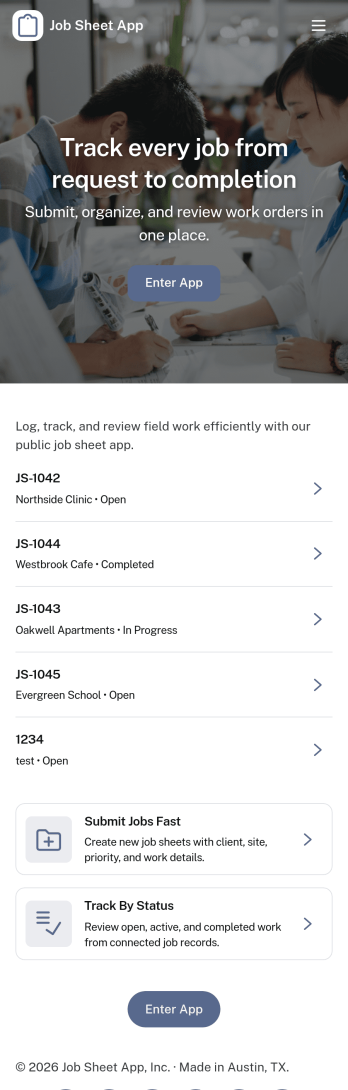
Job Sheet App
A Job Sheet App gives field teams and service businesses a clear place to view open jobs, capture progress updates, and keep work details consistent from start to finish. Use it to reduce missed steps on site visits, standardize job notes across technicians, and keep everyone aligned on what’s next. With quick navigation to Open Jobs and a simple Submit Update path, it works well for contractors, maintenance crews, home services teams, and operations managers who need job information to stay current while work is happening.Jotform makes it easy to publish this kind of job tracking experience without coding using its no-code app builder and drag-and-drop interface. Connect the app to a form for fast data collection, organize job records in a connected workflow, and share a self-service link with your team so updates can be submitted from anywhere. As your process grows, you can adjust pages, add new steps, and keep insights accessible in one mobile-friendly place with Jotform App Templates.
Go to Category:Operations & Logistics Portal Apps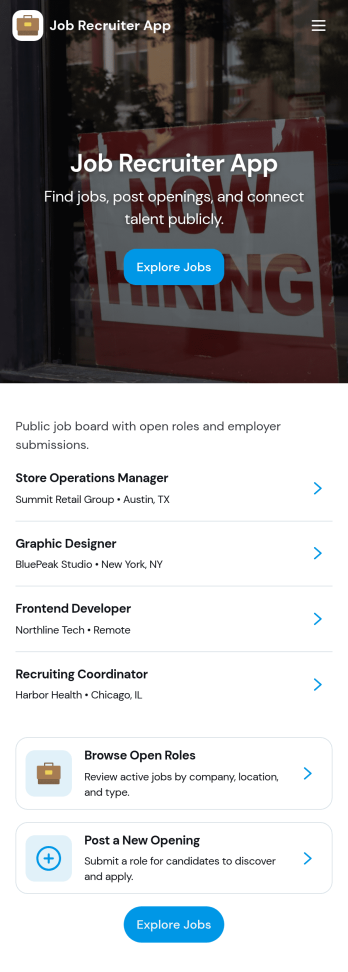
Job Recruiter App
Job Recruiter App brings key recruiting activities into one place so hiring teams can move faster from requisition to offer. Use it to browse open roles, keep candidate records organized, and monitor where applicants sit in the pipeline, all from a simple set of pages built for day-to-day recruiting. It’s a strong fit for internal recruiters, staffing coordinators, HR teams, and growing businesses that need a consistent way to track roles and candidates without juggling spreadsheets or scattered notes.With Jotform, you can turn this app template into a branded, self-service recruiting workspace using a no-code app builder and a drag-and-drop interface. Connect forms for data collection like adding candidates or managing requisitions, surface lists for quick browsing, and keep your workflow moving with navigation buttons and shareable access. Update the layout as your hiring process evolves and publish the experience so your team can manage recruiting work from anywhere.
Go to Category:HR Portal Apps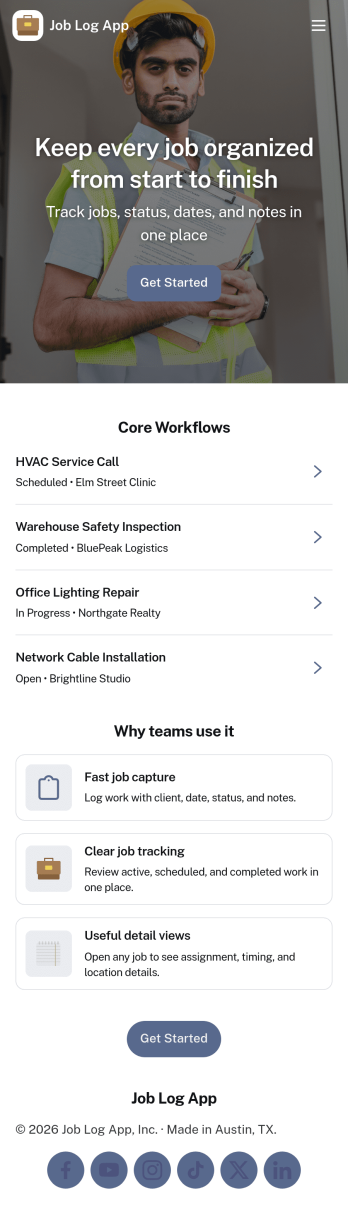
Job Log App
Job Log App helps teams and independent professionals capture work details as they happen and keep a clear record of jobs over time. Use it to add a new entry in seconds, review log history when questions come up, and pull up a client-specific view for context before the next visit. It fits field service businesses, contractors, consultants, and operations teams that need consistent job documentation for handoffs, billing support, or internal reporting without relying on scattered notes.Built with Jotform, this app template works as a practical self-service log hub that connects a simple form to organized, easy-to-browse pages. Customize the layout with a drag-and-drop interface, publish updates fast with a no-code app builder, and keep work information centralized so your workflow stays clear from first entry to quick stats and follow-ups.
Go to Category:Log Apps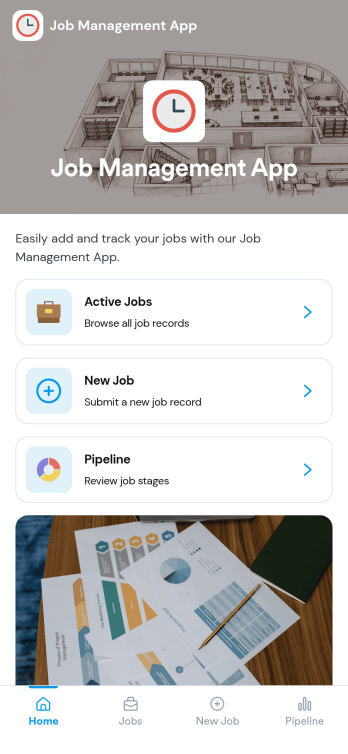
Job Management App
Job Management App brings your hiring workflow into one place so teams can post open roles, route candidates to the right listings, and keep applications organized as they come in. Use it to share a clear set of Open Jobs, publish role details, and guide candidates to Apply Now with a simple in-app application form. It’s a practical fit for growing businesses, HR departments, and operations leaders who need an easy way to keep recruiting moving without losing track of who applied to what.With Jotform, you can build and tailor app templates like this using a no-code app builder and a drag-and-drop interface, then connect your app experience to forms and tables for reliable data collection. Keep your workflow consistent by linking job listings to an application form, giving internal users a view of all applications, and offering candidates a self-service way to review their own applications. Share the app through a link or QR code, update content as roles change, and collaborate across teams as hiring needs evolve.
Go to Category:HR Portal Apps