
The Project Documentation App brings project records into one accessible workspace for project managers, operations teams, consultants, contractors, and technical departments. Teams can browse projects, add documentation, review individual records, and view documentation insights without searching across scattered files or messages. Project codes, status details, owner teams, document types, and dates provide useful context for ongoing work. This app template supports handovers, progress reporting, internal reviews, implementation records, and project closeouts while improving visibility and helping stakeholders maintain a consistent documentation process.
Jotform makes this Project Documentation App easy to adapt with a no-code app builder and an intuitive drag-and-drop interface. Customize pages, navigation, colors, and branding, then connect forms, tables, approvals, and other workflow assets to support data collection and team collaboration. Jotform App Templates can be published quickly and shared through a direct link, QR code, or embedded experience, giving employees and partners mobile-friendly access. The result is a practical self-service resource that keeps project information organized while reducing manual follow-ups.
Related templates
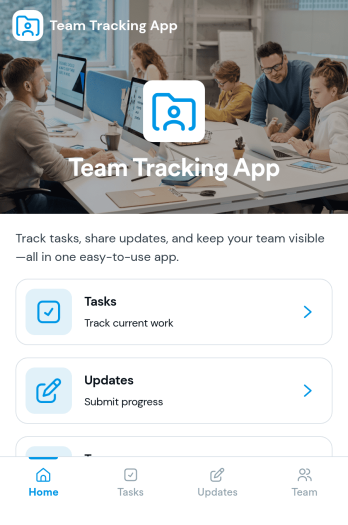
Team Tracking App
Team Tracking App brings day-to-day visibility to who’s working on what, what’s changed, and where help is needed. Use it to organize tasks, post progress updates, and keep a simple directory of team members in one place, so managers and contributors can stay aligned without digging through long message threads. It’s a practical fit for departments, project teams, agencies, and growing businesses that need lightweight tracking for assignments, ownership, and ongoing status.Built with Jotform App Templates, this app template can be customized in minutes using Jotform’s no-code app builder and drag-and-drop interface. Connect task and update forms to your workflow for reliable data collection, then share the app as a self-service destination for your team to review tasks, add updates, and find contact details. With flexible layout options and connected tools across Jotform, you can adapt the experience as your processes evolve.
Go to Category:Management Apps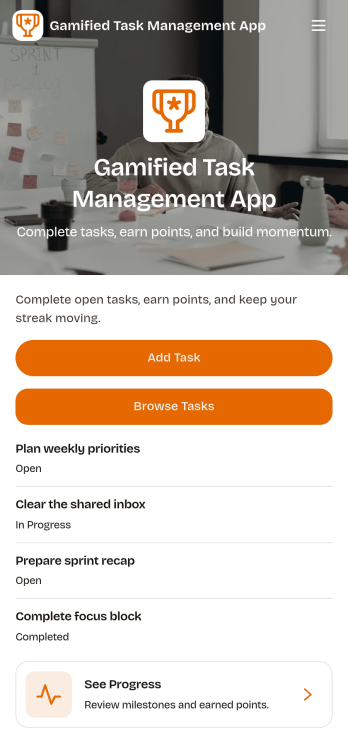
Gamified Task Management App
Gamified Task Management App turns everyday to-dos into a motivating experience by pairing task tracking with points, milestones, and a leaderboard-style view of progress. Use it to capture new work quickly, browse active and completed tasks, and keep priorities and due dates visible so nothing slips through. It’s a great fit for team leads, small businesses, student groups, and anyone who wants more follow-through from a shared task list without adding complicated project overhead.Jotform App Templates make it easy to publish a branded, self-service experience from a no-code app builder with a drag-and-drop interface. Connect your app to forms and data collection so updates flow into a single workflow, then share it by link or QR code for fast access on any device. With Jotform, you can adjust pages, navigation, and visuals to match how your team actually works while keeping progress clear and engaging.
Go to Category:Task Management Apps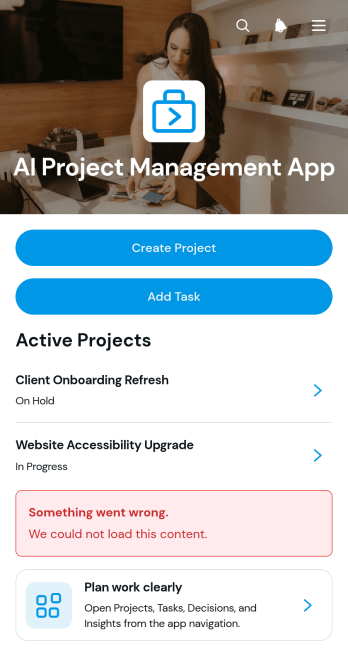
AI Project Management App
AI Project Management App is a ready-to-use workspace for teams planning AI initiatives, coordinating project work, and documenting key decisions. Project managers, technology teams, consultants, agencies, and growing businesses can use this app template to create projects, assign and review tasks, and record decision context in one accessible place. Clear project overviews help users monitor ownership, priorities, due dates, and related work without relying on scattered documents. It is especially useful for managing AI implementation projects, internal experiments, client engagements, product development, and other work that requires shared visibility and accountability.Jotform Apps makes it easy to adapt this experience with a no-code app builder and an intuitive drag-and-drop interface. Teams can customize pages, navigation, colors, fonts, and branding while connecting forms, tables, approvals, and automated workflows. The app can be shared through a direct link or QR code for convenient mobile access, giving collaborators a central location for data collection and project updates. Start with this template, tailor it to your process, and publish a polished self-service workspace without writing code.
Go to Category:Project Management Apps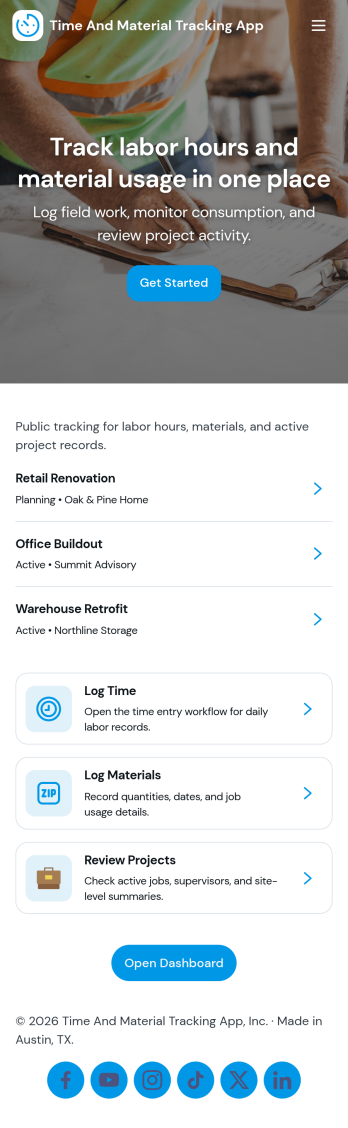
Time and Material Tracking App
Time and Material Tracking App helps teams record labor hours and material usage against specific jobs so job costs are easier to understand and review. It fits contractors, field service crews, repair teams, and small operations groups that need a simple way to log time and materials during the day, then look back at what was used on each job. With quick navigation to log time, log materials, and view personal entry history, the app supports consistent tracking without relying on scattered notes or end-of-week reconstruction.Built with Jotform, this app template can be adjusted to match how your jobs are organized and how your team works in the field. Use a no-code app builder with a drag-and-drop interface to update pages, labels, and navigation, then connect entries to your underlying records for easier reporting and follow-up. Share the app with a link so staff can submit updates from anywhere, and keep job activity centralized with connected forms and tables that support ongoing workflow and self-service access to records.
Go to Category:Activity Tracking Apps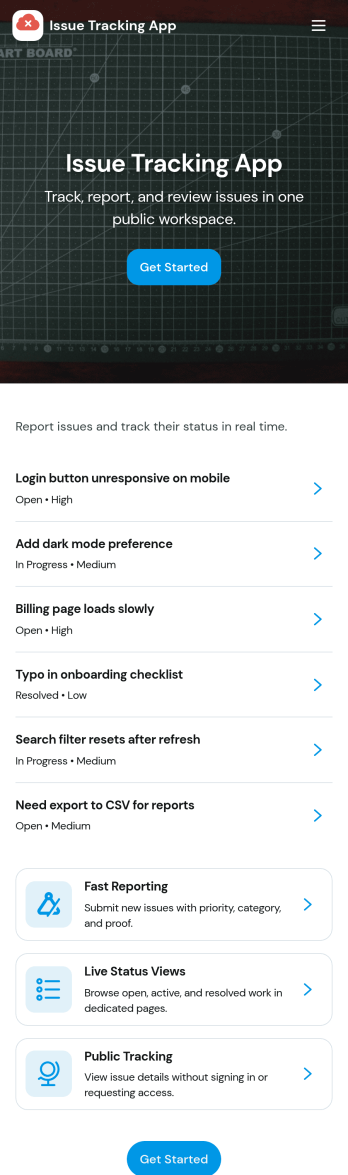
Issue Tracking App
Issue Tracking App helps teams capture, organize, and follow up on problems without losing context. Use it to report new issues as they come up, submit a new ticket in seconds, and keep a personal view of what you’ve raised through My Issues and My Submissions. It fits IT support, engineering, operations, and internal service teams that need a clear place for employees or customers to flag bugs, service interruptions, and process blockers, then monitor what’s still pending review.Built with Jotform App Templates, this app template turns everyday issue reporting into a simple self-service experience you can share as a link or QR code. Customize pages with a drag-and-drop interface, connect the report form to your data collection workflow in Jotform, and keep issue records organized for faster triage and better visibility across the team.
Go to Category:Information Technology Apps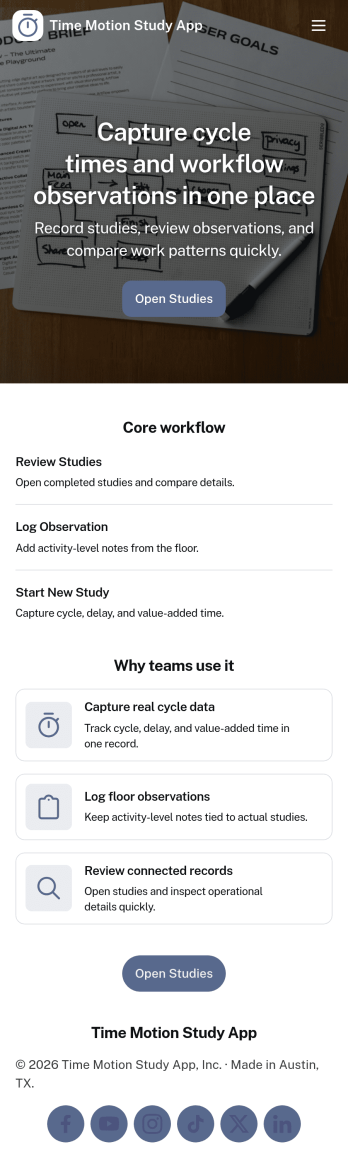
Time Motion Study App
Time Motion Study App helps teams capture how work is performed so they can understand cycle times, spot delays, and standardize repeatable processes. Use it on the floor, in the field, or in an office setting to log a study as it happens, keep a centralized list of studies, and review insight-ready records without relying on scattered notes. It’s a practical fit for operations leaders, industrial engineers, continuous improvement teams, supervisors, and analysts who need consistent time-and-motion documentation across shifts, sites, or job types.With Jotform, you can turn this app template into a branded, self-service experience that’s easy to share and update. Using Jotform’s no-code app builder and drag-and-drop interface, you can connect your study logs to forms and data collection workflows, organize studies into navigable lists, and give stakeholders a simple way to view recent studies and drill into details. As your process changes, you can adjust the app layout and connected workflow in minutes so the same hub keeps supporting ongoing improvement.
Go to Category:Engineering Apps