
Public Health Meeting App is an app template for health departments, community organizations, nonprofit teams, meeting coordinators, and public outreach staff that need one accessible place to publish meeting information and invite community participation. Organizers can present upcoming meetings with agendas, locations, and topics while giving residents direct ways to express attendance interest, submit questions, and share feedback. This clear, mobile-friendly experience helps people prepare before a session and contribute even when they cannot participate in person. It also reduces scattered inquiries, supports informed discussion, and gives teams a consistent resource for recurring public health meetings.
Jotform Apps makes this template easy to adapt with a no-code app builder and drag-and-drop interface. Teams can update pages, adjust navigation, apply their visual identity, and connect forms or workflows for data collection without programming. Meeting information and self-service actions can be organized in one app and shared through a direct link, QR code, or embedded experience. Starting with Jotform App Templates also saves setup time, helping organizers publish a polished resource, gather responses, and keep public engagement activities easier to manage.
Related templates
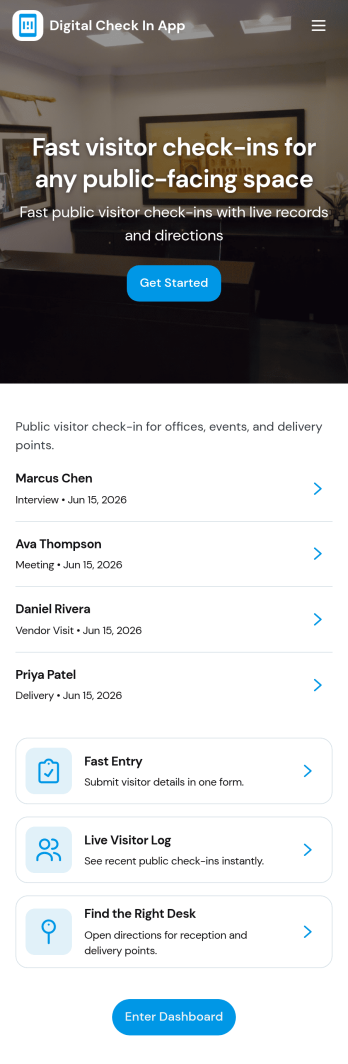
Digital Check in App
Digital Check in App helps you welcome and track visitors without paper sign-in sheets. It gives guests a simple way to start check in and complete a visitor check in form, while your team can quickly view visitors in one place. This works well for offices, coworking spaces, schools, clinics, warehouses, and event venues that need a clear record of who arrived and when, especially during busy periods with frequent walk-ins.Jotform makes it easy to turn this experience into a polished, shareable check-in flow using its app templates and no-code app builder. With a drag-and-drop interface, you can tailor pages, buttons, and navigation to match your front-desk process, then connect the app to your broader workflow for data collection and follow-up. Share the app link or QR code so visitors can check in from a phone or a kiosk-style device, and keep visitor information organized for your team.
Go to Category:Customer Portal Apps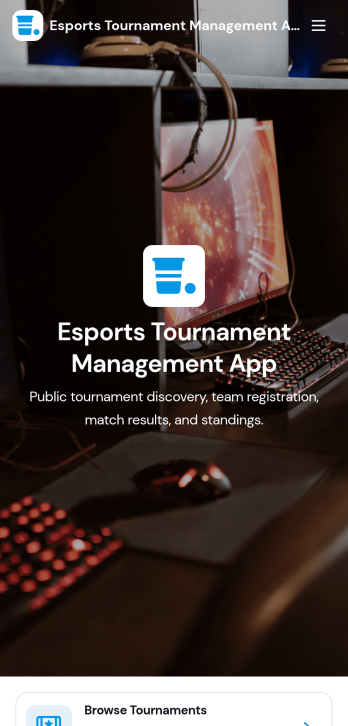
Esports Tournament Management App
Esports Tournament Management App brings tournaments, teams, and match schedules into one place so organizers and communities can keep competitive play easy to follow. Use it to publish upcoming events, help players explore participating teams, and share matchups with clear details like venue, game, and prize pool. Built-in navigation makes it simple for visitors to browse tournaments, jump to a match schedule view, and check team profiles. It also supports community growth by offering a direct way to submit a tournament or submit a team, which is helpful for leagues, gaming venues, student clubs, and esports networks coordinating multiple events.With Jotform App Templates, you can turn your tournament workflow into a polished self-service experience without coding. Jotform’s no-code app builder and drag-and-drop interface let you adjust pages, branding, and navigation, then connect the app to your existing data collection and workflow needs. Share the app with a link or QR code, keep information updated in one place, and create a consistent hub that’s easy to access on desktop or mobile for players, fans, and staff.
Go to Category:Event Management Apps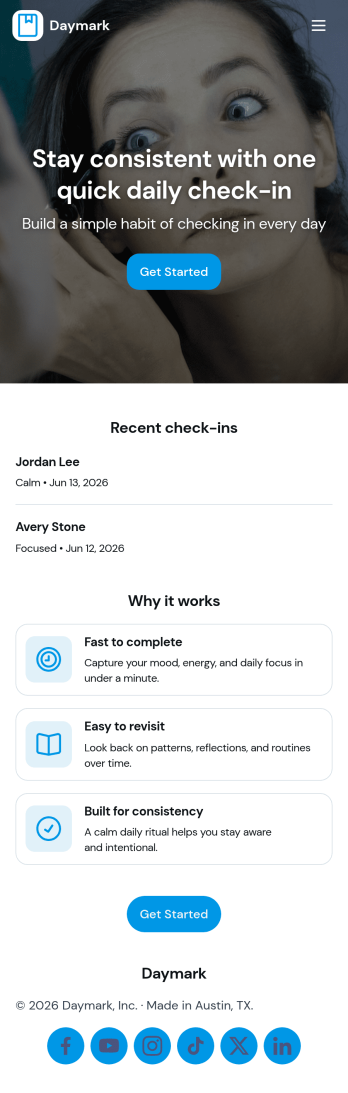
Daily Check In App
Daily Check In App helps you build a simple, repeatable routine for capturing how your day is going, then looking back on patterns over time. Use it to prompt quick daily reflections, add a new check-in in seconds, and review recent entries when you want context before planning the rest of your week. It’s a practical fit for individuals focused on habits, teams running lightweight wellness routines, coaches supporting clients between sessions, or HR and people teams who want a consistent internal check-in flow that’s easy to follow.With Jotform App Templates, you can publish a branded self-service experience powered by a no-code app builder and a drag-and-drop interface. Connect your check-in form to organized views for browsing recent logs, add an insights page for quick reflection, and share the app by link or QR code so people can check in from anywhere. Jotform makes data collection and workflow routing easier, so your daily check-in process stays consistent without adding admin work.
Go to Category:Activity Tracking Apps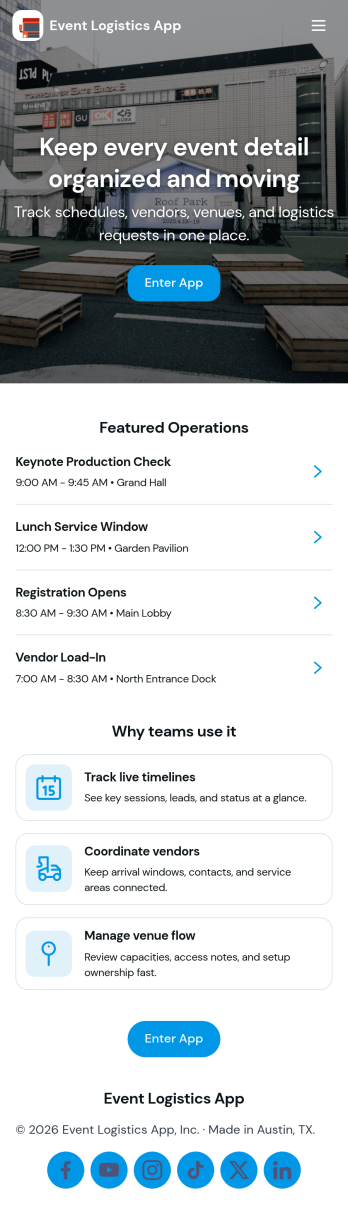
Event Logistics App
Event Logistics App brings day-of-event coordination into one place so organizers can keep timelines, staffing, and on-site issues moving without confusion. Use it to publish a working schedule, add staffing assignments as plans change, and give team leads a simple way to log issues from the floor as they happen. It’s a practical fit for event planners, venues, production crews, nonprofits running fundraisers, and campus teams managing conferences, festivals, tournaments, or multi-session programs where many people need the same source of truth.With Jotform, you can turn your Event Logistics App into a polished self-service experience using a drag-and-drop interface and a no-code app builder. Connect buttons to forms for data collection, route updates into tables for easy viewing, and keep your workflow moving with shareable links and mobile-friendly access. As details shift, you can adjust pages, branding, and navigation so staff and volunteers always know what to do next and where to report problems.
Go to Category:Event Planner Apps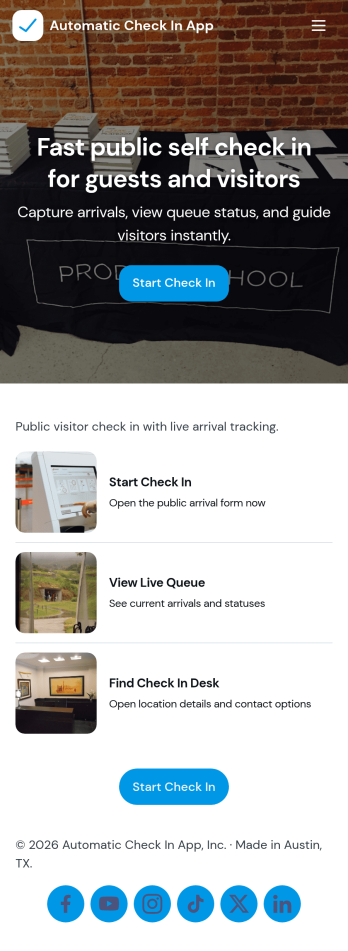
Automatic Check In App
Automatic Check In App helps organizations record arrivals quickly and consistently without relying on manual logs. From front desks and lobbies to events, classrooms, clinics, and shared workspaces, it gives staff a clear flow to start a check in, view arrivals as they happen, and keep a searchable history for follow-ups. Teams can capture repeat visits with a fast New Check In action, reduce lines during busy periods, and maintain a dependable record of who came in and when.Jotform makes it easy to turn this experience into a branded, mobile-friendly tool using customizable app templates and a no-code app builder. With a drag-and-drop interface, you can adjust pages, buttons, and lists to match your process, then connect the app to the included form and table views for ongoing data collection and simple workflow handoffs. Share it by link or QR code so staff can use it on-site and managers can review activity from anywhere.
Go to Category:Event Registration Apps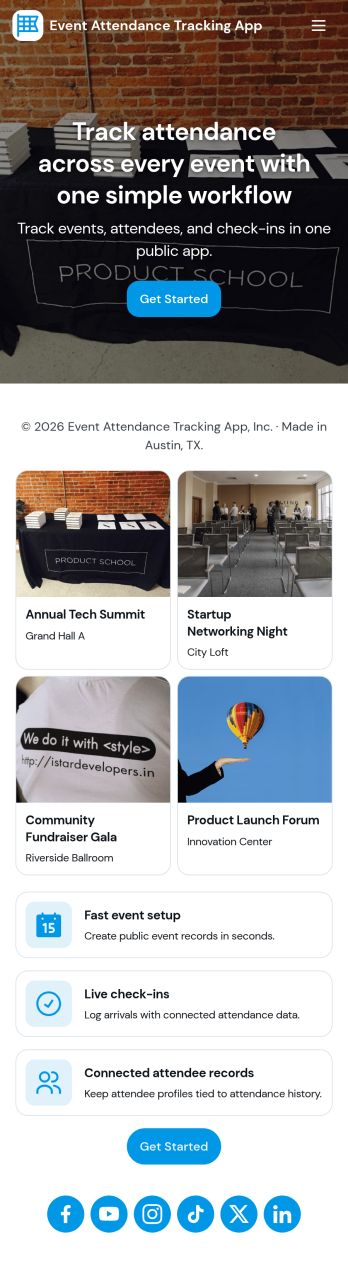
Event Attendance Tracking App
Event Attendance Tracking App helps organizers keep an accurate record of who registered and who actually showed up, without juggling paper lists or scattered spreadsheets. Use it to register attendees ahead of time, add walk-ins at the door, and log check-ins as guests arrive. It’s a strong fit for event teams running conferences, workshops, campus events, community meetups, trainings, and internal company sessions where headcounts, attendance history, and quick lookups matter throughout the day.With Jotform, you can turn attendance tracking into a simple self-service experience using App Templates and a no-code app builder. Build the flow with a drag-and-drop interface, connect registration and check-in forms, and keep records organized in linked tables for fast searching and reporting. Share the app with staff using a link or QR code so everyone works from the same up-to-date attendee list while your workflow stays consistent from registration to check-in.
Go to Category:Event Planner Apps