Queuing App helps organizations manage walk-ins by letting customers join a queue, browse available queues, and check their place in line from one simple self-service experience. It’s a practical fit for clinics, public offices, school admin desks, service counters, pop-up events, and any location that needs to replace paper tickets or crowded waiting areas. With a live queue board and ticket entry flow, staff can keep lines moving while visitors stay informed about where to go and what to expect.
Built with Jotform App Templates, this queuing experience is easy to tailor for different desks, locations, or service types. Use Jotform’s no-code app builder and drag-and-drop interface to update pages, connect your queue data collection to Jotform tables, and add workflows like status updates and notifications. Share the app through a link or QR code so guests can take a ticket, view updates, and return to the queue list without extra help from staff.
Related templates
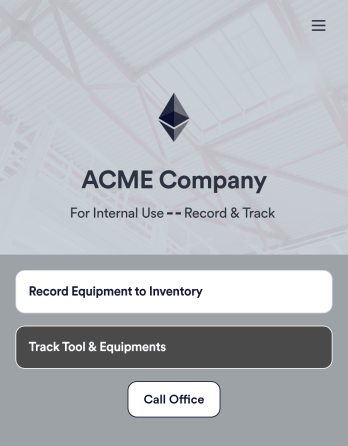
Tool Inventory App
A tool inventory app is used by companies that need to keep track of loaned out tools and equipment. This customizable Tool Inventory App allows you and your employees to record equipment name and type, date of purchase, vendor name, location, number of items, and unit cost. There is also an upload form for attaching pictures and receipts to individual entries. Submissions are stored securely in an easy-to-read database, which you can access directly from your app from any smartphone, tablet, or computer.Looking to personalize this Tool Inventory App? Using our drag-and-drop interface, you can add or change forms, choose fonts and colors, upload your company logo, update the app name, text and splash page, and more — all with zero coding. After you’re done customizing your app can be shared internally via link and then accessed and downloaded on any device. Never lose track of a tool rental again with this Tool Inventory App!
Go to Category:Inventory Apps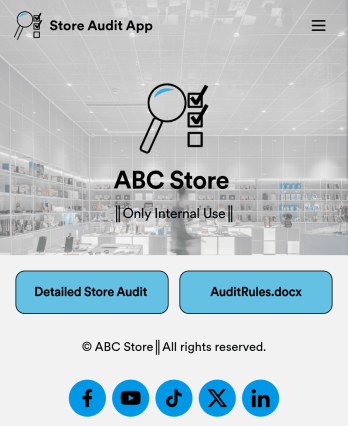
Store Audit App
A store audit app is used by store owners and managers for recording store audits. Jotform’s Store Audit App allows employees to create daily and monthly inspection audits by filling out a form detailing store standards, presentation, and security. Audits are automatically synced to an archive in your secure Jotform account, which you can access from any device for ease of use.Make this app template your own with our intuitive app builder. Drag and drop to add or change form elements, choose color schemes, upload images, and more — no coding required. You can also modify audit headers and textboxes to fit the needs of your store. Once you’re finished, simply download your app onto your store’s tablet or desktop, or share it with employees using a link. Ditch the paperwork and keep all your store audits in one place with this Store Audit App from Jotform.
Go to Category:Checklist Apps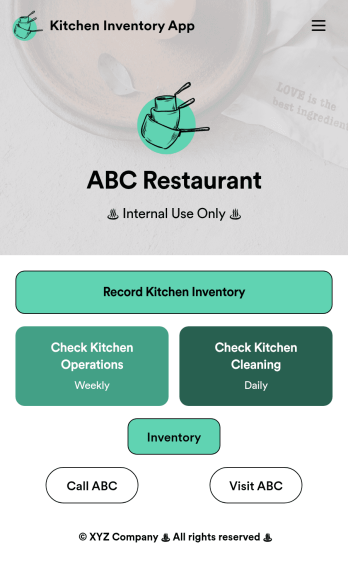
Kitchen Inventory App
Tracking inventory in your kitchen is the key to success for your restaurant. Make inventory a breeze with our free, customizable Kitchen Inventory App! It lets you bundle multiple forms in one app, so you can access our Restaurant Inventory Template and other kitchen forms from anywhere. Supervisors or employees can open the app on any smartphone, tablet, or computer to record stock inventory, report on kitchen operations, and track daily cleaning.This Kitchen Inventory App is ready to use as is, but feel free to make any modifications if necessary. Without any coding, you can add forms, text, images, links, and more. You can even change the name, icon, and splash page for your app for a fully-custom design! Monitor food usage and keep track of your inventory more efficiently with a custom Kitchen Inventory App for your restaurant.
Go to Category:Inventory Apps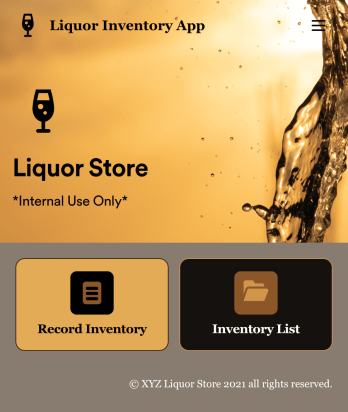
Liquor Inventory App
Whether you own a bar, restaurant, grocery store, or liquor store, keeping an accurate count of your inventory is essential. With this free Liquor Inventory App, you and your employees can easily record and track liquor supplies by type, quantity, price, and proof. Your inventory is then stored in an easy-to-read Liquor Inventory Spreadsheet in your Jotform account.Want to customize your Liquor Inventory App? No problem! Our drag-and-drop interface makes it simple to add or change forms, choose fonts and colors, upload your company’s logo, update the app name or text, and more — no coding necessary. Afterwards, simply download the app onto your device or share the link with your employees and you’re ready to go. Keep every bottle accounted for with this free and fully customizable Liquor Inventory App!
Go to Category:Inventory Apps
Retail Inventory App
A retail inventory app is used by retail store managers and employees for keeping records of product inventory. This free Retail Inventory App allows you to easily keep track of inventory by recording product name, inventory ID, stock location, unit price, quantity, and more through a Product Inventory Information Record Form. Product entries are stored securely in a Product Inventory Table in your account, which you can sort, filter, and search from any device. You can also share and export an inventory list with just a few clicks.If you’d like to personalize your app, just use our drag-and-drop form builder to add or change form elements, choose fonts and colors, and customize your icon and splash page—no coding required. With Jotform’s Role-based feature, you can control access so tutors, admins, and other users see only the parts of the app relevant to them. Afterwards, you can share your app with managers and employees using a link or embed it in an internal website. Start keeping detailed product inventory records with this customizable Retail Inventory app from Jotform.
Go to Category:Company Portal Apps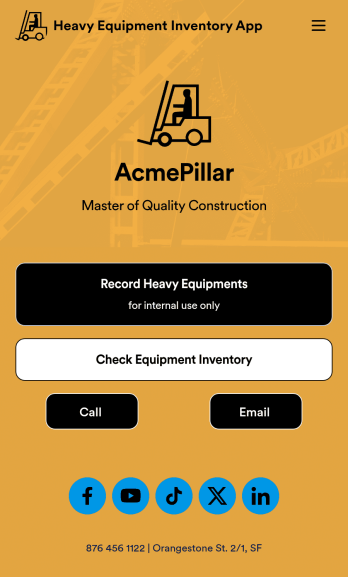
Heavy Equipment Inventory App
A heavy equipment inventory app is used by warehouse companies that need to keep track of incoming equipment purchases. With this customizable Heavy Equipment App, your drivers can record equipment name and type, date of purchase, vendor name, location, number of items, and unit cost. There is also an upload form for attaching pictures and receipts to individual entries. Entries are stored securely in an easy-to-read database, which you can view and manage from any device.This Heavy Equipment Inventory App is fully customizable and doesn’t require any coding. Using our drag-and-drop interface, you can add or change forms, choose fonts and colors, upload your company logo, update the app name, text, splash page, and more. After you’re done customizing, your app can be shared internally via the link and then accessed and downloaded on any device. Record and track warehouse inventory purchases with this Heavy Equipment Inventory App. No coding is required!
Go to Category:Inventory Apps