
The Reactor Safety Training App provides a focused learning environment for teams that need to communicate foundational reactor safety concepts. It is suited to engineering organizations, technical training departments, safety teams, educational institutions, contractors, and facility personnel. Learners can move through organized training modules, review layered protection concepts, and revisit key learning points from one accessible location. A connected training form can support knowledge checks, acknowledgments, or feedback without separating the learning experience from data collection. By presenting essential material in a consistent format, this app template helps instructors reduce scattered resources, give learners clearer guidance, and support recurring training for new or existing personnel.
Jotform Apps makes it easy to adapt the template with a no-code app builder and an intuitive drag-and-drop interface. Training administrators can update pages, reorganize content, add supporting media, and connect forms to notifications or other workflow steps. The finished app can be shared through a direct link or QR code for convenient mobile access and self-service learning. Starting with Jotform App Templates also shortens setup time while leaving room to apply custom branding, refine navigation, and expand the learning experience as training needs change.
Related templates
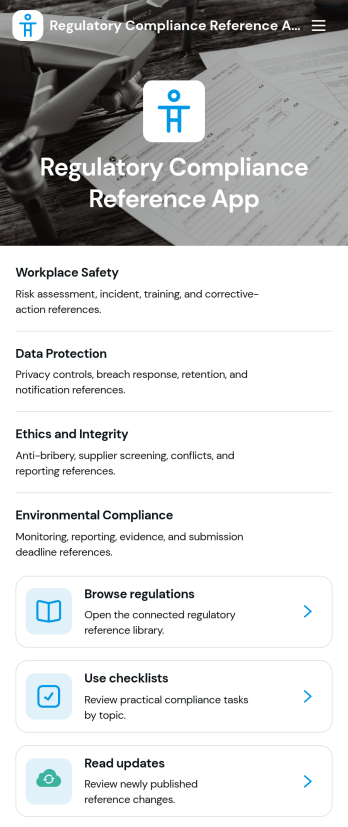
Regulatory Compliance Reference App
Regulatory Compliance Reference App brings your organization’s key regulations, checklists, and update notes into one easy-to-browse reference library. It’s built for compliance leads, operations managers, risk teams, and distributed departments that need a reliable place to review requirements by topic, confirm jurisdictions and effective dates, and keep internal guidance aligned with the latest reference status. With quick navigation to browse regulations, open source references, and use checklists tied to real responsibilities like owners and review frequency, teams can reduce time spent hunting for the right information and keep day-to-day decisions consistent.Jotform makes it simple to publish this app template as a self-service resource without coding. Using a drag-and-drop interface, you can tailor pages, organize your reference lists, and connect the app to a form for ongoing data collection when new regulations, checklist updates, or internal notes need to be added. Share the finished app with a link or QR code, keep content current in one place, and support clearer workflows across teams with Jotform.
Go to Category:Safety and Compliance Apps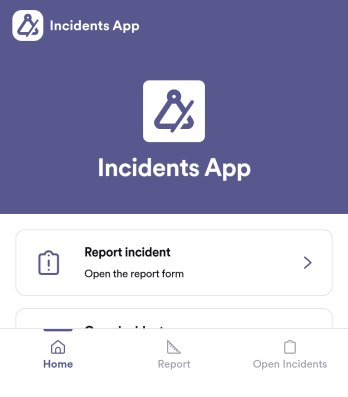
Incidents App
Incidents App gives teams a clear, consistent way to capture incident details the moment something happens and keep visibility on what’s still unresolved. It’s a practical fit for workplaces, schools, property teams, event operations, and service organizations that need staff to report issues quickly, then follow progress without hunting through emails or spreadsheets. With an in-app path to report an incident, review open incidents, and reference incident history, the app supports faster handoffs and better follow-through across shifts and locations.Built with Jotform, this app template pairs self-service reporting with organized recordkeeping so teams can collect data in one place and act on it. Use Jotform’s no-code app builder and drag-and-drop interface to tailor pages, wording, and navigation for your process, then connect the app to the underlying form and table for ongoing workflows. Share the app through a link or QR code, control who can access reporting views, and keep your incident information easy to search and manage as volume grows.
Go to Category:Log Apps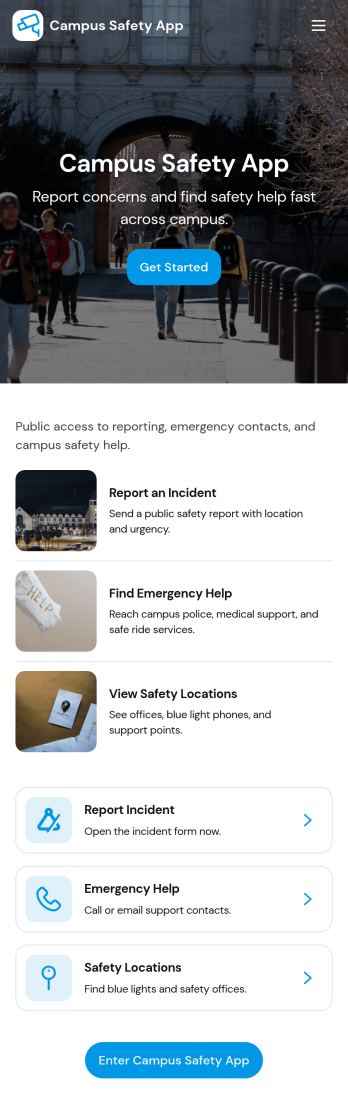
Campus Safety App
Campus Safety App gives schools a central place to support safer day-to-day operations by making it simple for students, staff, and visitors to report concerns and find help fast. It brings together incident reporting, a view into open incidents, and an organized set of safety resources so the right information is available when it matters. Whether you manage a university, community college, or K–12 campus, this app helps standardize how issues are raised, logged, and followed up while keeping key contacts and services within easy reach.With Jotform, you can tailor this app template to match your campus workflows using a no-code app builder and a drag-and-drop interface. Connect the app to forms and tables for consistent data collection, route updates through internal workflow steps, and publish a self-service experience you can share by link or QR code. From collecting incident details to guiding users toward resources and safety requests, Jotform makes it easier to keep information organized and accessible across your campus community.
Go to Category:Education Apps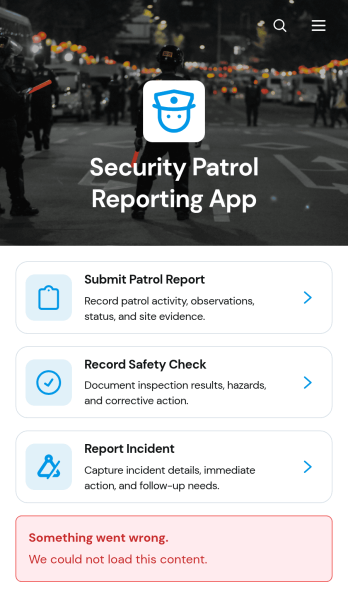
Security Patrol Reporting App
The Security Patrol Reporting App is an app template for documenting patrol activity, safety checks, and incidents across offices, residential properties, construction sites, warehouses, campuses, and other monitored locations. Security officers can submit patrol reports from the field, record inspection findings, and report incidents while details are still current. Supervisors, property managers, facility teams, and security service providers can review records by date, officer, location, status, severity, and follow-up needs. Bringing these activities into one accessible reporting experience reduces missing information, improves visibility across shifts, and helps teams respond to identified concerns.Jotform App Templates make it easy to adapt this reporting experience to an organization’s procedures without writing code. With Jotform’s no-code app builder and drag-and-drop interface, teams can update pages, branding, navigation, and connected forms to suit different properties or patrol assignments. Collected data can feed into tables, notifications, approvals, and related workflows, giving managers a central place to organize reports and monitor next steps. Once ready, the app can be shared with officers through a direct link or QR code for convenient mobile access and field-based self-service.
Go to Category:Report Apps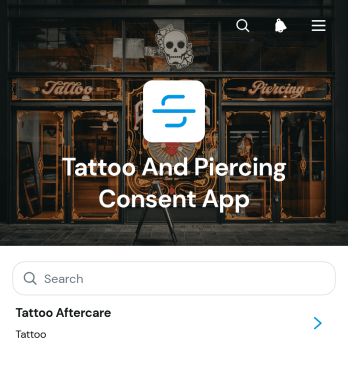
Tattoo And Piercing Consent App
The Tattoo And Piercing Consent App is a ready-to-use digital space for studios that need to collect client consent before tattoo and piercing appointments. Tattoo artists, piercers, reception teams, and studio managers can use it to guide clients through consent completion, review submitted records, and provide relevant aftercare information. Health disclosures, appointment details, contact information, and aftercare acknowledgments stay connected in one organized experience. This helps studios replace scattered paperwork, prepare staff before each service, maintain clearer records, and give clients convenient access to care guidance after their appointment.Jotform makes this app template easy to adapt with a no-code app builder and a flexible drag-and-drop interface. Studios can update pages, adjust branding, organize resource navigation, and connect forms or tables to support their preferred workflow. The app can be shared through a direct link or QR code, giving clients a mobile-friendly self-service option while helping staff manage data collection from one location. Jotform App Templates also make it simple to publish updates as procedures, consent questions, or aftercare resources change, without rebuilding the experience from the beginning.
Go to Category:Salon Apps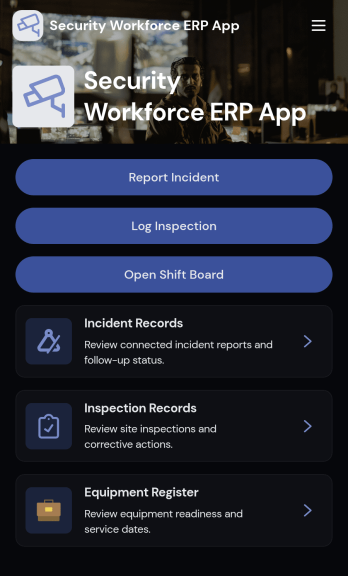
Security Workforce ERP App
Security Workforce ERP App brings your guard force and site operations into one place so supervisors can add workforce records, set up security sites, record shift coverage, and capture incident reports without juggling spreadsheets or scattered messages. It’s built for security companies, contract guarding teams, and in-house security departments that need a dependable way to keep rosters current, track who covered which shift, and document incidents with clear details for follow-up and review.Jotform makes it easy to turn these everyday workflows into a polished, shareable experience with App Templates you can customize in minutes. Using Jotform’s no-code app builder and drag-and-drop interface, you can organize pages for workforce, coverage, sites, and incidents, connect forms for data collection, and keep your workflow moving with a self-service hub that works on any device. As records grow, you can continue adapting the app to match how your team schedules, responds, and reports in the field.
Go to Category:Operations & Logistics Portal Apps