Refrigeration Troubleshooting App helps technicians and maintenance teams record cooling issues, reference a fault library, and review repair history from one place. It’s ideal for restaurants, grocery stores, cold storage facilities, hotels, and property teams that need a consistent way to capture problem details and reduce repeat visits. With quick navigation to Log Issue, My Logs, and fault-based records, teams can keep troubleshooting notes organized and easier to act on during service calls.
Jotform makes it simple to publish this kind of self-service, mobile-friendly workflow using its no-code app builder and drag-and-drop interface. Connect your issue log form to your data, add pages for fault lookups and repair history, and share the app with a link or QR code so staff can log issues on-site. As activity grows, Jotform helps you keep data collection consistent and workflows clear without adding complexity.
Related templates
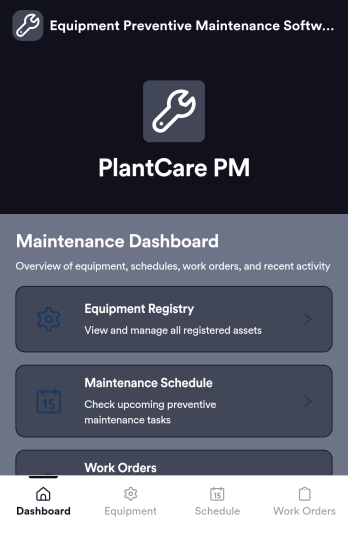
Equipment Preventive Maintenance Software
Equipment Preventive Maintenance Software is an app template designed to streamline the planning, scheduling, and tracking of preventive maintenance activities. This robust platform directly supports organizations, maintenance teams, facility managers, and equipment operators in their pursuit of consistent equipment upkeep, reducing downtime, and extending asset lifespan. With the primary task of data collection, this application collects and organizes necessary information related to equipment maintenance, such as maintenance schedules, equipment details, and maintenance tasks details. As it's ready to use, this software aids in the reduction of overhead associated with ad-hoc collection processes, providing a level of clarity and consistency that is unmatched. Commonly used by maintenance teams and facility managers, this template is best for organizations that seek an efficient way to manage preventive maintenance processes.Jotform's Equipment Preventive Maintenance Software offers an effortless user experience, allowing users to efficiently collect electronic signatures and customize their software to fit their unique needs. The software's user-friendly design enables it to be easily implemented without any steep learning curve. The built-in capability for collecting electronic signatures simplifies the verification of completed maintenance tasks, ensuring accountability and transparency. Moreover, the software provides the ease of customizing according to your operational needs, letting you adjust the data fields, create customized reports, and even change the aesthetic design to match your brand. Operating as a comprehensive solution, Jotform's Equipment Preventive Maintenance Software truly revolutionizes the way organizations manage their equipment maintenance.
Go to Category:Organization Apps
TV Repair Tracking App
The TV Repair Tracking App gives television repair shops, independent technicians, electronics service teams, and field service managers a central place to manage repair work from intake through completion. Staff can log a repair, review open jobs, and generate repair reports without relying on scattered notes or spreadsheets. Each request can preserve essential service context such as the television model, customer details, preferred contact method, reported issue, diagnosis, required parts, estimated cost, and completion notes. This clearer view of repair progress helps teams prioritize active work, prepare customer updates, coordinate parts, and maintain consistent service records across workshop and on-site jobs.Jotform makes this app template easy to adapt with a no-code app builder and drag-and-drop interface. Teams can adjust pages, navigation, branding, and connected workflows to reflect their repair process, then organize data collection and self-service access in one mobile-friendly experience. The app can connect with forms, tables, notifications, approvals, and other operational tools so repair information stays accessible as work advances. Publish it with a shareable link or QR code to give authorized technicians and service staff convenient access from a phone, tablet, or computer.
Go to Category:Equipment Maintenance Software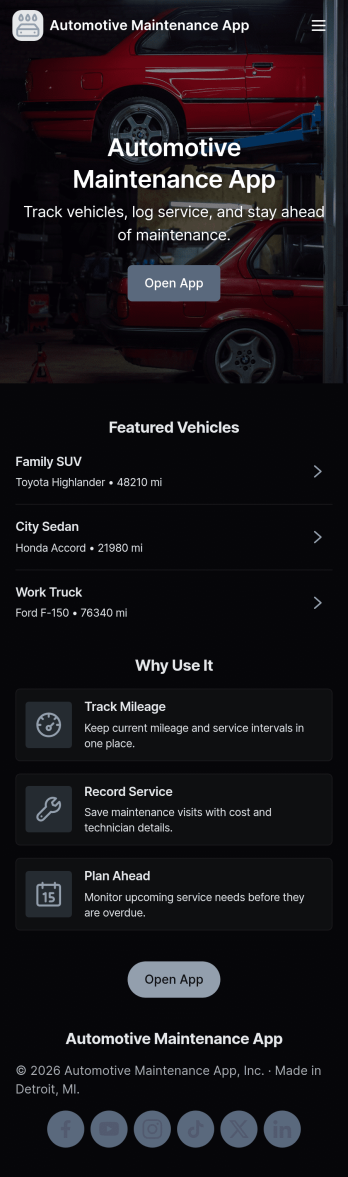
Automotive Maintenance App
An automotive maintenance app brings your vehicle details and service history into one place so you can stay on top of routine care and avoid missed maintenance. Use it to add vehicles, log service visits, and review insights that help you understand what’s been done and what may be coming up next. It’s a practical fit for individual drivers, families with multiple cars, small fleets, and auto shops that want a simple way to keep records organized and easy to access.With Jotform, you can turn this automotive maintenance app into a branded self-service experience without coding. Customize pages with a drag-and-drop interface, connect forms for data collection like adding a vehicle or logging a service, and keep everything organized in a single workflow that’s easy to share and use on the go. Update the layout as your process evolves, then publish and distribute your app with a link or QR code.
Go to Category:Automotive Apps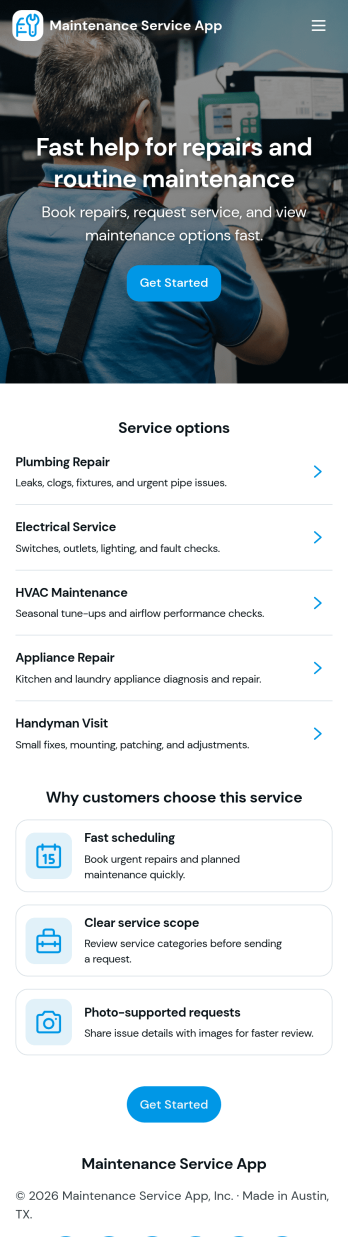
Maintenance Service App
Maintenance Service App brings maintenance requests and work orders into one place so teams can capture new issues, monitor active jobs, and reference completed work without hunting through emails or spreadsheets. It works well for home service providers, property managers, facilities teams, and small operations groups that need a simple way to accept incoming requests and keep technicians aligned on what is open, in progress, or finished. With quick navigation for creating a new request, viewing open work orders, and checking job history, the app supports faster response times and clearer handoffs from intake to completion.Built with Jotform App Templates, this app template can be customized in minutes using Jotform’s no-code app builder and drag-and-drop interface. Connect the request flow to your existing forms and tables for consistent data collection, keep records organized for day-to-day workflow tracking, and share a self-service link with staff or customers to reduce manual follow-ups. As your process evolves, you can update pages, buttons, and lists to match how your maintenance operation actually runs.
Go to Category:Equipment Maintenance Software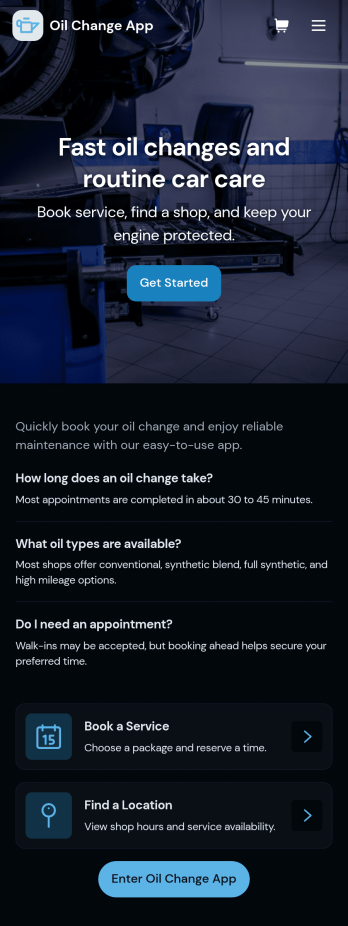
Oil Change App
Oil Change App gives auto shops and mobile mechanics a simple way to manage oil change appointments while keeping vehicle details and service history easy to find. Use it to let customers request service, track upcoming bookings, and organize key vehicle information in one place so your team spends less time searching and more time turning bays. It’s a strong fit for quick lube locations, independent repair shops, fleet-focused service providers, and any operation that needs repeatable, trackable oil change workflows across multiple vehicles.With Jotform, you can turn this app template into a branded, customer-friendly self-service experience using a no-code app builder and a drag-and-drop interface. Connect the app to your forms and tables for data collection, route requests into a workflow, and keep records centralized for staff. Share the app by link or QR code, update content anytime, and create a smoother service process from booking to completed records, all without writing code.
Go to Category:Automotive Apps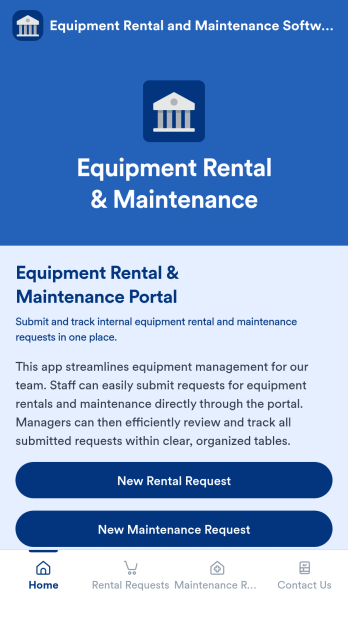
Equipment Rental and Maintenance Software
Equipment Rental and Maintenance Software is an app template designed to simplify and streamline the management of equipment for companies. With this application, your team can effortlessly submit requests for both equipment rentals and maintenance. Managers, in turn, are able to efficiently review and track all of these requests within clear, organized tables. This ready-to-use app template ensures that all your equipment data is consolidated in one place, providing clarity and consistency in your operational workflows. It is perfect for service providers, coordinators, administrators, and agencies who require a reliable solution for their equipment rental and maintenance processes.The power of Jotform is harnessed in this Equipment Rental and Maintenance Software, providing ease of use, ease of collecting e-signatures, and ease of customization. Beyond that, Jotform ensures a seamless process of data collection. Using Jotform's intuitive interface, you can effortlessly tailor the app to fit your company's branding needs, including the ability to adjust font styles, colors, and even upload your company's logo. This app also allows for the easy collection of electronic signatures, increasing efficiency in your operations. The generated reports are presented in clear, organized sheets, making it easier for you to track and manage your equipment rental and maintenance requests. With Jotform, you have the power of customization and the ease of use that your company needs to streamline its operations.
Go to Category:Equipment Maintenance Software