Rental Inspection App helps property teams run consistent move-in, move-out, and routine unit checks while keeping inspection activity organized in one place. From the home screen, inspectors can start an inspection, log findings for a specific unit, and submit issue reports with supporting details when something needs attention. It’s a practical fit for landlords, property managers, leasing offices, and maintenance coordinators who want clearer unit visibility across multiple properties without relying on scattered notes, photos, or messages.
Jotform App Templates make it easy to turn inspection workflows into a guided, self-service experience you can share with your team. Using Jotform’s no-code app builder and drag-and-drop interface, you can connect inspections and issue reports to forms and tables, review inspection logs, and keep history searchable by unit. Customize the layout, add your branding, and publish the app to support reliable data collection and smoother workflows across your rental operations.
Related templates
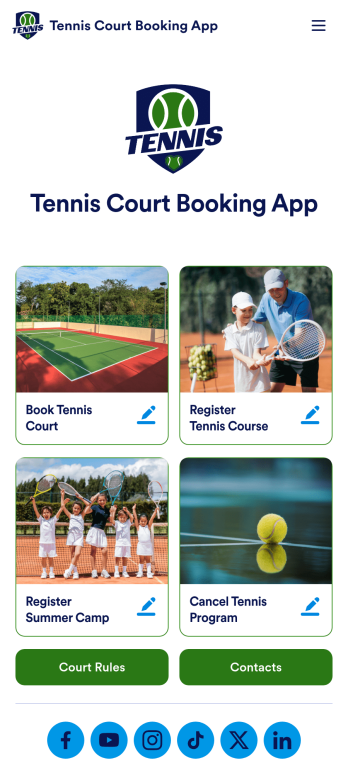
Tennis Court Booking App
A tennis court booking app is used by tennis court facility managers to receive, track, and manage tennis court bookings with ease. Using this ready-made Tennis Court Booking App, you can receive bookings from any device, complete with payments, contact details, and e-signatures, then manage them all using Jotform’s suite of powerful productivity tools.Customize this Tennis Court Booking App with our drag-and-drop app builder. No coding required! You can add a booking calendar, include your logo and branding, integrate with 200+ platforms to send submissions to other platforms like Google Calendar or Google Sheets, and collect payments with popular payment processors like Square and PayPal — while paying no extra transaction fees to Jotform.
Go to Category:Booking Apps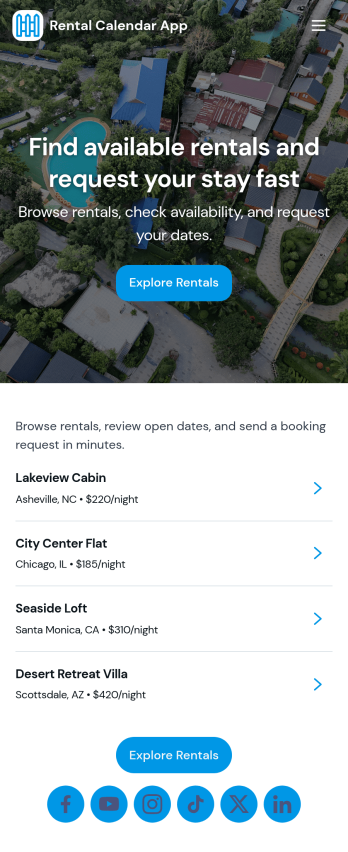
Rental Calendar App
Rental Calendar App helps you manage rental bookings with a clear, shareable view of what’s available and what’s already reserved. It’s a practical fit for vacation rental hosts, property managers, equipment and party rental businesses, and anyone coordinating short-term or recurring rentals who needs a simple way to capture new booking requests and review reservations in one place. With quick navigation to a New Booking flow and a dedicated Reservations area, teams can reduce double-booking risk, keep timing details consistent, and respond faster when customers ask about dates.Jotform makes it easy to turn this rental calendar app template into a branded self-service experience using a no-code app builder and a drag-and-drop interface. Connect the app to your Jotform form and linked data so booking details and reservation lists stay organized, then publish and share the app with staff or customers for smoother scheduling workflows. As your rental operation grows, you can adjust pages, add steps, and keep your data collection and day-to-day workflow in one Jotform workspace.
Go to Category:Rental Apps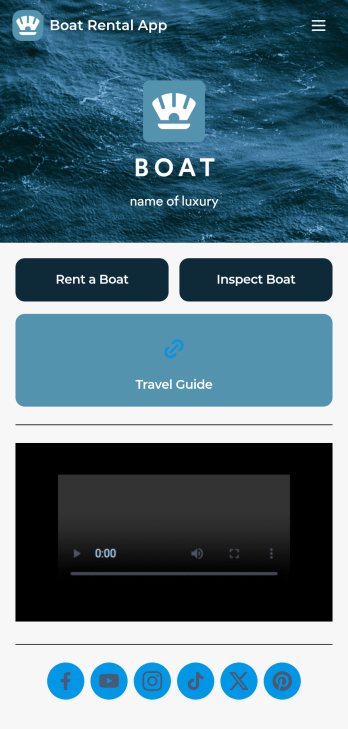
Boat Rental App
A boat rental app makes it easier for customers to rent boats from your business using any device. If you run a boat rental business, build your own mobile app with our free Boat Rental App template. This ready-to-use app template comes with a rental form, inspection form, and link to an external site. Customers can download your app on any smartphone, tablet, or computer to fill out your forms with ease. Submissions will be received instantly and stored in your accessible Jotform account.Need to modify this Boat Rental App for your business? Without any coding, you can customize the template in just a few clicks. All you have to do is drag and drop to add or remove forms, embed links, update text, upload your logo, and change app settings such as name, icon, and splash page. When your app is ready to use, share it on your website for customers to download onto their device. Make your online boat rental process easier for customers with a custom Boat Rental App for your business.
Go to Category:Rental Apps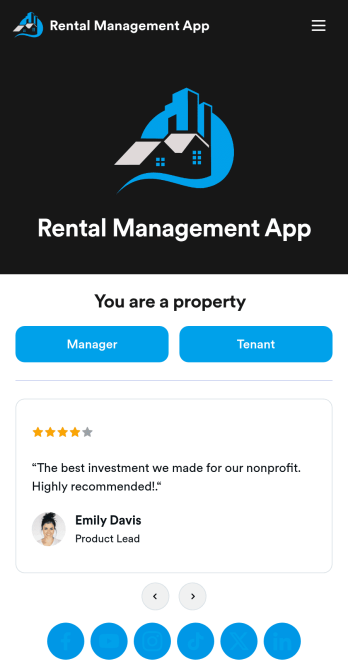
Rental Management App
A rental management app allows property management companies to collect and store tenant information and online paperwork in one convenient location. Property managers can keep track of new tenants, payment logs, and tenant leases through easy-to-understand spreadsheets using Jotform Tables. Tenants can download your rental management app on their preferred device to request maintenance and fill out a move-out checklist and satisfaction survey. They can also call or email the property manager directly from the tenant portal in your app. All data is instantly synced to your secure Jotform account.Want to make this app template your own? No coding is required — simply drag and drop to add form elements, edit text fields and checklist items, choose fonts and colors, upload your property management company’s logo, and much more. After you’re finished making changes, share your app with tenants by sending email invites or embedding the app in your website. Keep all of your tenants’ information in a single location with this all-in-one Rental Management App from Jotform.
Go to Category:Management Apps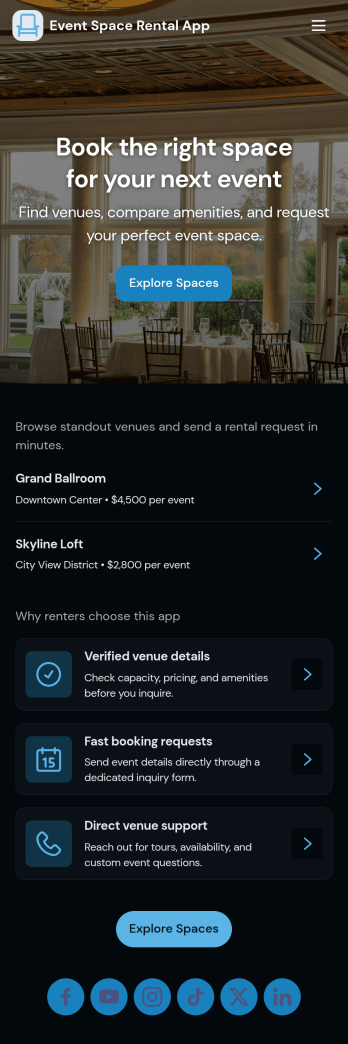
Event Space Rental App
Event Space Rental App helps venues and event organizers handle rentals in one place, from discovering available spaces to sending booking inquiries and tracking request status. Use it to showcase multiple venues, guide visitors to key details and typical uses, and give prospects a clear path to request a booking. It’s a strong fit for banquet halls, studios, coworking and meeting spaces, community centers, hotels with event rooms, and property managers who rent spaces for parties, workshops, photo shoots, and corporate gatherings.With Jotform, you can turn this app template into a branded self-service experience without coding. Build pages with a drag-and-drop interface, connect the booking request form to your workflow, and keep requests organized in connected tables for quick review. Share the app through a link or QR code so customers can browse venues, submit requests, and revisit “My Requests” while your team monitors “All Requests” and follows up faster.
Go to Category:Rental Apps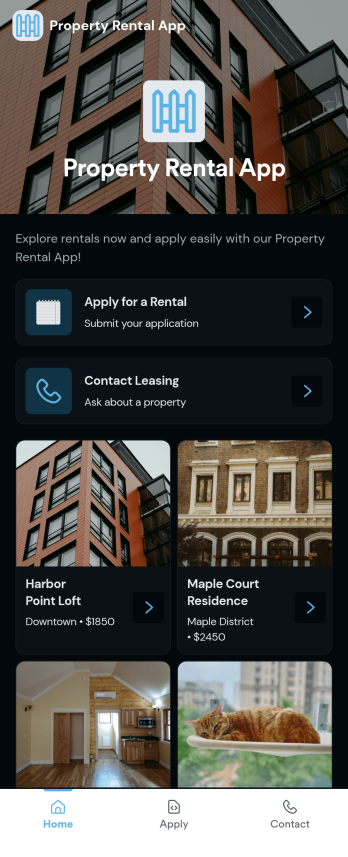
Property Rental App
A Property Rental App gives prospective tenants an easy way to browse available listings, open a property detail view, and take action immediately. Use it to present rentals with clear visuals and key information, then route renters to the right next step such as submitting a rental application or sending an inquiry. Property managers, leasing teams, and independent landlords can share one central place where people can explore options, request more details, and contact leasing without searching through emails or scattered links.Built with Jotform App Templates, this app template is simple to tailor for your portfolio and brand using a no-code app builder and a drag-and-drop interface. Connect the app to Jotform forms for rental applications and inquiries, keep information consistent across listings, and support self-service for renters on any device. As requests come in, your team can respond faster, reduce missed leads, and keep the rental process organized from first click to completed paperwork.
Go to Category:Rental Apps