
Responsible Visual Content Guide App is a central resource for teams reviewing images, graphics, videos, and other visual materials before publication. Marketing teams, communications departments, nonprofits, educational institutions, and creative groups can use it to browse responsible content guidance, record content decisions, and revisit review details. The app supports consistent consideration of intended audiences, usage rights, people and consent, representation, and accessibility without scattering notes across separate files. It is especially useful for campaign planning, editorial reviews, social media production, training materials, and community communications where teams need a clear decision trail and shared review practices.
Jotform App Templates make it easy to adapt this app template to an organization’s own review process. With Jotform’s no-code app builder and drag-and-drop interface, users can update pages, cards, buttons, guidance, and branding without programming. Connected forms support data collection for decision records, while organized navigation gives reviewers convenient self-service access from phones, tablets, or computers. Teams can share the finished app by direct link or QR code and connect it with tables, notifications, approvals, and other workflow steps as their visual content operations grow.
Related templates
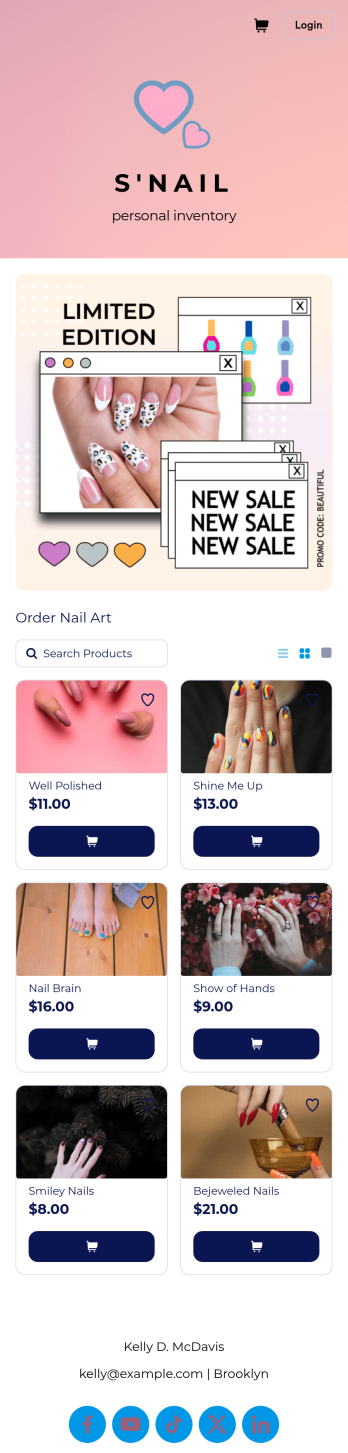
Nail Art Bio Link App
Looking to find out how to sell nail art online? Give your customers an easy way to order nail art through your social media profile page with a free Nail Art Bio Link App from Jotform. By including a custom order form or pre-order form in your app link, you can gather orders and payments seamlessly from your customers on any device. Simply customize this app template to match your branding, add the link into your Instagram bio, and start collecting responses instantly.Make this Nail Art Bio Link App look as flawless as your nail designs with our drag-and-drop app builder. With no coding, you can upload your logo, change colors to match your branding, integrate your payment forms with 30+ popular payment processors to sell nail art online, and make other changes in a matter of minutes. Then just copy and paste your custom Nail Art Bio Link App into your Instagram bio, and you’re good to go!
Go to Category:Social Bio Link Apps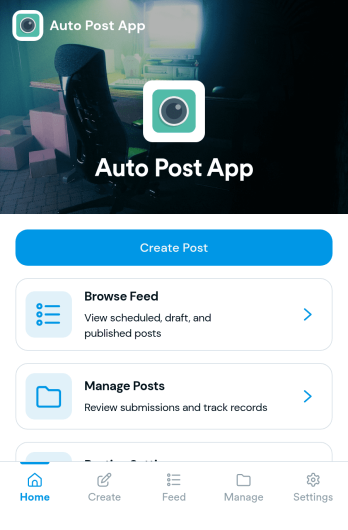
Auto Post App
Auto Post App brings your social content workflow into one place so teams can draft posts, organize what’s coming up, and keep a clear record of what’s already gone out. It’s a practical fit for social media managers, small business owners, creators, and marketing teams who want a simple way to build drafts, move them into a queue, and reference past publishing activity without relying on scattered notes or multiple tools.With Jotform App Templates, you can publish a branded, self-service app experience powered by Jotform’s no-code app builder and drag-and-drop interface. Connect your draft form to collect content details, use lists to review items in your queue and history, and share the app with teammates so everyone follows the same workflow from planning to tracking.
Go to Category:Sales & Marketing Portal Apps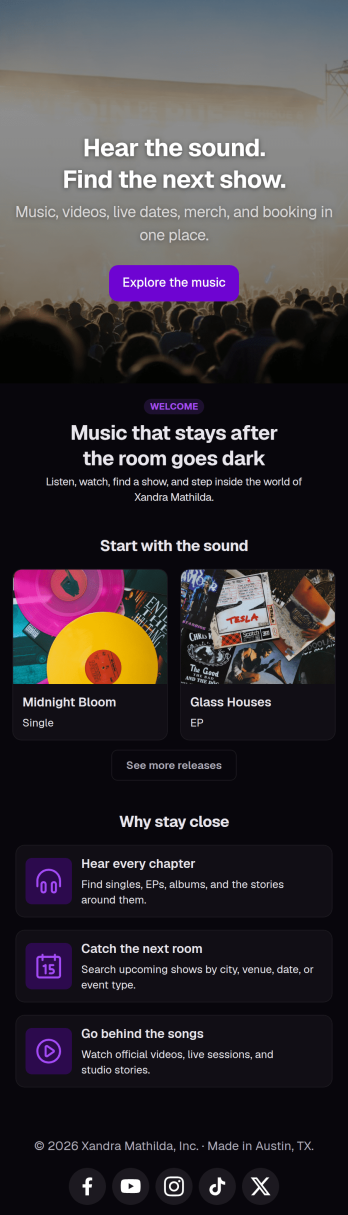
Musician Instagram Bio Link App
Wondering how to sell music online through Instagram? Add ordering links, forms, and more to your Instagram bio with a free Musician Instagram Bio Link App from Jotform. Whether you want to list upcoming concerts, collect orders for your merch store, or share album releases or other announcements, do it in a free downloadable app that followers can access in a single click. All orders and submissions through your Musician Instagram Bio Link App, and forms are stored in your secure Jotform account, ready to view on any device.Need to customize this app template? Add order forms for concert tickets, merch, or to sell music online, links to your website, or other app elements like images, documents, or text boxes at the touch of a button with our drag-and-drop builder. No coding knowledge necessary. Once your Musician Instagram Bio Link App is ready to go, add it to the bio of your music page to give your followers an easy way to access all of your important links at once.
Go to Category:Online Store Apps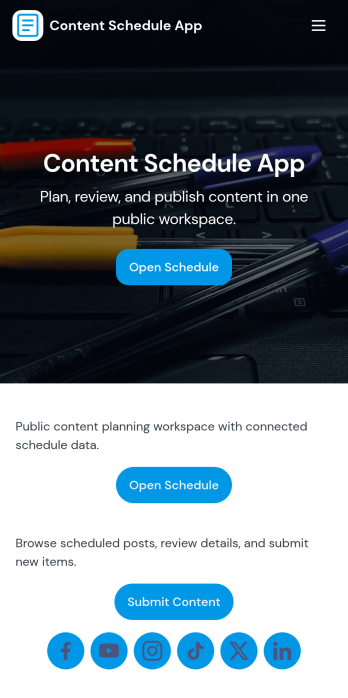
Content Schedule App
A content schedule app brings your publishing plan into one place so teams can create content requests, keep a clear review queue, and see what’s going live next. Use it to organize blog posts, newsletters, social updates, videos, and campaign assets with clear titles and publish dates, then quickly browse planned items in a list view as priorities change. It’s a practical fit for marketing teams, agencies, founders, and comms groups that need simple oversight across multiple channels without losing track of drafts, approvals, or deadlines.With Jotform, you can tailor this app template to match your workflow using a no-code app builder and a drag-and-drop interface. Link the in-app actions to your Content Plan form for consistent data collection, route entries to views like All Submissions and My Submissions, and share a single self-service hub that keeps stakeholders aligned. As your process evolves, you can update pages, navigation, and connected workflows so planning, reviewing, and scheduling stay easy to manage.
Go to Category:Sales & Marketing Portal Apps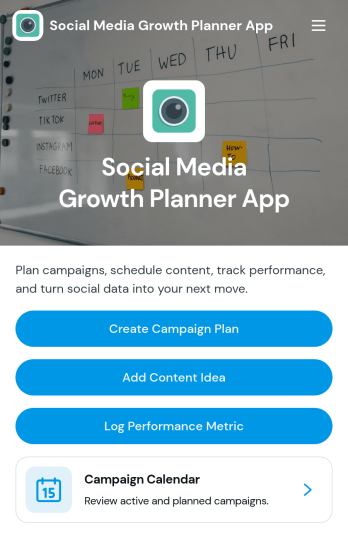
Social Media Growth Planner App
Social Media Growth Planner App helps you plan campaigns, organize content ideas, and keep a clear record of performance metrics so social efforts don’t get lost across notes, chats, and spreadsheets. It’s a practical fit for creators, influencers, marketing teams, and small businesses that need a simple way to map campaigns on a calendar, connect posts to the right initiative, and build repeatable habits for consistent publishing and improvement.With Jotform, you can turn this app template into a branded self-service planning space using a no-code app builder and a drag-and-drop interface. Link buttons to forms to capture campaign plans, content ideas, and metrics in one workflow, then share the app with your team for quick updates from any device. As your strategy evolves, you can adjust pages, navigation, and connected data collection without slowing down execution.
Go to Category:Social Media Management Apps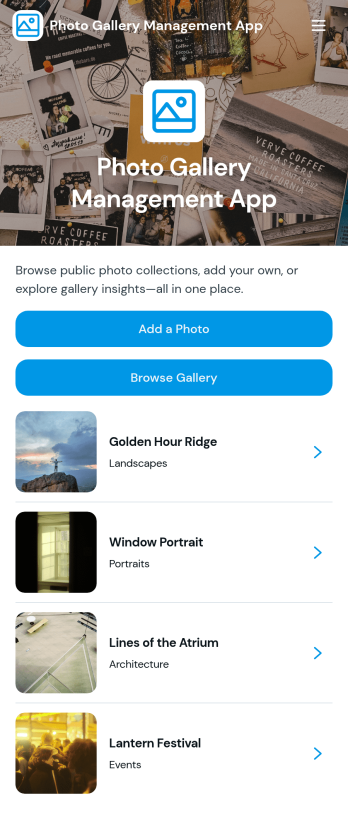
Photo Gallery Management App
Photo Gallery Management App helps teams collect, organize, and share images in one place, making it easier to keep photo libraries current and accessible. Use it to accept new uploads through an add-photo flow, publish a public-facing collection for browsing, and open individual photo pages to review key details like description, category, and photographer. It’s a practical fit for marketing and content teams, schools, event organizers, nonprofits, and small businesses that need a simple way to manage recurring photo submissions and keep galleries easy to navigate.Jotform makes it simple to turn this app template into a branded, self-service experience with a no-code app builder and a drag-and-drop interface. Connect the app to your existing Jotform forms and workflows to support consistent data collection, keep entries organized, and update your gallery without extra overhead. Share the app with a link so contributors can add photos and viewers can browse the full gallery from desktop or mobile.
Go to Category:Social Media Management Apps