
Robotics Conference App is an app template for organizers who need one accessible place to present a robotics conference and guide attendees through the event. It suits engineering associations, technology companies, universities, research groups, and event teams hosting robotics summits, demonstrations, academic meetings, or industry gatherings. Attendees can browse the conference schedule, submit a registration form, and explore speaker information without searching across separate websites or documents. Organizers gain a consistent way to communicate essential details, support attendee self-service, and reduce repetitive questions before and during the conference.
Jotform App Templates make it easy to turn event information and connected workflows into a polished digital experience. Using Jotform’s no-code app builder and drag-and-drop interface, teams can customize the Robotics Conference App with their branding, reorganize content, and connect forms or other resources without programming. The app can be shared through a direct link or QR code for convenient mobile access. Organizers can also update content as plans change, centralize data collection, and publish a modern conference resource that attendees can revisit throughout the event.
Related templates
Interactive Event App
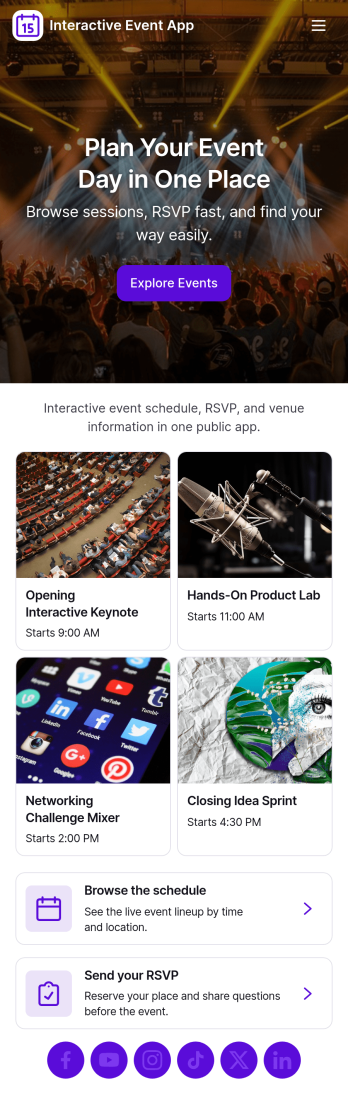
Interactive Event App brings event details into one place so attendees can browse events, check the schedule, register, and share feedback without hunting through emails or scattered links. It’s a strong fit for conference teams, community organizers, schools, nonprofits, and internal company events that need a simple, self-service experience for guests. Use it to reduce day-of questions, guide people to the right sessions, and keep participation high with clear navigation and quick actions.Built with Jotform App Templates, this app template is easy to tailor for any event and publish in minutes using a no-code app builder and a drag-and-drop interface. Connect buttons to registration and feedback forms for smooth data collection, and organize event listings so updates are easy to manage. Share your Jotform app through a link or QR code, keep the experience on-brand, and support your workflow from planning through post-event follow-up.
Go to Category:Event Planner Apps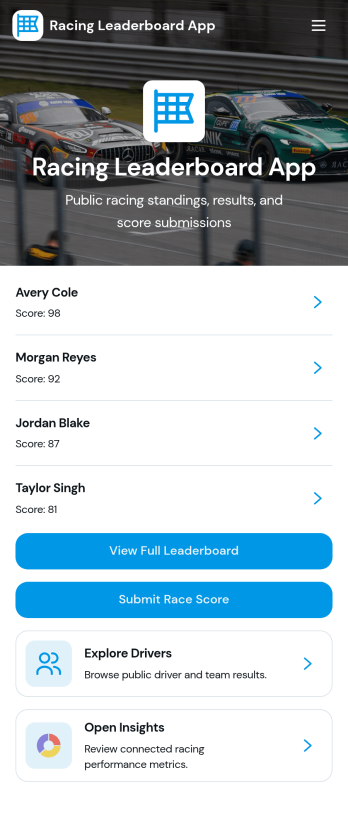
Racing Leaderboard App
Racing Leaderboard App gives race organizers and sports communities a simple way to share race listings, publish standings, and collect results in one place. Participants can browse races, open a race overview to see key details, and check the leaderboard to compare performance over time. When it’s time to report a finish, racers can submit results from the app, helping clubs, leagues, and recurring event series keep scoring consistent without relying on scattered messages or spreadsheets.Built with Jotform, this app template can be customized with a no-code app builder and a drag-and-drop interface so you can match your event branding and structure in minutes. Connect the app to your result collection form and related data so updates are easier to manage, then share the app as a self-service hub for racers, coaches, and staff. As your season grows, you can adjust pages, refine the workflow for reviewing results, and keep race information and leaderboards accessible on any device.
Go to Category:Sports Apps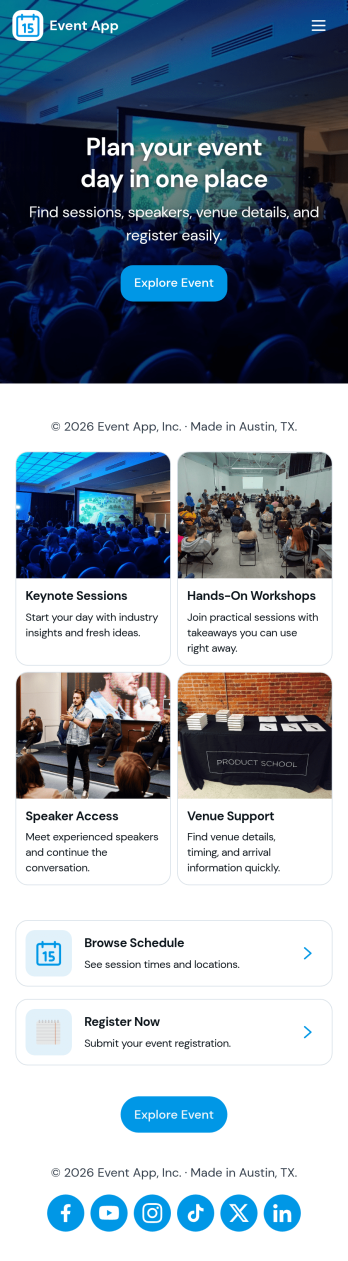
Event App
Event App brings your event listings, registration, and attendee follow-ups into one place so people can browse what’s happening and sign up in minutes. Use it to publish multiple events with key details, route visitors to a Register Now form, and give attendees a simple My Registrations view they can reference later. It’s a practical fit for event planners, marketing teams, community organizers, schools, and internal teams running trainings or company meetups who want a clear, shareable way to promote events and reduce day-of confusion.With Jotform App Templates, you can build this kind of self-service experience quickly using a no-code app builder and a drag-and-drop interface. Connect your app to Jotform forms and data collection flows to capture registrations, keep event information updated, and route responses into the workflow your team already uses. Publish with a link or QR code so attendees can access schedules and registration details from their phone, while your team stays organized behind the scenes.
Go to Category:Event Planner Apps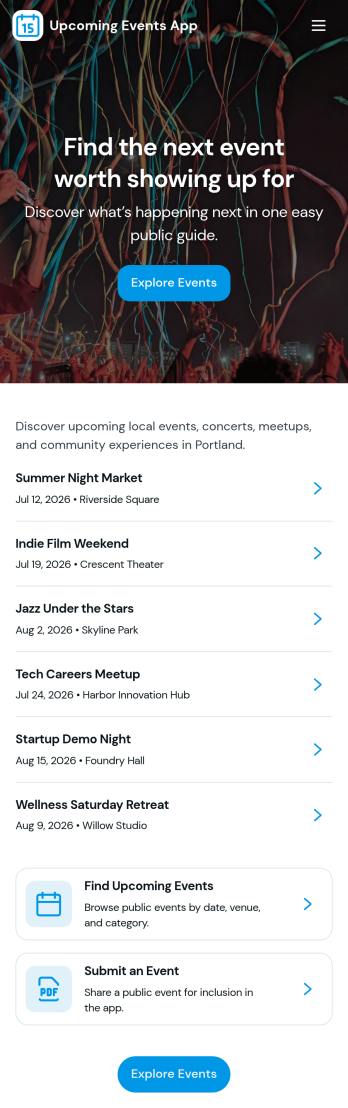
Upcoming Events App
Upcoming Events App gives you a simple, branded place to highlight what’s coming up and guide people from discovery to RSVP. Use it to publish event names and visuals, help visitors browse an events list, and send them into an RSVP flow without confusion. It’s a great fit for community groups, nonprofits, schools, fitness studios, venues, and small businesses that want one link to share upcoming happenings across email, social posts, or QR codes at the door.Built with Jotform, this app template is easy to tailor with a no-code app builder and a drag-and-drop interface so your team can update event details fast and keep information consistent. Connect the events list to your data, route RSVP responses into your workflow, and add supportive touchpoints like a simple email support button. Share the app anywhere to offer a smooth self-service experience that keeps attendees informed and helps you stay organized.
Go to Category:Event Planner Apps
Audience Voting App
Audience Voting App is an interactive app template for collecting audience opinions during live events, competitions, presentations, community programs, classroom activities, and online campaigns. Event organizers, educators, entertainment teams, marketers, and community leaders can present polls, help participants browse questions and available choices, and provide a clear path for casting a vote. Bringing voting access into one organized experience reduces confusing instructions, makes participation easier on mobile devices, and gives audiences a convenient self-service option. It can support anything from choosing a contest winner to gathering quick feedback on a topic.Jotform App Templates help teams create polished digital experiences without writing code. Customize the Audience Voting App with the no-code app builder, adjust pages and navigation through a drag-and-drop interface, and connect forms or other workflow assets for data collection. Branding, text, images, buttons, and poll content can be adapted to suit a specific event or campaign. Once the app is ready, share it through a direct link or QR code so participants can reach the voting experience from their preferred device.
Go to Category:Customer Engagement Apps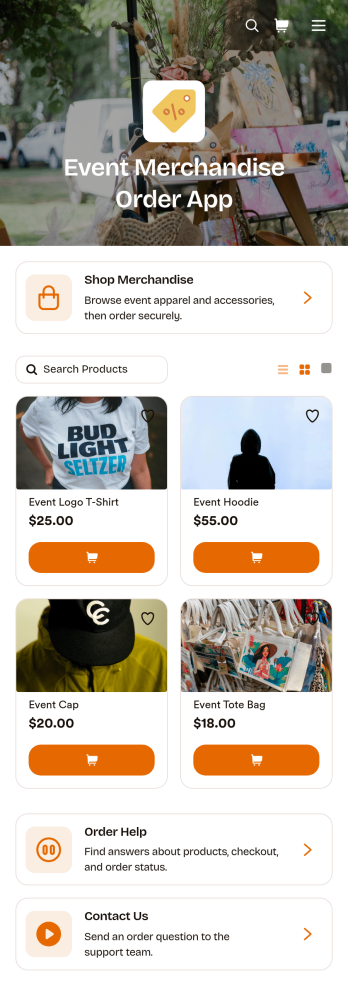
Event Merchandise Order App
Event Merchandise Order App is a mobile-friendly storefront for selling branded products connected to conferences, festivals, concerts, fundraisers, sports events, and community gatherings. Event organizers, merchandise teams, vendors, venues, and nonprofits can use it to give attendees one convenient place to browse available products and submit orders. Built-in access to merchandise shopping, order assistance, and contact options helps customers find items and resolve common questions without searching across separate channels. It also supports pre-event sales, on-site ordering, and post-event merchandise campaigns while giving teams a more organized approach to data collection and customer self-service.This app template can be personalized with Jotform Apps, a no-code app builder featuring a flexible drag-and-drop interface. Teams can update product content, add branded pages, connect order forms, and link workflows for payments, notifications, approvals, or fulfillment follow-up. Jotform App Templates make it easier to launch polished experiences without writing code, while sharing options such as direct links and QR codes help customers reach the store from event websites, signs, emails, or social posts. The layout can also be adapted as merchandise offerings and event needs change.
Go to Category:Event Management Apps