
Room Directory App provides a searchable place to browse rooms, review availability, and access essential details such as capacity and amenities. This app template suits hotels, hospitality teams, event venues, coworking facilities, schools, offices, and property managers that need to present room information in one accessible location. Staff can invite authorized contributors to submit a room, while guests, employees, or visitors can compare spaces before making an inquiry or planning their use. It reduces scattered room records, outdated reference documents, and repetitive questions by giving users a clear self-service directory.
Jotform App Templates make it easy to adapt the Room Directory App to different properties and operational workflows. With Jotform’s no-code app builder and drag-and-drop interface, teams can update navigation, add branded pages, connect room submission forms, and organize collected data without programming. The app builder also supports links to tables, approvals, notifications, and other connected processes, helping teams manage additions and updates from a unified workspace. Once customized, the directory can be shared through a direct link or QR code for convenient mobile access.
Related templates
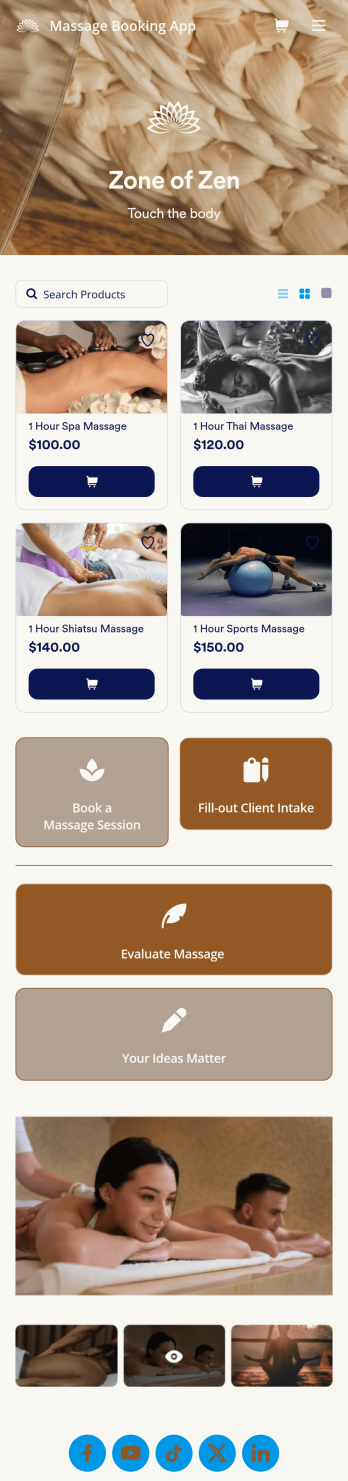
Massage Booking App
Wondering how to sell massage bookings online? A massage booking app makes it easier for clients to book consultations and appointments from any device. If you’re a massage therapist or masseuse, create your very own Massage Booking App with this free template, which includes a booking form, client intake form, evaluation form, and feedback form. Without coding, you can customize it to match your spa or studio, upload images, and add your social media links. Once clients have downloaded your app onto their smartphone, tablet, or desktop, they’ll be able to book appointments with ease.Want to customize this Massage Booking App? Using our drag-and-drop interface, you can easily change the app icon and name and add forms, documents, links, buttons, images, videos, and more. Once you’re happy with your app design, send email invites to clients or share it on your website or social media. Clients will be able to download it onto their favorite device for quick and easy access to your massage services. Take the stress out of online massage appointments with a fully customizable Massage Booking App!
Go to Category:Booking Apps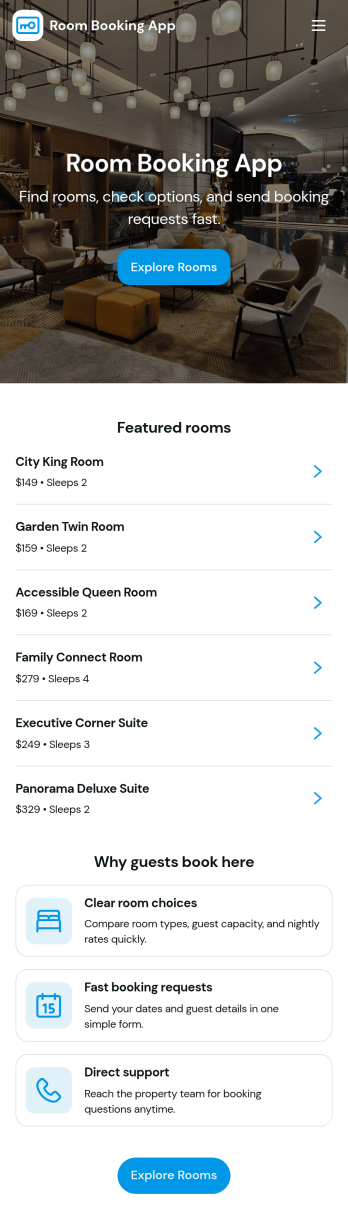
Room Booking App
Room Booking App helps businesses and organizations publish available rooms, collect reservation details, and give guests a simple way to view their upcoming stays. Use it for hotels, guest houses, vacation rentals, retreats, or any team that manages multiple room types and wants a clear path from browsing to booking. Visitors can explore a room list, open room details, reserve the room they want, and then check a “My bookings” area for their confirmed reservations, all in one place.Jotform makes it easy to turn this experience into a branded, shareable app without coding. Start with this app template, customize pages and buttons with a drag-and-drop app builder, and connect your booking form and tables to keep reservations organized. Share the app by link or QR code, update room information anytime, and keep your booking workflow consistent for staff and guests with Jotform.
Go to Category:Booking Apps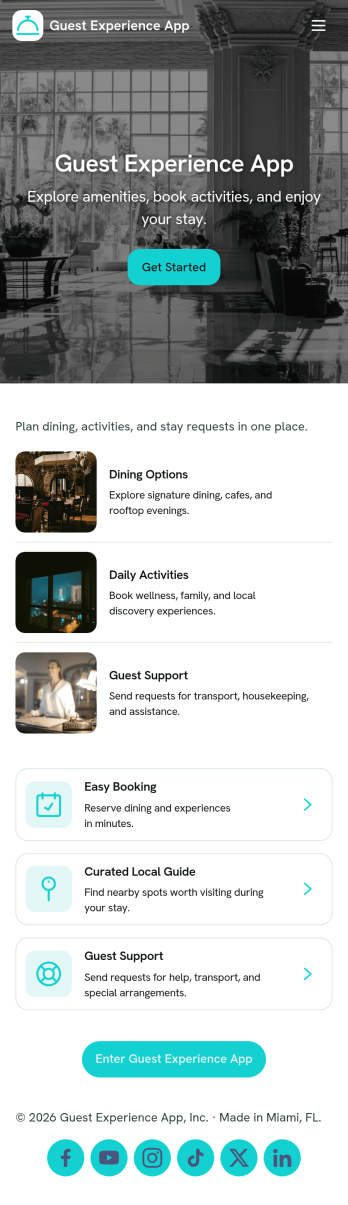
Guest Experience App
Guest Experience App brings key guest touchpoints into one easy place, so visitors can find what they need and get help without hunting through multiple channels. Use it in hotels, short-term rentals, resorts, event venues, and serviced apartments to share a local guide, highlight guest services, route service requests, and collect feedback while the stay is still in progress. It’s especially helpful for front desk teams, concierge staff, property managers, and hosts who want a consistent experience across locations and a clearer view of what guests are asking for.With Jotform, you can customize this app template with a no-code app builder and a drag-and-drop interface, then connect it to forms for fast data collection and smoother workflow follow-up. Add or rearrange pages, update cards and buttons, and publish a mobile-friendly self-service hub guests can open from a link or QR code. As requests and feedback come in, your team can respond faster, keep service organized, and refine the guest journey using the same Jotform workspace.
Go to Category:Customer Portal Apps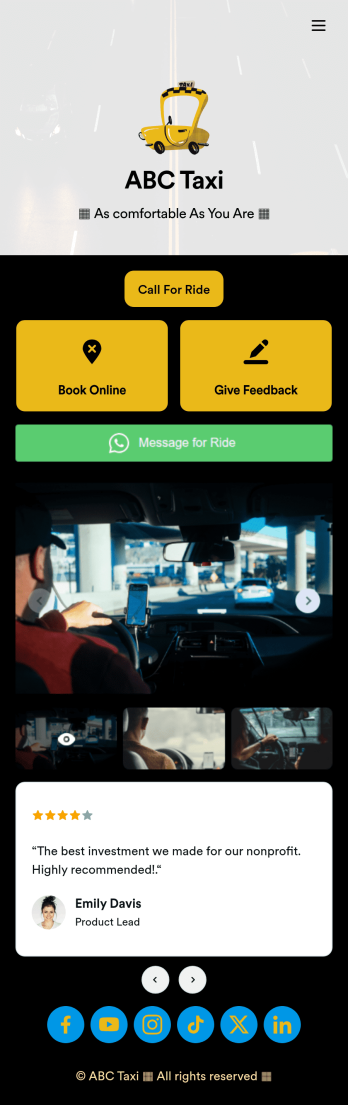
Call a Taxi App
Gather bookings for your taxi service with a free Call a Taxi App. Whether you’re an independent taxi driver or run a local taxi service, clients can download your app to book a ride, give feedback, or even submit a WhatsApp message. All form submissions are stored in your Jotform account, which you can view on any device and receive notifications for instantly via email.Feel free to add your logo, update forms, or change this Call a Taxi App’s background image or icon with no coding necessary. You don’t need a team of developers to create a custom app! Just get the design looking how you want it to with our drag-and-drop app builder, share the app with your clients via link or email address, and start collecting services directly through your own Call a Taxi App.
Go to Category:Booking Apps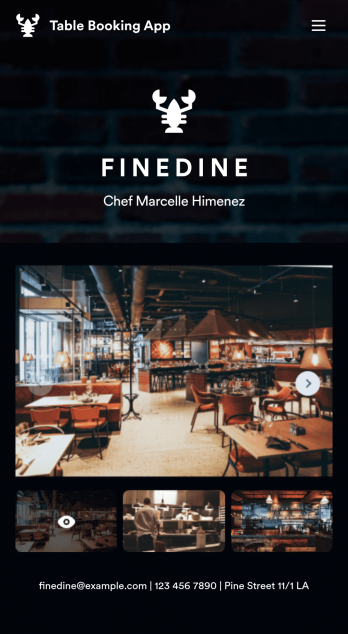
Table Booking App
A table booking app is a great way to build a micro-website for your restaurant. This free and mobile-ready app template allows diners to make table reservations days ahead of time, view photos of the dining area and menu items, and contact your restaurant via email or phone. You can also create additional pages and add them to your app’s topbar with the click of a button. Reservations are instantly stored and synced to your secure Jotform account, and can be accessed by restaurant staff from any device.Making changes to this Table Booking App template is a cinch with Jotform’s intuitive no-code app builder. Simply drag and drop to customize your table reservation page, upload images of your restaurant and entrées to the main page image carousel, add social media widgets, choose fonts and colors, and add your own branding with just a few clicks. Embed a link to your app in your website or share it on social media — diners can then make table reservations from their favorite device. Create a fully customizable mobile-ready app for your restaurant in minutes with this Table Booking App from Jotform.
Go to Category:Booking Apps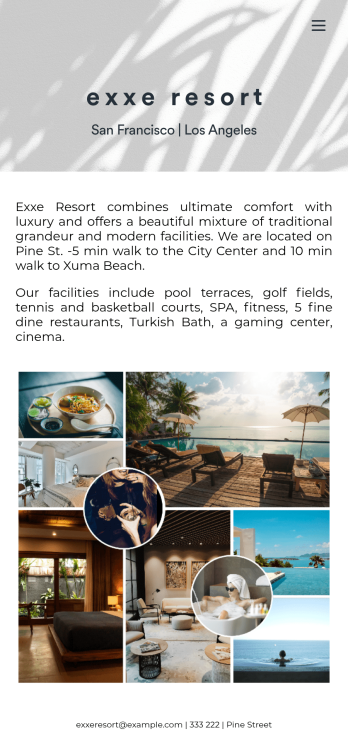
Customizable Hotel Reservation App
A hotel reservation app makes it easier for guests to book rooms at hotels from any device. Streamline the reservation process for your hotel with our free Hotel Reservation App. This ready-to-use app template includes forms for guests to view and book rooms and schedule spa appointments. Bookings will be received instantly and stored in your Jotform account, ready to view from any device.Make this Hotel Reservation App your own by customizing it with our drag-and-drop builder. It’s easy to add pages, forms, links, images, and even your branding in just a few clicks. Once it’s ready for guests to use, share the app link on your hotel’s website — guests will be able to download it onto their own smartphone, tablet, or desktop computer. Make online reservations for your hotel a breeze with a professional and fully-custom Hotel Reservation App.
Go to Category:Booking Apps