A Safety Data Sheet App gives teams a single place to browse safety data sheets, search records, and submit new SDS entries when products are added or updated. It’s useful for safety managers, operations leads, EHS coordinators, lab teams, facilities crews, and contractors who need quick access to chemical and product documentation during daily work, audits, onboarding, or incident follow-ups. With an SDS library view and simple navigation, staff can find the right sheet by product and open key record details without hunting through emails or shared drives.
Built with Jotform, this app template pairs a self-service experience with connected data collection so your SDS information stays current. Use the no-code app builder and drag-and-drop interface to tailor pages, update labels, and match your internal process. Link the app to your form and data table to capture new SDS records, centralize updates, and keep workflows moving with shareable access for the right teams.
Related templates
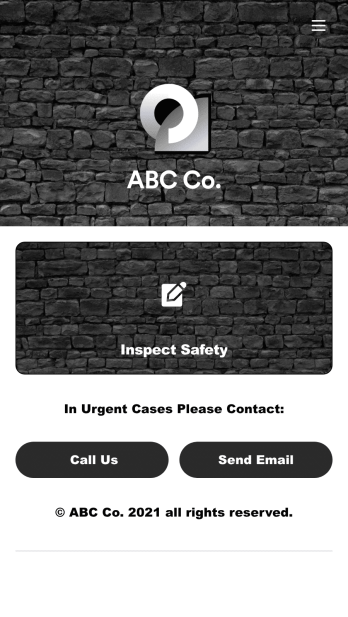
Safety Audit App
A safety audit app is used by safety auditors to perform safety inspections from their mobile devices. Have members of your inspection team perform audits without any messy paperwork using this free Safety Audit App. The app can be downloaded onto any computer, tablet, or smartphone to gather important data in the field — such as checks for fire prevention, equipment, first aid, and more.Customize this app template’s design without coding using our drag-and-drop app builder. Update items on your inspection checklist, include your company logo, change the app icon or background, and make other changes in seconds. You can then share the app via link or email to be downloaded onto iOS or Android devices. Save time and paper performing safety checks with a free Safety Audit App from Jotform.
Go to Category:Construction Apps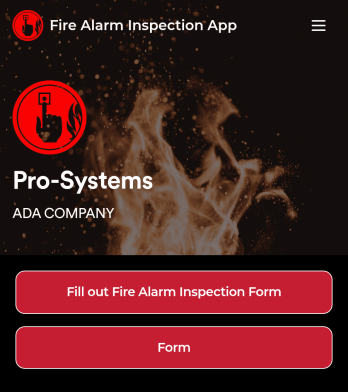
Fire Alarm Report App
A fire alarm report app allows fire inspectors to conduct inspections and submit reports from any device. Get a head start creating your own mobile app with our free Fire Alarm Report App for fire inspectors. This fully customizable app template includes a fire alarm inspection form and risk assessment form that can easily be filled out from any smartphone or tablet. Submitted reports will be safe and sound in your Jotform account and can even be turned into secure PDFs automatically.Without any coding, you can update this Fire Alarm Report App to meet your fire department’s needs. To customize the template, simply drag and drop to add or remove forms, include links to tables or external websites, change text and images, and modify app settings. When your app is ready to be used, download it onto your preferred device or share it with other fire inspectors via the app link.
Go to Category:Inspection Apps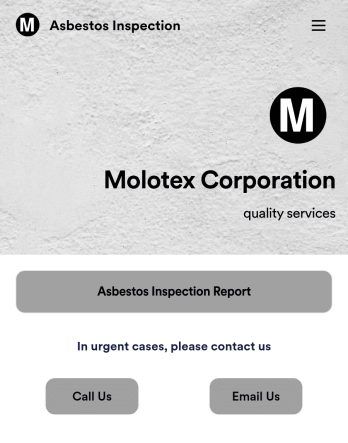
Asbestos Inspection App
An asbestos inspection app is used by asbestos inspection companies to complete and track inspection reports electronically. With this free downloadable Asbestos Inspection App, members of your team can save the app to their personal device — be it a smartphone, tablet, or computer — for quick access to your company’s inspection report form in the field.If you need to add additional forms, update the splash screen or icon, or make other design changes, just drag and drop fields until you get the look you want. No coding knowledge needed! Your custom app will then be shareable with a link, so you can get it in front of your inspection team in no time. Power up your inspection workflow with this free Asbestos Inspection App from Jotform.
Go to Category:Inspection Apps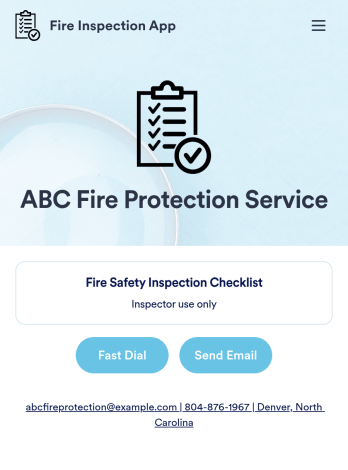
Fire Inspection App
A fire inspection app is used by inspection companies for performing on-site fire safety inspections. Jotform’s readymade Fire Inspection App contains a form for inspectors to complete a Fire Safety Inspection Checklist ensuring that fire alarms, fire extinguishers, sprinklers, and exit and escape routes are available and in working order. Inspectors can sign and date reports at the bottom of the form using a digital signature box. Reports are automatically synced to your Jotform account and can be conveniently accessed from any device.This app template is ready to use, but customizing it to suit your individual needs is a snap. Our drag-and-drop form builder makes it easy to add or change form elements, swap out checklist items, upload images, create a custom splash page, and more — no coding required. Share your app with a link or embed it in an internal website and safety inspectors can download it on any smartphone, tablet, or desktop. Keep track of all your fire inspection safety reports with this free Fire Inspection App.
Go to Category:Inspection Apps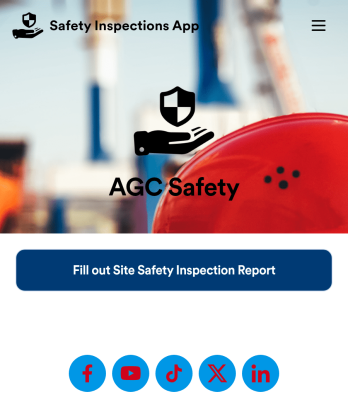
Safety Inspections App
Evaluate and report safety issues on construction sites with this fully-customizable Safety Inspection App from Jotform. This app template includes two forms: a Site Safety Inspection Form for recording construction site safety conditions, hazards, and safety practices, and a Safety Training Evaluation Form for gathering feedback from employees to determine if a safety program is adequate and effective. Once submitted, data from both forms is instantly synced and stored in your secure Jotform account.Customize this app template to your liking with our no-code app builder. Simply drag and drop to add form elements, integrations, and widgets, change form fields, choose fonts and colors, make a custom app icon and splash screen, and more. Download your mobile-ready app onto any device and share it with others by sending email invites or the app link. Keep detailed reports of construction site safety conditions and practices with this free Safety Inspections App.
Go to Category:Inspection Apps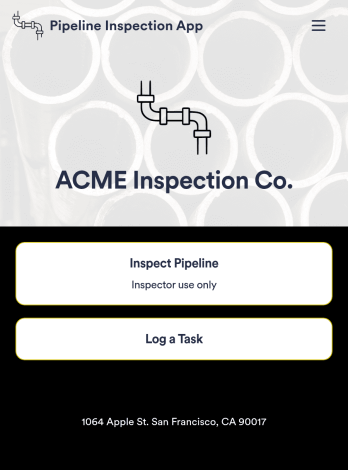
Pipeline Inspection App
A pipeline inspection app is used by safety inspection companies to record the condition of pipelines. With this ready-made Pipeline Inspection App, inspectors can fill out a form with details for each pipeline inspection, including location, type, dimensions, quadrangle, and watershed. There is also space to write down any additional information — for example, if a pipeline needed to be flagged for maintenance. Submissions are compiled and stored securely in your online account, and can be viewed in an easy-to-understand database from any device.This Pipeline Inspection App can be fully customized with no coding. Using our drag-and-drop form builder, it’s easy to swap out forms, change text, choose fonts and colors, upload your logo, and more. Employees can access and download your app with a shareable link, or you can embed it in your website. Keep all your pipeline inspection reports in one place with our free Pipeline Inspection App.
Go to Category:Inspection Apps