Security teams, IT departments, and operations managers can use the Security Operations Dashboard App as a central workspace for coordinating security activities. It brings incident reporting, open incident review, asset record management, and runbook access into one organized experience. The app template helps staff document issues as they occur, locate information about affected assets, review security reports, and follow established response guidance. It is useful for security operations centers, managed service teams, corporate IT groups, facilities departments, and organizations that need a consistent workflow for handling operational security concerns. By keeping important actions and reference materials together, teams can reduce fragmented communication, improve visibility, and respond with greater consistency.
Jotform makes this app easy to adapt with a no-code app builder and a flexible drag-and-drop interface. Among Jotform App Templates, this option connects data collection forms, records, navigation pages, and supporting workflows without requiring programming knowledge. Teams can update branding, reorganize content, add approval steps, connect tables, and create notifications that support faster follow-up. Once published, the app can be shared by direct link or QR code for mobile-friendly employee self-service and convenient access from the field, office, or operations center.
Related templates
Support Ticket App
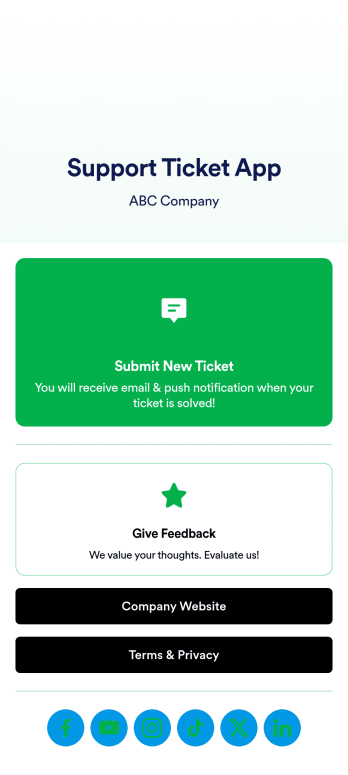
Jotform's Support Ticket App template allows customer support teams and IT departments to efficiently manage customer inquiries and issues without any coding. This free, no-code app builder enables users to create a fully customized app with forms, widgets, products, and branding that can be downloaded onto any device. With this template, support teams can collect tickets and feedback to streamline their ticketing system and provide timely assistance to customers.Are you looking for a way to simplify your customer support process? Jotform's Support Ticket App template is the solution you need. With features like a drag-and-drop builder, powerful app elements, and 70+ app widgets, you can create a seamless experience for your customers. Improve user engagement with push notifications and give users access to their submission history. Experience the ease of use and customization that Jotform Apps offer, making it the perfect choice for customer support teams and IT departments.
Go to Category:Customer Portal Apps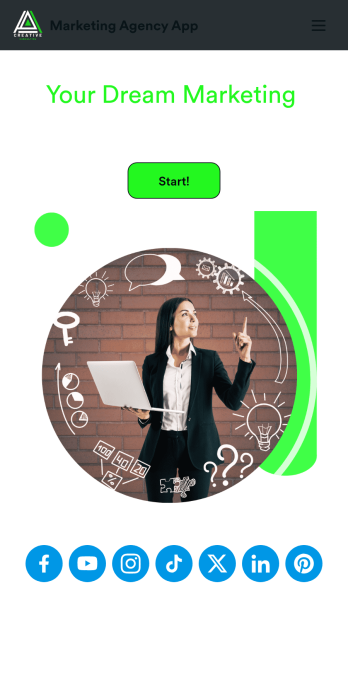
Marketing Agency App
Reach a wider audience and take your marketing agency online with a branded app from Jotform Apps. With this ready-made Marketing Agency App, you can showcase your offered services, marketing portfolio, and link to your social media accounts. Clients can access and download your app onto any smartphone, tablet, or desktop computer in seconds.Want to personalize this Marketing Agency App to suit your needs? No problem! Jotform’s drag-and-drop builder makes it easy to add form elements, install helpful widgets and integrations, change fonts and colors, upload your agency’s unique branding, and much more without any coding or design knowledge. Share your app by sending email invitations, including the app link in social media accounts and posts, or by seamlessly embedding it in your company website with a simple copy-paste code.
Go to Category:Consulting Apps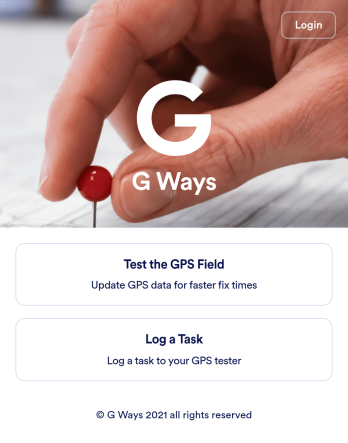
Gps Field Testing App
A GPS field testing app is used by GPS businesses for adjusting and servicing location data. Our GPS Field Testing App is a convenient way for field employees to create on-site GPS testing reports using a Field Testing Form and a Task Log Form. Employees can document device configuration, weather conditions, and note any obstructions. There is also space to record additional notes and upload photos of the sites. Reports are synced and stored in your secure Jotform account so you can keep them organized in one centralized location.Want to make this app template your own? No problem — just use our drag-and-drop app builder to customize the perfect app in seconds. Without any coding, you can add or change form elements, edit text fields and checklist items, choose fonts and colors, upload your branding, and more. Sharing your app by sending email invites or the app link, and employees can start filling out forms right away on any device. Ditch the paperwork and go digital with this free GPS Field Testing App from Jotform.
Go to Category:Engineering Apps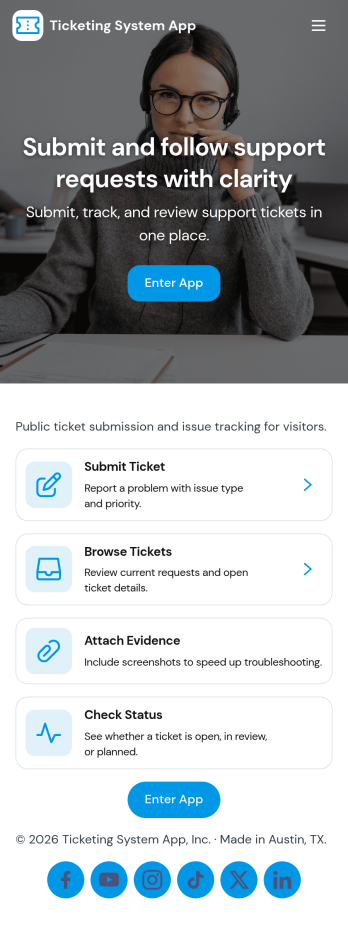
Ticketing System App
A ticketing system app gives teams a central place to capture requests, organize incoming issues, and guide people to the right next step. With this Ticketing System App, users can submit a new ticket, browse existing tickets, and review their own submissions without relying on scattered emails or chat threads. It’s a practical fit for IT help desks, internal ops teams, customer support groups, facilities, and any department that needs a clear way to intake problems, track progress, and keep request details consistent from start to finish.Jotform makes it easy to publish this experience as a branded, self-service app using a no-code app builder and a drag-and-drop interface. Connect your ticket form to the app so requests flow into a single workflow, then share the app link with employees or customers for faster data collection and better visibility. As needs change, you can update pages, navigation buttons, and the ticket list view in minutes, keeping your support process organized and accessible on any device.
Go to Category:Service & Support Portal Apps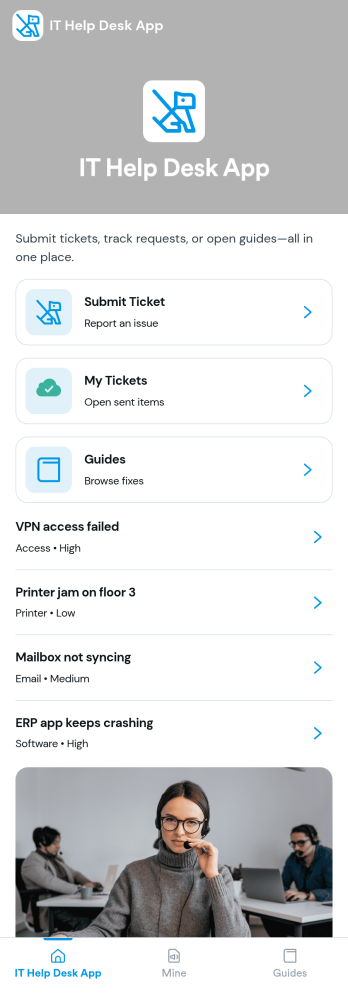
It Help Desk App
It Help Desk App gives teams a clear place to route internal tech issues and keep requests from getting lost in chat threads and inboxes. Employees can submit a ticket, check their open tickets, and review request details like priority and issue type in one simple experience. It works well for IT departments, managed service teams, and fast-growing companies that need a consistent way to capture problems, assign attention, and follow up without confusion.With Jotform App Templates, you can publish a self-service help desk that connects pages, buttons, and lists to the forms and tables behind your process. Build and update your workflow in a no-code app builder with a drag-and-drop interface, then share the app as a single link for quick access on any device. Jotform supports reliable data collection and organized request tracking, so your team can spend less time searching for context and more time resolving issues.
Go to Category:Information Technology Apps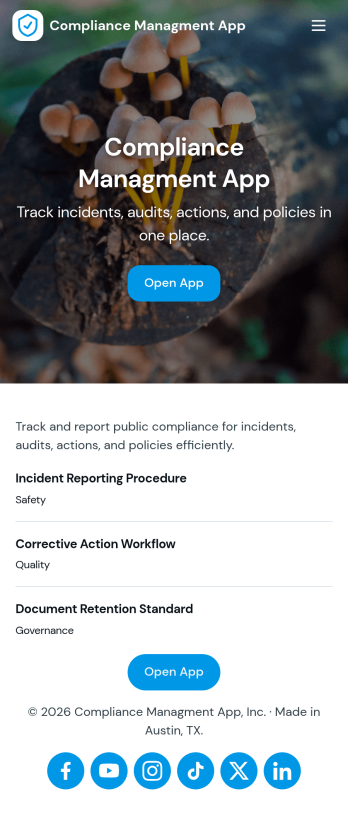
Compliance Managment App
Compliance Managment App brings your day-to-day compliance work into one place so teams can keep controls visible, document what happened, and stay ready for reviews. It’s built for operations leaders, IT and security teams, HR, and managers who need a practical way to organize controls, report incidents as they occur, log audits, and maintain supporting documents without hunting across folders or email threads.With Jotform you can turn this app template into a branded self-service workspace using a drag-and-drop interface and a no-code app builder. Connect the app to forms and tables to support ongoing data collection, route key steps through a workflow, and keep updates consistent across controls, incidents, audits, and documents. Share it with internal stakeholders through a link, tailor pages to your process, and keep information easy to access on any device.
Go to Category:Information Technology Apps