
The Shift Assignment App is a ready-to-use scheduling template for managers, supervisors, coordinators, and operations teams that need a clear way to publish available shifts and connect them with employees. Staff can browse shift listings, review key details such as date, time, location, and required role, then request a suitable shift through a connected form. They can also submit availability or change requests from the same mobile-friendly experience. This approach helps workplaces reduce scattered messages, make open opportunities easier to find, and give employees a convenient self-service option for communicating scheduling needs. It suits retail stores, restaurants, hospitality teams, service providers, warehouses, event crews, and other organizations that coordinate hourly or rotating work.
Jotform makes this app template easy to adapt without coding. Using the no-code app builder and drag-and-drop interface, teams can update pages, reorganize navigation, apply their visual style, and connect forms to supporting workflows. The app can be shared through a direct link or QR code, helping employees access current scheduling information from a phone, tablet, or computer. Connected data collection keeps requests organized, while optional notifications, tables, and approval steps can support internal follow-up. Start with one of Jotform’s App Templates, tailor the Shift Assignment App to your staffing process, and publish a central resource that can evolve alongside your team.
Related templates
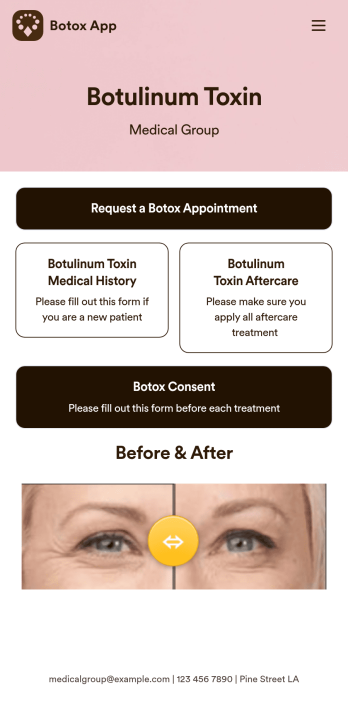
Botox App
Whether you’re running a medical clinic or a salon, a botox app is a great way to keep all of your clients’ records in one convenient location. With this free app template, clients can fill out an intake form with their general contact information and medical history, and digitally sign a terms and conditions consent form. There is also an aftercare form where you can post aftercare treatment and post-botox precautions for clients to sign off on. Entries are stored securely in your online account, which you can view and manage from any smartphone, tablet, or desktop.Want to customize this Botox App to match your branding? Our drag-and-drop form builder makes it easy to add or change forms, choose fonts and colors, upload images, update the app name, text and splash page, and more — all with no coding. Once you’re finished, just share a link on your website or directly with your clients, and your app can then be downloaded and filled out on any device. Smooth out the process of getting botox treatments with this customizable Botox App!
Go to Category:Customizable Beauty Salon Apps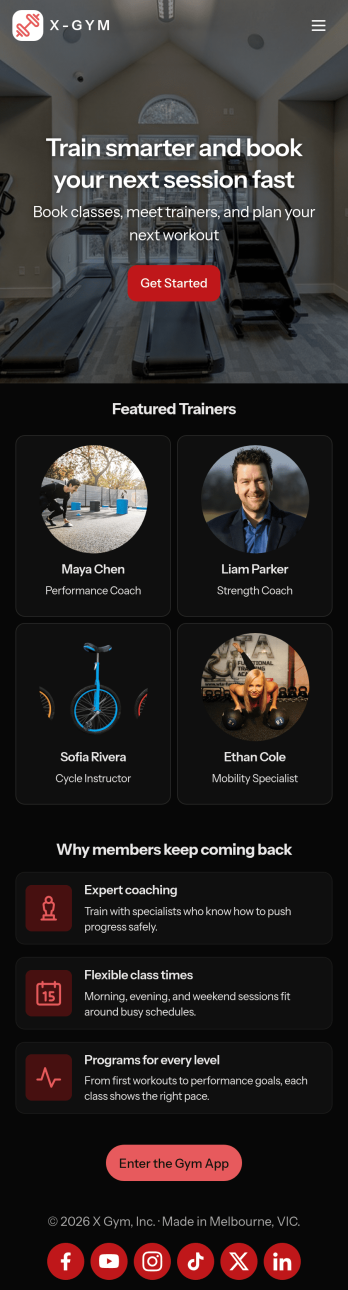
Gym Schedule App
A gym schedule app is used by gyms and personal trainers to allow gym members to directly manage training schedules and evaluations from any device. This Gym Schedule App contains three forms for filling out general contact information, scheduling appointments with personal trainers, and recording post-workout evaluations. Submissions are instantly synced and stored in your Jotform account, where you can manage all your members’ data from one location.Customize this app template to match your gym’s branding with Jotform’s no-code form builder. Just drag and drop to add or change various form elements, create a custom app icon and splash screen, upload your logo, and more. Once you’re done, share a link on your website or in a welcome email and gym members can then access and download your app on any device. Connect gym members with personal trainers and help them achieve their fitness goals with this Gym Schedule App from Jotform.
Go to Category:Sports Apps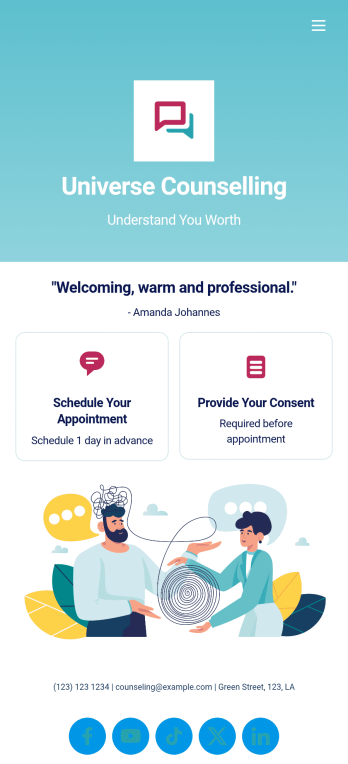
Custom Counseling App
A counseling app provides easier access to mental health resources and tools. Whether you’re a school counselor, family therapist, or life coach, build a fully-custom app for your counseling services with our free Counseling App Template. This ready-to-use app template comes with multiple forms — including a client information form, COVID-19 consent form, and appointment booking form — so clients can access and fill out your forms all from one place.Make this Counseling App your own by customizing it in just a few clicks. Without any coding, you can create and add new forms, embed links to other sites, update the provided text, upload different images, and change app settings. Once you’re satisfied with the app design, embed the app link in your website or send it directly to clients to download on their preferred devices. Make it easier for clients to get the help they need with a professional Counseling App for your services.
Go to Category:Consulting Apps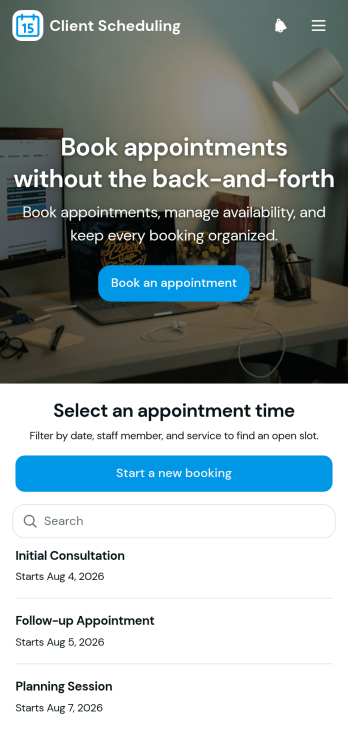
Scheduling App
You’re busy running a business — so why not make scheduling appointments as quick and convenient as possible? With Jotform’s free Scheduling App, customers can request an appointment by filling out their general contact information and choosing an appointment time from a list of available openings. There is also a separate contact form should a customer need to reach out to you directly. Appointments are stored securely in your online account, and can be accessed from any device.Want this Scheduling App to match your branding? No problem — our drag-and-drop form builder makes it easy to swap out forms, choose fonts and colors, upload your logo, and more with no coding. Jotform’s List Element feature lets you connect Tables and add actions to organize your app’s data, while the easily trainable AI Chatbot helps guide users and answer questions in real time. Your customers can then access and download your app onto any smartphone, tablet, or desktop via a shareable link. Start taking appointments from your own customizable app with this Scheduling App from Jotform!
Go to Category:Scheduling Apps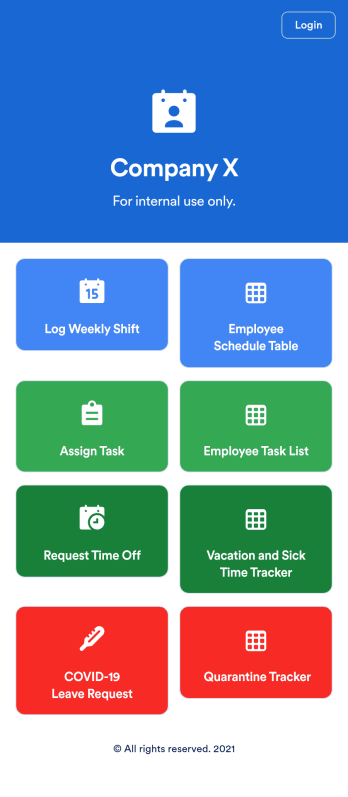
Employee Scheduling App
An employee scheduling app is used by company HR, department managers, and employees for keeping track of employee data. This Employee Scheduling App from Jotform comes bundled with four useful forms, allowing employees to log weekly shifts, view assigned tasks, manage leave requests easily with Leave Request Form, and take time off to quarantine from COVID-19 exposures. Each form includes a companion spreadsheet where employee data is stored — allowing managers to easily sort, filter, and search through entries from any smartphone, tablet, or desktop.Make this app template your own with Jotform’s intuitive app builder. Just drag and drop to add or change form elements, edit the content of individual forms, upload your company’s logo, and more — all without any coding. You can also use your app’s splash screen for things like company-wide announcements or listing HR contact information. Once you’re finished, share your app with employees by attaching a link to an onboarding email or embedding it in an employee portal. Streamline scheduling and time-off requests with this fully-customizable Employee Scheduling app that can be downloaded on any device.
Go to Category:Human Resources Apps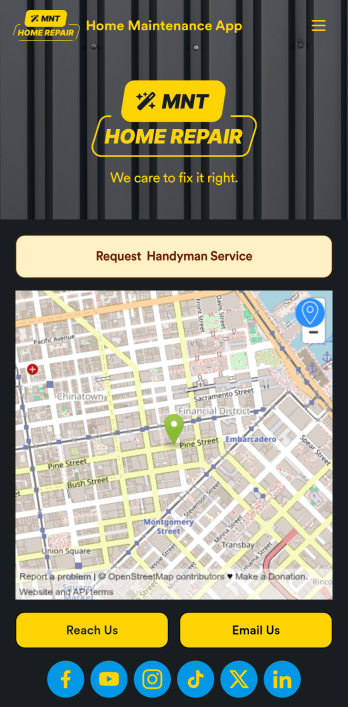
Home Maintenance App
A home maintenance app is used by construction companies and contractors to collect handyman service requests from customers. With this free Home Maintenance App from Jotform, customers can fill out a Handyman Service Request Form with their availability and general contact information, as well as the type of work they need performed. Customer requests are compiled and stored in your online account for ease of access, and can be sorted, filtered, and searched from any device.Make this app your own with Jotform’s drag-and-drop form builder. You can add or swap out form elements, choose fonts and colors, upload your logo, customize the splash page with your business address and phone number, and more — no coding necessary. Once you’re satisfied with the look and feel of your app, you can embed it in your website or share it with a link so customers can download it on any smartphone, tablet, or desktop. Make scheduling handyman service requests simple and easy with this Home Maintenance App.
Go to Category:Booking Apps