
Stock Research Course App gives instructors, financial education programs, tutors, and independent learning communities a central place to teach disciplined stock analysis. Learners can move through course pages covering the research method, record a research thesis, summarize supporting evidence and risks, and create a dated review plan. These guided activities help students practice evaluating a company or asset without relying on scattered notes. The app suits classroom assignments, online courses, workshops, mentoring programs, and self-paced study where participants need a repeatable process for documenting and revisiting their work.
Jotform App Templates make it easy to adapt this app template to a particular curriculum or audience. With Jotform’s no-code app builder and drag-and-drop interface, educators can update page content, adjust navigation, apply custom branding, and connect forms for data collection. Course activities and reference materials can be organized into a mobile-friendly learning experience, while connected workflows help instructors collect responses and manage follow-up tasks. Once ready, the app can be shared by a direct link or QR code for convenient learner access and self-service study.
Related templates
Customizable Podcast App
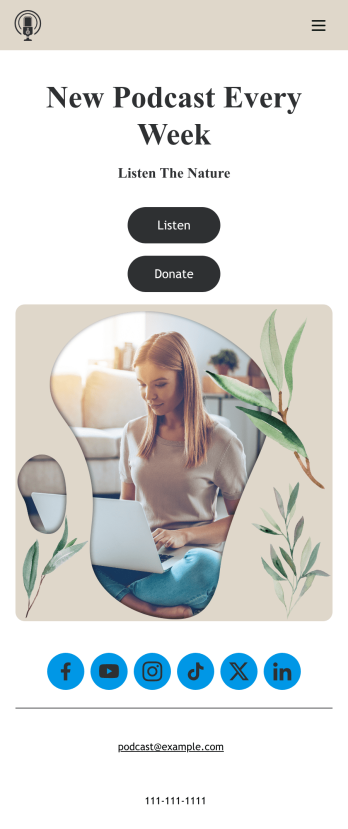
Consolidate your podcast episodes and collect listener donations from a single convenient location with Jotform’s free Podcast App. Build an app from scratch or choose one of our ready-made app templates — then make it your own without any coding knowledge. Embed individual podcast episodes or entire seasons with our Spotify and SoundCloud widgets. You can also collect listener donations directly through your app with Jotform’s 30+ payment processors with no additional fees to Jotform.Personalize your Podcast App with our intuitive app builder. Simply drag and drop to add additional forms and pages, choose fonts and colors, install powerful widgets and integrations, and upload your unique branding. Once you’re satisfied with the look and feel, you can share your custom app by sending email invites, including links in your social media accounts, or by seamlessly embedding it in your website. Create a one-stop shop for your podcast with this Podcast App that works on any device.
Go to Category:Donation Apps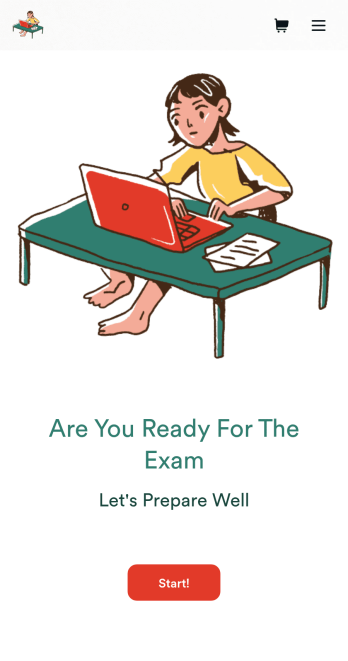
Custom Exam Preparation App
Whether you’re a teacher or a tutor, help students prepare for their exams with Jotform’s free Exam Preparation App. This fully customizable mobile app includes an exam registration form, sample exam questions, and contact buttons for students to easily access from any computer or mobile device. All submissions will be instantly synced to your Jotform account — ready to view, download, share, and approve.You won’t need to take a coding class to customize this Exam Preparation App. Simply drag and drop to add forms, images, documents, links, buttons, pages, and other app elements. Then share your app with students by posting the app link on your website or sending email invites to newly registered students. With a fully custom Exam Preparation App your students can easily access from any device, you can ensure they’ll be ready for their next exam!
Go to Category:Course & Training Registration Apps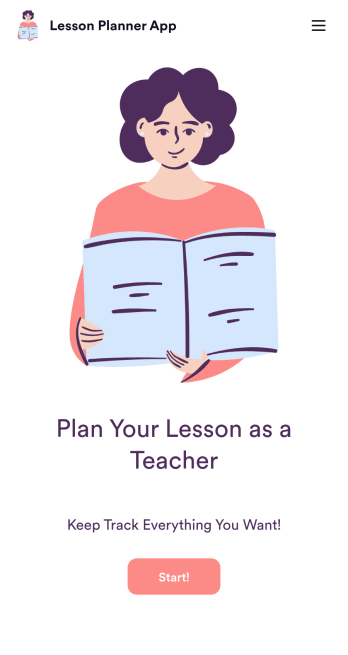
Lesson Planner App
Create and manage your classroom lesson plan with this free Lesson Planner app from Jotform. Download this app onto any device and start adding courses, start and end dates, lesson titles and objectives, tasks, resources, and more. There are also separate forms for entering student information and creating daily assignment checklists. Submissions are aggregated and stored in a color-coded and easy-to-understand spreadsheet using Jotform Tables.Want to make changes to this Lesson Planner App? No problem! With Jotform’s no-code app builder, you can build a custom app that meets your classroom’s needs in seconds. Simply drag and drop to add or change form elements, edit text fields and checklist items, install integrations and widgets, change fonts and colors, and more. When you’re done, you can access and download your app onto any smartphone, tablet, or desktop and start using it right away. Manage all your lesson plans and assignments from a single location with this mobile-friendly Lesson Planner App.
Go to Category:Daily Planner Apps
Community Membership App
A community membership app allows community members to connect to each other from any device. Build your own Community Membership App without any coding with our free template. It includes a membership application form and a list of qualifications that can be accessed from any smartphone, tablet, or desktop computer. Submitted applications will be received instantly and stored in your secure Jotform account, ready to view, share, and approve.Make this Community Membership App your own by customizing it with our drag-and-drop builder. You can easily add more forms, upload logos, change the qualifications, embed links to other resources, and update the app name, icon, and splash page. Share your app by adding the link in your website, posting it on social media accounts, or sending it directly to interested applicants. Keep your community connected with an easy-to-use Community Membership App that works on the go.
Go to Category:Booking Apps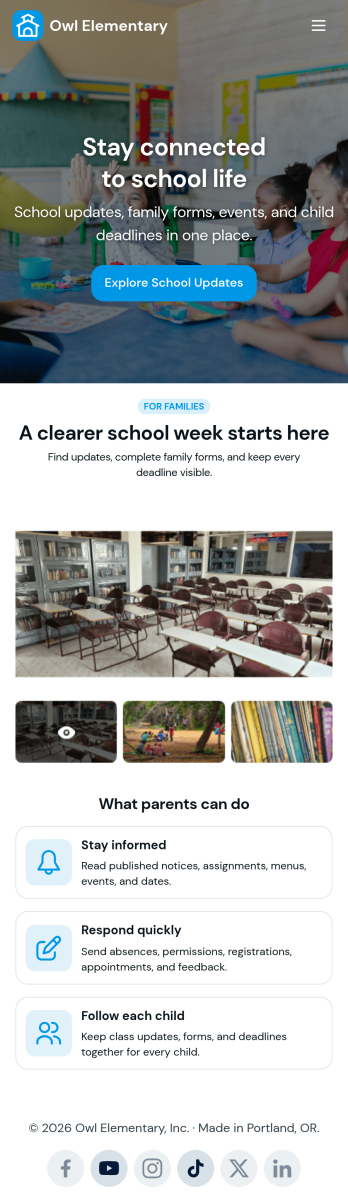
Custom School Parent App
A school parent app is a parent portal that allows parents to access and provide student data from any device. Create a parent portal mobile app for your school with our free School Parent App. This ready-made template includes a student information form, student enrollment form, concern report form, and summer camp registration form, as well as links to a parent handbook and school website. Parents can download and use your app from any smartphone, tablet, or desktop computer.Customize your School Parent App without any coding using our drag-and-drop builder. Jotform’s List Element feature lets you connect Tables and add actions, making it easy to organize data and manage your app’s flow. You can add or remove forms, embed links to other education sites, include tables, update text, upload your school logo, and modify app settings. Share your app with parents by sending them the link via email or by posting it on your school’s education website—they’ll be able to save the app onto their preferred devices for easy access. Give parents secure, real-time access to student information with an easily accessible online School Parent App.
Go to Category:Education Apps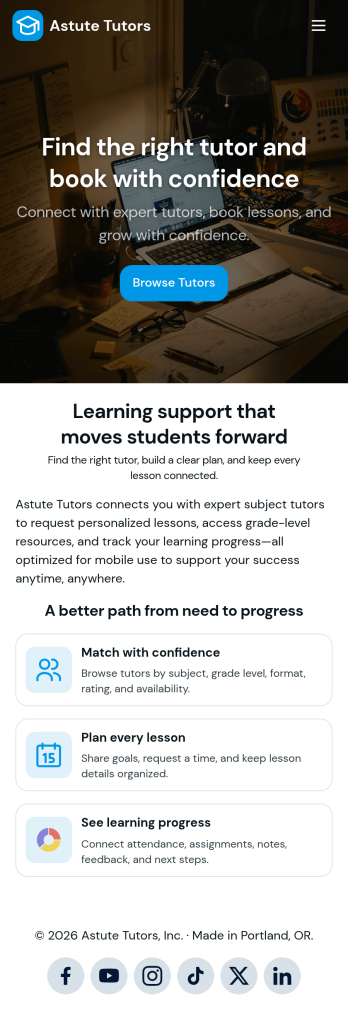
Tutoring App
Tutoring App is an app template designed to streamline the process of finding and connecting with suitable tutors. This app aids in the submission of tutoring requests, providing a platform for students, parents, and educational institutions to specify their learning goals and subject needs. This app is ideal for anyone in need of personalized academic support and learning assistance, providing a central hub for one-on-one or group instruction. The template collects information such as subject areas, desired tutoring schedules, and specific learning objectives, bringing clarity and consistency to the tutor-student matching process. It is a perfect fit for those desiring an efficient and systematic approach to locating the right tutoring support.Jotform's Tutoring App brings additional benefits to the tutoring process by offering cross-platform compatibility enabling usage across smartphones, tablets, and desktops. With its no-code app builder, customization of the app is straightforward, allowing users to tailor the app to their specific needs without writing any code. Adding forms or customizing layouts is made possible with its drag-and-drop interface. The app also provides options for sharing directly via email, social media, or QR codes, thereby making it convenient for users to distribute their tutoring requests widely. Jotform's Tutoring App, with its focus on creating a seamless experience for its users, is the go-to solution for efficient and effective tutoring coordination.
Go to Category:Course & Training Registration Apps