Taking Attendance App helps teachers and staff capture daily attendance without juggling paper sheets or scattered messages. Use it to open a roster, add students as they enroll, and quickly record who’s present, absent, or late during homeroom, club meetings, tutoring sessions, or training days. A daily attendance snapshot makes it easy to spot patterns at a glance, while student profiles keep key context like class and guardian details close by when you need it.
Built with Jotform, this app template combines self-service navigation with connected forms and records so attendance stays organized over time. Customize pages, buttons, and lists with a drag-and-drop interface, then share the app with your team for consistent data collection. As your workflow grows, you can route updates through approvals, centralize records in tables, and keep everyone aligned with a single link they can access on any device.
Related templates
Childcare Sign In App
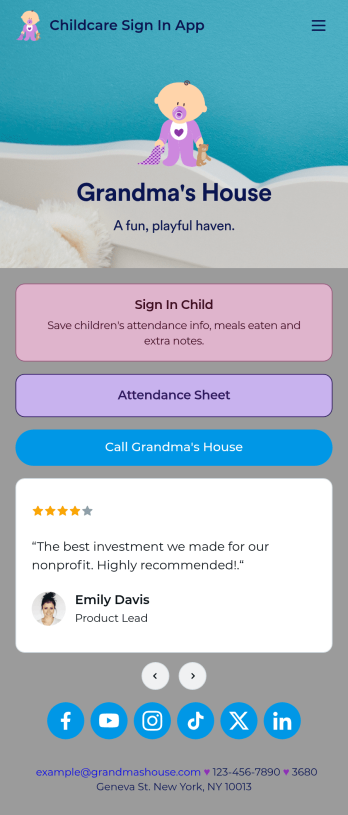
Need a better way to collect information for your daycare center? Do it with Jotform’s free Childcare Sign In App! Employees at your daycare can enter important details like each child’s attendance, time in and out, meals eaten, and more. All information is securely stored in your Jotform account and easy to view in Jotform Tables as spreadsheet, calendar, or individual cards.Make this free app match your daycare by adding your logo, updating the icon or splash screen, including extra forms to track other information, and making other changes to make it work better for you — all without coding! The app can then be shared with a link and saved to each employee’s device for easy access. Make paper forms a thing of the past and track data with a Childcare Sign In App.
Go to Category:Sign In Apps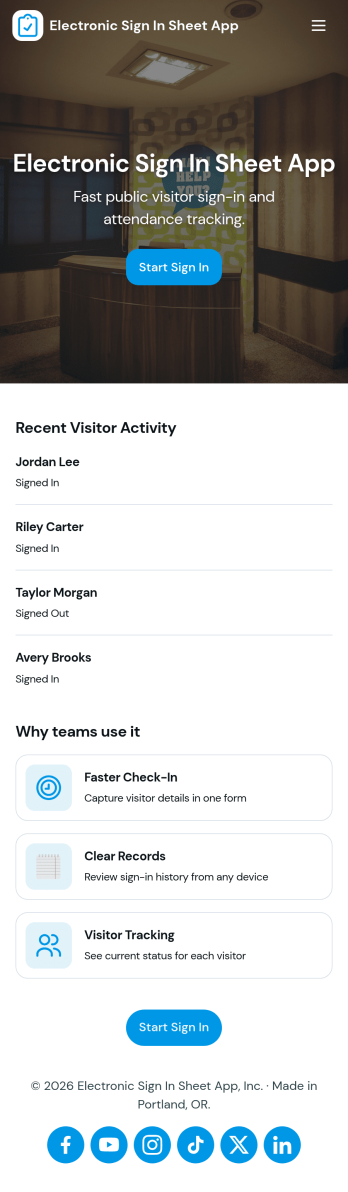
Electronic Sign in Sheet App
An electronic sign in sheet app helps you capture visitor arrivals in a clean, searchable format while keeping a simple record you can reference later. Use it at front desks, events, schools, coworking spaces, clinics, warehouses, or any workplace that needs a quick way to log who came in and when. With a dedicated My Sign Ins area for personal entries and an All Sign Ins view for broader oversight, teams can reduce paper clutter, avoid illegible handwriting, and stay organized during busy check-in periods.Built with Jotform, this app template pairs self-service check-ins with connected data collection so records stay consistent and easy to review. Customize pages with a drag-and-drop interface, tailor the form to match your visitor log requirements, and share the app with a link or QR code for fast access. As your workflow evolves, you can update fields, manage entries, and keep your sign-in process running smoothly without coding.
Go to Category:Sign In Apps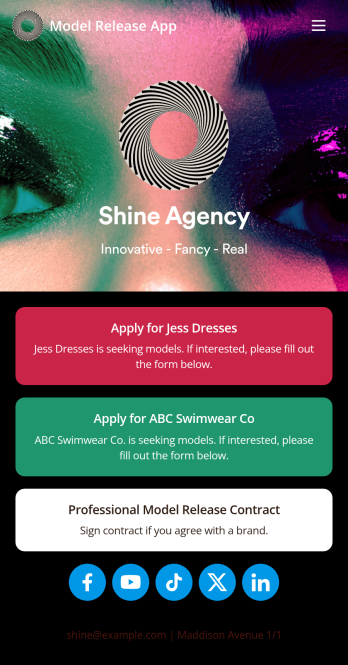
Model Release App
A model release form ensures that a photographer has permission to take and use a model’s image for commercial use. Find models for your agency easily with our free and customizable Model Release App! Prospective models can use the app to submit their applications and sign your Professional Model Release Contract from any device. Submissions will be received instantly and stored in your secure account, which you can manage on the go with the Jotform Mobile Forms app.Customize your Model Release App in just a few clicks. Our drag-and-drop interface makes it easy to create and add new forms, include links and images, and update the app design to match your branding. When it’s ready, share your app by embedding the link in your website or sending it to models directly. Get the e-signatures you need and manage models more efficiently with a custom Model Release App for your agency.
Go to Category:Sign In Apps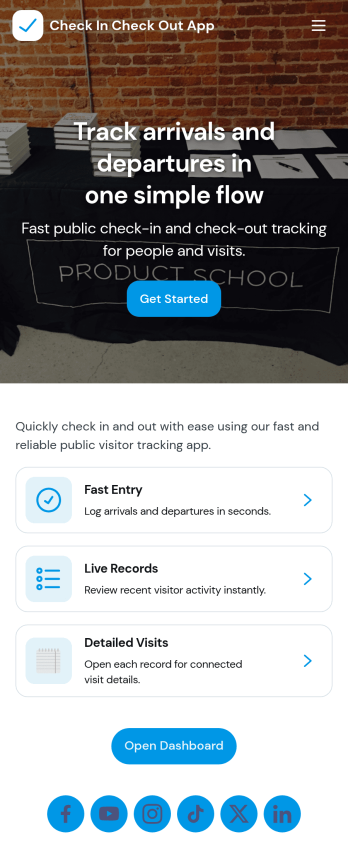
Check In Check Out App
Check In Check Out App helps organizations record arrivals and departures across multiple locations and shifts without relying on paper logs or scattered messages. With quick access to check-in and check-out actions, a location list for navigating between sites, and a visit history view, teams can keep attendance and on-site presence consistent from day to day. It works well for offices, warehouses, schools, events, job sites, clinics, and any workplace that needs a simple way to confirm who is currently on site and when they came and went.Jotform makes it easy to turn this app template into a branded, self-service experience using a no-code app builder and a drag-and-drop interface. Connect the app to your forms and tables to support reliable data collection, reduce manual follow-ups, and keep records organized for managers and staff. You can tailor the pages, navigation, and connected workflows to match your locations, shift window rules, and internal processes, then share the app with a link or QR code for fast access.
Go to Category:Sign In Apps
Giveaway App
Giveaways are a great way to boost interest and engagement with your business. If you’re hosting giveaways frequently, Jotform’s free Giveaway App will make it easier for participants to enter your giveaways from any device. This customizable mobile app includes a homepage with contest rules, an entry form, and an FAQ page. Participants can download your app onto any computer, tablet, or smartphone for easy access. All submissions will be received instantly and stored in Jotform Tables. Want to customize this Giveaway App for your business? No coding needed — just drag and drop to add forms, tables, links, images, and other elements to your app. When it’s ready to share, post the app link on your website or social accounts. Site visitors or social media followers can then open and save your Giveaway App onto their favorite device and enter your contest in just a few clicks!
Go to Category:Entertainment Apps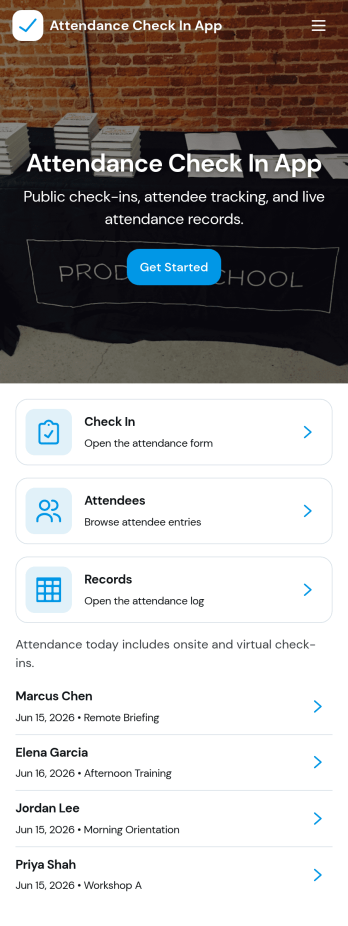
Attendance Check In App
Attendance Check In App helps teams and organizers record attendance quickly and keep an organized history of who showed up and when. It’s a practical fit for schools, training programs, events, volunteer groups, and workplaces that need a simple way to collect check-ins, review records, and let individuals access their own attendance when needed. With clear navigation for new check-ins and a records area, the app supports daily roll calls, workshop sessions, shift arrivals, and on-site sign-ins without relying on paper sheets.Jotform makes it easy to turn this workflow into a mobile-friendly experience using app templates and a no-code app builder with a drag-and-drop interface. Connect your check-in form to a records list, keep information centralized, and share the app with a link or QR code so staff can capture attendance from anywhere. As your needs change, you can customize pages, update the layout, and build a smoother workflow around data collection and self-service access.
Go to Category:Sign In Apps