
Team Building Cooking Event App is a ready-to-use app template for companies, event planners, culinary venues, and facilitators organizing hands-on cooking experiences for workplace teams. It gives participants one convenient place to browse available cooking events, review relevant information, and register a team. Organizers can also share practical cooking tips and collect post-event feedback, helping them manage the participant journey from initial discovery through follow-up. This format is especially useful for employee engagement programs, company retreats, social gatherings, and collaborative workshops where clear event access and simple team registration matter.
Jotform Apps helps organizers turn these activities into a polished, mobile-friendly experience without writing code. Start with the Team Building Cooking Event App template, then use the drag-and-drop app builder to adjust pages, colors, images, buttons, and navigation to suit your brand. Connected forms support data collection for registrations and feedback, while links and shareable access make the app easy to distribute among employees or invited groups. Jotform app templates can also connect with tables, approvals, notifications, payments, and other workflow tools, giving teams room to expand event operations as their needs change.
Related templates
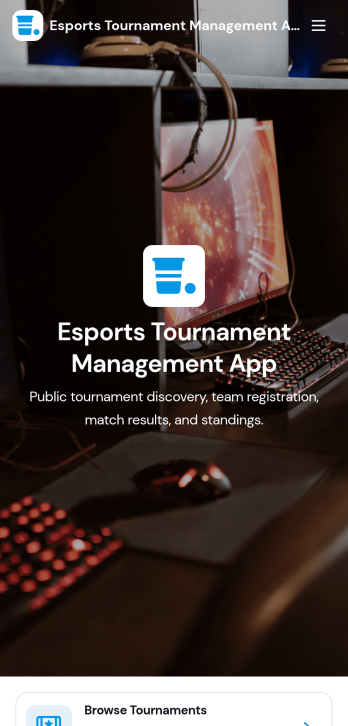
Esports Tournament Management App
Esports Tournament Management App brings tournaments, teams, and match schedules into one place so organizers and communities can keep competitive play easy to follow. Use it to publish upcoming events, help players explore participating teams, and share matchups with clear details like venue, game, and prize pool. Built-in navigation makes it simple for visitors to browse tournaments, jump to a match schedule view, and check team profiles. It also supports community growth by offering a direct way to submit a tournament or submit a team, which is helpful for leagues, gaming venues, student clubs, and esports networks coordinating multiple events.With Jotform App Templates, you can turn your tournament workflow into a polished self-service experience without coding. Jotform’s no-code app builder and drag-and-drop interface let you adjust pages, branding, and navigation, then connect the app to your existing data collection and workflow needs. Share the app with a link or QR code, keep information updated in one place, and create a consistent hub that’s easy to access on desktop or mobile for players, fans, and staff.
Go to Category:Event Management Apps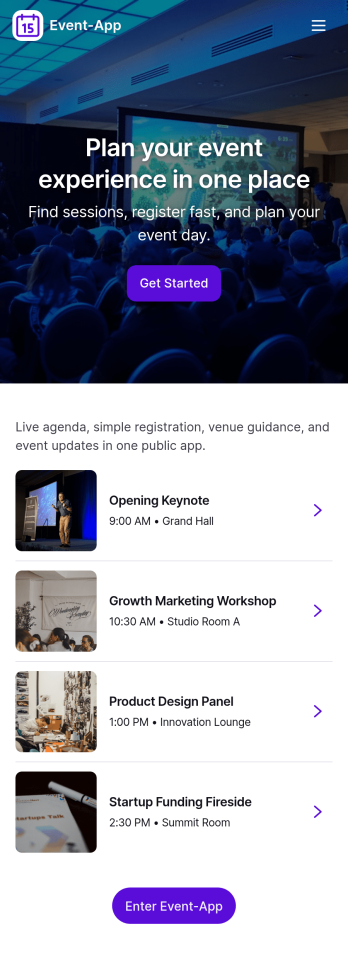
Event-App
Event-App brings your event details and attendee actions into one easy, mobile-friendly hub. Use it to publish upcoming events, let people browse what’s happening, and capture RSVPs without sending users through multiple links. It’s a practical fit for event planners, venues, schools, nonprofits, community organizers, and internal teams running trainings or company meetups. With dedicated areas to browse events and review My Registrations, attendees can quickly find the right event and keep track of what they’ve signed up for.Built with Jotform App Templates, this app template can be customized in a no-code app builder with a drag-and-drop interface so you can match your event branding and workflow. Connect buttons to your RSVP form for fast data collection, organize upcoming events in a list view, and keep registration records accessible through a linked submissions view for simple self-service. Share the Jotform app through a link or QR code so guests can register on the go while your team keeps event information and responses organized.
Go to Category:Event Planner Apps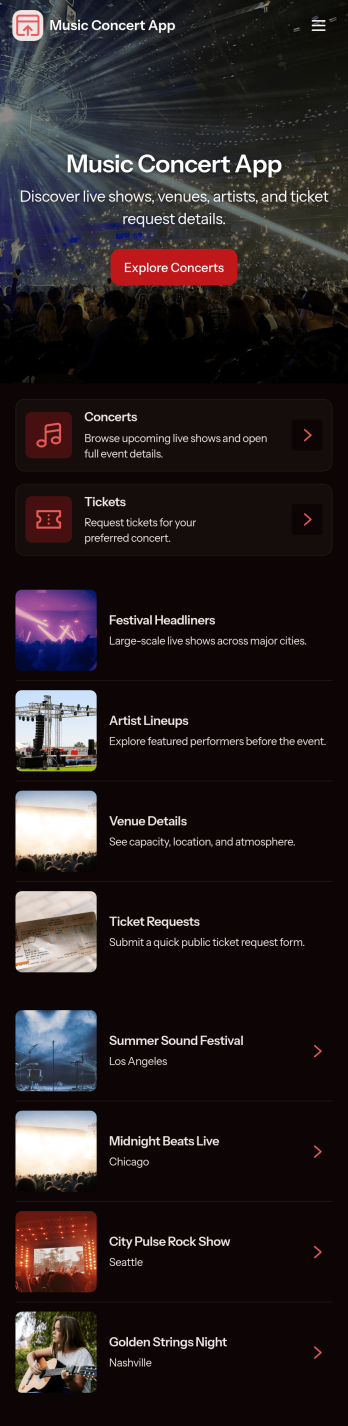
Music Concert App
Music Concert App brings upcoming shows into one place so fans can browse concerts, view key details, and quickly navigate to booking. It’s a practical fit for concert promoters, venues, artist teams, and event coordinators who want a simple, mobile-friendly way to showcase a lineup and guide attendees from discovery to reservation without relying on scattered posts or long email threads. With dedicated pages for exploring concerts and a clear path to book tickets, the app helps reduce missed inquiries, improves the attendee experience, and keeps event information easy to find and share.Built with Jotform App Templates, this app template is easy to tailor using Jotform’s no-code app builder and drag-and-drop interface. Connect the app to your booking form to support consistent data collection, route information to the right workflow, and keep your concert list and booking history organized. Share your Music Concert App with a link or QR code, update content anytime, and deliver a polished self-service experience for your audience.
Go to Category:Entertainment Apps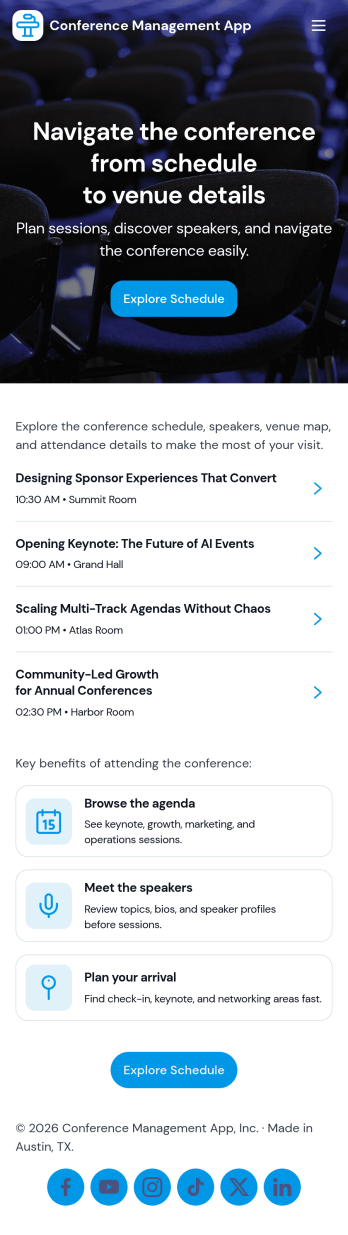
Conference Management App
Conference Management App brings your event experience into one place so attendees and organizers can stay aligned from planning through post-event follow-up. Use it to publish the conference agenda, highlight speakers, and guide participants to key actions like registration, check-in, and feedback without sending them across multiple links. It fits in-person, virtual, or hybrid conferences run by event teams, associations, corporate marketing departments, and community organizers who need a clear, mobile-friendly way to share schedules and reduce day-of confusion.Jotform makes it easy to turn conference workflows into a polished, shareable app experience using its no-code app builder and drag-and-drop interface. Connect the app to Jotform forms for data collection like registrations, on-site check-ins, and attendee feedback, then update your agenda and speaker information as plans change. With Jotform App Templates, you can launch quickly, match your branding, and deliver convenient self-service access from a single link.
Go to Category:Event Planner Apps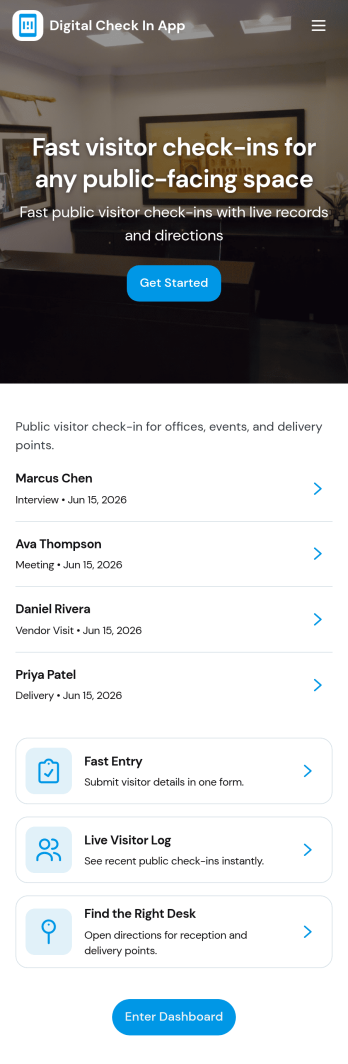
Digital Check in App
Digital Check in App helps you welcome and track visitors without paper sign-in sheets. It gives guests a simple way to start check in and complete a visitor check in form, while your team can quickly view visitors in one place. This works well for offices, coworking spaces, schools, clinics, warehouses, and event venues that need a clear record of who arrived and when, especially during busy periods with frequent walk-ins.Jotform makes it easy to turn this experience into a polished, shareable check-in flow using its app templates and no-code app builder. With a drag-and-drop interface, you can tailor pages, buttons, and navigation to match your front-desk process, then connect the app to your broader workflow for data collection and follow-up. Share the app link or QR code so visitors can check in from a phone or a kiosk-style device, and keep visitor information organized for your team.
Go to Category:Customer Portal Apps
Audience Voting App
Audience Voting App is an interactive app template for collecting audience opinions during live events, competitions, presentations, community programs, classroom activities, and online campaigns. Event organizers, educators, entertainment teams, marketers, and community leaders can present polls, help participants browse questions and available choices, and provide a clear path for casting a vote. Bringing voting access into one organized experience reduces confusing instructions, makes participation easier on mobile devices, and gives audiences a convenient self-service option. It can support anything from choosing a contest winner to gathering quick feedback on a topic.Jotform App Templates help teams create polished digital experiences without writing code. Customize the Audience Voting App with the no-code app builder, adjust pages and navigation through a drag-and-drop interface, and connect forms or other workflow assets for data collection. Branding, text, images, buttons, and poll content can be adapted to suit a specific event or campaign. Once the app is ready, share it through a direct link or QR code so participants can reach the voting experience from their preferred device.
Go to Category:Customer Engagement Apps