Temperature Checking App helps teams record temperature readings during daily check-ins and support consistent screening routines across workplaces, schools, clinics, events, and service locations. With guided pages for Check In and Self Check, people can quickly log a temperature and share any needed details at the same time, while coordinators get a clearer picture of who has checked in and what their current status is. A dedicated Records area makes it easy to review recent entries, spot gaps in participation, and keep a running history for follow-ups or internal reporting.
Jotform makes it simple to turn this experience into a shareable, mobile-friendly app without coding. Start with this app template, customize pages and navigation with a drag-and-drop interface, and connect the temperature logging form to your workflow so entries are organized and accessible. You can publish the app as a self-service link for employees, students, or visitors, then manage incoming data in one place and keep routine check-ins running smoothly.
Related templates
Custom Logistics Management App
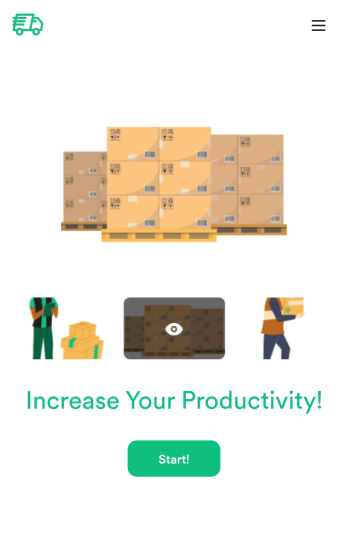
A logistics management app is used by logistic companies to log important company information. With this Logistics Management App from Jotform, managers can keep track of vehicles, drivers, and driver availability information. Drivers can download this app on their mobile devices to record trip information such as truck number, departure date, and total mileage using a Drivers Log Sheet. You can also manage driver job applicants from an easy-to-understand Driver Application Tracking Log.Making changes to this Logistics Management App is easy with Jotform’s no-code app builder. Simply drag and drop to add or change form elements, edit text fields and checklist items, choose fonts and colors, upload your company’s branding, and much more. Share your custom app with management and other drivers by sending email invites or the app link, where they can then download it on any device. Ditch the paperwork and use this Logistics Management App to keep digital records of all your vehicle and driver information.
Go to Category:Automotive Apps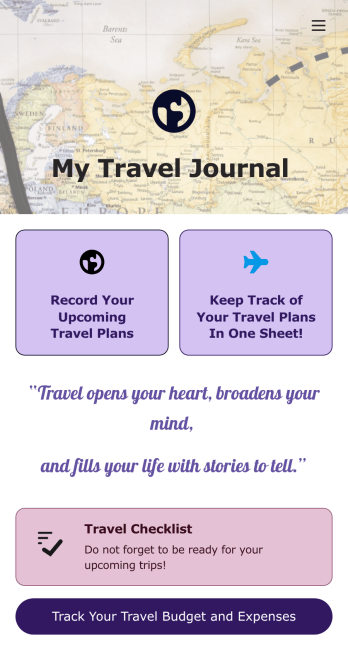
Travel Journal App
A travel journal is used by travel agencies or individual travelers to plan and track vacation itineraries and other important trip details. Build your own Travel Journal App for your traveling needs with Jotform’s app builder. Include a preparation checklist, list of possible destinations, transportations tickets, payment plans, and other important documents.Change the look and feel of your Travel Journal App up with our easy-to-use online app builder. Drag and drop to add personal touches like uploading branding assets, changing colors and fonts, picking an app icon, and much more. Then simply share your app with your clients or other travelers via link, QR code, or by embedding a link in your online portal or website.
Go to Category:Log Apps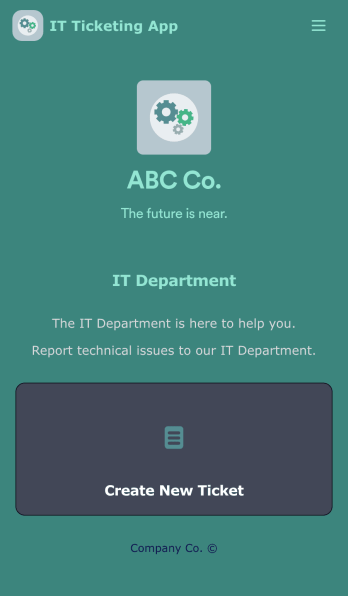
IT Ticketing App
An IT Ticketing App is used by companies to internally record IT issues using support tickets. This readymade app allows employees to specify their IT issue, browser, and operating system, add relevant URLs, assign priority level, and even attach screenshots using an included upload form. IT tickets are then stored securely in your account, where they are compiled into an easy-to-read spreadsheet in Jotform Tables.Our drag-and-drop interface makes customizing this IT Ticketing App a breeze. With just a few clicks, you can add or change forms and text, choose fonts and colors, upload your company logo, update the app name and icon, and more — no coding required. When you’re finished, just share a link with your employees, where they can access and download your app on any smartphone, tablet, or desktop. Start squashing bugs today with this fully customizable IT Ticketing App!
Go to Category:Tracker Apps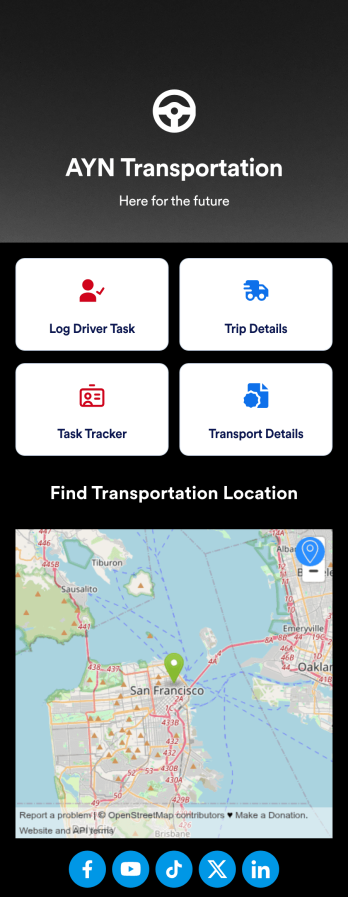
Customizable Driver Dispatch App
A driver dispatch app is used by taxi companies or other transportation services to keep track of trip details for their drivers. With this free Driver Dispatch App from Jotform, you can keep a complete record of trip details without the need for messy, disorganized paper forms. All form submissions through the app are stored in your secure Jotform account, ready to view in Jotform Tables as a spreadsheet or calendar.Customize this app template’s design without coding. Drag and drop to add or remove forms or change other design elements like app icon, logo, and background in a few easy clicks. Once your app is ready to go, download it onto your computer, tablet, or smartphone or copy-paste the app link so others can download it too! Upgrade the way you manage trip details with a powerful Driver Dispatch App.
Go to Category:Log Apps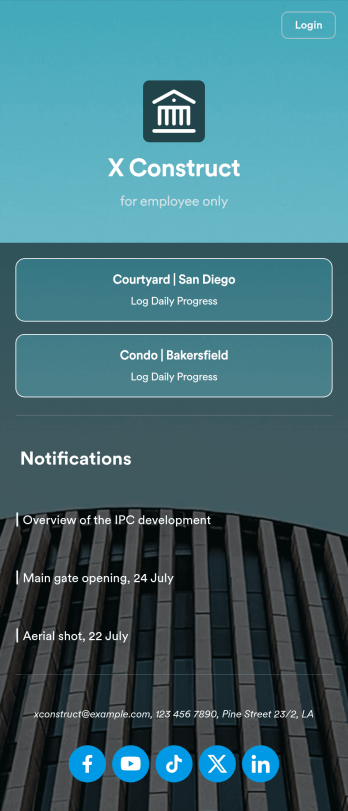
Custom Construction Daily Log App
A construction daily log app is used by construction companies to log their daily progress on construction sites. With Jotform’s free Construction Daily Log App, your company’s employees can complete daily work logs directly from their smartphone or tablet. Just customize the app template, share it with your employees to download onto any device, and view responses in your secure Jotform account.Update the app template to include your branding, add more forms, and make other design changes using our drag-and-drop app builder. No coding knowledge required! Once your app is fully customized to match your needs, share it with a link or invite company members to download it via email so they can readily access it from their mobile device. Save time and paper by completing work logs online with this free Construction Daily Log App.
Go to Category:Construction Apps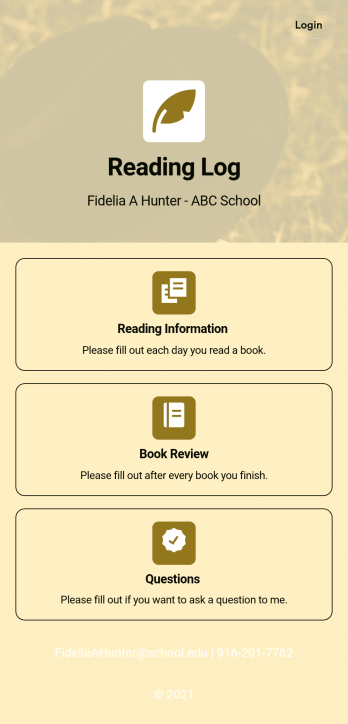
Reading Log App
As a teacher, staying on top of your students’ reading habits can be a headache. So why not create one central place to keep track of it all? With this Reading Log App, teachers can easily track, monitor, and review students’ assigned reading progress. This ready-to-use template also comes with a place for your students to send questions, and a digital signature form for parents to sign off on readings. This app works in tandem with our Reading Log Template, which allows you to easily sort through entries in a searchable spreadsheet.Want to customize this Reading Log App and make it your own? With our simple drag-and-drop interface, you can add or change forms, choose fonts and colors, update the app name or text, and more — all with zero coding. Once you’re satisfied with the look and feel of your app, simply share the link through email and have your students start filling out their assigned readings from any smartphone, tablet, or desktop. Make your job outside of the classroom easier with this customizable Reading Log App!
Go to Category:Classroom Management Apps