Time Audit App helps individuals and teams capture how work hours are actually spent, so it’s easier to spot time leaks, rebalance workloads, and build better routines. Use it for weekly personal productivity audits, agency and consulting time reviews, internal operations check-ins, or project retrospectives where you need real entries instead of guesses. With a simple way to log a time audit, review records, and track your own submissions, it supports consistent time tracking without turning the process into a complicated system.
Jotform makes it easy to turn this Time Audit App into a polished self-service experience using its app templates and no-code app builder. Customize pages with a drag-and-drop interface, connect the app to a form and records list for ongoing data collection, and share it through a link for fast adoption across a department or client-facing program. As your workflow evolves, you can update the layout, add navigation, and keep time audit records organized in one place.
Related templates
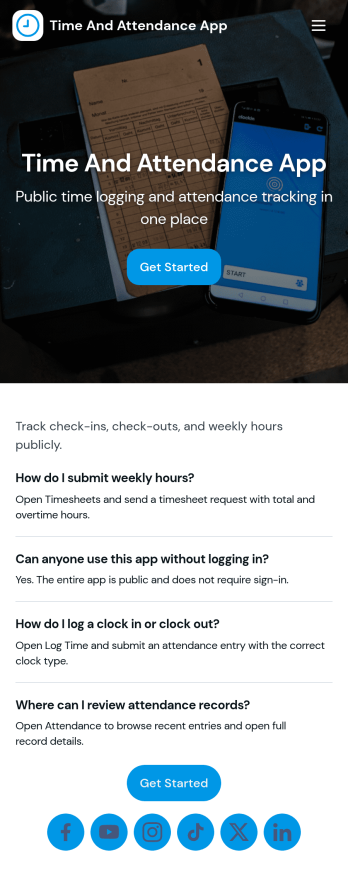
Time and Attendance App
Time and Attendance App helps teams track work hours with a simple clock-in flow, searchable records, and a clear view of who is on the roster. It fits workplaces that need reliable punch tracking without complicated systems, such as retail shops, restaurants, field service crews, clinics, studios, schools, and growing offices. Staff can clock in and then check their own punch history, while managers can review activity to confirm coverage, spot missing punches, and support accurate timekeeping for payroll periods.Built with Jotform, this app template pairs a no-code app builder with a drag-and-drop interface so you can tailor the experience to your policies and roles. Connect the app to your forms and tables for ongoing data collection, route updates through a simple workflow, and keep self-service access easy with pages for team navigation and records review. Share the app by link or QR code, publish updates quickly, and keep everyone using the same source of truth for time and attendance.
Go to Category:Human Resources Apps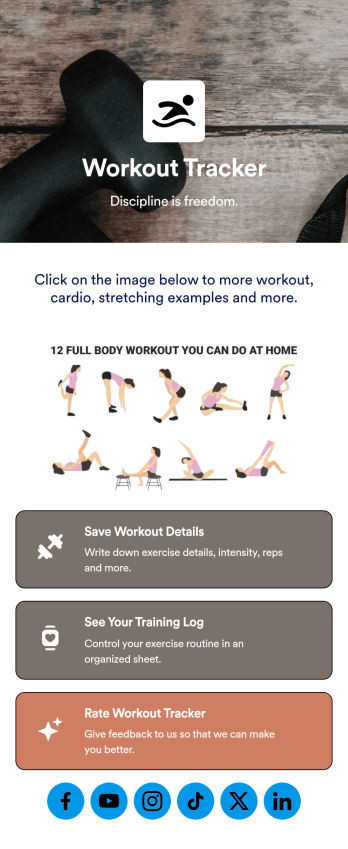
Workout Journal App
Never lose track of your workouts again with this ready-made Workout Journal App from Jotform. Track important things like time spent working out, what types of workouts you did, if you worked out with another person, how strong you felt that day, and more depending on your needs. Share this app with your workout buddies, personal trainers, or other individuals who are following along.Use this Workout Journal App ready-made, or personalize it to fit your needs with Jotform’s easy-to-use app builder. Change up fonts and colors, upload images or videos, integrate with helpful widgets, and much more. Get stronger and hold yourself more accountable with this helpful Workout Journal App from Jotform.
Go to Category:Activity Tracking Apps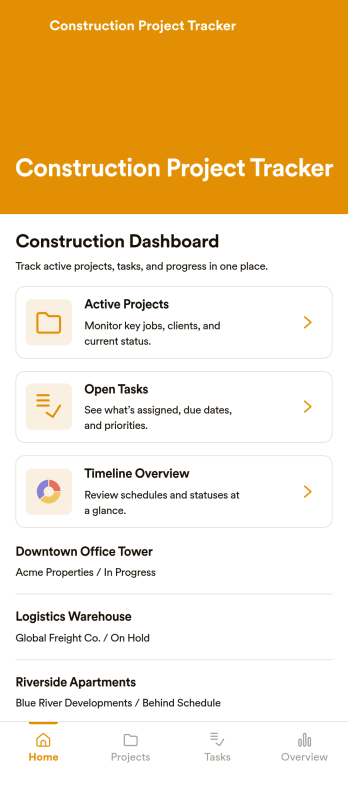
Construction Project Tracker
Construction Project Tracker is an app template designed to streamline the management of multiple construction projects. This template serves as a comprehensive platform for tracking tasks, timelines, budgets, and progress updates, which are essential for construction professionals, contractors, project managers, site supervisors, and small to mid-sized construction companies. It simplifies project management for subcontractors and field teams by providing real-time updates, eliminating the need for complex software. The template collects daily site activity, allowing users to upload photos and update task statuses to keep everyone aligned. Its table view facilitates easy scanning of project details, identifying delays, and prioritizing work, while the dashboard provides a quick overview of project status. The Construction Project Tracker offers a clear and straightforward solution for property developers and homeowners managing builds. It's the go-to digital assistant for systematic organization and seamless project progression.Utilizing the Jotform's No-Code App Builder, the Construction Project Tracker can be customized to match your project management style without needing any coding knowledge. Its drag-and-drop interface allows for straightforward layout customization, enabling you to design a tracker that fits your needs perfectly. You can also leverage Jotform's payment integrations to manage project budgets directly within the app, offering a centralized solution for all your construction project tracking needs. What's more, with Jotform's cross-platform compatibility, you can manage your projects on any device, whether it's a smartphone, tablet, or desktop. Stay on top of your construction projects with the Construction Project Tracker from Jotform!
Go to Category:Activity Tracking Apps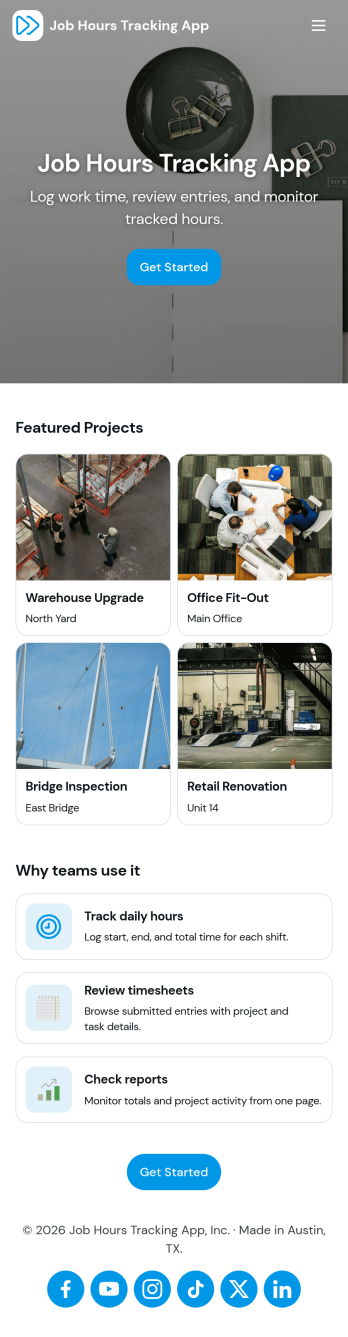
Job Hours Tracking App
Job Hours Tracking App helps teams record shift time in one place, so payroll prep and time reviews don’t depend on scattered notes or messages. Employees can quickly log a shift, add another shift when they’re done, and review My Entries to confirm what they’ve submitted. It’s a practical fit for small businesses, agencies, field service crews, and hourly teams that need a clear timesheet view by employee and a consistent way to capture work hours across roles.Jotform makes it easy to turn this app template into a polished, self-service experience without coding. With a drag-and-drop interface, you can adjust pages, buttons, and the connected form that collects shift details, then share the app as a simple link for your staff. As entries come in, you can keep your workflow organized for approvals, reporting, and ongoing operations while maintaining a single source of truth for job hours tracking.
Go to Category:Activity Tracking Apps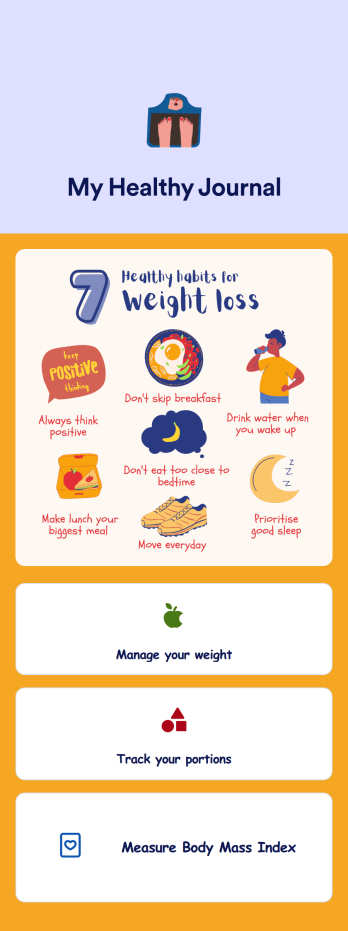
Weight Loss Journal App
A weight loss journal app is used by personal trainers or by individuals to keep track of meals, portion sizes, body mass index (BMI), and more. With this free Weight Loss Journal App, you can stop tracking your weight loss journey with pen and paper and do it in a convenient app that works great on iOS and Android devices! Just customize the app, download it, and start tracking instantly.Feel free to change the app design any way you like. Upload images, choose new fonts and colors, choose a new background or app icon, and make other changes with our drag-and-drop no-code builder. You can then share your custom Weight Loss Journal App with clients or download it instantly onto your smartphone, tablet, or computer.
Go to Category:Activity Tracking Apps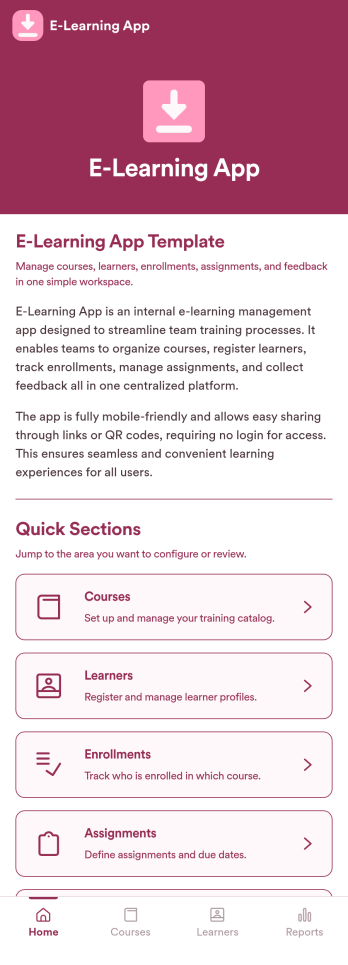
E-Learning App
E-Learning App is an app template designed to foster the creation and management of online learning experiences, specifically tailored for educators, training providers, schools, and organizations. It provides a structured platform for the seamless delivery of educational content and training programs, creating a centralized hub for learning materials, assignments, quizzes, and discussions. The integrated data collection feature ensures the capture of vital learner data, such as enrollment details, progress tracking, and feedback, making it a comprehensive solution for educational and training workflows. It is commonly used for distance learning, corporate training, and continual professional development programs, and is best suited for those needing a ready-to-use, robust platform for delivering a streamlined e-learning experience.Jotform’s intuitive, no-code app builder makes customizing your E-Learning App a breeze. Personalize the app to align with your organizational branding: swap out forms, choose fonts and colors, and upload your logo without a single line of code. Its cross-platform compatibility allows your learners to access the app on any smartphone, tablet, or desktop, ensuring a consistent learning experience across different devices. With the added convenience of electronic signature collection, authentication of important documents such as consent forms and agreements becomes effortless. Take advantage of Jotform's seamless integration with Sheets for easy management and visualization of collected data, and generate comprehensive reports to track learner progress and course effectiveness. With Jotform, managing your online learning program becomes an easy, efficient, and rewarding process.
Go to Category:Activity Tracking Apps