The Tutoring Lesson Library App is a ready-to-use digital resource for private tutors, tutoring centers, schools, and education teams that need one accessible place for lesson materials. Tutors can browse a lesson library, filter resources by subject, and review each lesson’s learning goal, activity, and required materials before a session. They can also suggest new lesson topics to help the collection reflect student needs. This organized experience reduces time spent searching across files and gives new or experienced tutors a consistent starting point for math, English, science, study skills, and other instructional areas.
Jotform makes this app template easy to adapt with a no-code app builder and an intuitive drag-and-drop interface. Education teams can update pages, add lesson resources, change navigation, apply their branding, and connect forms to data collection and workflow processes without programming. The app can be shared through a direct link or QR code, giving tutors mobile-friendly self-service access wherever lessons take place. Starting with Jotform App Templates also helps organizations publish a polished resource library quickly while retaining the flexibility to expand content as programs, subjects, and teaching teams grow.
Related templates
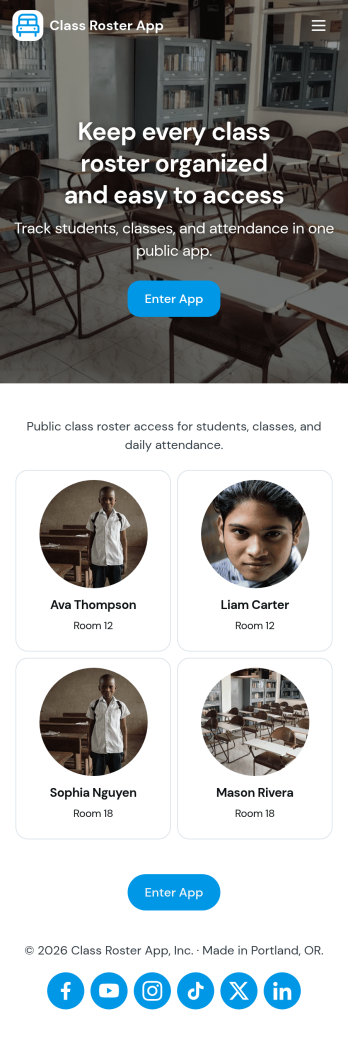
Class Roster App
Class Roster App helps teachers and academic staff keep a clear, up-to-date view of who is in each class and what is happening day to day. Use it to browse a student list, open individual student details, add new students as enrollment changes, and record attendance without jumping between scattered spreadsheets or paper notes. It’s a practical fit for K–12 classrooms, tutoring centers, after-school programs, and small training groups where rosters shift and quick access matters.With Jotform, you can turn this class roster app template into a mobile-friendly hub that supports self-service data collection and simple workflows. Customize pages with a drag-and-drop interface, connect buttons to forms for adding students or attendance, and keep records organized in one place. Share the app by link or QR code, collaborate with other instructors, and update the layout and branding anytime using Jotform’s no-code app builder.
Go to Category:Classroom Management Apps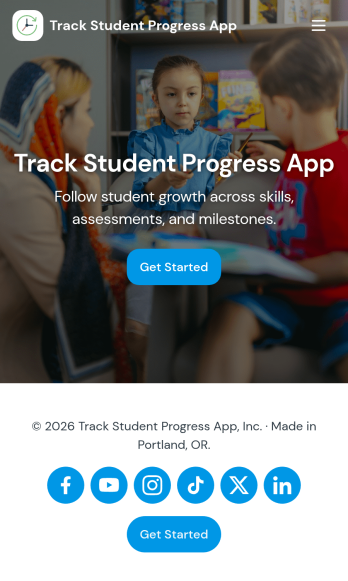
Track Student Progress App
Track Student Progress App helps educators and academic teams monitor learner growth in one place, using a roster view for quick navigation and progress logs to capture updates over time. It works well for classroom teachers, tutors, special education staff, and program coordinators who need a reliable way to review student profiles, record subject-level notes, and quickly see who is on track versus who needs support.With Jotform, you can turn this workflow into a shareable self-service app experience without coding. Use a no-code app builder with a drag-and-drop interface to connect forms for data collection, keep records organized, and support a consistent workflow for adding students and logging progress. Publish the app as a simple link for staff access, then refine the layout, branding, and pages as your tracking process evolves.
Go to Category:Classroom Management Apps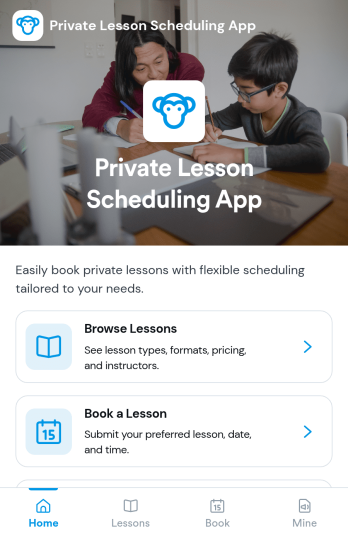
Private Lesson Scheduling App
Private Lesson Scheduling App helps instructors and tutoring businesses organize one-on-one sessions in a clear, client-friendly flow. Learners can browse lesson options, open a lesson page for details, and book a time without lengthy emails or phone calls. It’s a practical fit for music teachers, academic tutors, language coaches, art instructors, and personal skill trainers who want a single place to present offerings and capture bookings.Built with Jotform App Templates, this app template can be tailored with a no-code app builder and a drag-and-drop interface so you can match your brand and scheduling style. Connect the booking button to a form for fast data collection, keep records centralized, and share the app with a link or QR code for easy self-service on any device. As your workflow grows, you can update lesson listings and booking steps without rebuilding from scratch.
Go to Category:Appointment & Booking Apps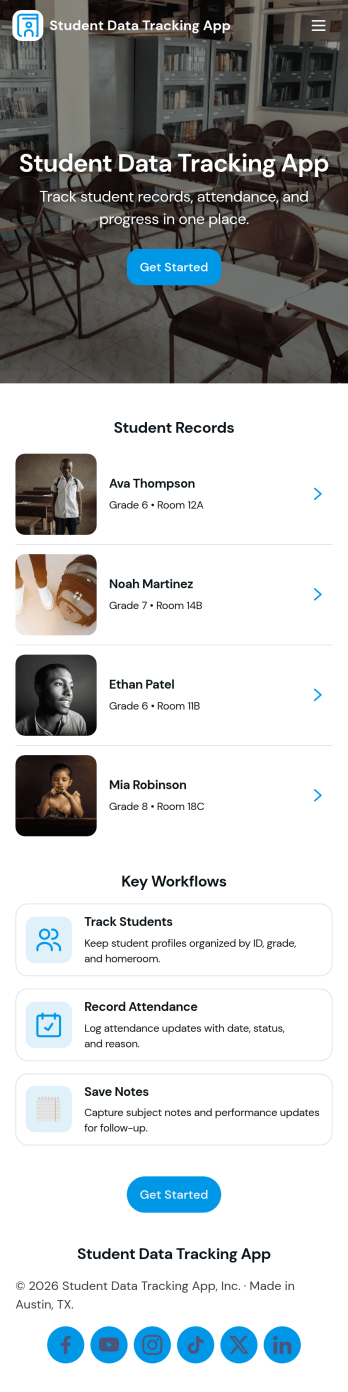
Student Data Tracking App
Student Data Tracking App brings student records, progress notes, and attendance history into one place so educators can keep a clear, consistent view of each learner. Use it to browse a student list, open individual profiles, and add ongoing updates through connected logs. It fits K–12 classrooms, tutoring centers, after-school programs, special education teams, and academic coordinators who need quick access to student information during check-ins, parent communication, and intervention planning.With Jotform, you can turn this app template into a branded, shareable hub without coding. Customize pages and navigation with a drag-and-drop interface, connect the app to forms and tables for reliable data collection, and keep your workflow moving with easy updates and organized records. Publish and share the app as a self-service experience for staff so everyone references the same up-to-date student data.
Go to Category:Classroom Management Apps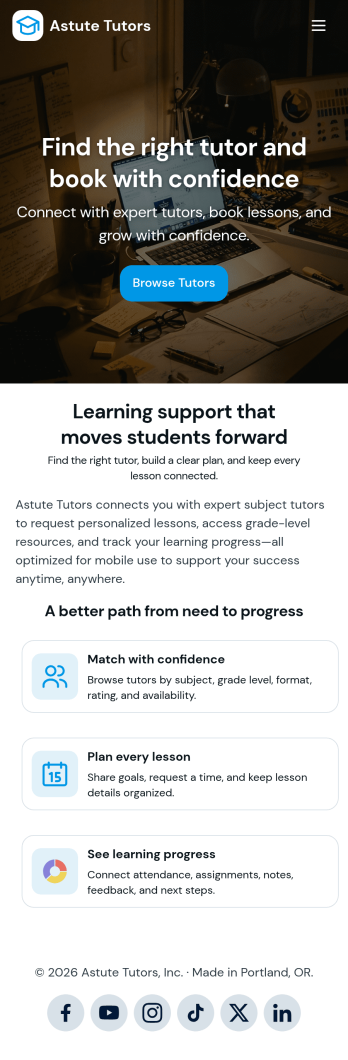
Tutoring App
Tutoring App is an app template designed to streamline the process of finding and connecting with suitable tutors. This app aids in the submission of tutoring requests, providing a platform for students, parents, and educational institutions to specify their learning goals and subject needs. This app is ideal for anyone in need of personalized academic support and learning assistance, providing a central hub for one-on-one or group instruction. The template collects information such as subject areas, desired tutoring schedules, and specific learning objectives, bringing clarity and consistency to the tutor-student matching process. It is a perfect fit for those desiring an efficient and systematic approach to locating the right tutoring support.Jotform's Tutoring App brings additional benefits to the tutoring process by offering cross-platform compatibility enabling usage across smartphones, tablets, and desktops. With its no-code app builder, customization of the app is straightforward, allowing users to tailor the app to their specific needs without writing any code. Adding forms or customizing layouts is made possible with its drag-and-drop interface. The app also provides options for sharing directly via email, social media, or QR codes, thereby making it convenient for users to distribute their tutoring requests widely. Jotform's Tutoring App, with its focus on creating a seamless experience for its users, is the go-to solution for efficient and effective tutoring coordination.
Go to Category:Course & Training Registration Apps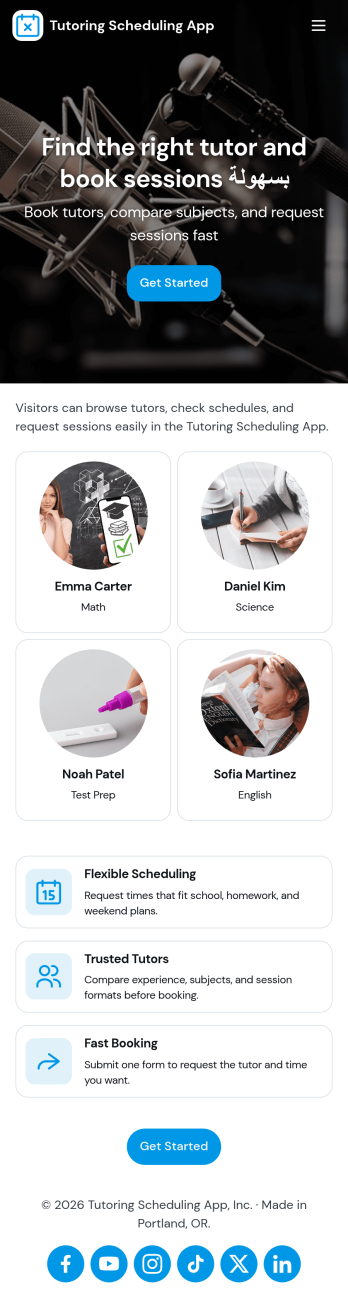
Tutoring Scheduling App
Tutoring Scheduling App helps tutoring businesses and independent educators organize session requests and connect students with the right tutor in one place. Learners can browse a tutor list, open tutor details, and send a session request, while returning users can check My Requests to stay on top of upcoming and past needs. It’s a practical fit for after-school programs, test prep providers, online tutoring teams, and school support centers that want a clearer way to manage demand, reduce missed messages, and keep scheduling details easy to find.Jotform makes it simple to turn this use case into a polished self-service experience with app templates and a no-code app builder. Customize pages with a drag-and-drop interface, connect the app to your forms for data collection, and keep requests organized for follow-up. Share your Tutoring Scheduling App through a link or QR code, update content anytime, and create a consistent workflow that works well on mobile for students and tutors alike.
Go to Category:Appointment & Booking Apps