
The Utility Fleet Inventory App is an app template for utility providers, public works departments, field service teams, contractors, and fleet managers that need a reliable view of vehicles and other mobile assets. Teams can browse fleet records, review each asset’s location, condition, and availability, and record inspections or maintenance from a central experience. Fleet reports also make it easier for supervisors to follow service activity and identify assets that may require attention. By replacing scattered spreadsheets and disconnected records, the app supports clearer asset oversight, more consistent data collection, and better coordination among drivers, inspectors, technicians, and operations staff.
Jotform App Templates provide a practical starting point for creating mobile-friendly tools without writing code. Customize the Utility Fleet Inventory App with the no-code app builder and drag-and-drop interface, then connect forms, tables, notifications, approvals, and other workflow steps as your operations evolve. Pages, navigation, visual styling, and branding can be adjusted to match internal processes. Once published, the app can be shared by a direct link or QR code, giving authorized team members convenient self-service access in the office, garage, or field.
Related templates
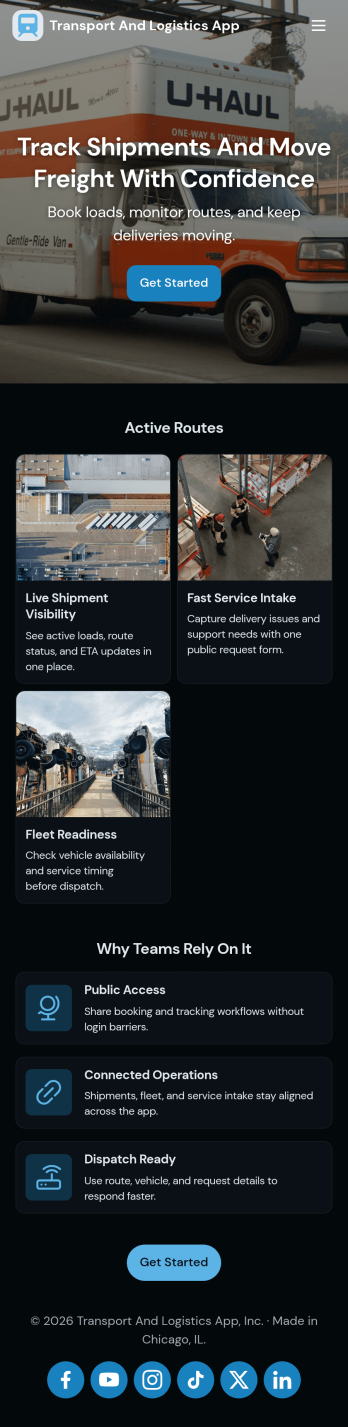
Transport and Logistics App
Transport and Logistics App brings shipment intake and dispatch coordination into one place for teams that move freight day to day. Use it to create new shipments, send requests into a shared workflow, and keep a simple dispatch view that helps operations stay on top of what needs to go out next. It fits trucking companies, delivery operators, freight brokers, and in-house logistics teams that manage multiple loads, drivers, and vehicles while trying to reduce missed details and scattered updates.Built with Jotform App Templates, this app template can be tailored in a no-code app builder with a drag-and-drop interface, so you can match the experience to how your team works. Connect the app to a shipment form for fast data collection, organize incoming records, and share a self-service link with staff who need to submit requests or review assigned work. As your workflow evolves, you can adjust pages, navigation, and connected processes without rebuilding from scratch.
Go to Category:Delivery Apps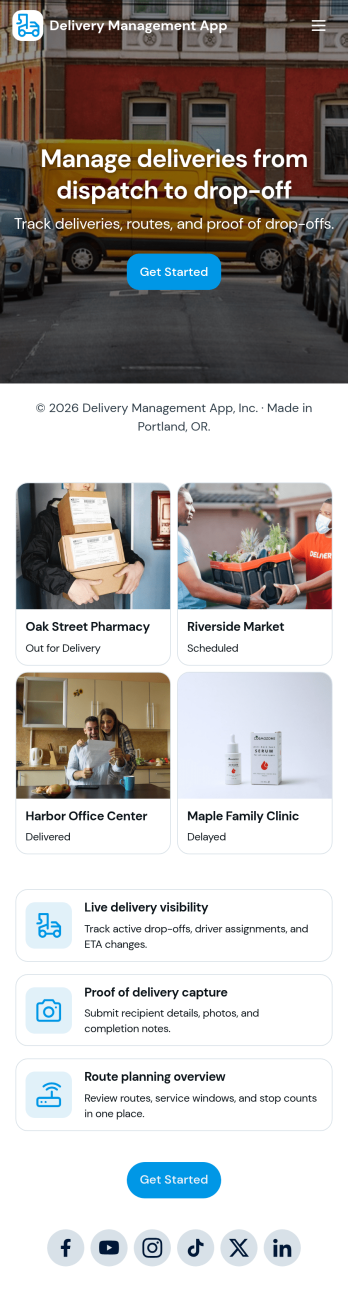
Delivery Management App
Delivery Management App helps teams organize deliveries from intake to assignment and issue reporting in one place. Use it to create new deliveries, browse active orders, assign drivers, and give staff a simple way to report delivery issues as they happen. It’s a practical fit for local couriers, restaurants, retail shops, e-commerce sellers, and service businesses that run their own drivers and need a clear view of what’s going out today, who’s handling it, and what needs attention.With Jotform, you can turn this app template into a branded, mobile-friendly workflow without coding. Use the no-code app builder and drag-and-drop interface to tailor pages, buttons, and lists to match your delivery process, then connect the app to forms and tables for reliable data collection and ongoing updates. Share the app by link or QR code so dispatchers and drivers can access self-service tools, keep information current, and reduce missed handoffs across your operations.
Go to Category:Delivery Apps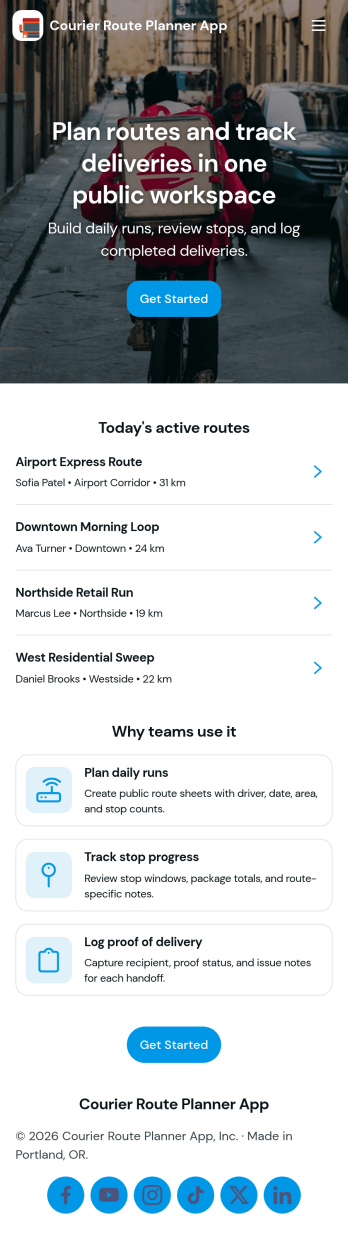
Courier Route Planner App
Courier Route Planner App helps courier teams organize daily routes and keep deliveries moving with less confusion. Use it to plan routes, track deliveries, and collect proof of delivery in one place, so dispatchers and drivers can quickly find what they need while they’re on the road. It’s a practical fit for local courier services, last-mile delivery teams, retail and e-commerce fulfillment operations, and any business coordinating multiple stops and tracking numbers throughout the day.Built with Jotform App Templates, this app template is easy to tailor for your workflow using a no-code app builder and a drag-and-drop interface. Connect route and delivery data, link to forms for consistent data collection, and keep records organized as your volume grows. Share the app through a link or QR code for simple self-service access across your team, and update pages anytime to match new routes, service areas, or dispatch processes.
Go to Category:Delivery Apps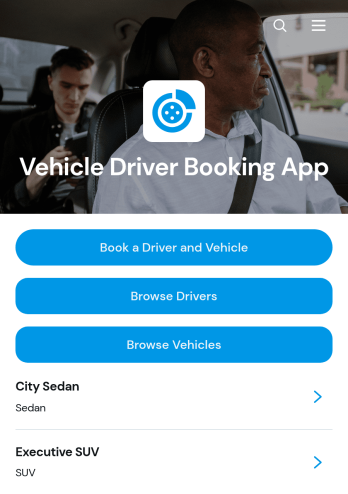
Vehicle Driver Booking App
Vehicle Driver Booking App brings driver and vehicle reservations into one accessible experience for transportation companies, shuttle operators, corporate travel teams, hospitality providers, and organizations that coordinate passenger journeys. Customers or dispatch staff can browse available drivers and vehicles, submit a booking request, and review assigned trip details such as pickup, drop-off, and passenger count. This app template helps teams replace scattered calls, messages, and records with a clear booking journey. It is well suited to airport transfers, hotel transportation, business travel, private hire services, event shuttles, and scheduled local trips where accurate driver and vehicle coordination matters.Jotform makes it easy to adapt this Vehicle Driver Booking App to your brand and operating process without writing code. Use the no-code app builder and drag-and-drop interface to update pages, navigation, images, buttons, and booking content. Connected forms support data collection, while tables and workflows can help staff organize requests and manage operational follow-up. Publish the finished app through a direct link, personalized address, embedded experience, or QR code so passengers, dispatchers, and partners can access it from their phones. Jotform App Templates provide a practical starting point for creating a mobile-friendly self-service experience that can grow with your transportation operations.
Go to Category:Booking Apps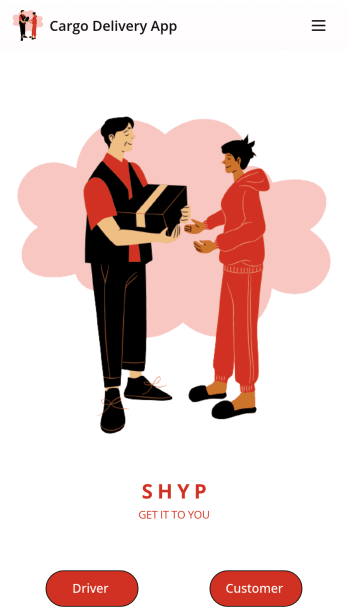
Cargo Delivery App
A cargo delivery app is used by both delivery companies and their customers to keep track of deliveries. Drivers can download this free app onto any device and fill out delivery receipts with dates, addresses, customer information, item descriptions, and delivery charges. Upon delivery, drivers can date and sign delivery reports using an e-signature form. Customers are able to schedule deliveries by filling out a form with general contact information and selecting a delivery date via an interactive calendar.Need to make changes to this Cargo Delivery App to match your company’s branding? Jotform’s drag-and-drop app builder allows you to add form elements, edit text fields and delivery checklist items, choose fonts and colors, upload your unique logo, and more — all without any coding knowledge. You can also use Jotform’s 30+ payment gateways to collect fees directly through your app. Make tracking shipments a breeze with our free Cargo Delivery App.
Go to Category:Fleet Tracker Apps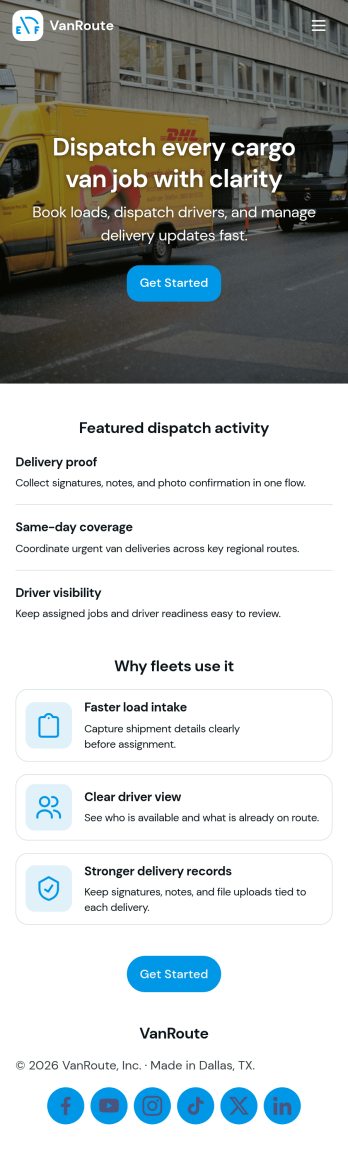
Cargo Van Dispatch App
Cargo Van Dispatch App helps dispatchers and operations teams organize daily loads, assign drivers, and keep deliveries moving without losing track of what’s open, in progress, or completed. Use it to review open dispatches, confirm pickup and dropoff details for each customer, and quickly route work to the right driver. It’s a practical fit for cargo van carriers, courier services, local delivery businesses, and logistics coordinators who need a clear view of jobs, drivers, and vehicles across a busy shift.Built with Jotform, this app template turns dispatch coordination into a mobile-friendly self-service experience your team can access from a single link. Customize pages with a drag-and-drop interface, connect an Assign Driver form to your workflow, and keep dispatch activity organized in one place for reliable data collection and smoother handoffs. With Jotform’s no-code app builder, you can adapt the layout and fields as your routes, fleet, and operating process evolve.
Go to Category:Delivery Apps