Vendor Event Marketplace App brings events and vendors into one place so people can browse upcoming markets, explore vendor profiles, and take action without hunting through scattered links. It’s a practical fit for event organizers running pop-ups and fairs, venues promoting recurring markets, and community groups curating local business participation. Visitors can quickly view key event details like date, venue, and city, while vendors can find the right opportunities and submit an application to participate.
Built with Jotform App Templates, this app template is easy to tailor for different event types, vendor categories, and regions. Use Jotform’s no-code app builder and drag-and-drop interface to adjust navigation, highlight featured events or vendors, and connect forms for applications and inquiries. With a self-service experience that works well on mobile, teams can keep listings current, collect data in one workflow, and share the marketplace through a link or QR code.
Related templates
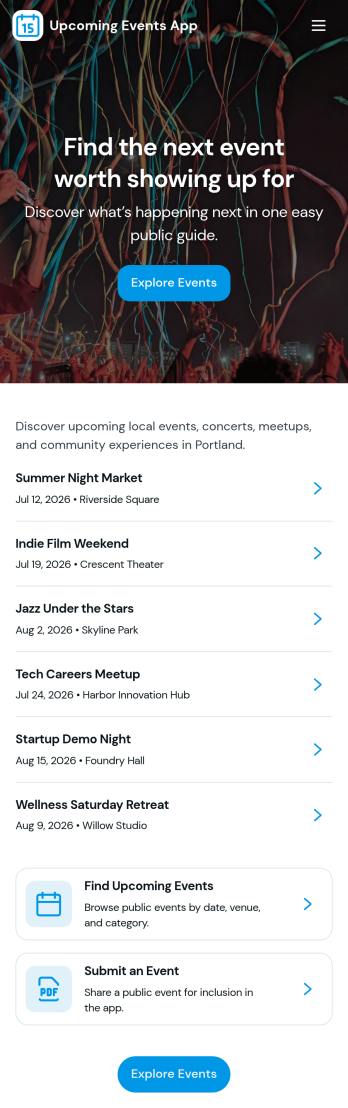
Upcoming Events App
Upcoming Events App gives you a simple, branded place to highlight what’s coming up and guide people from discovery to RSVP. Use it to publish event names and visuals, help visitors browse an events list, and send them into an RSVP flow without confusion. It’s a great fit for community groups, nonprofits, schools, fitness studios, venues, and small businesses that want one link to share upcoming happenings across email, social posts, or QR codes at the door.Built with Jotform, this app template is easy to tailor with a no-code app builder and a drag-and-drop interface so your team can update event details fast and keep information consistent. Connect the events list to your data, route RSVP responses into your workflow, and add supportive touchpoints like a simple email support button. Share the app anywhere to offer a smooth self-service experience that keeps attendees informed and helps you stay organized.
Go to Category:Event Planner Apps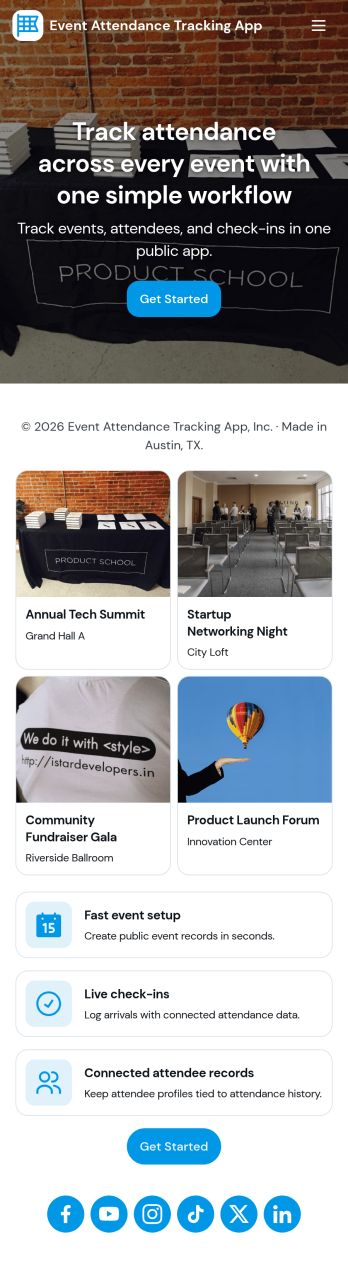
Event Attendance Tracking App
Event Attendance Tracking App helps organizers keep an accurate record of who registered and who actually showed up, without juggling paper lists or scattered spreadsheets. Use it to register attendees ahead of time, add walk-ins at the door, and log check-ins as guests arrive. It’s a strong fit for event teams running conferences, workshops, campus events, community meetups, trainings, and internal company sessions where headcounts, attendance history, and quick lookups matter throughout the day.With Jotform, you can turn attendance tracking into a simple self-service experience using App Templates and a no-code app builder. Build the flow with a drag-and-drop interface, connect registration and check-in forms, and keep records organized in linked tables for fast searching and reporting. Share the app with staff using a link or QR code so everyone works from the same up-to-date attendee list while your workflow stays consistent from registration to check-in.
Go to Category:Event Planner Apps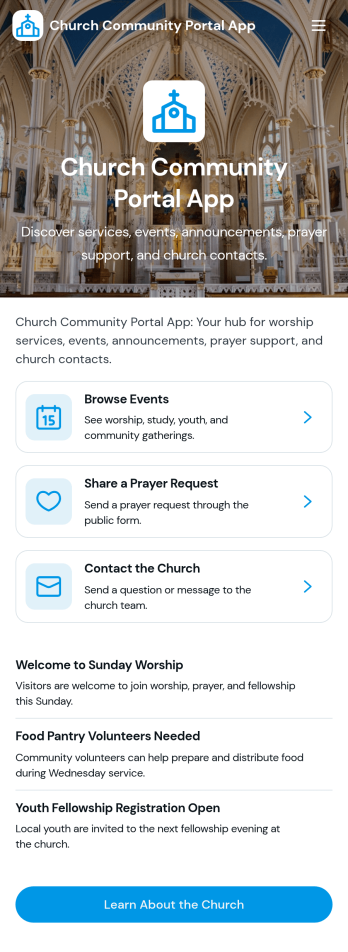
Church Community Portal App
Church Community Portal App brings your congregation’s essentials into one welcoming place, so members can find what’s happening next, share prayer needs, and reach the right church contact without confusion. Use it to highlight upcoming events with quick navigation to event details and registration links, invite community messages, and keep key worship information one tap away. It’s a practical fit for church administrators, ministry leaders, and volunteer teams who want a consistent way to communicate schedules, encourage engagement throughout the week, and help newcomers know where to start.Built with Jotform App Templates, this app template is easy to tailor using Jotform’s no-code app builder and drag-and-drop interface. Connect your event and prayer request forms, organize updates in a clear self-service experience, and share the app through a link or QR code for mobile-friendly access. Jotform helps you centralize data collection and workflows, so your team can spend less time chasing details and more time supporting the community.
Go to Category:Community & Engagement Portal Apps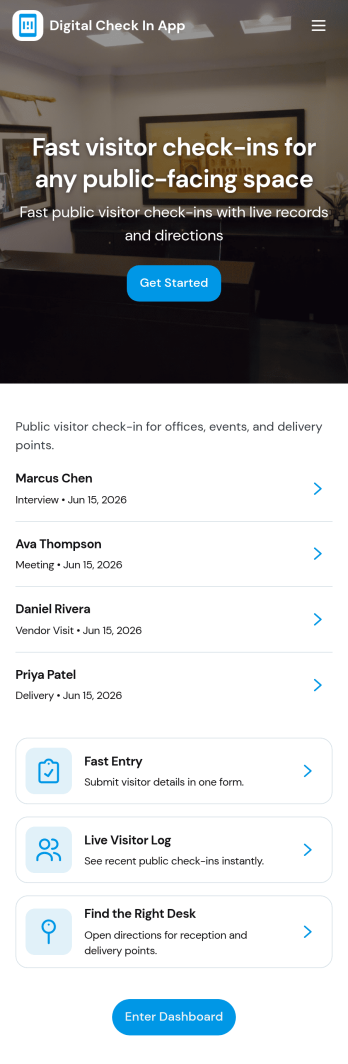
Digital Check in App
Digital Check in App helps you welcome and track visitors without paper sign-in sheets. It gives guests a simple way to start check in and complete a visitor check in form, while your team can quickly view visitors in one place. This works well for offices, coworking spaces, schools, clinics, warehouses, and event venues that need a clear record of who arrived and when, especially during busy periods with frequent walk-ins.Jotform makes it easy to turn this experience into a polished, shareable check-in flow using its app templates and no-code app builder. With a drag-and-drop interface, you can tailor pages, buttons, and navigation to match your front-desk process, then connect the app to your broader workflow for data collection and follow-up. Share the app link or QR code so visitors can check in from a phone or a kiosk-style device, and keep visitor information organized for your team.
Go to Category:Customer Portal Apps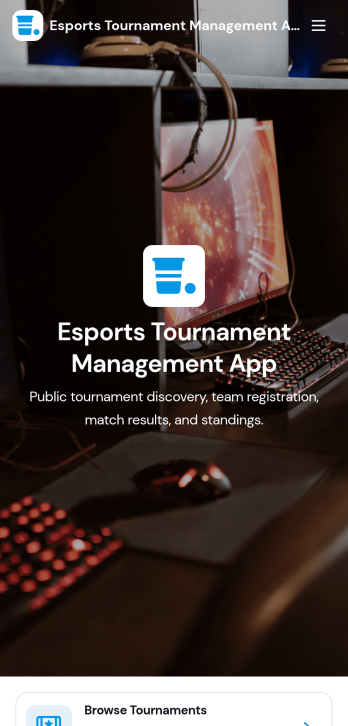
Esports Tournament Management App
Esports Tournament Management App brings tournaments, teams, and match schedules into one place so organizers and communities can keep competitive play easy to follow. Use it to publish upcoming events, help players explore participating teams, and share matchups with clear details like venue, game, and prize pool. Built-in navigation makes it simple for visitors to browse tournaments, jump to a match schedule view, and check team profiles. It also supports community growth by offering a direct way to submit a tournament or submit a team, which is helpful for leagues, gaming venues, student clubs, and esports networks coordinating multiple events.With Jotform App Templates, you can turn your tournament workflow into a polished self-service experience without coding. Jotform’s no-code app builder and drag-and-drop interface let you adjust pages, branding, and navigation, then connect the app to your existing data collection and workflow needs. Share the app with a link or QR code, keep information updated in one place, and create a consistent hub that’s easy to access on desktop or mobile for players, fans, and staff.
Go to Category:Event Management Apps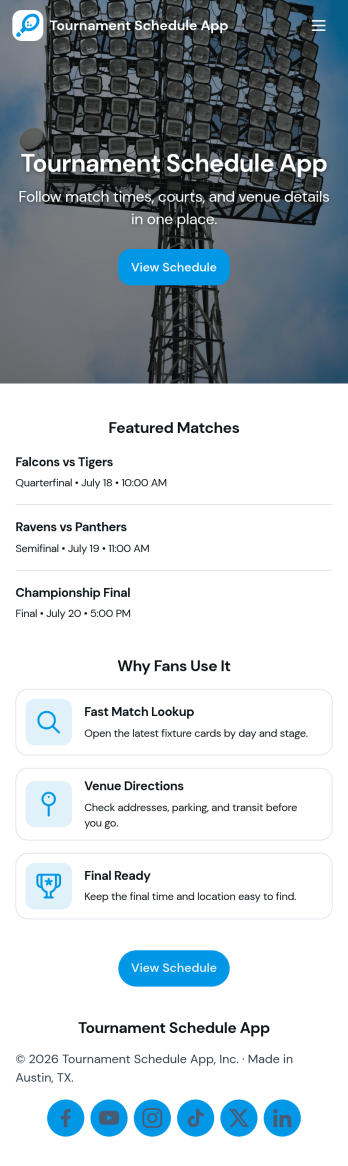
Tournament Schedule App
A tournament schedule app brings teams, matchups, and key game details into one place so organizers and participants can stay aligned throughout an event. This template helps you collect team registrations, schedule matches, and browse upcoming games in an easy, mobile-friendly layout. It’s a strong fit for sports leagues, school athletics, esports organizers, community rec centers, and clubs running single-day tournaments or multi-week brackets where last-minute changes can quickly cause confusion.Built with Jotform, this app template combines self-service access with structured data collection and an organized workflow. Use the no-code app builder and drag-and-drop interface to adjust pages, update navigation, and connect your team and match forms to Jotform Tables for clearer oversight. Share the app link with players and staff, keep schedules accessible, and manage tournament information without juggling spreadsheets, group chats, or scattered updates.
Go to Category:Event Planner Apps