Video Game Library App helps you organize and browse your game collection in one place, whether you’re managing a personal backlog, sharing a household library, or keeping track of club or community favorites. Use it to quickly add new titles as you buy, borrow, or finish games, then return anytime to browse your library when you’re deciding what to play next. It’s a practical option for gamers, parents managing family consoles, retro collectors, and gaming groups who want a simple way to keep their catalog up to date.
Jotform makes it easy to build and publish app templates like this with a no-code app builder and a drag-and-drop interface. Connect buttons to forms for fast data collection, keep your list of games organized, and share your app as a self-service experience for friends or teammates. As your library grows, you can customize the layout, update the look and feel, and expand the workflow to fit how you track and manage your collection.
Related templates
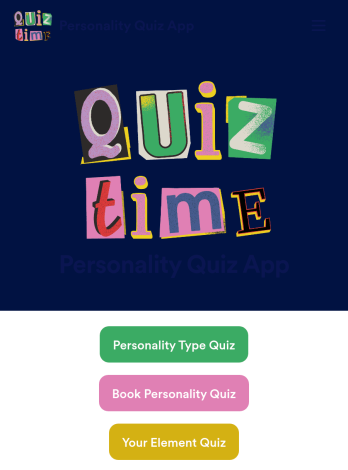
Customizable Personality Quiz App
A personality quiz app is a mobile app used to share personality quizzes. This ready-made Personality Quiz App can be shared with friends or customers to download instantly onto their iOS or Android device — ready for them to use to determine their personality type! You don’t need to know how to code to create your own mobile app with Jotform, so it only takes a few steps to get started.Feel free to update questions, add or remove forms, and make other design updates with our drag-and-drop builder. You can then share your custom app with a link, add it to your social media bio, or generate a QR code for it to get it in front of your audience. Whether you’re looking to create and share personality quizzes or fill one out yourself, do it with this ready-made Personality Quiz App.
Go to Category:Entertainment Apps
Video Game Selling App
Looking to sell your video games online? Whether you own a video game store or sell old games as an independent collector, Jotform’s free Video Game Selling App lets you create an online store and sell video games from any device. Customers can download the app for iOS, Android, or to their desktop computer to submit their orders. All order details collected through the app are sent to your Jotform account, ready for you to use to ship or deliver orders instantly.Feel free to update this Video Game Selling App’s design with our drag-and-drop builder. Upload your logo, include photos of your video games to show their condition, update prices, and change fonts and colors for a personalized touch. You can even integrate with 30+ payment processors to accept payments online! Level up your business and start selling video games online with a Video Game Selling App.
Go to Category:Entertainment Apps
Wedding Invitation App
A wedding invitation app is used by event planners or people getting married to collect RSVPs for a wedding. If you’re looking for a quick and easy way to find out who will be attending your wedding, if they have dietary restrictions or other important information, this downloadable Wedding Invitation App is the way to go. Just share it to start collecting responses instantly on any device!Need to update the app design? Drag and drop to get the look you want — you can add more forms, change the app icon or background, or select new fonts or colors. And if you need to send RSVPs to your other accounts, do it automatically with 250+ free integrations you can connect right to your custom Wedding Invitation App.
Go to Category:Entertainment Apps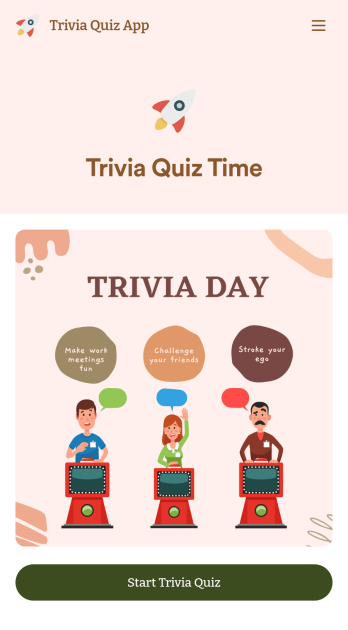
Trivia Quiz App
Create a fun trivia quiz app for your coworkers, students, or friends. Using this ready-made Trivia Quiz App, you can quickly add your quiz and share the app to be downloaded onto any iOS or Android device. Then the people who download your app can complete the quiz no matter where they are, sending you their results instantly upon completion.Customize this Trivia Quiz App with our drag-and-drop builder. Add or remove questions, upload images, add fun form widgets, change the app’s background image or icon, and make other changes in seconds with no coding knowledge needed. Enjoy a quick, easy way to create your own custom Trivia Quiz App with Jotform.
Go to Category:Entertainment Apps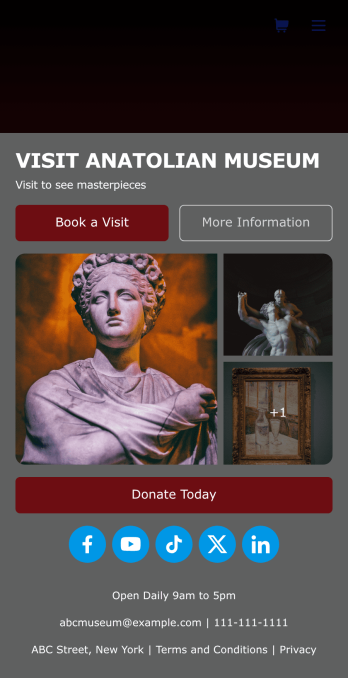
Museum App
A museum app makes it easier for visitors or members to book visits, submit donations, and more. Whether you manage a natural history museum, science center, or art gallery, make a mobile app for your museum with Jotform’s free Museum App. This customizable app template includes a homepage with a booking form and donation form, as well as menu pages containing exhibit details and FAQs. Visitors can easily download the app onto their computer or mobile device, so they can schedule their visits, pay for tickets, give donations, and submit feedback no matter where they are.Customize this Museum App for your museum or gallery in just a few clicks. With Jotform’s drag-and-drop builder, you won’t need to do any coding to add or remove forms, update text and images, upload logos, and include other app elements such as links, documents, or tables. Once your app is ready to use, share it on your museum website or social media accounts for visitors to save onto their own devices. With a fully-custom Museum App, you’ll make it easier for visitors to plan their next visit, helping to increase museum attendance!
Go to Category:Booking Apps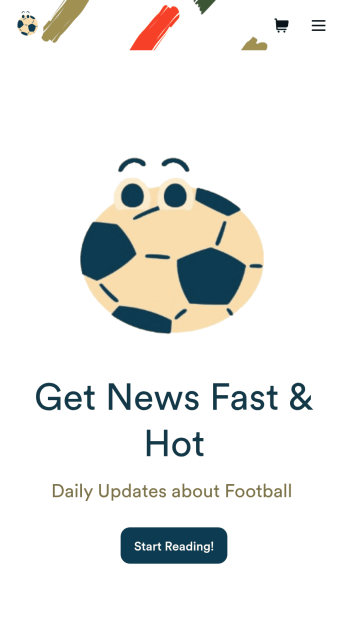
Football News App
A football news app is used to display football-related news, scores, and collect subscriptions from fans. As the app owner, you can aggregate news articles from other websites, or upload your own original work. Football fans can download your app onto their favorite device and sign up to receive email updates whenever your app is updated with football news or scores. Subscriber information is stored securely in your Jotform account.This Football News App can be fully customized to your liking with Jotform’s intuitive app builder. No coding knowledge required — simply drag and drop to add form elements, create new pages and forms, customize your app’s main screen, upload your own images and branding, and much more. You can even install one of our 30+ payment gateway integrations to charge for premium subscriptions fees. Create an all-in-one Football News App to keep sports fans in the know with this free app template from Jotform.
Go to Category:Education Apps