
The Visual Bookmarking App is a ready-to-use app template for collecting useful links and turning them into an organized visual library. It gives designers, marketers, researchers, students, content teams, and small businesses a central place for visual previews, category browsing, tags, and contextual notes. Users can add bookmarks, explore saved resources, revisit original links, and record why each reference matters. Keeping inspiration and research in one searchable experience reduces lost resources, preserves important context, and makes useful material easier to revisit during projects, campaigns, lessons, or planning sessions.
Jotform Apps helps anyone customize this app template with a no-code app builder and an intuitive drag-and-drop interface. Adjust pages, cards, buttons, colors, fonts, and navigation to create a branded resource center that fits personal or team workflows. Connected forms support consistent data collection, while tables and automated workflows can keep bookmark details organized as the library grows. Start with Jotform App Templates, publish without coding, and share the finished experience by direct link, QR code, or embedded access for convenient mobile-friendly self-service.
Related templates
Day Planner App
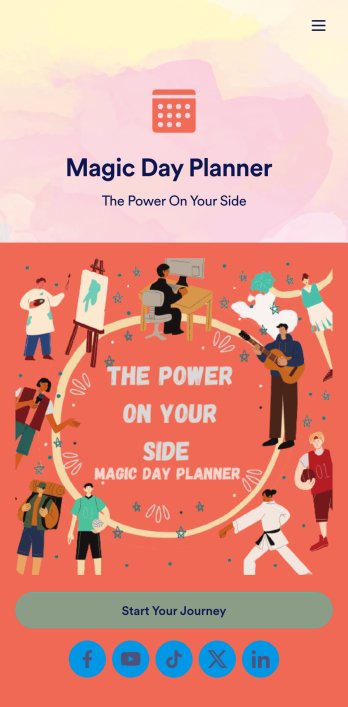
Want a simple way to track your or your clients’ goals? Well, look no further than this Day Planner App from Jotform — perfect for anyone looking to get their life together. Add daily or weekly check in forms, show open consulting appointments, upload payment forms, and more helpful features to make your app intuitive and easy to use.Making design changes to this Day Planner App is quick and easy. Simply drag and drop to switch up fonts and colors, upload personal or company branding, integrate with helpful payment or scheduling widgets, and much more. To share this handy app with others, all you’ll have to do is send a link, generate a QR code, or embed it straight into your own website or portal.
Go to Category:Daily Planner Apps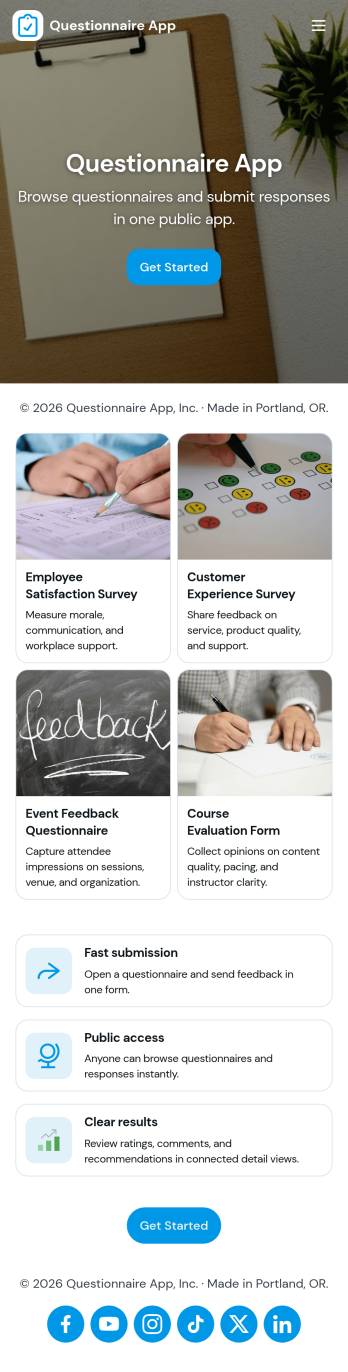
Questionnaire App
A questionnaire app brings your questions, response collection, and follow-up into one place so you can gather consistent input without juggling links or spreadsheets. Use it to create and share questionnaires for customer discovery, employee feedback, student check-ins, intake and screening, research, or post-event evaluation. With clear paths to build a questionnaire, submit a response, and review responses, this app suits teams that need repeatable data collection and an easy way to look back on what people said.Jotform makes it simple to publish this Questionnaire App using app templates and a no-code app builder with a drag-and-drop interface. Connect your questionnaires to forms for fast data collection, organize responses in connected tables, and route information through automated workflow steps when needed. Share the app with a link so people can complete questionnaires from anywhere, while your team manages updates and response review in a single self-service experience.
Go to Category:Quiz Apps
Task Tracker App
A task tracker app is used to keep track of tasks on any device. No matter which industry you work in, Jotform’s free Task Tracker App lets you log and manage task details and even assign tasks to employees or teammates! The app is downloadable onto any smartphone, tablet, or computer, and all submissions are stored securely in your Jotform account — ready to access whenever you need them.Want to make changes to this free app? Add or remove forms, include your company logo, change fonts and colors, and personalize other elements with our drag-and-drop builder. No coding is necessary! Once you’ve got your app looking perfect, share it with a link for others to download directly onto their devices. Track tasks more efficiently with the help of a free Task Tracker App from Jotform.
Go to Category:Organization Apps
Custom Time Tracker App
A time tracker app is used to keep track of employees’ hours and tasks. With Jotform’s free Time Tracker App, managers can keep a complete record of the times employees punch in or out, task details and the amount of time employees spend on them, and view all the information in a professional spreadsheet. All submissions are stored securely in your Jotform account and ready to access on any device.Need to make changes to this app template? Be sure to add your logo, change the background image, and choose new fonts and colors for a personalized touch. You can also customize the spreadsheet layouts and make changes to the app’s forms to collect other types of information — then share the app for your employees to download onto their devices. Better manage employee information with a free Time Tracker App from Jotform.
Go to Category:Management Apps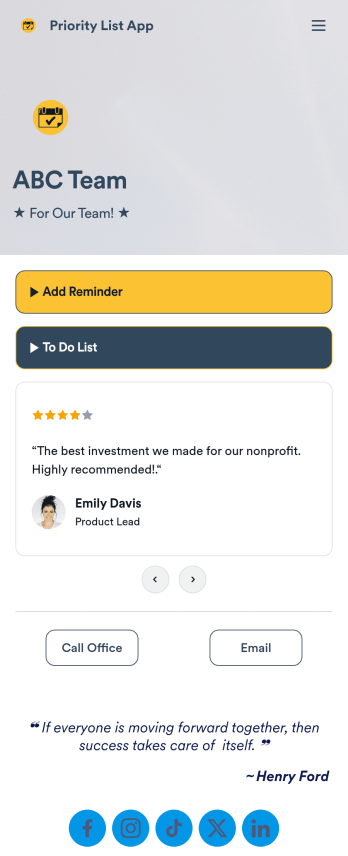
Priority List App
A priority list app is used by employees who work in a team to prioritize tasks. With Jotform’s free Priority List App, team members can easily add tasks with priority levels and deadlines, as well as set reminders. Tasks are compiled in a searchable and easy-to-understand task list table, which can be accessed by team members on any device.Customizing this Priority List App is easy. With our drag-and-drop form builder, you can add new forms, upload images, change fonts and colors, and more — all with no coding. After you’re done, you can share your app with other team members via link, or even embed it in an internal website. Your app can be downloaded on any smartphone, tablet, or desktop for future use. Keep your team on track with this fully customizable Priority List App!
Go to Category:Management Apps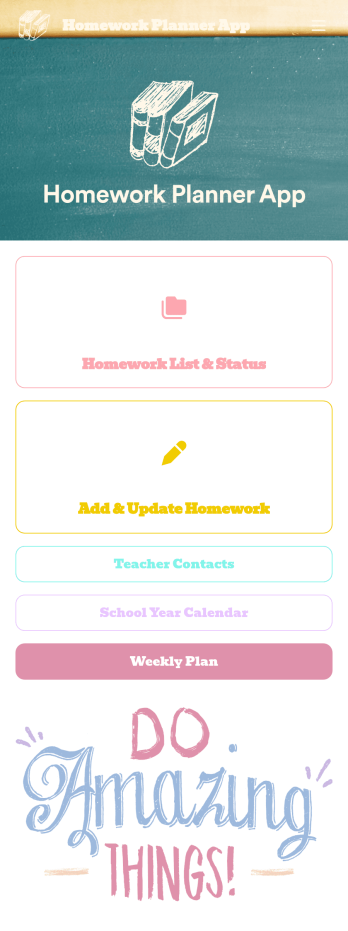
Homework Planner App
A homework planning app is a mobile application created by teachers and educators to help their students keep track of assignments and due dates. Use this ready-made Homework Planner App template from Jotform Apps to create your own in just a few easy clicks. Keep students updated on upcoming assignments, collect homework, list your office hours, and more.Want to make changes to how this Homework Planner App looks? No problem. With Jotform’s drag-and drop builder, you can add or remove forms, pick a background image, change font types, upload images and videos, select a unique app icon, and more. After you’re done customizing your app, simply embed it in your website or online portal for students to download.
Go to Category:Planner Apps