
The Weather Forecasting App is an app template for presenting location-based weather outlooks and gathering reports in one accessible place. Operations teams, event organizers, field service providers, schools, community groups, and people planning outdoor activities can use it to review conditions before scheduling work or travel. Users can browse forecasts by location, check forecast trends, and report observed weather. Clear displays for conditions, temperature, forecast dates, and precipitation probability help teams make informed plans, communicate changes, and maintain useful weather records without relying on scattered updates.
Jotform makes this Weather Forecasting App easy to adapt with a no-code app builder and drag-and-drop interface. Customize pages, navigation, colors, fonts, and visual elements to suit your audience, then connect forms and tables to support data collection and an organized workflow. Jotform App Templates can be shared through a direct link or QR code, giving users mobile-friendly self-service access from nearly any device. Whether the app supports outdoor operations, local reporting, event preparation, or travel planning, you can publish a polished resource without writing code.
Related templates
Time Scheduler App
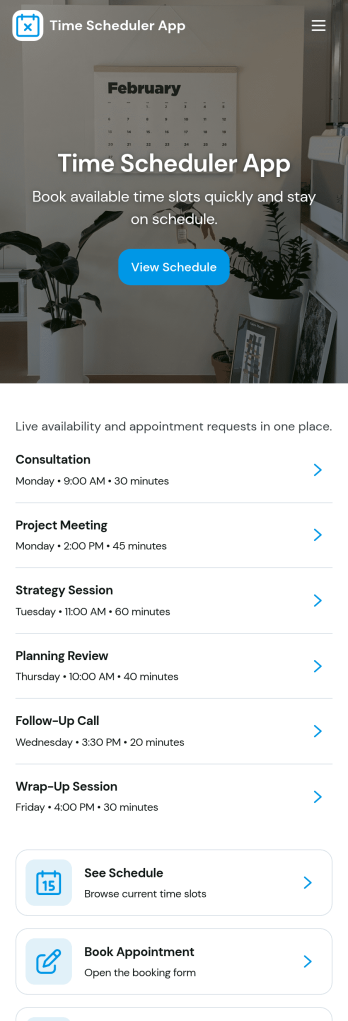
Time Scheduler App helps individuals and teams publish available time slots and accept bookings in one simple place. It fits appointment-based businesses, shared resources, and anyone coordinating time-sensitive meetings, from consultants and tutors to clinics, salons, and small service teams. With clear actions like booking a slot, viewing open times, and checking availability, it reduces missed connections and keeps schedules organized without relying on scattered messages.Jotform makes it easy to turn this scheduling flow into a polished, shareable experience using its no-code app builder and drag-and-drop interface. Connect the app to your booking form for fast data collection, keep upcoming requests in one workflow, and share a link or QR code so people can self-service from any device. Customize pages, buttons, and branding to match how your schedule works, then update availability as your hours or capacity change.
Go to Category:Appointment & Booking Apps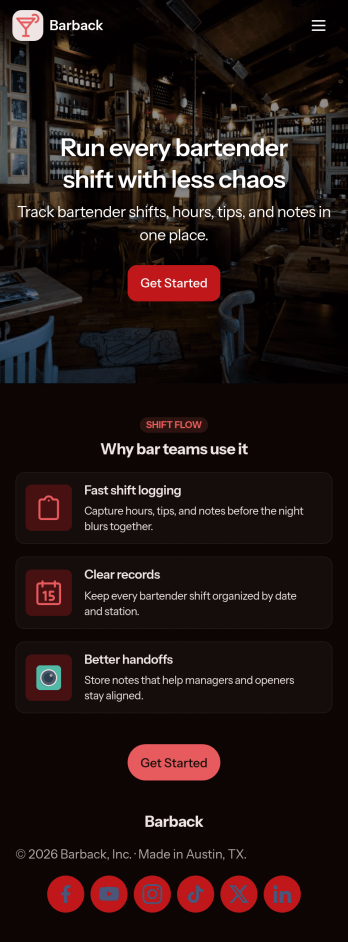
Bartender Shift App
Bartender Shift App helps bars and restaurants capture shift activity as it happens, so bartenders and managers can keep a clear record of what was worked and what was sold. Staff can start a shift from a simple action button, create a new shift log, and quickly review recent entries from a list view, making it easier to stay consistent during busy service. It also supports quick check-ins on key outcomes like sales totals and item counts, plus a dedicated area for restock alerts so inventory needs don’t get missed between rushes.Built with Jotform App Templates, this app template can be tailored to match your bar’s workflow without code. Using Jotform’s no-code app builder and drag-and-drop interface, you can adjust pages, update labels, and connect the shift log form and related data views to fit different roles or locations. Share the finished app through a link for fast team self-service, and keep day-to-day data collection organized in one place so your workflow stays simple from opening to close.
Go to Category:Food & Beverage Apps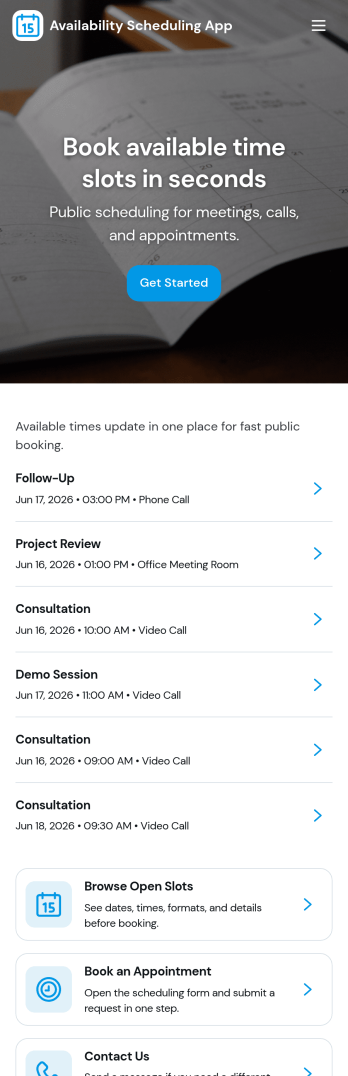
Availability Scheduling App
Availability Scheduling App helps teams collect availability, review open time blocks, and turn day-to-day entries into a clear schedule everyone can reference. It’s a practical fit for managers coordinating shift-based staff, clinics assigning rotating coverage, schools organizing office hours, and service businesses matching team members to time windows. With quick navigation to submit availability and view schedules, the app keeps availability requests in one place so coordinators can reduce missed messages and make faster staffing decisions.Built with Jotform, this app template combines self-service data collection with an organized schedule view that’s easy to share. Use Jotform’s no-code app builder and drag-and-drop interface to tailor pages, add your own instructions, and connect the app to a central table for ongoing updates. As availability changes, Jotform helps you maintain a dependable workflow for collecting entries, reviewing records, and keeping your schedule current across teams and locations.
Go to Category:Appointment & Booking Apps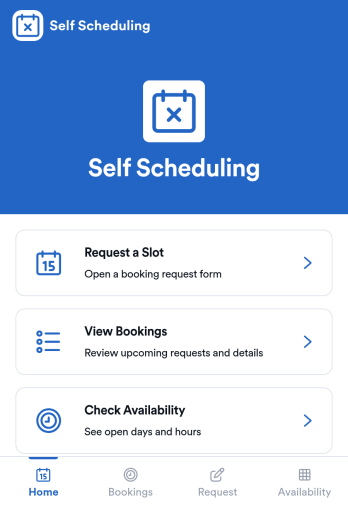
Self Scheduling App
Self Scheduling App helps people book their own time slots without needing to message back and forth. It’s a practical fit for service providers, consultants, coaches, clinics, and small teams that need a clear way to offer availability, accept new booking requests, and give customers a simple place to check open slots. With dedicated areas to book a slot and check slots, this app supports self-service scheduling while keeping requests organized for follow-up.Jotform makes it easy to build and publish App Templates like Self Scheduling App using a no-code app builder with a drag-and-drop interface. Connect your scheduling form to tables so requests stay centralized, add navigation buttons for a smooth booking flow, and share your app through a link or QR code for fast access on any device. When your workflow changes, you can update pages and logic in minutes while keeping the experience consistent for every scheduler.
Go to Category:Appointment & Booking Apps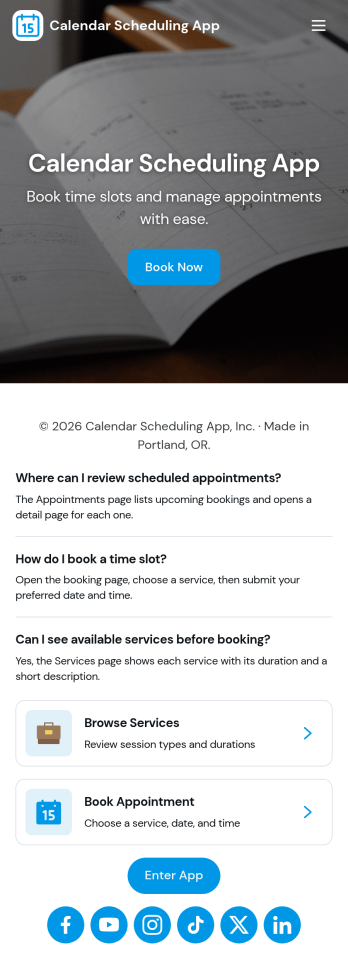
Calendar Scheduling App
Calendar Scheduling App helps teams and service providers coordinate availability and book time without confusion. It brings scheduling into one place with a simple flow for booking a slot, viewing what’s coming up, and opening individual booking details when needed. Use it for client meetings, internal check-ins, consultations, office hours, site visits, or any scenario where multiple people need clear visibility into upcoming appointments.With Jotform, you can turn this scheduling experience into a polished, shareable app without coding. Use the drag-and-drop app builder to adjust pages, add helpful context, and connect the booking form to your workflow so requests are collected consistently and stored for easy follow-up. Share the app link with customers or teammates, manage updates in one place, and keep scheduling organized as your volume grows.
Go to Category:Appointment & Booking Apps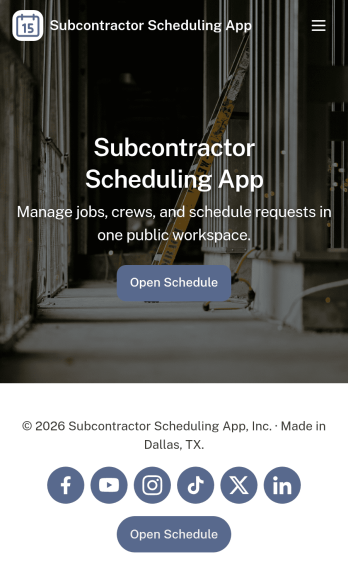
Subcontractor Scheduling App
Subcontractor Scheduling App helps teams coordinate subcontractor workloads, assign jobs, and keep schedules visible in one place. It fits construction and home services businesses, project coordinators, and operations managers who juggle multiple crews, job sites, and changing timelines. With dedicated areas to schedule jobs, track availability, and share a job board, the app supports day-to-day dispatching without relying on scattered texts, spreadsheets, or last-minute calls.Built with Jotform, this app template turns scheduling into a simple self-service experience your team can keep up to date. Customize pages and cards with a drag-and-drop interface, connect the Create Assignment form to your workflow, and centralize ongoing data collection so assignments stay consistent and searchable. Share the app by link for quick access in the field, then update roles, branding, and navigation as your subcontractor network grows.
Go to Category:Construction Apps