
The Wellness Lead Management App is an app template for wellness practices, independent professionals, studios, consultants, and sales teams that need a clear way to organize prospective client relationships. Teams can capture new leads, review each contact in a visual pipeline, and coordinate timely follow-ups without relying on scattered notes or disconnected records. Contact details, lead sources, pipeline stages, and follow-up dates remain easy to access, helping users prioritize promising opportunities, maintain consistent outreach, and guide interested prospects toward consultations, memberships, or wellness services.
Jotform App Templates make it easier to turn lead collection and relationship management into a convenient, mobile-friendly experience. Using Jotform’s no-code app builder and drag-and-drop interface, teams can customize pages, branding, navigation, and connected workflows without programming. Forms, tables, notifications, and other resources can work together to support accurate data collection and faster action. Publish the app through a direct link or QR code to give staff a central workspace for lead management while creating a repeatable process that can grow alongside the organization.
Related templates
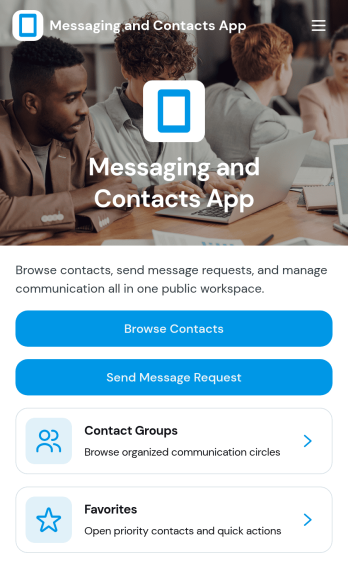
Messaging and Contacts App
Messaging and Contacts App helps teams organize contact details and send message requests from one central, easy-to-share workspace. It’s a practical fit for customer support, sales, community managers, and internal departments that need a simple way to browse contacts, group people by purpose, and quickly reach out when a follow-up is needed. With built-in navigation for browsing contacts, viewing favorites, and working with contact groups, this app keeps communication tasks moving without digging through spreadsheets or scattered tools.Jotform makes it easy to build and publish app templates like Messaging and Contacts App using a no-code app builder with a drag-and-drop interface. Connect buttons to forms for data collection, keep contact records organized, and support a smoother workflow for self-service updates and requests. Share your app through a link or QR code, tailor the branding to match your organization, and update the experience as your contact list and communication needs grow.
Go to Category:CRM Apps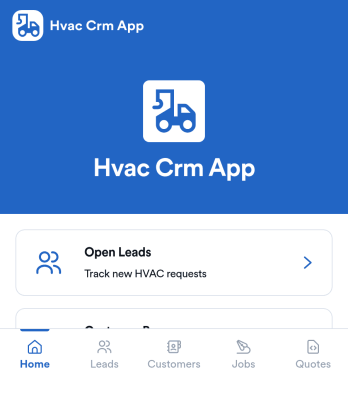
Hvac Crm App
HVAC Crm App helps heating and cooling businesses manage sales and customer relationships in one place, from capturing new inquiries to tracking active jobs and keeping customer histories organized. Use it to review open leads, browse your customer base, create jobs from qualified opportunities, and add customer notes so your team always has the latest context before a call, site visit, or follow-up.Built with Jotform App Templates, this app template can be tailored in a no-code app builder with a drag-and-drop interface, so you can match your workflow without technical overhead. Connect the app to forms and tables for consistent data collection, route updates to the right people, and share a self-service experience with your office staff or field team using a simple link or QR code.
Go to Category:CRM Apps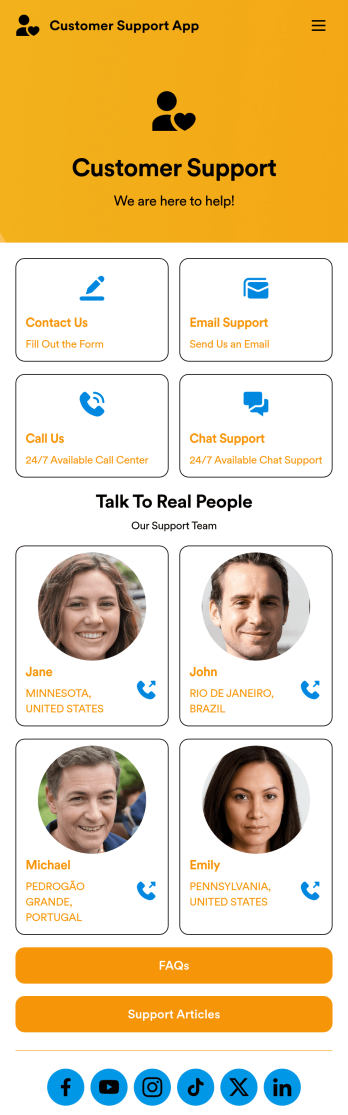
Customer Support App
A customer support app is a type of mobile application used by customer support teams to respond to customer tickets and support requests. Use this free Customer Support App to build a central hub for your support operations. Collect support tickets, link to your chat support, list FAQs, and more. To get started, use this ready-made template and customize it to your liking.Drag and drop to make any changes to this Customer Support App. Upload branding assets and logos, select a custom app icon, add or remove support forms, change your app’s backsplash, and more. You can even integrate your app with 200+ platforms to add an extra layer of customization. Streamline your support process with Jotform Apps.
Go to Category:Customer Portal Apps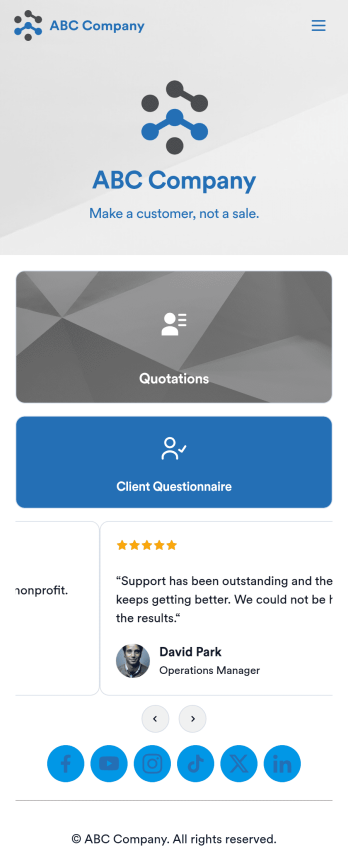
Customizable Quotation Management App
Create and manage quotes for your customers using Jotform’s free Quotation Management App for sales teams. This fully customizable mobile app includes a client questionnaire and a quotation log that syncs to our Simple CRM template. You and other members of your sales team can download and use the app on any computer, tablet, or smartphone to fill out the attached forms or view data in the tables.Customize this Quotation Management App for your business in just a couple of clicks. No coding is necessary — just drag and drop to customize the look and feel of your app. You can easily add forms, tables, links, documents, images, logos, and much more. Then share your mobile with others via the app link or by sending email invites. Make it easier to generate and track customer quotes with a custom Quotation Management App for your sales team.
Go to Category:Management Apps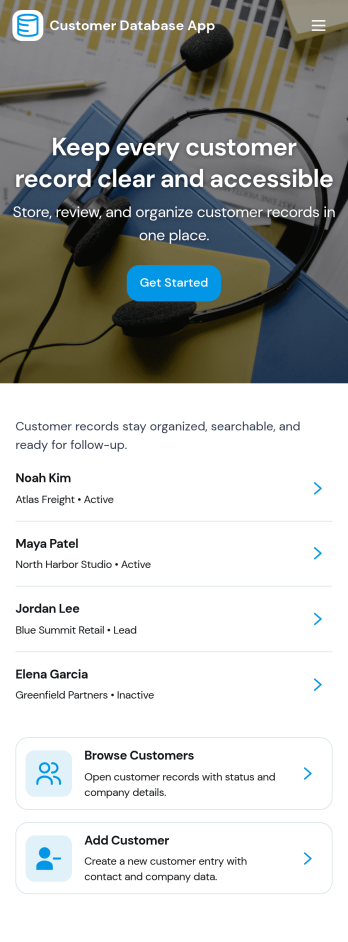
Customer Database App
Customer Database App brings your customer information into one organized place so you can add new customers, browse profiles, and keep a reliable record of every relationship. It fits teams that need quick access to names and details across sales, support, operations, and account management, especially when information is scattered across spreadsheets, inboxes, or individual devices. With an in-app option to add customers and a browse view for customer profiles, staff can find the right record faster and reduce duplicate entries as the list grows.Built with Jotform, this app template can be tailored in a no-code app builder with a drag-and-drop interface, making it easy to adjust pages, navigation, and the customer intake flow as your process evolves. Connect the add-customer form to a central record list, share the app through a link for self-service access, and keep work moving with a clear workflow for capturing and reviewing customer data collection. You can also provide a personal view like My Submissions so team members can quickly revisit the profiles they created or updated.
Go to Category:Customer Portal Apps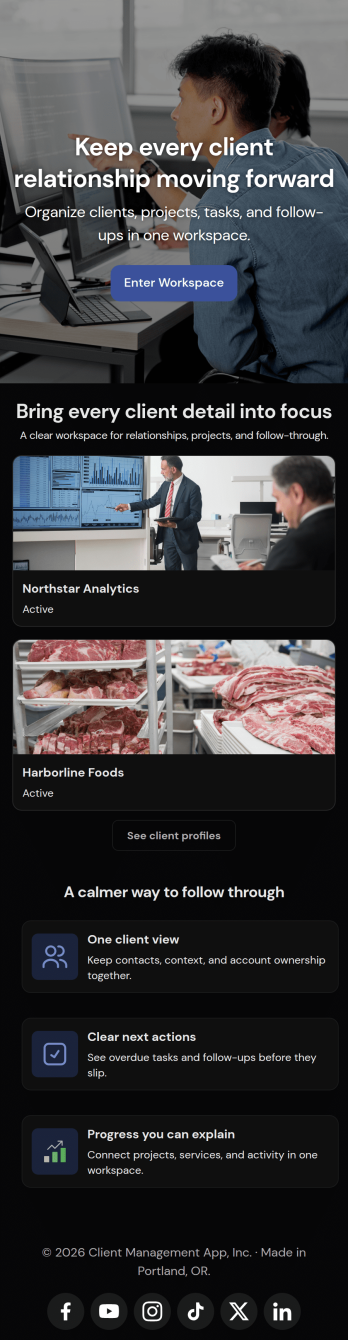
Client Management App
Looking for a way to manage clients without relying on expensive CRM software? Our free Client Management App is just the tool your team needs for tracking all your company’s relationships and interactions with clients. This customizable app shares all your forms at once, so you can register new clients, access your CRM database, log tasks, generate reports, and collect feedback all in one place.Customize your Client Management App to meet your company requirements. No coding necessary—just drag and drop to add or delete forms, embed links to your spreadsheets or other sites, change text and images, and even update your app icon and name to match your branding. Jotform’s List Element feature lets you connect Tables and Role-based features; you can control access so admins and other users see only the parts of the app relevant to them. When your app is ready to use, send the link to teammates to open and download on any smartphone, tablet, or computer. Increase customer loyalty and retention for your company with a custom Client Management App as your go-to CRM tool!
Go to Category:Management Apps