
Alternatives to Device Magic
Fieldwork doesn’t stop just because your signal drops. Technicians and crews who work outside still need to capture photos, locations, signatures, and job details and get that information to the office without creating a need for manual follow-up. A recent report showed that 67 percent of field service leaders identified real-time access to service and customer data as a high-impact mobile capability, while 53 percent cited offline functionality.
Device Magic supports fieldwork with offline forms, image capture, GPS data, dispatch, and integrations. After a merge with GoCanvas in 2022, it joined a larger field-operations ecosystem.
This guide compares five Device Magic alternatives for offline data collection, field workflows, pricing, and integrations, including flexible mobile form builders, inspection-focused tools, and full field-operations platforms.
Why look for Device Magic alternatives?
Device Magic can be a good choice for mobile field-data collection. However, your processes may have changed or your team may have grown, which means you could be reassessing the tools your team uses. Or your team might need to connect form data with other parts of your business.
Here are three common reasons to compare Device Magic alternatives:
- You need more flexible forms and workflows: Teams may want an easier form builder, more templates, stronger design options, or support for customer forms alongside field reports.
- You want more value after submission: Payments, e-signatures, reports, approvals, integrations, and flexible pricing can reduce the need for manual follow-up as a team grows.
- You need a specialized field platform: Utilities, construction firms, and inspection teams may require GIS data, work-order tools, or enterprise controls beyond a general form builder.
The following mobile data collection apps have their own approaches to offline forms, field reporting, inspections, and workflow management.
Top 5 Device Magic alternatives at a glance
| Tool | Best for | Ideal users | Pricing |
|---|---|---|---|
 Jotform |
Forms, payments, and reports |
Small and medium-size businesses (SMBs) and field teams |
Free; paid from $34/month annually |
 Fulcrum |
GPS data and inspections |
Utilities and inspectors |
From $43/user/month |
 Process Street |
Workflows and compliance |
Operations teams |
Custom pricing |
 GoCanvas |
Field forms and dispatch |
Construction and trade teams |
From $29/user/month annually |
 Zoho Forms |
Offline forms |
Zoho users and SMBs |
Free; paid from $10/month annually |
1. Jotform
Best for: Teams that want mobile forms, offline submissions, payments, e-signatures, tables, and reports in one easy platform
Jotform Mobile Forms is a strong Device Magic alternative for teams that need reliable mobile data collection but also want a larger form-building platform. Field-workers can open select forms offline, collect submissions without an internet connection, and have those submissions sync automatically when their device reconnects. These capabilities are useful in areas with inconsistent internet coverage, enabling teams to capture complete records without having to use paper notes.
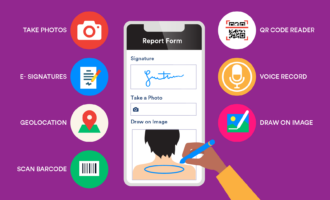
The mobile app includes field-friendly tools such as barcode and QR code scanning, GPS and geolocation capture, image uploads, drawing on images, voice recording, e-signatures, automated calculations, and push notifications. Teams can assign forms to staff, making it easier to give a technician, inspector, or crew member access to the form they need for a specific task.
Jotform’s advantage is that mobile forms are only one part of the platform. Teams can also use a drag-and-drop form builder to create surveys, quizzes, application forms, order forms, and customer-facing requests. Its more than 20,000 form templates can reduce setup time for recurring field and office workflows.
After submissions arrive, Jotform Tables helps teams organize and manage their data, while Report Builder turns responses into visual reports. Jotform Sign supports document-signing workflows, and Jotform Apps can give teams a branded way to share forms, resources, and links.
Jotform also includes AI capabilities that can help users create and customize forms from simple prompts. That function can be useful when a supervisor needs to quickly turn a paper checklist or a verbal process into a form draft and review and refine it before rolling it out to the team.
- Key features
- Offline mobile data collection that syncs once a device reconnects
- Drag-and-drop form builder and over 20,000 templates
- Barcode and QR code scanning, GPS capture, photos, signatures, and voice recording
- Form assignments and customizable push notifications
- Payment integrations, tables, reports, e-signatures, and over 150 other integrations
- Pros
- Offline mobile forms (that sync with online forms), payments, reports, e-signatures, and submission management
- Flexible form builder and a large template library for nontechnical teams
- Helpful support for a wide range of mobile data types for inspections, field reports, and service workflows
- Cons
- Insufficient specialization for teams that need advanced GIS mapping or a dedicated work-order system
- Pricing
- Jotform Mobile Forms is free to use with all Jotform plans.
- Jotform has a free Starter plan
- Paid plans begin at $34 per month when billed annually. See Jotform pricing.
- Compared with Device Magic
- Broader use cases: Jotform can support field reports alongside customer forms, applications, payments, and internal requests.
- Easier adoption: Its visual builder and template library can help nontechnical teams launch and update forms faster.
- Flexible starting point: Jotform offers a free plan and paid tiers, while Device Magic is geared toward dedicated field-data operations.
2. Fulcrum
Best for: Teams that collect map-based, GPS-heavy, or inspection data in the field
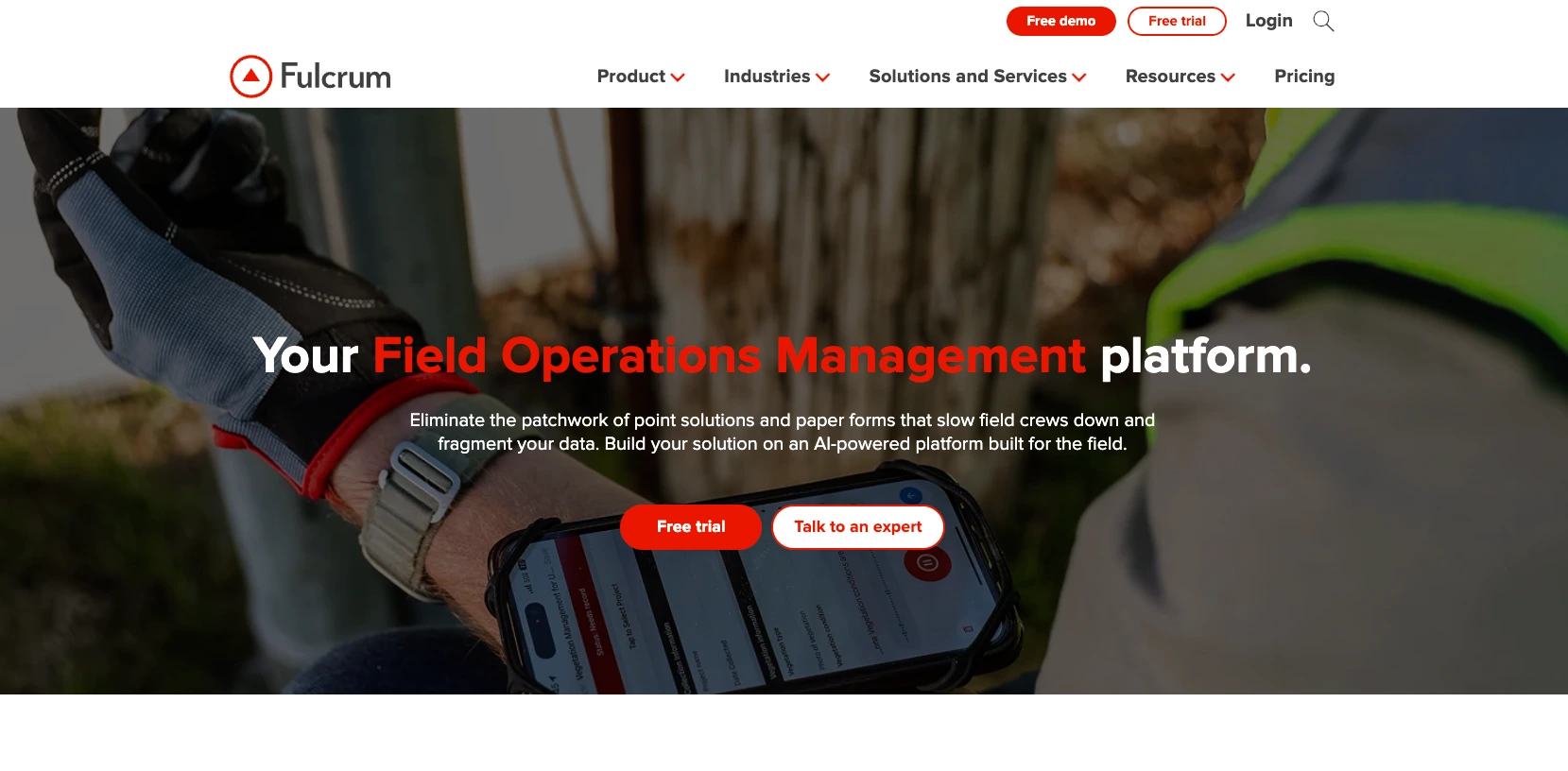
Fulcrum is built for organizations that depend on location-aware field data. Utilities, environmental research teams, asset inspectors, infrastructure crews, and organizations managing distributed physical assets may find its geospatial focus especially useful.
A utility inspector, for example, may need to document the exact location of a pole, valve, or meter; attach photographs; note its condition; and return to the same asset later. A general form builder can capture some of that information, but Fulcrum is designed for field records, maps, repeatable inspections, and spatial data.
The platform’s Professional plan includes a drag-and-drop app builder and capture of offline data, photos, videos, audio, barcodes, QR codes, and signatures. It also supports geospatial capabilities online and offline, dynamic calculations, required fields, visibility logic, linked records, and reporting. Fulcrum’s Elite plan adds more advanced automation, security, and AI features for organizations with complex field-data needs.
- Key features
- Offline field-data collection and automatic synchronization
- GPS and geospatial data collection for field records
- Photo, audio, video, barcode, QR code, and signature capture
- Linked records, dynamic calculations, and field logic
- Data import, export, reporting, and security controls
- Pros
- Strong fit for GPS-heavy inspections, asset management, and geospatial field operations
- Rich media collection and offline work support
- Advanced field-data logic and linked-record capabilities
- Cons
- Possibly more than a small business needs for basic mobile forms
- No all-in-one mix of payments, e-signatures, templates, and customer-facing form tools (compared with Jotform)
- Pricing
- The Fulcrum Professional plan starts at $43 per user, per month.
- The Elite plan starts at $55 per user, per month. Review Fulcrum pricing.
- Compared with Device Magic
- Location-first work: Fulcrum is better suited to teams building a long-term record on physical assets, sites, and map-based observations.
- Inspection depth: It is a stronger fit for utilities, infrastructure workers, and environmental research teams that revisit the same locations over time.
- Best-fit workflow: Choose Fulcrum if spatial context drives the work; choose Device Magic for more general mobile form collection.
3. Process Street
Best for: Teams that care more about repeatable processes, approvals, and compliance workflows than mobile field forms alone
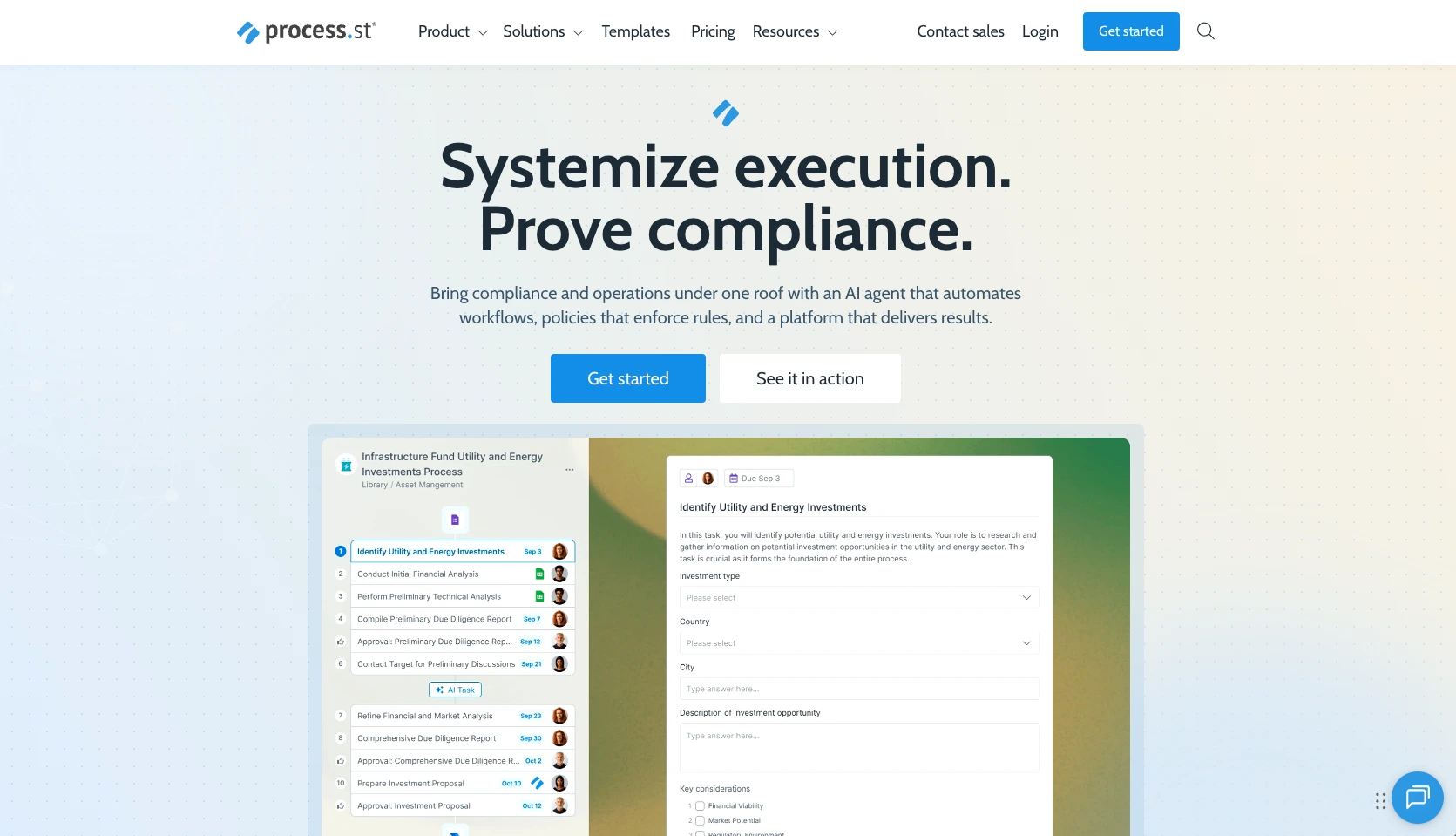
Process Street, a workflow and compliance platform, turns recurring procedures into guided checklists, approval flows, and trackable work. It is designed for teams that need to make sure every step of a process is completed consistently, documented clearly, and assigned to the right person.
For example, a safety manager can create a site-inspection workflow that assigns tasks, requires specific checks, routes incidents for review, and records corrective actions. An operations team can use it for equipment maintenance, quality control, employee onboarding, vendor approvals, and compliance reviews.
The platform supports conditional logic, task assignments, due dates, approvals, forms, datasets, role-based permissions, and audit trails. These capabilities come in handy when field data is only one part of a larger process involving reviews, follow-up work, and accountability.
- Key features
- Repeatable workflows, checklists, and tasks
- Conditional logic, approvals, and role-based assignments
- Included capability for forms to be embedded in operational workflows
- Compliance records, audit trails, and recurring process tracking
- Team collaboration and process documentation
- Pros
- Strong application for standardizing repeatable processes and compliance work
- Helpful tools to assign, track, and escalate work after data is collected
- Useful for internal approvals, onboarding, quality checks, and recurring operational tasks
- Cons
- No dedicated offline mobile data-capture tool for remote field teams
- No special focus on GPS, barcode scanning, photo-heavy inspections, and mobile field forms
- Pricing
- Process Street offers custom pricing for its Startup, Pro, and Enterprise plans.
- A 14-day Pro trial is available
- Request a quote through Process Street.
- Compared with Device Magic
- Process ownership: Process Street is designed to keep recurring work consistent, visible, and accountable across teams.
- Structured follow-up: It works well when a completed form needs to trigger assigned tasks, manager approvals, and deadlines, and keeps a clear record of who completed each step.
- Best-fit workflow: Choose Process Street if a field submission is only one step in your larger operational process; choose Device Magic if mobile data capture is your team’s main need.
4. GoCanvas
Best for: Teams that want a modern fieldwork platform connected to the same company as Device Magic
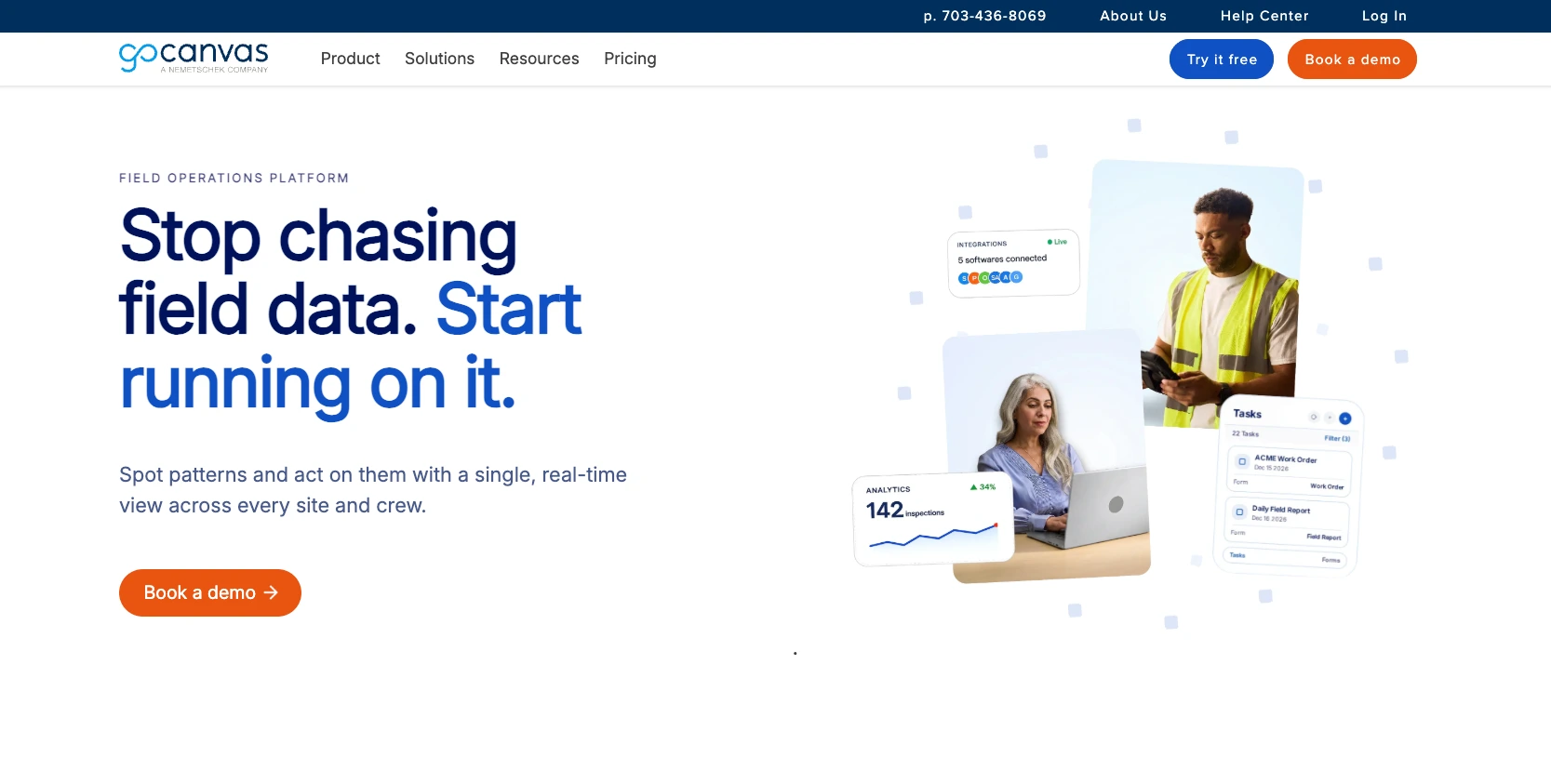
GoCanvas is a natural option for teams using Device Magic, because the two companies joined forces in 2022. GoCanvas focuses on replacing paper-based field processes with mobile forms, configurable PDF reports, dispatch and scheduling, appropriate workflows, and project management support.
Its Essentials plan includes unlimited forms and submissions, mobile offline access, photo capture, configurable PDF reports, dispatch and scheduling, and static data sources. Higher-tier plans add multiuser workflows, customer and project management, API access, file attachments, video capture, task follow-up, and enterprise features such as SSO.
These capabilities make GoCanvas particularly relevant for construction firms, contractors, service businesses, and trade teams. A construction supervisor could use it to distribute daily reports, capture site photos, track job details, and create customer-ready PDFs. A field-services manager could connect crew work with dispatch, project records, and follow-up tasks. GoCanvas may appeal to teams that want to keep their workflow in the same company while gaining access to work-management capabilities.
- Key features
- Mobile offline forms and unlimited forms and submissions
- Configurable PDF reports and photo capture
- Dispatch, scheduling, and work-management capabilities
- Multiuser workflows, project management, and API access on higher-tier plans
- Field-friendly mobile forms for construction and trade teams
- Pros
- Closely aligned with Device Magic’s field data collection
- Additional dispatch, scheduling, PDF reporting, and work-management options
- Clear annual per-user pricing, with unlimited forms and submissions on all plans
- Cons
- Required three-user minimum, which may not suit a solo operator or a very small team
- More focused on fieldwork than broad customer-facing forms, surveys, payments, and event workflows
- Pricing
- GoCanvas Essentials starts at $29 per user, per month when billed annually and has a three-user minimum.
- The Pro plan starts at $39, and the Max tier starts at $49 per user, per month (both billed annually). See GoCanvas pricing.
- Compared with Device Magic
- Shared organization: GoCanvas and Device Magic merged in 2022, so both are built for digitizing field processes.
- Broader operational scope: GoCanvas is better suited to teams that need to coordinate fieldwork alongside office-based projects and service operations.
- Best-fit workflow: GoCanvas is better for construction and trade teams managing ongoing jobs; choose Device Magic for dedicated mobile data collection.
5. Zoho Forms
Best for: Teams that already use Zoho apps and want a lower-cost form builder with mobile access
Zoho Forms is a no-code form builder for creating online, mobile, and offline forms. Its drag-and-drop form builder supports conditional rules, payment fields, file uploads, PDF generation, custom themes, notifications, and form sharing by link, email, or website embed.
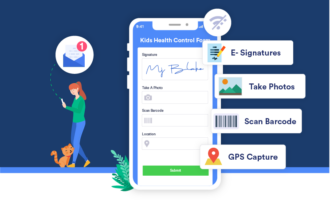
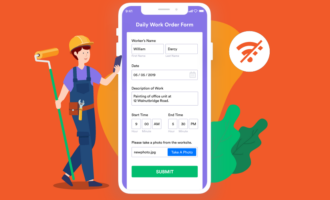
For fieldwork, Zoho Forms supports offline data collection, geolocation tagging, QR code scanning, file and image uploads, card scanning, and e-signatures. It also has a kiosk mode. A technician can complete a service report from a mobile device, and a small business can use the same platform for registrations, customer requests, payment forms, and internal approvals.
Zoho Forms also includes AI forms, which turn a written description into a structured form draft. Teams can use it to jump-start creation of an inspection checklist, maintenance request, employee survey, or service form, and then refine the fields, rules, and design in the form builder.
- Key features
- Drag-and-drop web and mobile form builder
- Offline data collection, geolocation, QR code scanning, and e-signatures
- PDF forms, rules, payment options, and kiosk mode
- Native connections to Zoho CRM, Zoho Flow, Zoho Desk, and other Zoho products
- AI form generation from a written prompt
- Pros
- Free plan and low-cost entry point for small businesses
- Mobile data capture and field-friendly features
- Native integration with the wider Zoho ecosystem
- Cons
- Most compelling for teams already invested in Zoho products
- Less dedicated fieldwork management than GoCanvas and less geospatial depth than Fulcrum
- Pricing
- The Zoho Forms free plan supports up to three forms and 500 submissions per month, but comes with limitations on storage, branding, payments, and advanced workflow features.
- Paid plans are available; see Zoho Forms pricing.
- Compared with Device Magic
- Connected business tools: Zoho Forms works especially well for teams that already manage customer, sales, support, or marketing work in Zoho apps.
- Broader everyday use: It can support field reports alongside customer forms, registrations, payment requests, and internal processes.
- Best-fit workflow: Choose Zoho Forms for a budget-friendly form builder within the Zoho ecosystem; choose Device Magic for more specialized field-data operations.
Which Device Magic alternative is right for you?
The right platform for your field-data tool should work offline and remove friction from your entire process, capturing accurate information onsite, getting that data to the right person, and turning submissions into a completed job, report, approval, or customer update.
Before you decide, test each option against one everyday workflow. A construction team might follow a daily site report from photo capture to project review. A utility crew might trace an inspection from a GPS-tagged record to a corrective task. If your team still relies on manual exports, scattered photos, or follow-up emails after a form is submitted, the workflow is still insufficient.
Jotform Mobile Forms gives field teams a practical way to replace paper processes with offline mobile forms. With it, teams can then connect every submission to payments, e-signatures, reports, tables, and integrations. Build your first mobile inspection, service report, or job form with Jotform, and give your team a faster path from the field to completed work.
FAQs
Device Magic is used for mobile data collection, particularly by field teams. Organizations can use it for inspections, job reports, photos, signatures, location data, and dispatch-related processes, moving information from the field to office systems.
The best mobile forms app for your team depends on your workflow. Jotform Mobile Forms is a flexible option for teams that need offline forms and payments, e-signatures, reporting, templates, and integrations. Fulcrum is suited to geospatial and inspection data. GoCanvas is designed for construction, trade, and fieldwork management.
This article is for field service teams, construction companies, utilities, agricultural businesses, operations managers, safety teams, and small businesses looking for a Device Magic alternative for mobile data collection, offline forms, inspections, job reports, photos, signatures, GPS data, and field-to-office workflows.
















Send Comment: