Top 11 manufacturing project management software
Project management software is ubiquitous in many business sectors, including manufacturing, and for good reason. The right project management software for your manufacturing company will transform chaos into order and provide some digital guide rails to help your team consistently stay on task, on budget, and on deadline.
In fact, project management software delivers on some pretty big goals for any business, including better productivity and greater efficiency. In fact, a 2023 study from Wrike found that 82 percent of more than 1,000 business managers and leaders recommended investing in project management solutions as the best way to improve efficiency.
The right project management solution can also cut costs, improve team collaboration, better plan and allocate company resources, monitor progress and challenges in real time, and more.
With so many platforms out there, it can be a little overwhelming to look for the right combination of features, price, and performance. That’s especially true for specialized needs, like manufacturing. So we’ve rounded up 11 apps and platforms that reliably deliver these benefits and help streamline your company’s workflows. Read on for more about the benefits of project management platforms and how to choose the right one for your company. Then browse our list to narrow down your possibilities.
Benefits of manufacturing project management software
Manufacturers today face a number of challenges. Some (such as complex machinery that malfunctions, crucial tools that go missing, multiple groups of specialized workers that haven’t been fully staffed, and so on) are simply part and parcel of today’s manufacturing processes and realities, while others (such as supply chain issues and shipping problems) arose or became aggravated during the pandemic and ongoing economic uncertainty. The right manufacturing project management platform will help you and your team meet and beat those challenges. For example
- Improved on-time delivery means your company earns higher customer satisfaction rates.
- Tighter inventory management leads to substantial cost savings.
- Real-time tracking of your manufacturing processes helps your leaders spot bottlenecks before they become crises.
- A deeper awareness of the entire manufacturing cycle helps your team respond quickly to last-minute schedule changes and supply chain disruptions.
The right project management platform empowers your entire workforce to better control and optimize your results, thus increasing sales and revenue.
What to look for when choosing a solution
Ideally, the best project management software for your manufacturing company delivers the tools you’ll need to plan, monitor, manage, and deliver on all your company’s projects. Preferably, it offers one centralized platform that makes it easy to share resources, communicate and collaborate across teams, and track progress toward goals in real time using observable metrics. However, in practice, at least a few of the solutions you consider will probably have features or design elements that make it harder to hit all these beats.
For manufacturers, it’s crucial to focus on the features that will help meet production goals and deliverables to customers or retailers. Manufacturers in particular should look for specific tools and features that handle production planning, manufacturing resource planning, supply chain management, inventory management, and Bill of Materials management.
In addition, look for platforms that meet the following requirements and evaluate them on these points:
- Production scheduling: The platform should make it easy to schedule your production tasks, track progress toward deadlines and goals, ensure quality control, and allocate your company’s resources efficiently.
- Team collaboration: Collaborative project management software helps your teams stay connected and stay ahead of current or potential challenges, preventing the kinds of bottlenecks that can turn into full-blown crises. Real-time communications and tracking of data are especially crucial to getting the most out of your project management platform.
- Integration with existing tools: Your chosen solution should integrate seamlessly with existing business software and systems to streamline workflows and reduce or eliminate data silos.
- Ease of adoption: It may be preferable to choose a simpler platform that’s easier to roll out and use, rather than a more complex one that costs more to deploy.
- Scalability: How well is the platform positioned to meet your company’s evolving needs?
These criteria are merely a starting point to help you identify the key features and benefits your company needs most. This gives you a general checklist you can use to compare different platforms.
The best way to evaluate a potential project management tool, or really any new software platform, is to take advantage of free trials or developer-provided demos. Select a small group of employees who will actually be using whatever software you choose and create a checklist of these factors, plus anything else that is important to your decision. Ask for their input, and then take their feedback into account before making a final decision.
Top 11 manufacturing project management software solutions
To start your search for potential project management platforms for your manufacturing business, there’s no need to dive blindly into a crowded market with lots of competitive platforms to check out.
Instead, start with a close look at our top 11 titles. We’ve gathered and analyzed each according to several factors: key features, price, pros and cons, and best use cases. From there, you can focus your evaluation on the project management apps that come closest to matching your organization’s wish list of features.
1. Jotform
Best for: Companies that are already Jotform users and companies seeking a forms-driven solution
Developer: Jotform and Jotform Boards, its project management suite of tools, are developed by Jotform, Inc.
Key features: Jotform Boards is an intuitive task management solution that lets users create a board from scratch or connect forms to turn submissions into actionable tasks automatically. By connecting single or multiple forms, including manufacturing forms, Jotform Boards makes task management simple by keeping everything centralized and easily accessible. The kanban-style board with drag & drop functionality simplifies task organization.
Pros
- Search and filter tasks
- Key task fields such as Priority, Tags, Due Date, and Description to keep everything structured
- Robust collaboration tools
- Customization options so you can tailor your board to fit your business needs, workflow, and visual branding
- Full mobile responsiveness
Cons
- May not suit more complex, enterprise-level manufacturing businesses
- Linked to the Jotform environment, which some users may find unnecessary
- May overlap and duplicate tasks and functions that other tools perform adequately
Plans/pricing
- The free Starter plan includes all features, with some restrictions: five forms, 100 monthly submissions, and 100 MB available space.
- The Bronze plan ($34 per month) comes with 25 forms; 1,000 monthly submissions; and 1 GB available space, among other features.
- The Silver plan ($39 per month) lets users create up to 50 forms, with 2,500 monthly submissions and 10 GB of available space.
- The Gold plan ($99 per month) offers 100 forms, as well as 10,000 monthly submissions, 100 GB available space, and more.
G2 rating: Not yet available
2. Wrike
Best for: Large projects, and companies looking to scale up in the near future
Developer: Wrike is developed by Wrike, Inc., founded by Andrew Filev and currently led by CEO Thomas Scott.
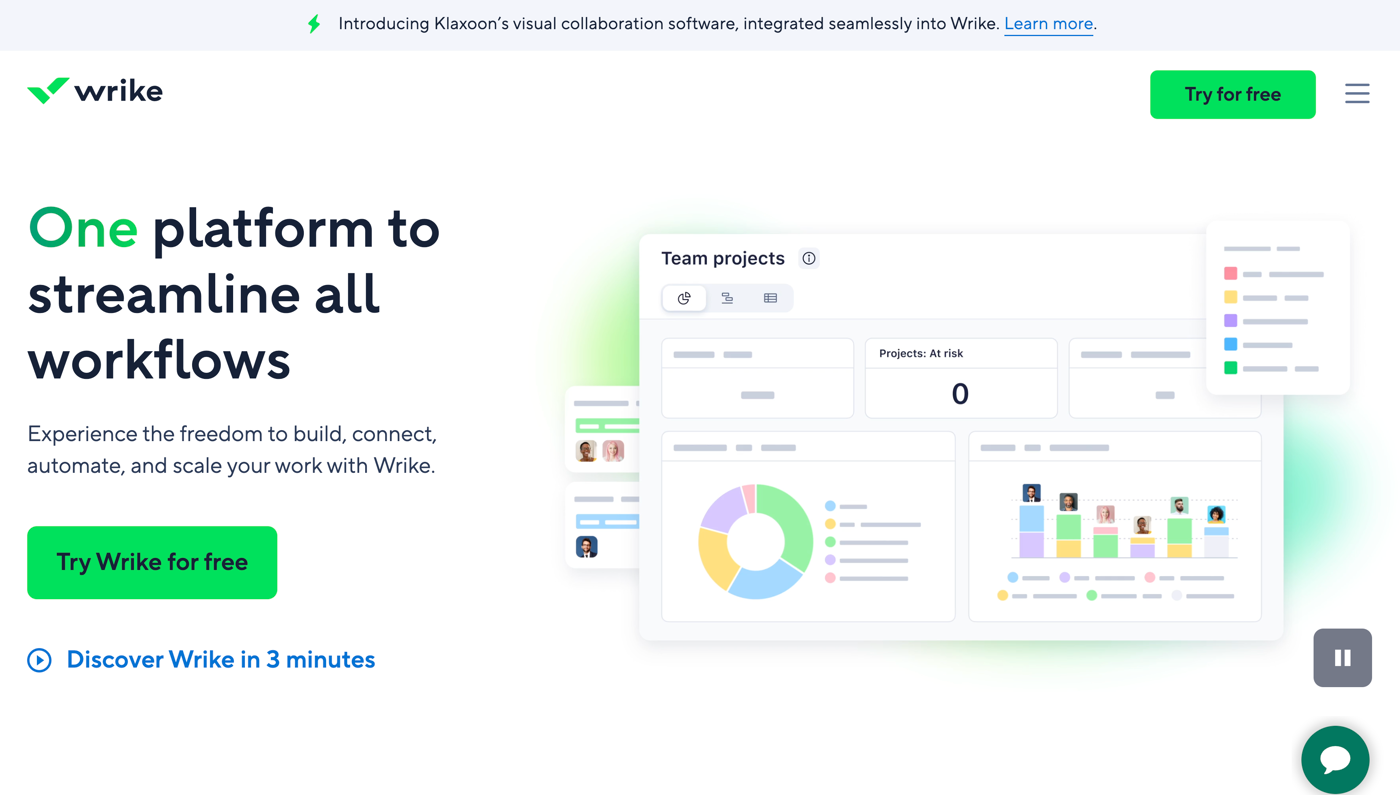
Key features: Wrike offers a number of features to help manage your projects and tasks, including mass update capability, drag and drop tools in the user interface (UI), a dashboard for project monitoring, and more.
Pros
- Ease of use after basics are mastered
- Robust project and task management tools
- Strong collaboration tools
Cons
- Initial learning curve
- UI that users may find counterintuitive and overly complex
Plans/pricing
- The Free plan offers an unlimited number of users and third-party or outside collaborators who can see the tasks your team shares with them.
- Paid plans begin at $10 per month for the Team plan, which supports five to 200 users and offers unlimited access to project management tools.
- At $25 per month, the Business plan adds the ability to nest projects and rearrange folder structure, cross-tag projects and tasks, and access Project Blueprints for smoother workflows.
- There are also two custom quotes plans, Enterprise and Pinnacle (which adds increased security and more robust reporting tools to the Enterprise plan).
G2 rating: 4.2/5
3. Asana
Best for: Teams who want to visualize data relevant to current and future tasks
Developer: Asana is developed by Asana, Inc.
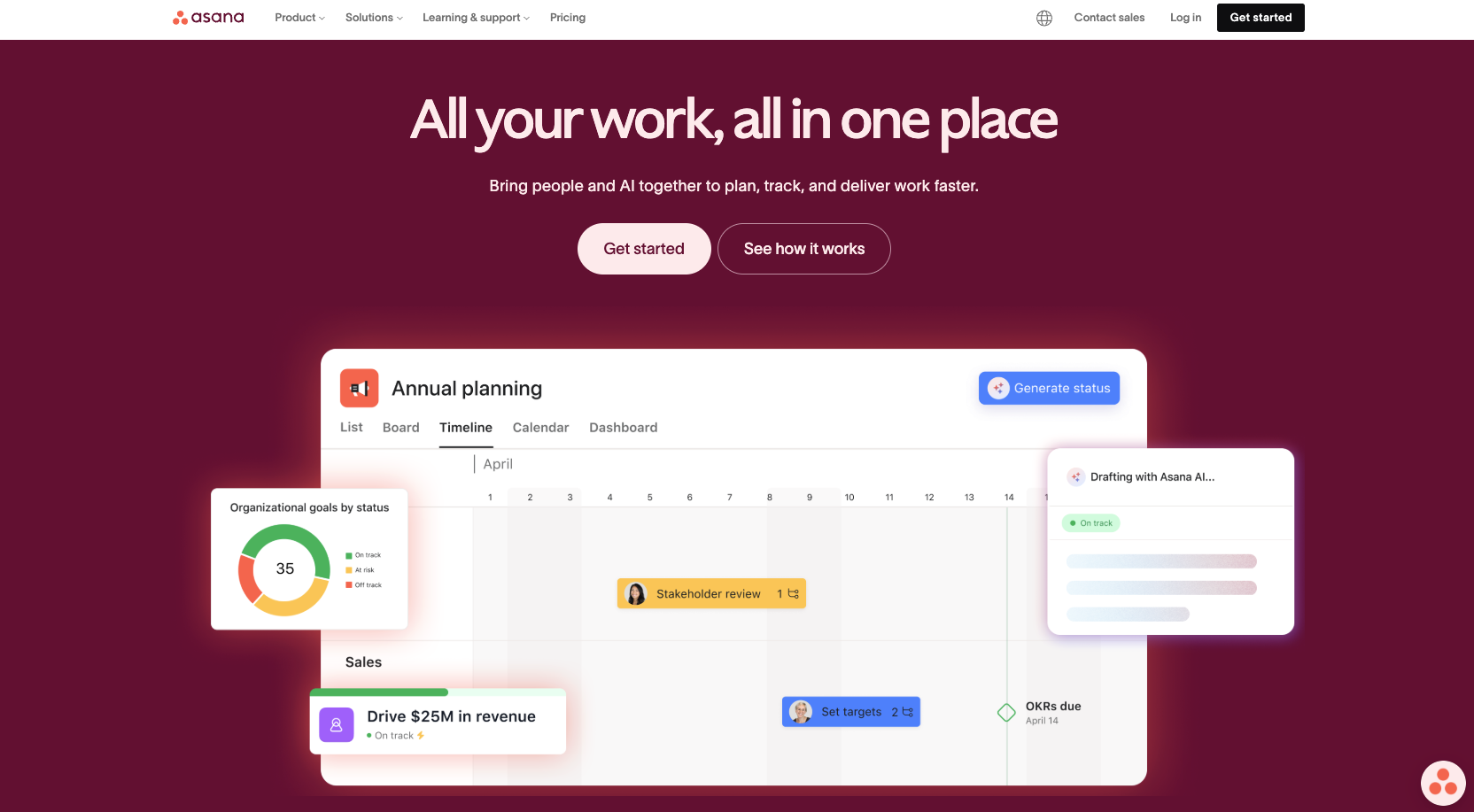
Key features: Asana is best known for its robust core features that make project management and task management a breeze. Projects can be visually rendered in a number of formats, including lists, timelines, Gantt charts, and kanban boards. Task dependencies help you keep tighter control of timelines and projects involving multiple departments or teams.
Pros
- Easy-to-learn UI
- Robust task management functions, including deadlines, progress tracking, and task dependencies
- Integrates with many other popular tools, such as Microsoft Teams, Google Drive, and more
Cons
- Challenging initial setup for those unfamiliar with project management software
- Visually overwhelming for very complex projects with lots of tasks and subtasks
Plans/pricing
- The free Personal plan lets users collaborate with up to 10 teammates, including unlimited tasks, projects, messages, and more.
- The Starter plan costs $10.99 per month per user and comes with everything in the Personal plan plus increased collaboration parameters, Gantt view (as well as timeline view), and Asana AI, among other features.
- The Advanced plan ($24.99 per month for each user) adds the ability to create up to 100 portfolios, set up to 25,000 automations each month, and more.
G2 rating: 4.4/5
4. Trello
Best for: Companies searching for a simple-to-use platform for basic project management that won’t overwhelm users
Developer: Trello is currently developed by Atlassian and was originally created by Fog Creek Software.
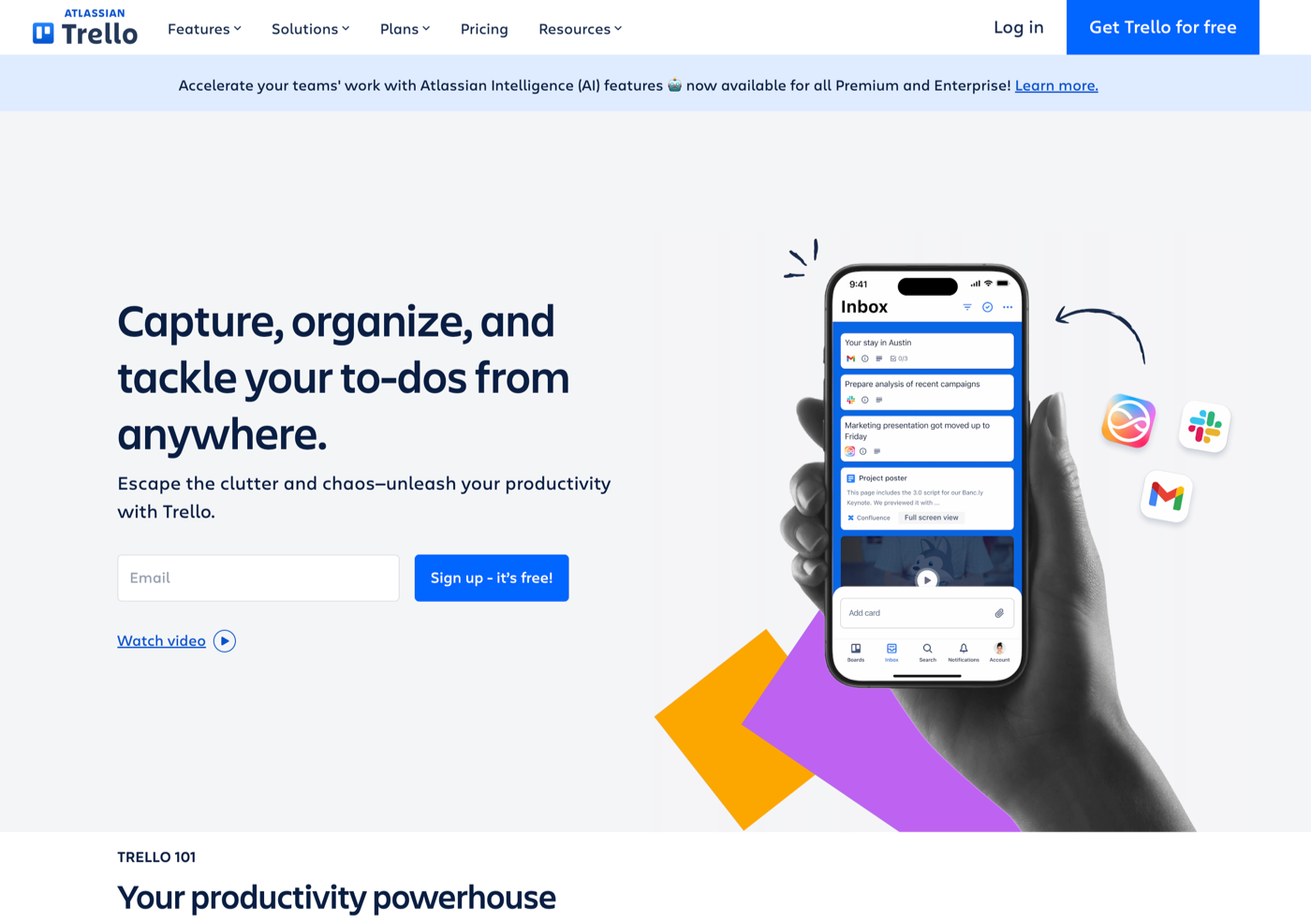
Key features: With intuitive kanban layouts, Trello offers a highly visual way to track and organize your projects, tasks, and subtasks. Real-time updates improve collaborative efforts while the Activity Log helps keep all participants up to date with real-time progress tracking.
Pros
- Real-time updates for up-to-the-minute collaboration and communication
- Responsive design for a smooth experience from any device
- Simple pricing structure that puts it in reach of even smaller manufacturing companies
Cons
- Lacks some of the more advanced features from more complex (and pricier) platforms
- A focus on simplicity that can create timeline management challenges for large teams and companies
- Limited built-in functions that often require third-party integrations, which can introduce compatibility issues and extra costs
Plans/pricing
- The Free plan offers unlimited cards, members, and storage, with up to 10 boards per workspace.
- The Standard plan is $5 per month and adds to Free features with advanced checklists, custom fields, and unlimited boards.
- The Premium plan costs $10 per month for 100 users, adding to the Standard plan features with dashboard, timeline, calendar, and map view options, as well as a workspace table and advanced security features.
- The Enterprise plan starts at $17.50 per user per month, with a minimum of 250 users billed annually, and adds more advanced performance and security features.
G2 rating: 4.4/5
5. Epicflow
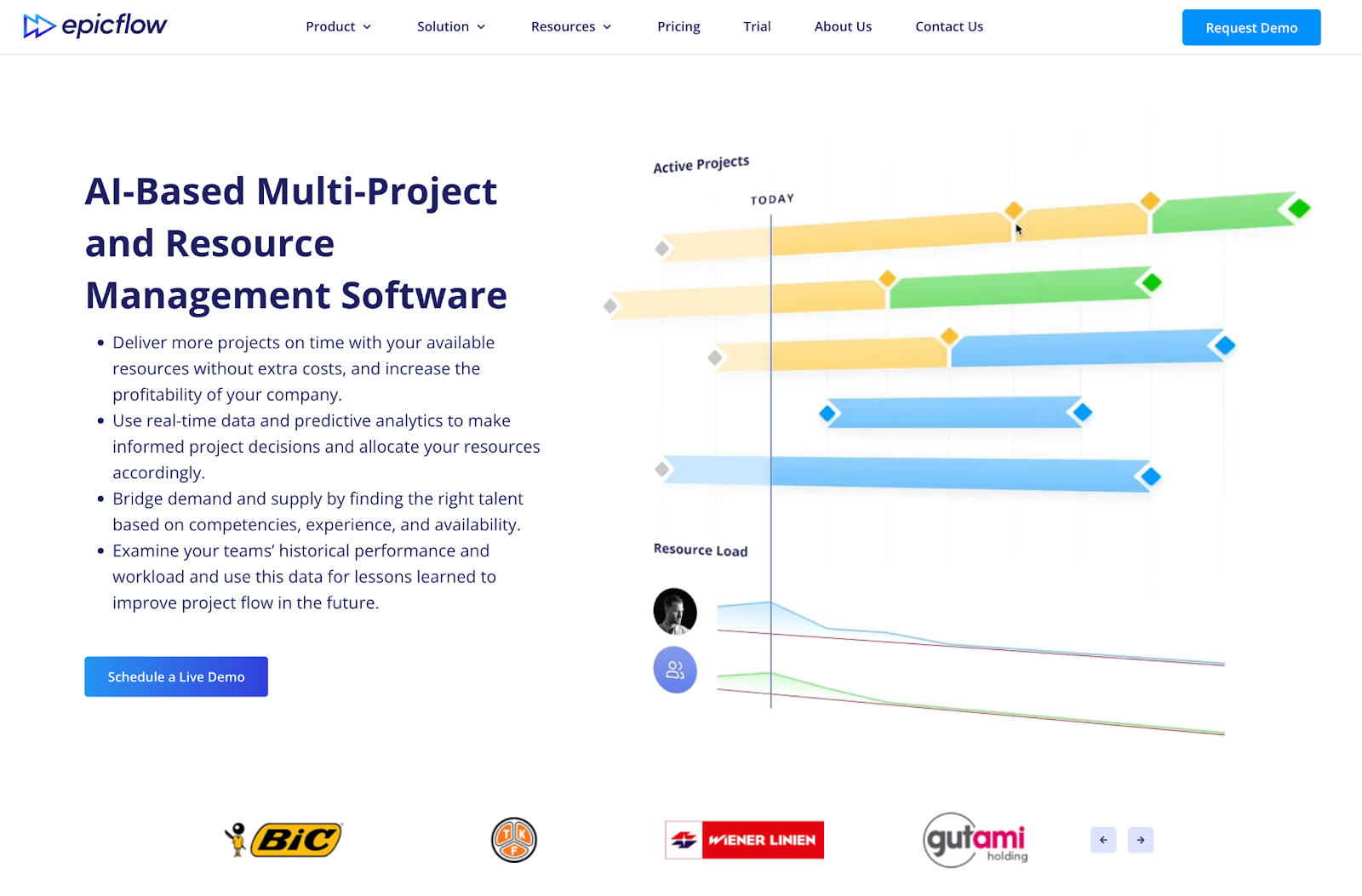
Best for: Global companies who are focused on resource management
Developer: Epicflow is developed by Epicflow.com, a Netherlands company.
Key features: A full-featured project resource management tool, Epicflow offers key features such as what-if analysis, a fully featured mobile app, and AI-driven resource allocation.
Pros
- Resource-saving time allocation and optimization features (even across multiple projects)
- Integrates well with Microsoft Project
- Clean, uncluttered UI that makes it simpler to navigate
Cons
- Initial setup and configuration that take considerable time and input
- A learning curve for new users, similar to many advanced project management platforms
Plans/pricing
- Epicflow’s Growth plan costs 22.5€ per user per month. It covers 20 to 50 users and up to 50 projects, with a maximum of 250 tasks.
- For larger companies, explore the Enterprise plan with a custom price quote.
G2 rating: 4.4/5
6. monday.com
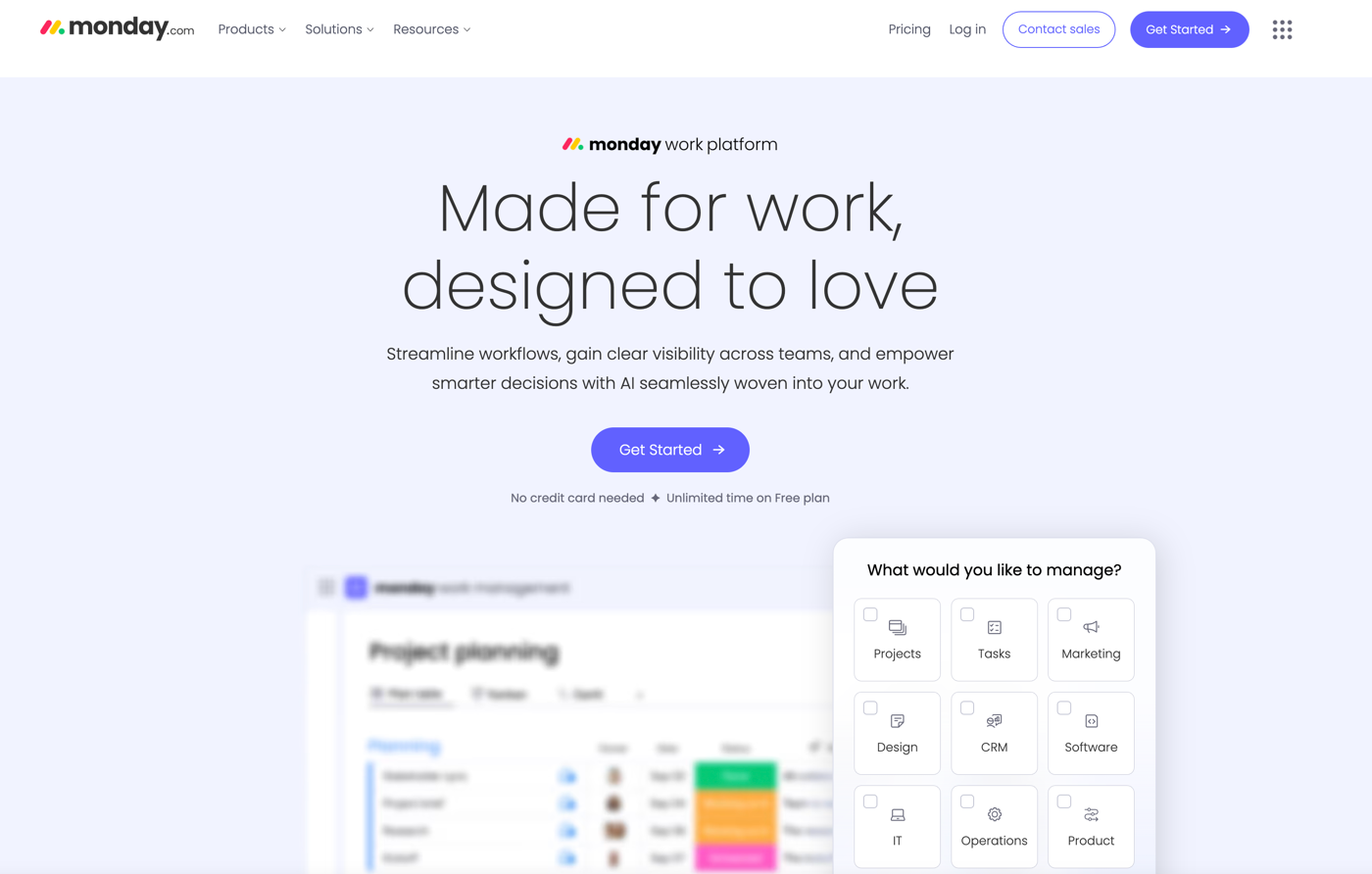
Best for: Companies and teams who plan to automate their workflows
Developer: monday.com is developed in-house, led by founders and co-CEOs Eran Zinman and Roy Mann, and is based in Israel.
Key features: monday’s key feature is its visual approach to project and task cards, which lets users organize the information and tasks there via items, groups, and columns. It also offers a variety of views, including kanban, Gantt chart, calendar, and timeline.
Pros
- Free-forever plan for two users comes with extensive integrations for added functionality
- Easy-to-navigate, intuitive UI
- Customizable with display themes, color coding, and other options
Cons
- Learning curve for more advanced features
- Paid plans require at least three users
- Confusing pricing structure for larger companies
Plans/pricing
- The Free plan comes with two seats, up to three boards, and unlimited docs, among other features.
- The Basic plan ($9 per month per seat) adds unlimited free viewers, 500 AI credits, and prioritized customer support.
- The Standard plan ($12 per month per seat) adds to Basic features with timeline and Gantt views, and up to 250 automations per month.
- The Pro plan ($19 per month per seat) adds private boards, chart view, and up to 25,000 automations per month.
- There’s also an Enterprise plan available for a custom price quote.
G2 rating: 4.7/5
7. Zoho Projects
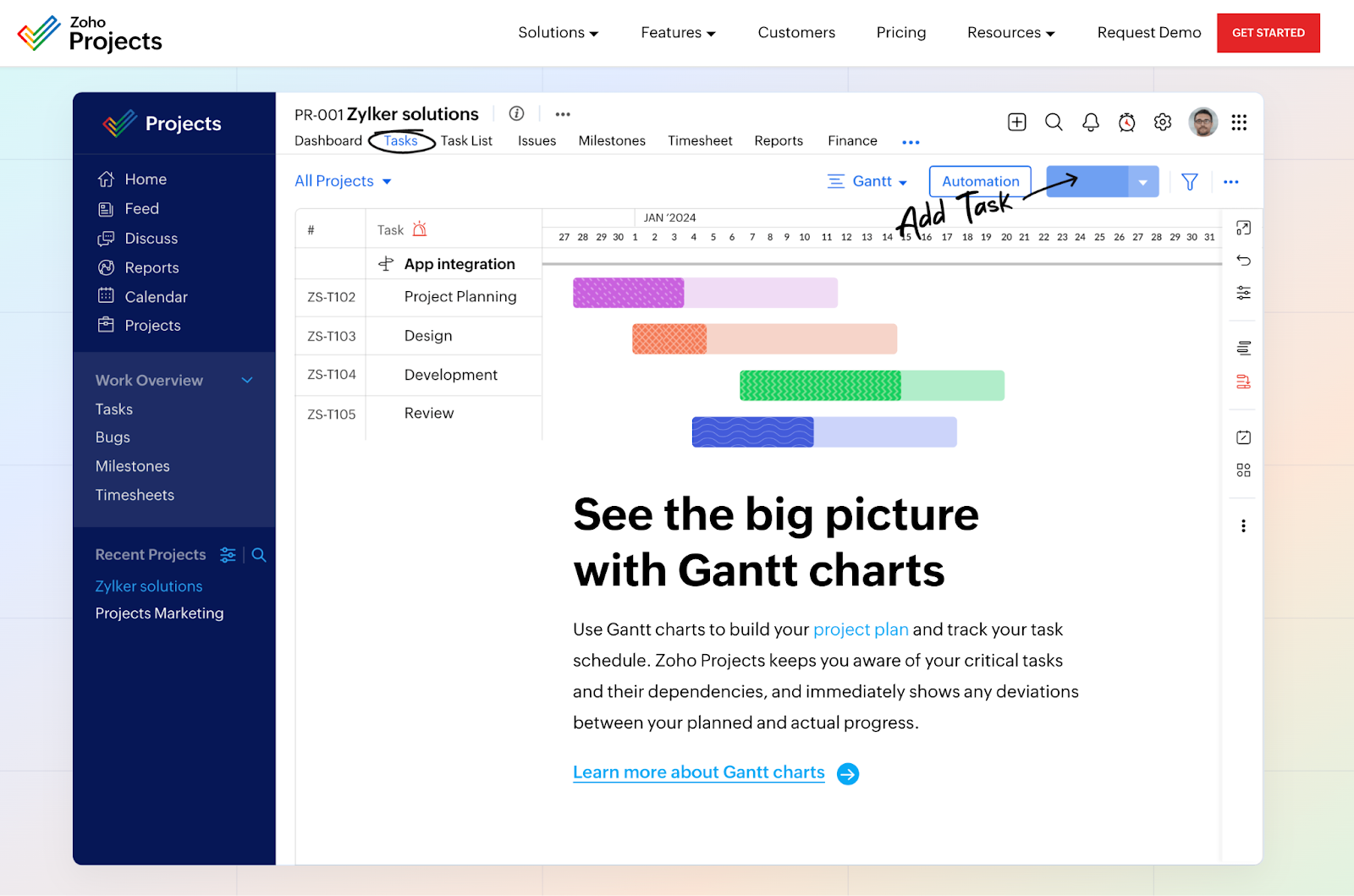
Best for: Companies and teams that already use Zoho Suite
Developer: Zoho Projects is developed by Zoho Corporation, a company based in India.
Key features: One of the most affordable project management platforms, Zoho Projects boasts unique features, including built-in chat, several customization options, and the ability to assign multiple people to a single task.
Pros
- Free plan for up to three users, coupled with a reasonable price structure for all paid plans
- Includes a native chat function
- User-friendly with an easy learning curve
Cons
- Free plan is a bit limited and probably not suitable for large manufacturing companies
- Limited integrations with third-party tools
- No customer support via telephone
Plans/pricing
- The Free plan covers up to five users and comes with capacity to create three projects plus subtasks and 5GB of storage space.
- The Premium plan ($4 per user per month) adds to the features of the Free plan: unlimited projects, templates, time tracking, and more.
- The Enterprise plan ($9 per user per plan) lets you establish and invite read-only users for better communication and organization-wide awareness. It also comes with custom fields, roles, and profiles, as well as two-factor authentication for tighter security.
G2 rating: 4.3/5
8. Smartsheet
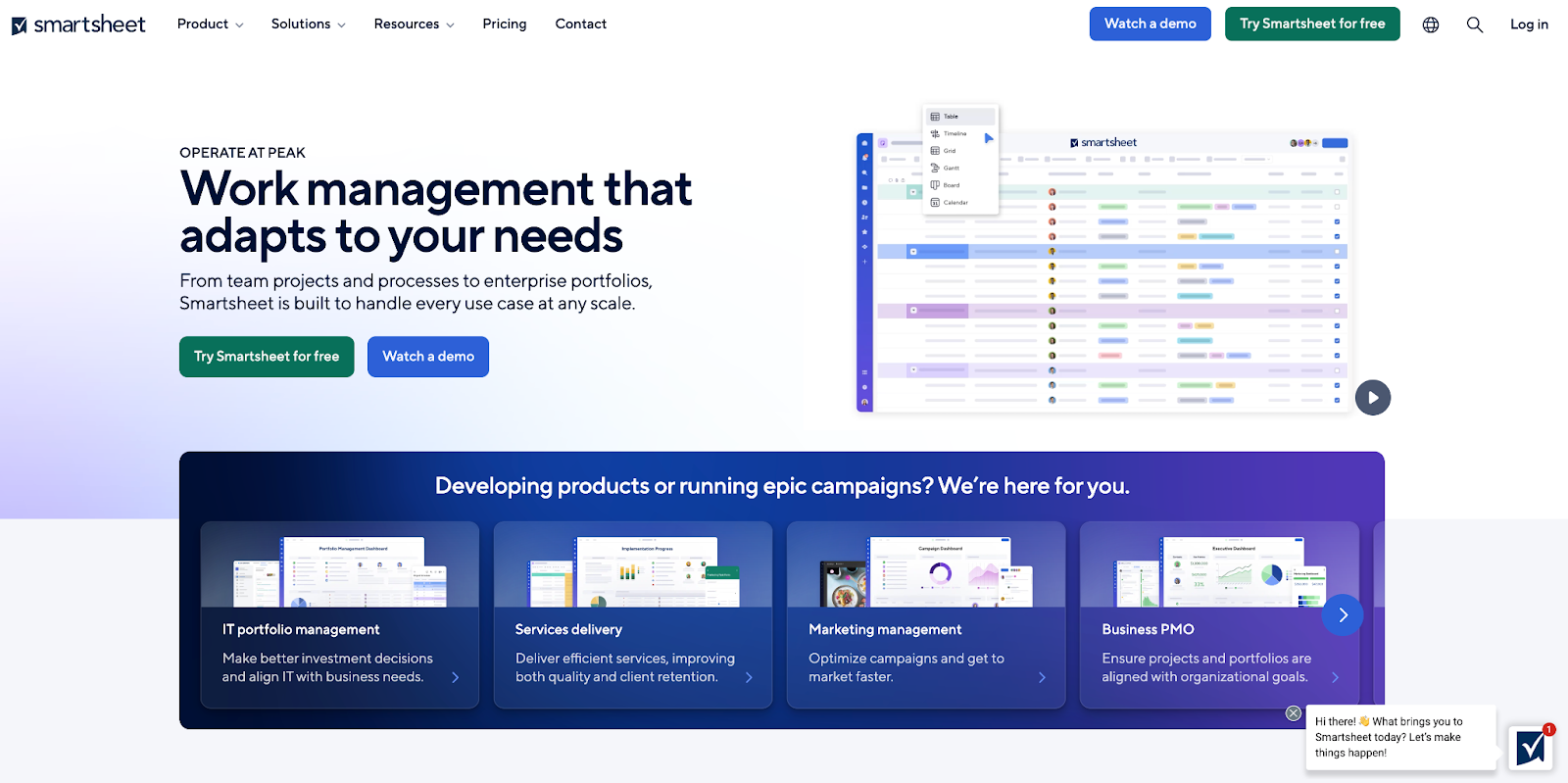
Best for: Companies with key users who prefer spreadsheets
Developer: Smartsheet is developed by Smartsheet, Inc.
Key features: Smartsheet offers users a number of customization options, including a variety of views for projects and tasks. Real-time collaboration tools (including comments and other ways to solicit and submit feedback) enhance communication and collaboration.
Pros
- Intuitive interface, especially for spreadsheet enthusiasts
- Tools to help automate and streamline workflows for increased productivity
Cons
- Limited features for tracking user time on tasks
- Steep learning curve for users with no prior spreadsheet or project management platform experience
Plans/pricing
- The Smartsheet Pro plan ($9 per member per month) is available for up to 10 members and comes with unlimited free viewers, a variety of views (including Gantt, table, and more), and up to 250 automations per month.
- The Business plan ($19 per member per month) is for three or more members, and comes with unlimited free guests, unlimited automations, and more.
- The Enterprise and Advanced Work Management plans have custom pricing and more advanced features.
G2 rating: 4.4/5
9. ClickUp
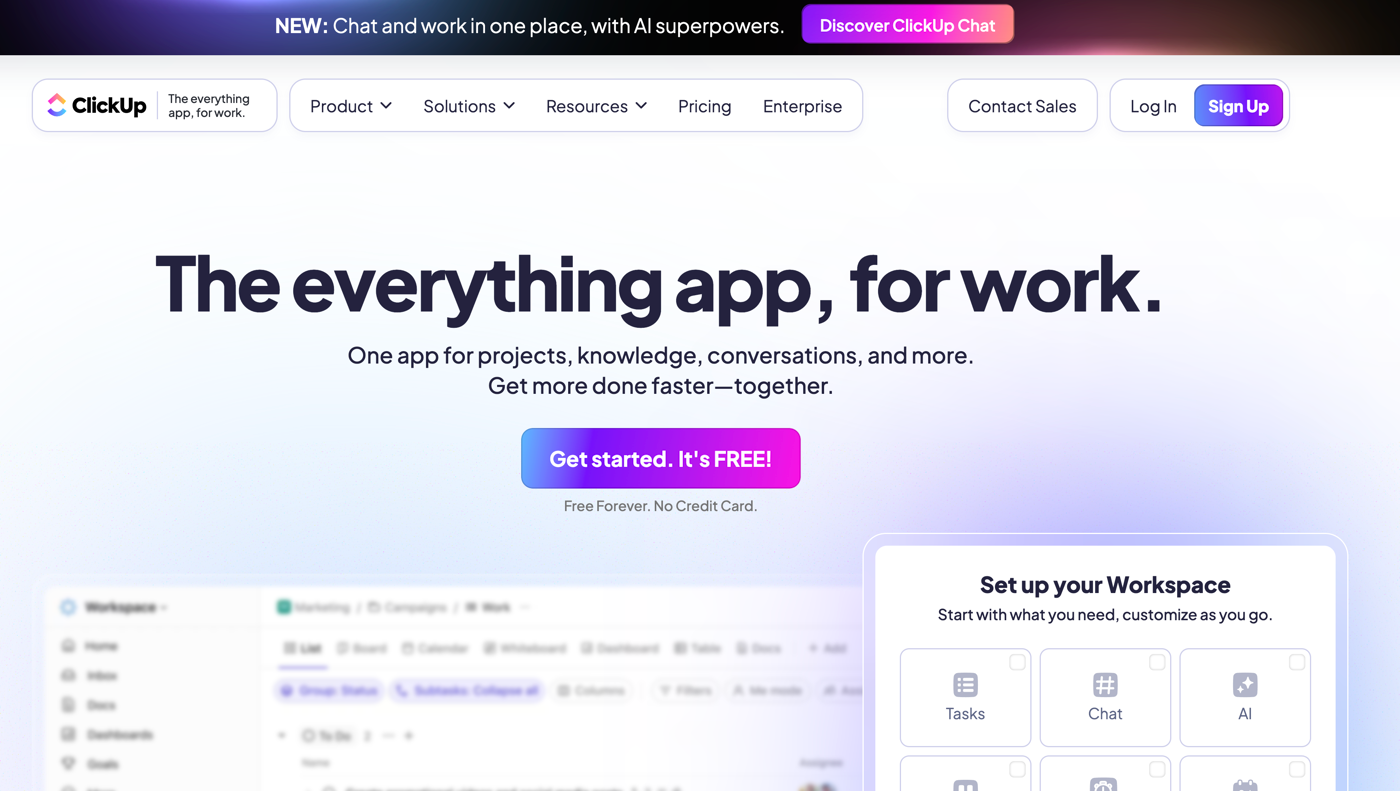
Best for: Companies in search of one platform to replace many others for better cohesiveness and improved efficiency
Developer: ClickUp was originally developed by Zeb Evans and Alex Yurkowski; Evans is the current CEO of ClickUp.
Key features: ClickUp’s major selling point is its “everything-for-work app” status, which offers a single place to manage whatever you need to get your work done more efficiently. These key features include time management, real-time communication functions, document collaboration, and access to AI-powered workflow automations.
Pros
- Affordably priced, with a free-forever plan
- Numerous third-party tools and apps available for integrations
- Strong real-time communication and collaboration features
Cons
- Steep learning curve, especially for those new to project management software
- Occasional performance lags or slowdowns on large projects cited in some user reviews
Plans/pricing
- The Free forever plan is best for personal use and probably will be of limited utility to manufacturing companies. However, it’s a good way to evaluate the basic features.
- The Unlimited plan costs $7 per user and comes with unlimited storage, integrations, dashboards, Gantt charts, and more.
- At $12 per user, the Business plan adds to the Unlimited plan with features such as Google SSO, unlimited teams, custom exporting, and advanced time tracking.
- For large organizations with specific needs, Smartsheet also offers an Enterprise plan, which is available for custom price quotes.
G2 rating: 4.7/5
10. Jira
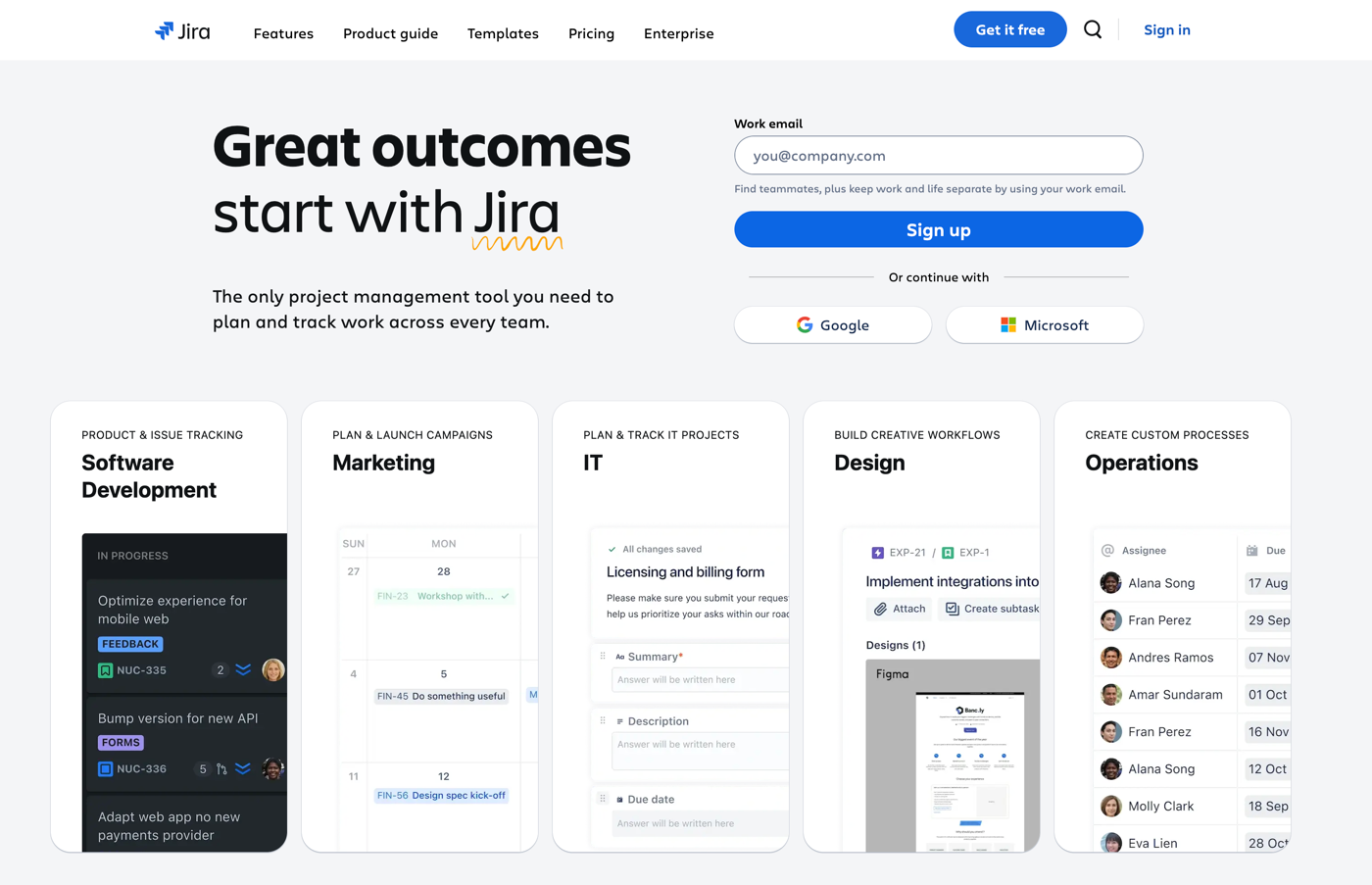
Best for: Manufacturers and other companies in search of the best value for project management
Developer: Jira is currently developed by Atlassian.
Key features: Popular with software development companies, Jira offers a wide variety of features that will appeal to manufacturers as well. Customizable workflows help your team stay on task and on deadline, while various board display views (kanban, Scrum, and others) help you visualize key data quickly.
Pros
- Customizable workflows tailored to company-specific needs
- Issue tracking creating, prioritizing, and tracking issue resolution
- Advanced reporting capabilities
Cons
- May be somewhat overwhelming and overly complex for beginners
- Resource-intensive, which can impact performance on older hardware
Plans/pricing
- The Free (forever) plan covers up to 10 users, with unlimited goals, projects, tasks, and more.
- The Standard plan ($7.53 per user per month) adds user roles/permissions, external collaboration capabilities, and more.
- The Premium plan ($13.53 per use per month) adds to the Standard plan with AI-powered features, cross-team planning, dependency management, and more.
- There’s also an Enterprise plan with advanced analytics and security.
G2 rating: 4.3/5
11. Notion
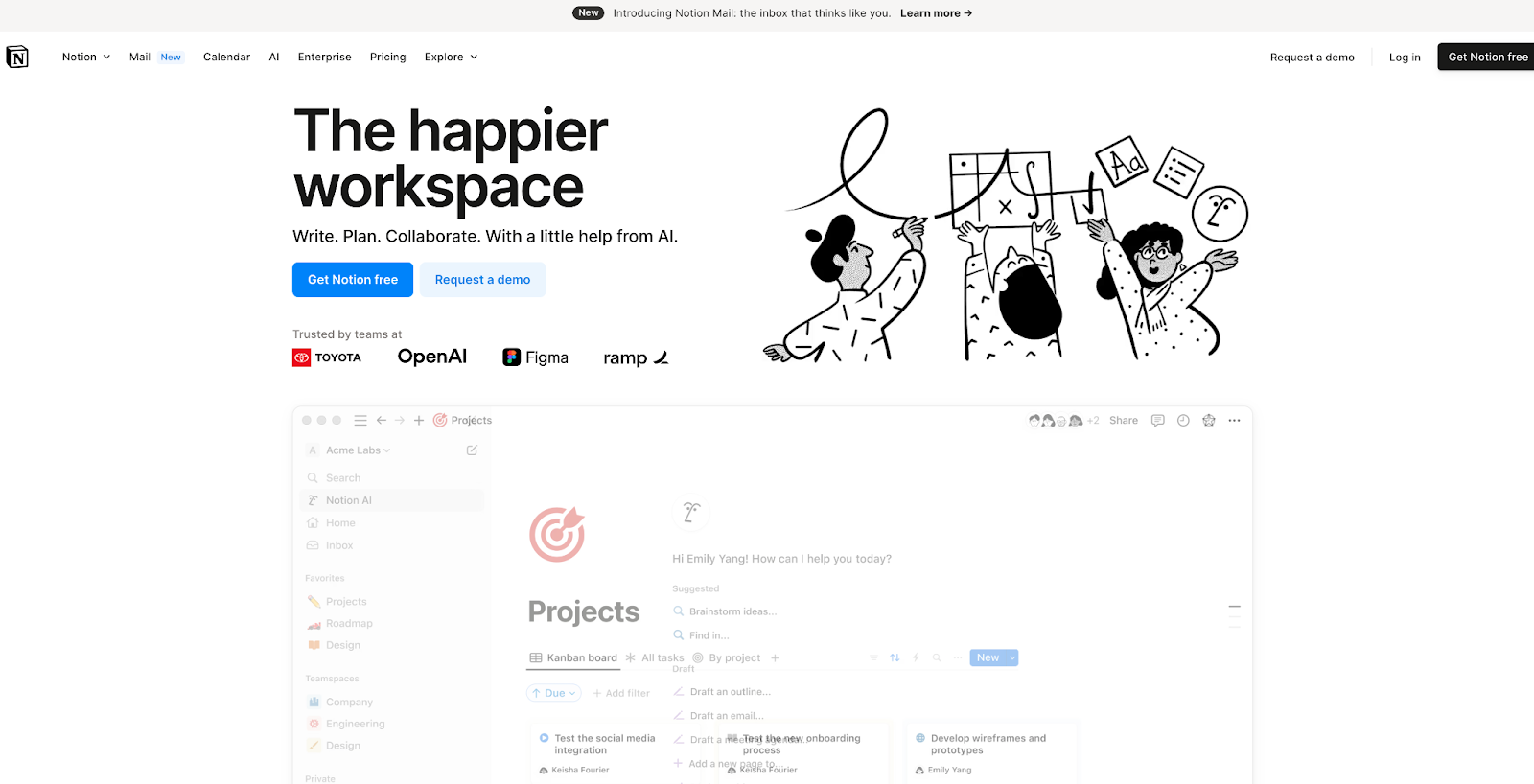
Best for: Companies in search of a project management solution with a strong document-management functionality
Developer: Notion, from Notion Labs, Inc., was developed originally by CEO Ivan Zhao and CTO Simon Last.
Key features: Notion offers a flexible all-in-one platform that offers users key features such as customizable workspaces, advanced note-taking and collaboration tools, and AI-powered assistance.
Pros
- Highly customizable and flexible to suit individual needs
- User-friendly interface with drag & drop functionality to ease navigation and use
- Wide assortment of predesigned templates for project management, personal organization, and other use cases
Cons
- Built-in flexibility that some users reviews call overly complex
- Android mobile app that may lag and crash
- Copy and paste that can introduce formatting issues requiring manual fixes
Plans/pricing
- A free plan for individuals offers a collaborative workspace, integration with several third-party tools including Slack and GitHub, and basic page analytics.
- At $10 per seat per month, the Plus plan adds unlimited blocks for teams, unlimited file uploads, a longer page history, and other features.
- The Business plan costs $15 per seat per plan and adds advanced page analytics, as well as other features.
- The Enterprise plan is available for custom price quotes and adds advanced security and a customer success manager, among other features.
G2 rating: 4.7/5
Conclusion
With increased productivity, closer collaboration, swifter resolution of manufacturing challenges, and more, the right project management platform can deliver a wealth of benefits for your company. What’s more, adopting a robustly featured project management platform for your manufacturing company can lead to real cost savings and higher revenue, packing an economic one-two punch that helps your company stay competitive.
If you’re in the market for the right project management platform, start with our recommendations here. Take advantage of the free trials most top platforms offer, including the ones on this list. And don’t forget to give Jotform Boards a try. You might find it’s exactly what your company needs at the right price for your budget.
This article is for manufacturing leaders, operations managers, project managers, and production teams looking to streamline workflows, improve efficiency, and choose the right project management software.








































Send Comment: