

Geräteverwaltungsformulare
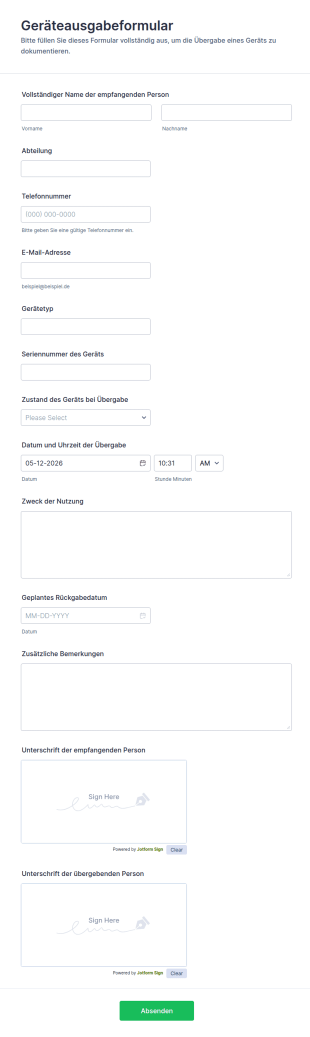
Geräteausgabeformular
Dokumentieren Sie Geräteausgaben im Unternehmen mit dem Geräteausgabeformular von Jotform, inklusive digitaler Datenerfassung, Unterschriften und zentral verwalteter Formular-Antworten für IT, Büromanagement und Personalabteilung.
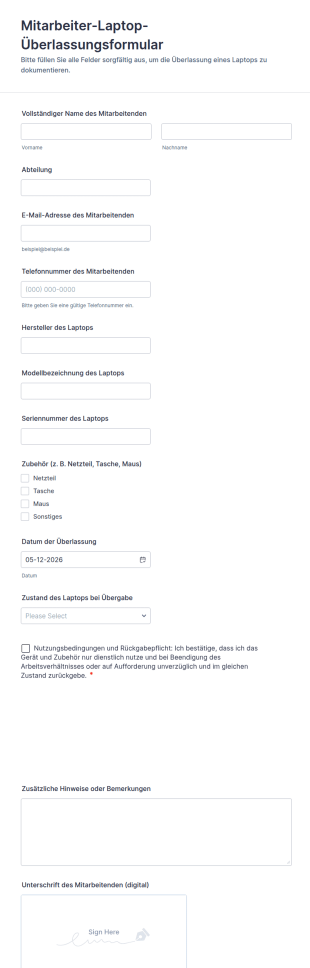
Zur Kategorie:IT-FormulareMitarbeiter Laptop Überlassungsformular
Dokumentieren Sie Geräteübergaben im Unternehmen mit dem Mitarbeiter-Laptop-Überlassungsformular von Jotform und halten Sie Ausgabe, Zustand und Rückgaberegeln für IT, Büromanagement und Personalabteilung zentral fest.
Zur Kategorie:Asset-Tracking-Formulare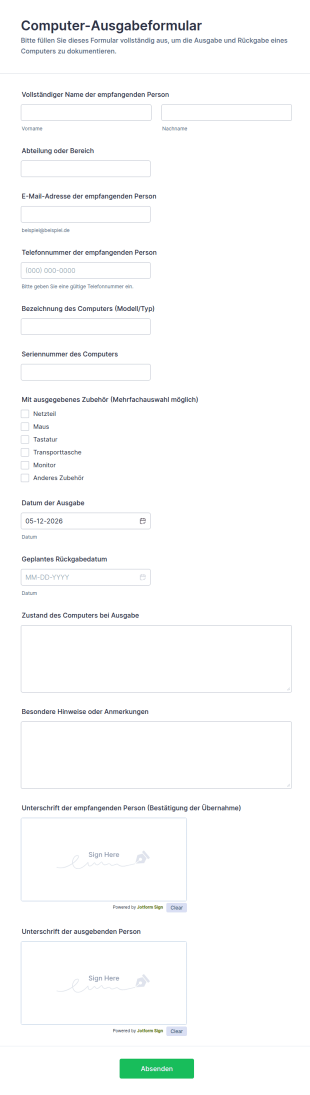
Computer Ausgabeformular
Dokumentieren Sie Geräteausgaben und geplante Rückgaben mit dem Computer-Ausgabeformular, ideal für IT, Büromanagement und Bildungseinrichtungen, die eine klare Datenerfassung und nachvollziehbare Übergaben benötigen.
Zur Kategorie:IT-Formulare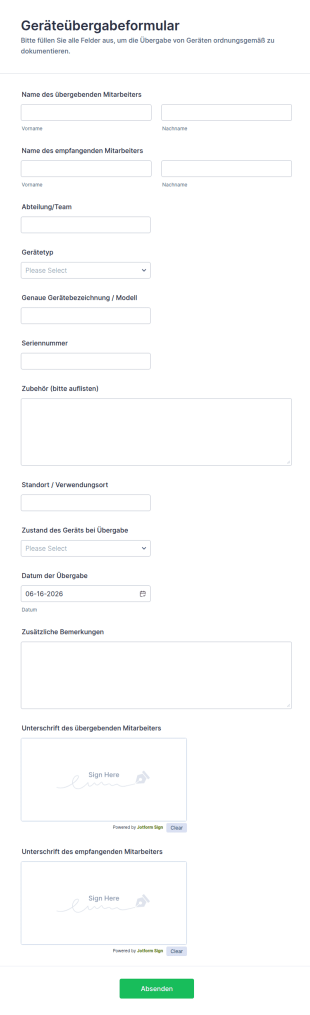
Geräteübergabeformular
Dokumentieren Sie Geräteübergaben im Unternehmen mit dem Geräteübergabeformular von Jotform, um Verantwortlichkeiten, Übergaben und interne Abläufe bei Ausstattung, Teamwechseln oder Rückgaben nachvollziehbar zu halten.
Zur Kategorie:Geräteverwaltungsformulare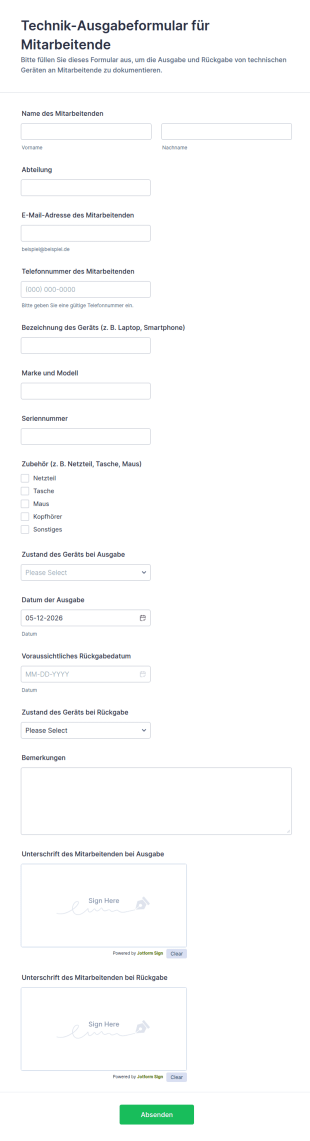
Technik Ausgabeformular Für Mitarbeitende
Technik-Ausgabeformular für Mitarbeitende erleichtert die Dokumentation von Geräteausgabe und Rückgabe in Unternehmen, damit IT und Verwaltung Übergaben, Rückgabetermine und Verantwortlichkeiten zentral nachverfolgen können.
Zur Kategorie:Geräteverwaltungsformulare
Studentischer Computerleihvertrag Formular
Dokumentieren Sie Geräteausleihe und Rückgabe an Lernende mit dem Schülergeräte-Leihformular von Jotform, ideal für Schulen und Bildungseinrichtungen zur zuverlässigen Datenerfassung und Nachverfolgung.
Zur Kategorie:Geräteverwaltungsformulare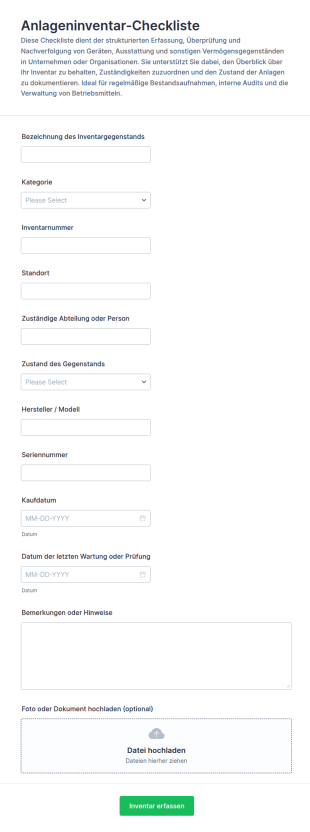
Inventaraufnahme Formular 📋
Erfassen Sie Betriebsmittel und Inventar übersichtlich mit dem Anlageninventar-Checklistenformular von Jotform und sorgen Sie für klare Zuordnung, aktuelle Bestände und nachvollziehbare Dokumentation in Büro, Werkstatt oder Einrichtung.
Zur Kategorie:Checklisten-Formulare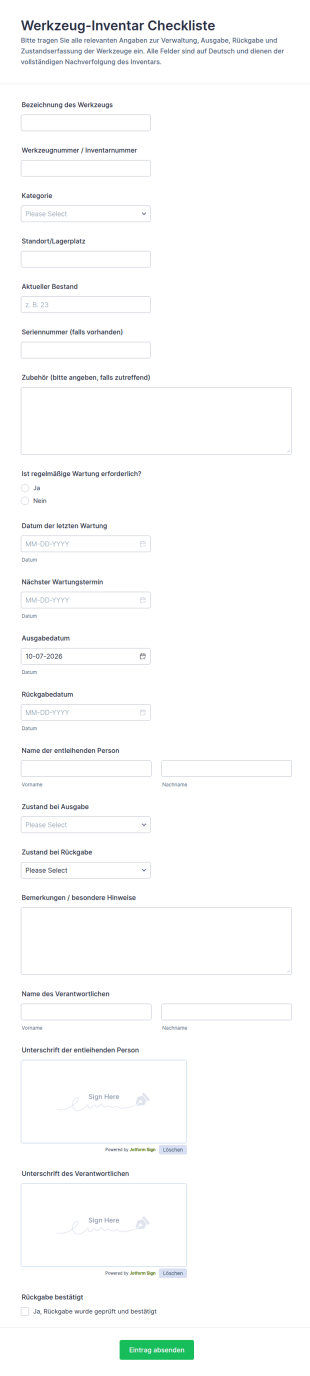
Werkzeugbestands Checkliste
Dokumentieren Sie Ausgabe, Rückgabe, Zustand und Wartung von Werkzeugen mit dem Werkzeug-Inventar-Checklistenformular und vereinfachen Sie die Datenerfassung für Werkstatt, Lager und Baustelle in Jotform.
Zur Kategorie:Checklisten-Formulare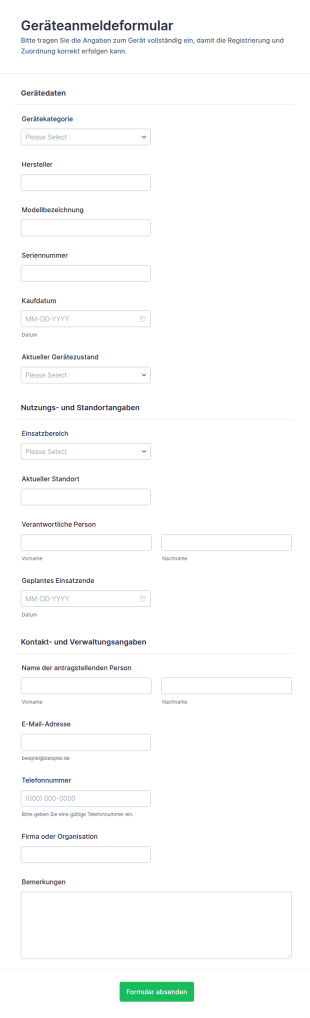
Geräte Registrierung Formular
Geräteanmeldeformular vereinfacht die Datenerfassung für Geräteverwaltung, Zuständigkeiten und Standorte und eignet sich für interne Servicestellen, Büros, Lager und Bildungseinrichtungen, die Eingänge über Jotform bündeln möchten.
Zur Kategorie:Anmeldeformulare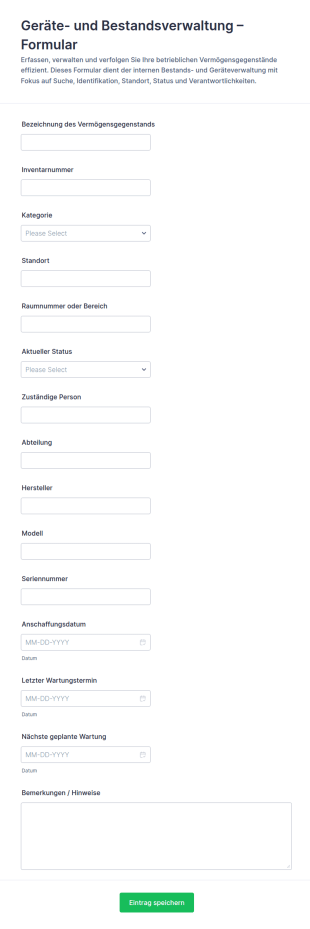
Anlagenverfolgungsformular
Geräte- und Bestandsverwaltungsformular unterstützt Teams bei der Datenerfassung zu Inventar und Arbeitsmitteln, damit Standorte, Zuständigkeiten und Wartungsstände im Unternehmen nachvollziehbar bleiben.
Zur Kategorie:Geräteverwaltungsformulare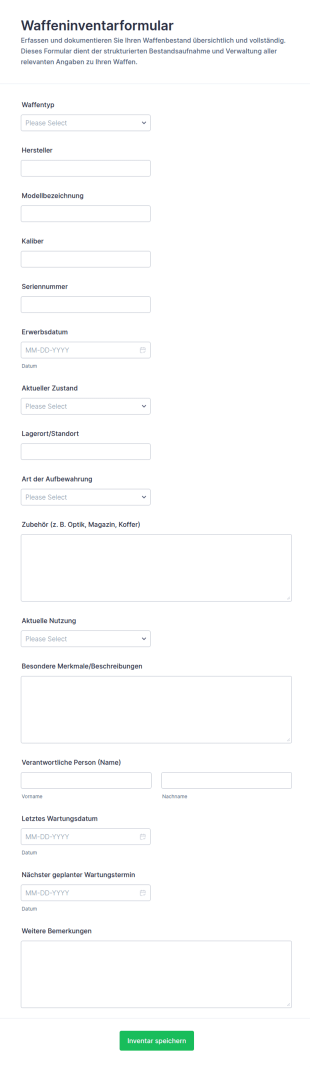
Waffenbestandsformular
Das Waffeninventarformular erleichtert die Datenerfassung und Pflege von Waffenbeständen für Vereine, Sammler und Betriebe, damit Angaben zentral dokumentiert und Formularantworten übersichtlich verwaltet werden können.
Zur Kategorie:Asset-Tracking-Formulare
Bewertung Gebrauchsgerät Für Mobilität Form
Dokumentieren Sie Zustandsprüfungen und Entscheidungen zur Weitergabe oder Wiederverwendung mit dem Bewertung eines gebrauchten Mobilitätsgeräts Formular von Jotform, ideal für Sanitätshäuser, Pflegeeinrichtungen und Werkstätten.
Zur Kategorie:Bewertungsformulare
Flottenmanagement Formular
Erfassen und verwalten Sie Fahrzeug- und Einsatzdaten zentral mit dem Flottenmanagement-Formular von Jotform, ideal für Fuhrparkverantwortliche, Logistik, Service und Verwaltung zur digitalen Datenerfassung und schnellen Auswertung.
Zur Kategorie:Flottenmanagementformulare
Ausrüstungsauschussformular
Geräteentsorgungsformular erleichtert die Erfassung und Koordination von Geräteaussonderungen in Unternehmen, damit Abteilungen Anfragen zentral bündeln, Weitergabe oder Entsorgung planen und Formularantworten übersichtlich verwalten können.
Zur Kategorie:IT-Formulare
Geräteausleihformular
Dokumentieren Sie mit dem Geräteausleihformular die Ausgabe und Rückgabe von Geräten, erfassen Sie Verantwortliche, Zeiträume und Gerätezustand und behalten Sie in Unternehmen, Schulen oder Vereinen den Überblick über Ihr Equipment.
Zur Kategorie:Geräteverwaltungsformulare
Asset Aktivitäten Formular
Dokumentieren Sie Wartungen, Prüfungen und Verbesserungen mit dem Anlagenaktivitäten-Formular und sorgen Sie für transparente Datenerfassung und nachvollziehbare Formularantworten in Teams, Abteilungen und an mehreren Standorten.
Zur Kategorie:Wartungsformulare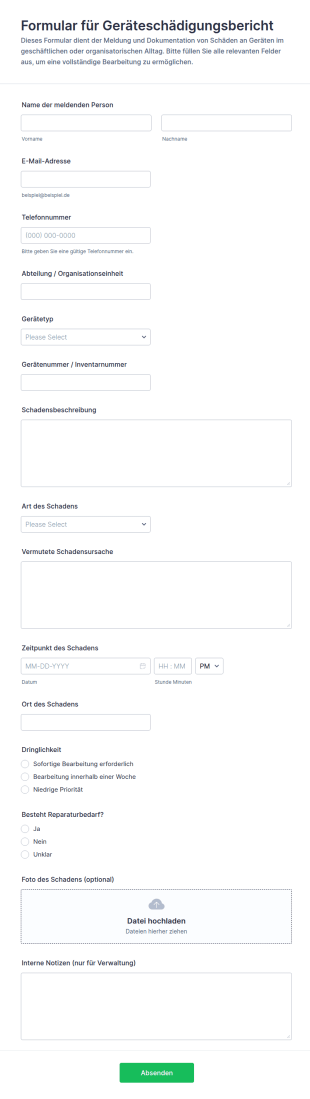
Ausrüstungsschadensmeldung Formular
Das Geräteschädigungsbericht-Formular erleichtert die Meldung von Geräteschäden in Unternehmen und Einrichtungen, unterstützt die Inventarverwaltung und sorgt für schnelle Priorisierung bei Reparaturen und Austausch.
Zur Kategorie:Vorfallsmeldeformulare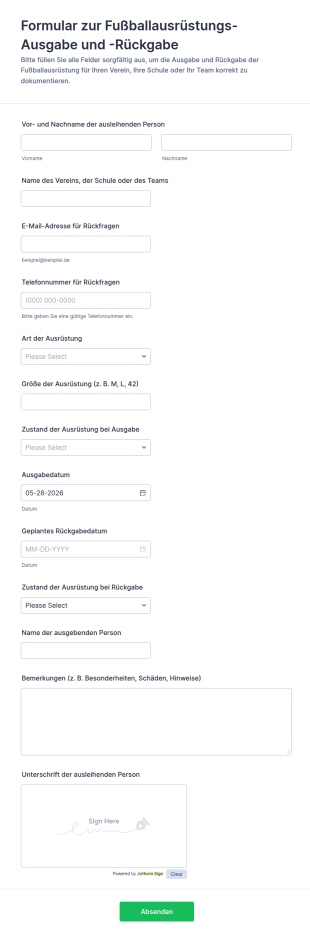
Fußballausrüstungsproblem Fragebogen
Dokumentieren Sie mit dem Formular zur Ausgabe und Rückgabe von Fußballausrüstung Ausleihen im Verein oder an der Schule, inklusive Zustandsprüfung und Rückgabeterminen, und verwalten Sie jede Formularantwort zentral in Jotform.
Zur Kategorie:Geräteverwaltungsformulare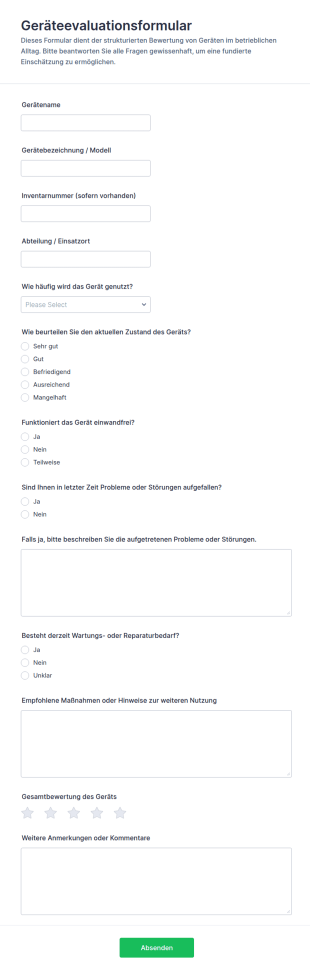
Ausrüstungsbewertungsformular
Erfassen Sie Bewertungen und Wartungshinweise zu Geräten an verschiedenen Einsatzorten mit dem Geräteevaluationsformular und sammeln Sie Rückmeldungen zentral in Jotform für eine bessere Planung von Wartung und Austausch.
Zur Kategorie:Beurteilungsformulare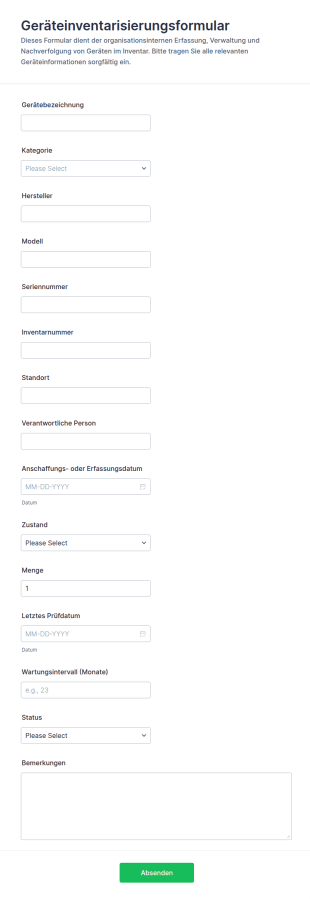
Ausrüstungsinventarformular
Erfassen und verwalten Sie Unternehmensgeräte mit dem Geräteinventarisierungsformular für IT, Verwaltung und Lager, inklusive schneller Datensammlung, klarer Zuordnung und übersichtlicher Formularantworten in Jotform.
Zur Kategorie:Asset-Tracking-Formulare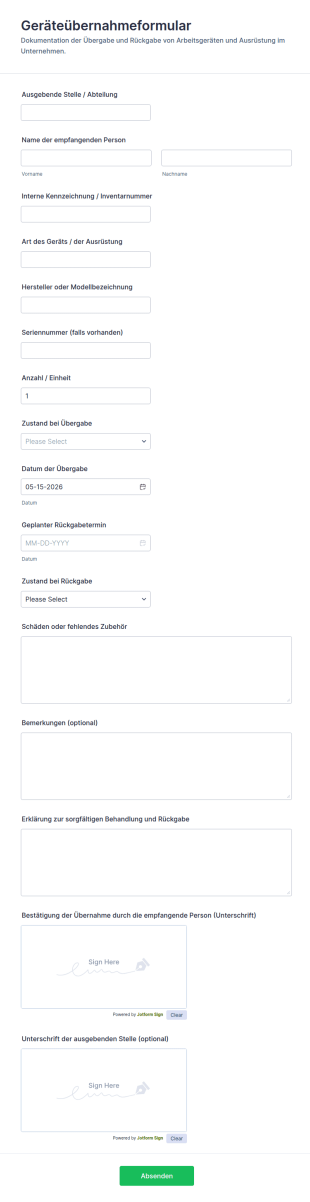
Ausrüstungsempfangsformular
Geräteübernahmeformular für die dokumentierte Ausgabe und Rückgabe von Geräten im Unternehmen, ideal für IT, Lager und Verwaltung, inklusive digitaler Datenerfassung und nachvollziehbarer Formularantworten mit Jotform.
Zur Kategorie:Equipment Tracking Forms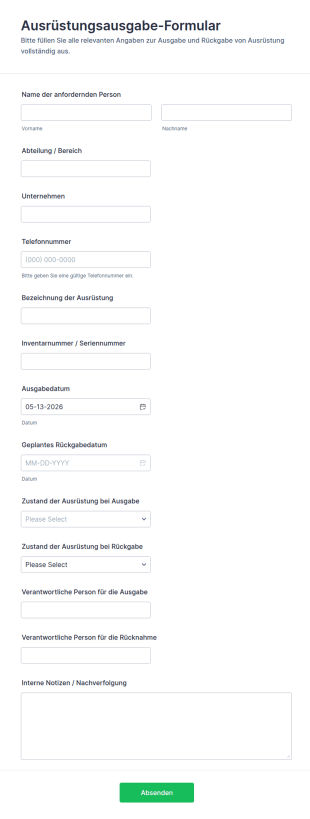
Ausrüstungsabholformular
Dokumentieren Sie Ausgabe und Rücknahme von Arbeitsmitteln mit dem Ausrüstungsausgabe-Formular in Jotform, damit Teams die Datenerfassung vereinheitlichen, Formularantworten zentral verwalten und Bestände besser nachverfolgen können.
Zur Kategorie:Geräteverwaltungsformulare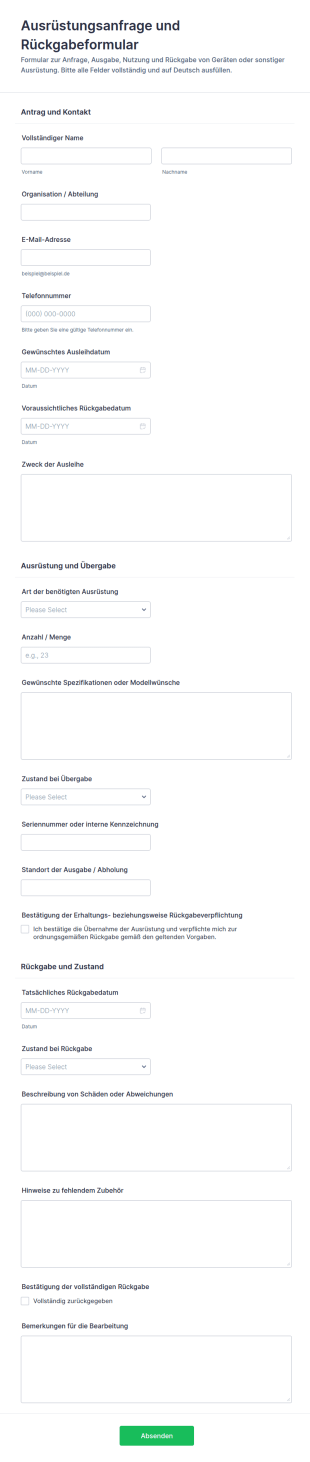
Ausstattungsanfrage Und Freigabeformular
Ausrüstungsanfrage- und Rückgabeformular erleichtert die Datenaufnahme für Ausleihen, Übergaben und Rücknahmen in Organisationen und sorgt mit Jotform für übersichtliche Formularantworten und klare Abläufe.
Zur Kategorie:Equipment Request Forms
Ausrüstungs Checkliste Formular
Dokumentieren Sie Geräteprüfungen, Zustände und Folgemaßnahmen mit dem Geräte-Checkliste Formular, ideal für Instandhaltung, Facility Management und Teams mit mehreren Standorten, die Datenerfassung und Formularantworten zentral verwalten möchten.
Zur Kategorie:Checklisten-FormulareÜber Geräteverwaltungsformulare
Equipment management forms are structured documents used to manage the full lifecycle of equipment, from onboarding and assignment to tracking, maintenance, and retirement. They help organizations keep accurate records of what equipment exists, who is responsible for it, where it is located, and what condition it is in. Equipment management forms are commonly used by IT teams, operations departments, facilities teams, warehouses, labs, schools, and field service organizations to manage assets like laptops, tools, instruments, devices, and specialized machinery. By standardizing equipment workflows, these forms reduce loss, improve accountability, and support better planning and compliance.
With Jotform, equipment management forms can be created quickly using a no-code, drag-and-drop Form Builder and connected to consistent tracking in Jotform Tables. Conditional logic can tailor fields based on equipment type or workflow action, while file upload fields can collect receipts, photos, warranties, and service documentation. Teams can use automated notifications to confirm assignments, flag overdue returns, or route maintenance requests. This makes it easier to manage equipment records in one place and keep equipment processes consistent across teams.
Use Cases of Equipment Management Forms
Equipment management forms support centralized control of equipment records and workflows across departments. Below are common ways these forms are used and the challenges they help solve.
Mögliche Anwendungsfälle:
- Gerätebestand erfassen und Assets anlegen
- Gerätezuweisung und Verantwortungsbestätigung
- Geräteübergabe, Ausleihe und Rückgabeverfolgung
- Wartungsberichte und Erfassung von Servicedokumentationen
- Geräteprüfungen und Standortüberprüfung
- Dokumentation zur Stilllegung, Entsorgung oder zum Austausch von Geräten
Lösungsansätze:
- Eine einzige zuverlässige Quelle für den Status und die Eigentümerschaft von Geräten schaffen
- Verluste reduzieren durch Nachverfolgung von Zuweisungen, Übertragungen und Rückgaben
- Verbesserte Wartungsplanung durch eine dokumentierte Servicehistorie
- Audits mit übersichtlichen, durchsuchbaren Gerätedaten
Mögliche Eigentümer und Nutzer:
- IT-, Asset-Management- und Betriebsteams
- Einrichtungs- und Wartungspersonal
- Lagerkoordinatoren und Inventurteams
- Leads, die gemeinsam genutzte Geräte verwalten
- Mitarbeiter, Studierende oder Techniker, die Geräte nutzen
Unterschiede der Erstellungsmethoden:
- Formulare für die Bestandsaufnahme und Erfassung von Geräten erfassen Gerätetyp, Seriennummer, Inventarnummer, Kaufdaten, Garantie sowie den ursprünglichen Zustand.
- Formulare für die Zuweisung und Übertragung von Geräten dokumentieren Änderungen der Verwahrung, Bestätigungen durch den Benutzer, neue Standorte, voraussichtliche Rückgabedaten (bei vorübergehender Nutzung) und die Übernahme der Verantwortung.
- Formulare für Wartung und Außerbetriebnahme von Geräten fokussieren sich auf Wartungshistorie, Zustandsbewertungen, Entscheidungen zu Reparatur oder Austausch, Entsorgungsunterlagen und Anhänge wie Rechnungen oder Zertifikate.
How to Create an Equipment Management Form
Creating an equipment management form with Jotform helps you standardize asset workflows and keep equipment records consistent and easy to audit.
1. Wählen Sie eine Vorlage oder beginnen Sie komplett neu
Klicken Sie in „Mein Workspace“ auf „Erstellen“ und wählen Sie „Formular“. Starten Sie mit einer Inventar- oder Nachverfolgungsvorlage und passen Sie sie für das Lebenszyklusmanagement Ihrer Geräte an.
2. Felder zur Geräteidentifikation hinzufügen
Erfassen Sie die Inventarnummer, den Namen oder Typ der Ausrüstung, die Seriennummer, den Standort und die Abteilung. Fügen Sie bei Bedarf Felder für das Kaufdatum und die Garantie hinzu.
3. Define the Equipment Workflow Action
Fügen Sie ein Dropdown-Menü mit Aktionstypen wie Onboarding, Zuweisung, Versetzung, Wartung, Audit oder Pensionierung hinzu. Verwenden Sie bedingte Logik, um den für diese Aktion relevanten Abschnitt anzuzeigen.
4. Capture Accountability and Supporting Evidence
Bei Aufträgen fügen Sie bei Bedarf Verantwortungsbestätigungen und Unterschriften hinzu. Bei Wartungs- und Stilllegungsarbeiten dokumentieren Sie den Zustand, notieren die Servicedetails und laden relevante Dateien hoch.
5. Benachrichtigungen und Genehmigungen einrichten
Leiten Sie Formulare je nach Maßnahmentyp und Dringlichkeit an das passende Team weiter. Informieren Sie die Antragstellenden, wenn sich Datensätze ändern oder wenn eine Nachfassung nötig ist.
6. Track Equipment in Jotform Tables
Speichern Sie Einreichungen in Tabellen und filtern Sie nach Asset-ID, Status, Benutzer oder Standort. Exportieren Sie Datensätze für Audits, Budgetierung oder Berichterstellung.
Häufig gestellte Fragen
1. What are equipment management forms?
Equipment management forms are documents or online forms used to manage equipment records and workflows like inventory onboarding, assignments, transfers, maintenance, and retirement.
2. Why are equipment management forms important?
They improve accountability, reduce loss, support maintenance planning, and create audit-ready records for equipment lifecycle management.
3. What information is typically included in equipment management forms?
Common fields include asset ID, equipment details, location, responsible user, condition notes, maintenance history, and supporting attachments.
4. Who uses equipment management forms?
IT, operations, facilities, warehouse teams, and equipment users may all use these forms depending on the workflow.
5. How is equipment management different from equipment tracking?
Tracking focuses on location and movement, while management covers the full lifecycle including onboarding, assignment, maintenance, audits, and retirement.
6. Can equipment management forms include documents like warranties and invoices?
Yes. Jotform file upload fields can collect receipts, warranty documents, service invoices, and retirement documentation.
7. Can equipment management forms support audits?
Yes. They create a searchable record of equipment status, ownership, and history, which helps with inventory audits and compliance checks.
8. Can equipment management forms be customized for different equipment types?
Yes. Conditional logic and custom fields can tailor the form for IT devices, tools, lab equipment, machinery, and other asset categories.