

Management Formulare

Aufgabenverfolgung Formular
Das Aufgabenverfolgungsformular erleichtert die Aufgabenorganisation für Teams und Einzelpersonen, indem es Datenaufnahme und jede Formularantwort zentral in Jotform bündelt und sich per Formularvorlage im codefreien Online Formulargenerator anpassen lässt.
Zur Kategorie:Tracking-Formulare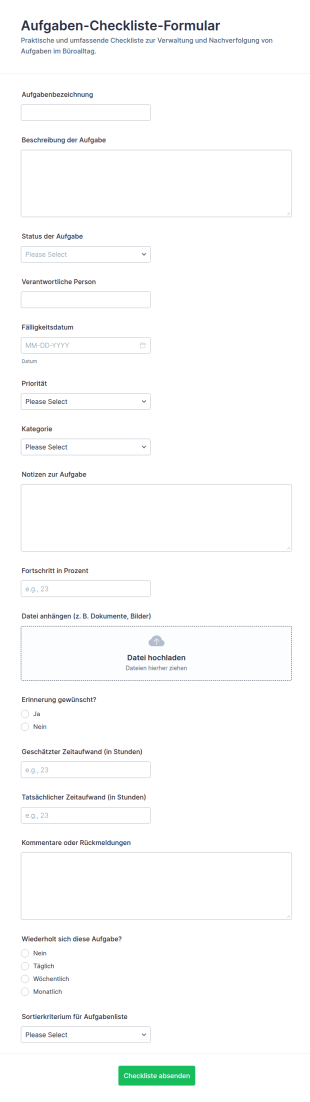
Aufgaben Checkliste
Das Aufgaben-Checkliste-Formular erleichtert Teams die Datenerfassung rund um To-dos, Prioritäten und Bearbeitungsstände, damit Aufgaben im Büroalltag nachvollziehbar dokumentiert und koordiniert werden können.
Zur Kategorie:Checklisten-Formulare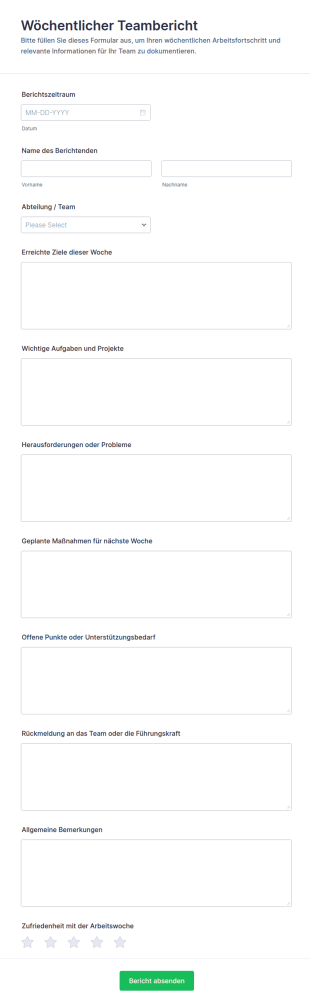
Wöchentlicher Bericht Formular 📋
Erfassen Sie mit dem Wöchentlicher Teambericht-Formular wöchentliche Fortschritte, Ziele und Unterstützungsbedarf je Team und nutzen Sie Jotform für zuverlässige Datenerfassung und zentrale Auswertung.
Zur Kategorie:Berichtsformulare
Verkaufsstellen Manager Formular
Erfassen Sie mit dem Filialleiter-Formular zentrale Rückmeldungen zu Aufgaben, Teamarbeit, Schulungsbedarf und Servicequalität, ideal für Unternehmen mit mehreren Standorten, die Datenerfassung und Formularantworten über Jotform bündeln möchten.
Zur Kategorie:Management Formulare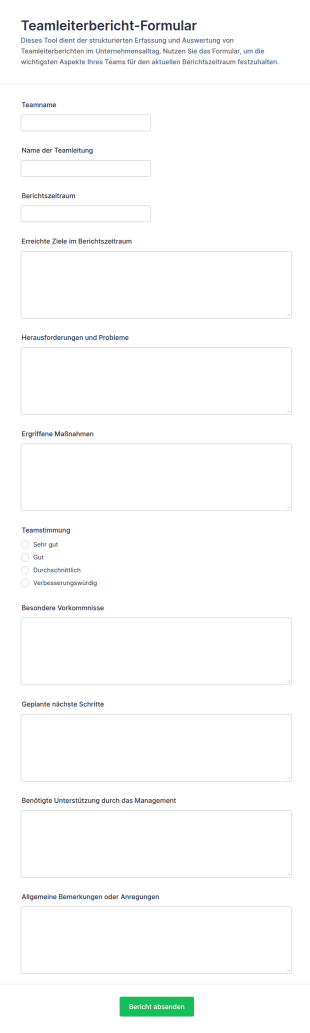
Führungsteam Bericht Umfrage
Dokumentieren Sie Ziele, Herausforderungen und nächste Schritte mit dem Teamleiterbericht-Formular und sorgen Sie für verlässliche Datenerfassung und klare Updates für Teams und Management in Jotform.
Zur Kategorie:Geschäftsberichtsformulare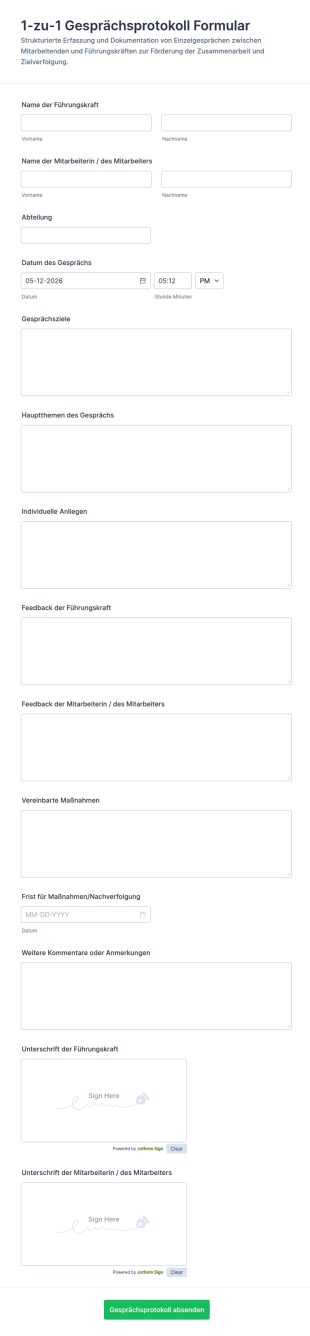
1 Zu 1 Gesprächsprotokoll Formular
Dokumentieren Sie 1-zu-1 Gespräche einheitlich mit dem 1-zu-1 Gesprächsprotokoll Formular und halten Sie Ziele, Feedback und Folgemaßnahmen für Teams, Führungskräfte und die Personalabteilung in Jotform zuverlässig für die Datenerfassung fest.
Zur Kategorie:Personalformulare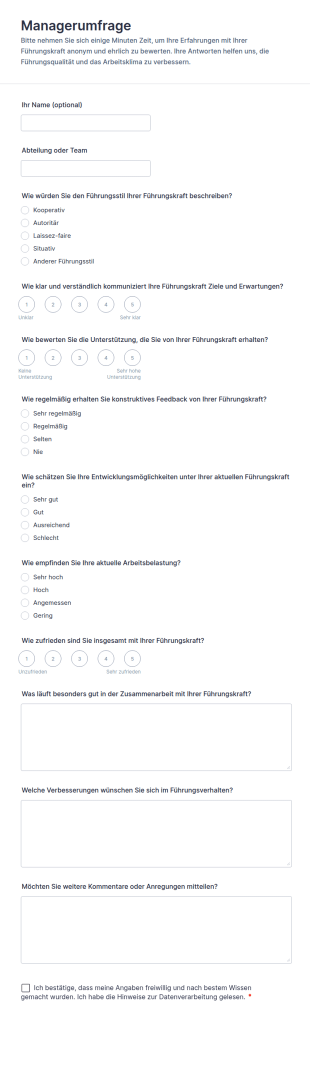
Managerumfrage
Sammeln Sie mit dem Managerumfrage Formular anonymes oder namentliches Feedback zur Führung in Teams und Abteilungen und verbessern Sie Kommunikation, Unterstützung und Entwicklungsmöglichkeiten mit einer anpassbaren Formularvorlage in Jotform.
Zur Kategorie:Umfragen
Gebäudeinspektions Checkliste
Dokumentieren Sie Objektbegehungen mit dem Gebäudeinspektions-Checklistenformular und erfassen Sie Zustände, Sicherheitsprüfungen und Fotohinweise für Hausverwaltung, Facility Management und Bauverantwortliche in Jotform.
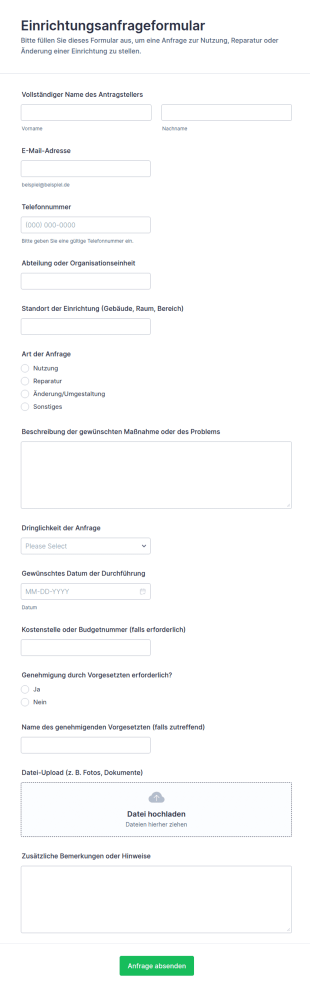
Einrichtungsanfrageformular
Erfassen Sie interne Einrichtungsanfragen für Gebäude und Räume mit dem Einrichtungsanfrageformular und vereinfachen Sie Datenerfassung, Priorisierung und Weiterleitung in Teams mit Jotform.
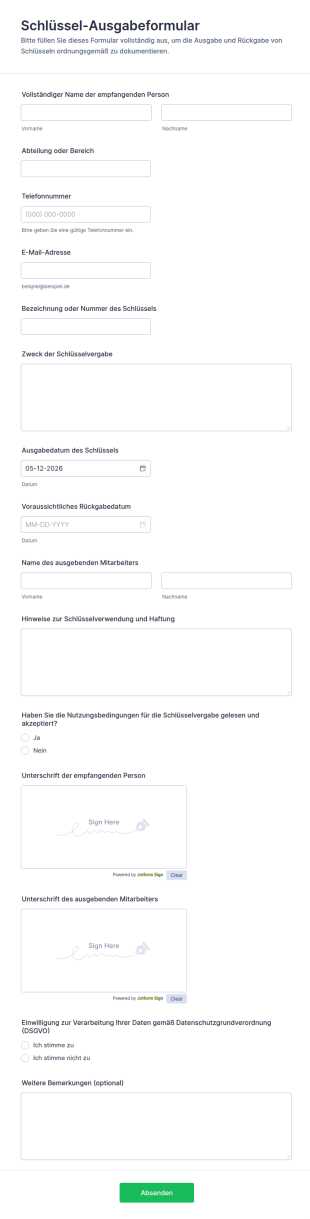
Schlüssel Ausgabeformular
Dokumentieren Sie Schlüsselübergaben im Betrieb, in der Hausverwaltung oder in Einrichtungen mit dem Schlüssel-Ausgabeformular und halten Sie Ausgabe, Rückgabe und Bestätigungen für eine klare Nachverfolgung fest.
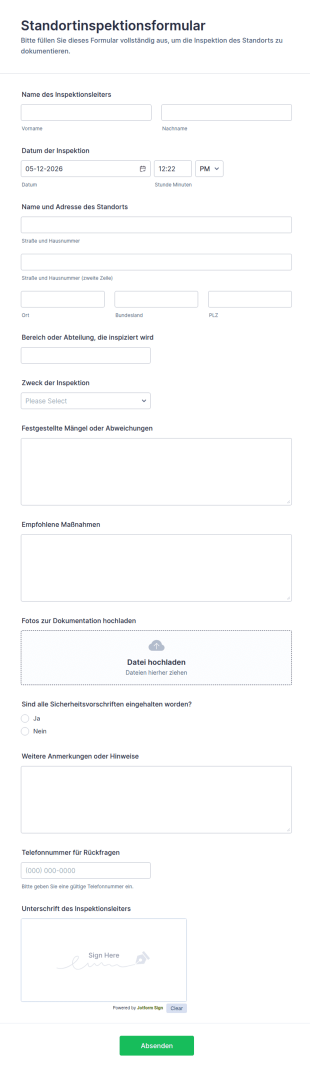
Standortinspektionsformular
Dokumentieren Sie Begehungen und Prüfungen vor Ort mit dem Standortinspektionsformular und sammeln Sie Ergebnisse zentral für Facility Management, Sicherheitsbeauftragte und Qualitätsverantwortliche in Jotform.
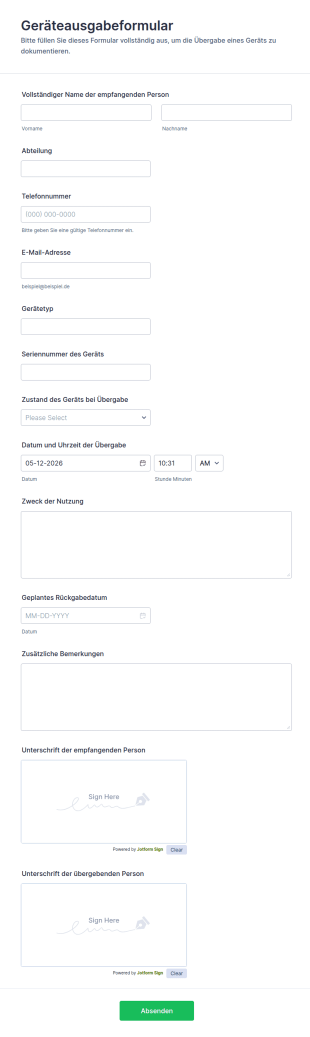
Geräteausgabeformular
Dokumentieren Sie Geräteausgaben im Unternehmen mit dem Geräteausgabeformular von Jotform, inklusive digitaler Datenerfassung, Unterschriften und zentral verwalteter Formular-Antworten für IT, Büromanagement und Personalabteilung.
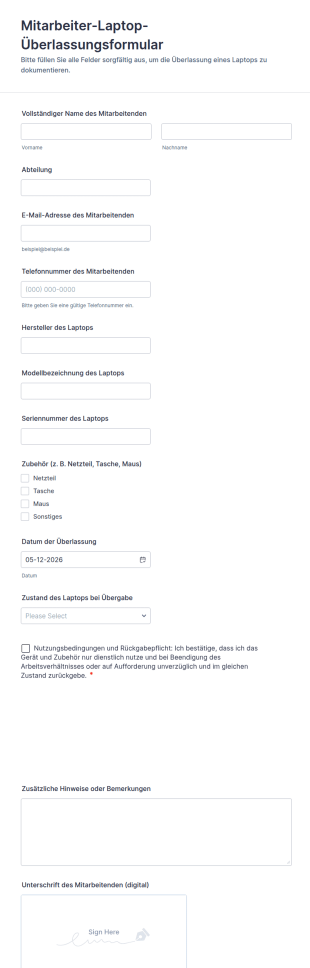
Mitarbeiter Laptop Überlassungsformular
Dokumentieren Sie Geräteübergaben im Unternehmen mit dem Mitarbeiter-Laptop-Überlassungsformular von Jotform und halten Sie Ausgabe, Zustand und Rückgaberegeln für IT, Büromanagement und Personalabteilung zentral fest.
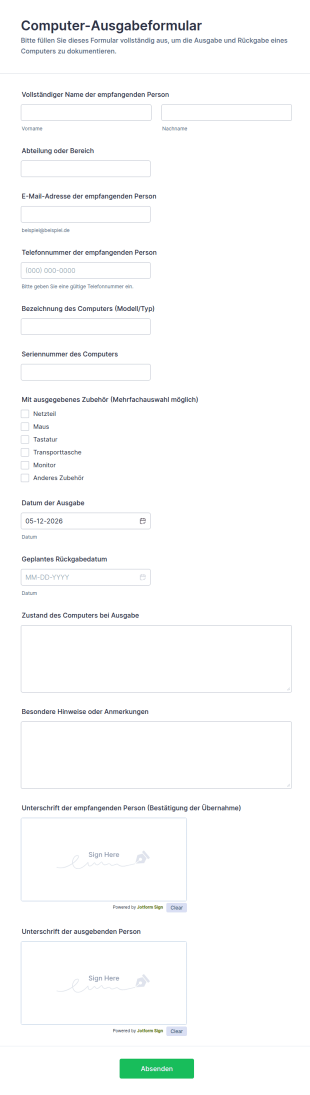
Computer Ausgabeformular
Dokumentieren Sie Geräteausgaben und geplante Rückgaben mit dem Computer-Ausgabeformular, ideal für IT, Büromanagement und Bildungseinrichtungen, die eine klare Datenerfassung und nachvollziehbare Übergaben benötigen.
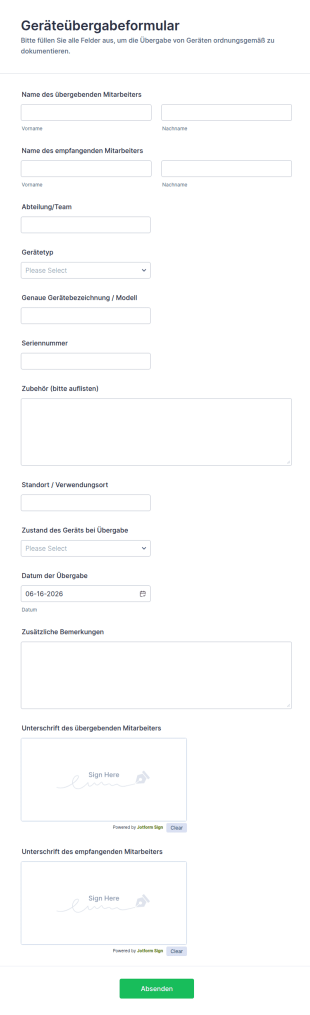
Geräteübergabeformular
Dokumentieren Sie Geräteübergaben im Unternehmen mit dem Geräteübergabeformular von Jotform, um Verantwortlichkeiten, Übergaben und interne Abläufe bei Ausstattung, Teamwechseln oder Rückgaben nachvollziehbar zu halten.
Über Management Formulare
Management forms are structured documents used to organize and document management-related processes such as planning, approvals, performance tracking, reporting, and operational decision-making. They help teams collect consistent information, assign responsibilities, and maintain clear records for review and follow-up. Management forms are commonly used across departments for project planning, status reporting, policy approvals, goal setting, meeting decisions, and internal requests that require leadership review. By standardizing management workflows, these forms reduce confusion, improve accountability, and make it easier to manage operations at scale.
With Jotform, management forms can be created quickly using a no-code, drag-and-drop Form Builder and tailored to different business functions. Conditional logic can route forms based on department or request type, while approval workflows and notification emails help managers respond faster. Submissions are stored in Jotform Tables so teams can track requests, decisions, and outcomes in one place. This makes management processes more consistent, measurable, and easier to audit over time.
Use Cases of Management Forms
Management forms support approvals, reporting, and coordination across teams. Below are common ways these forms are used and the challenges they help solve.
Mögliche Anwendungsfälle:
- Management approval requests (budgets, purchases, policy changes)
- Team status updates and weekly reporting
- Performance and goal-setting documentation
- Meeting decisions and action item tracking
- Operational issue escalation and resolution intake
- Resource planning and staffing requests
Lösungsansätze:
- Centralize requests and decisions instead of scattered emails and chats
- Improve accountability by documenting owners, timelines, and approvals
- Speed up decision-making with consistent, complete submissions
- Create a searchable management record for follow-ups and reporting
Mögliche Eigentümer und Nutzer:
- Managers and team leads
- Operations and administrative teams
- HR and performance management teams
- Department coordinators and project owners
- Employees submitting requests or reports
Unterschiede der Erstellungsmethoden:
- Management approval request forms focus on request purpose, budget or cost details, justification, urgency, and required approver confirmations.
- Management reporting and status update forms emphasize KPIs, progress summaries, blockers, next steps, and ownership for action items.
- Management planning and goal-setting forms prioritize objectives, timelines, success metrics, resource needs, and periodic review checkpoints.
How to Create a Management Form
Creating a management form with Jotform helps you standardize how information flows to managers and how decisions are recorded for accountability.
1. Wählen Sie eine Vorlage oder beginnen Sie komplett neu
In My Workspace, click “Create” and select “Form.” You can start from scratch or use a request or reporting template. A Classic Form works well for detailed submissions. A Card Form can guide employees step by step and reduce incomplete entries.
2. Define the Management Workflow Type
Add a dropdown for workflow type such as approval request, status update, escalation, or planning. This keeps a single form adaptable to multiple management needs while keeping submissions consistent.
3. Add the Core Fields for Decision-Making
Include fields for requester name, department, request summary, impact, priority, cost or resource needs, and any supporting attachments. For reporting forms, include KPIs, progress notes, and blocker fields.
4. Verwenden Sie bedingte Logik und Genehmigungen
Use conditional logic to show the right sections based on workflow type. Set up approval routing or notification emails to ensure the correct manager is alerted and decisions are tracked.
5. Publish and Track Submissions in Jotform Tables
Test the form, publish it, and share it with relevant teams. Use Jotform Tables to filter by status, owner, department, and priority and export information for leadership reporting.
Häufig gestellte Fragen
1. What are management forms?
Management forms are documents or online forms used to collect and document management workflows such as approvals, reporting, planning, and decision tracking.
2. Why are management forms important?
They standardize communication, reduce missing details, and create clear records for accountability and follow-up.
3. What information is typically included in management forms?
Common fields include request or report type, summary, owner, priority, justification, metrics or progress notes, and approvals or next steps.
4. Who uses management forms?
Managers, team leads, employees, HR teams, and operations staff use management forms to submit requests, report status, and document decisions.
5. Are management forms specific to one department?
No. They can be used across departments and customized for different management workflows.
6. Can management forms be used to track approvals?
Yes. They can collect required approver confirmations and document approval outcomes and action items.
7. How do management forms improve decision-making?
They provide consistent inputs, make priorities clearer, and reduce back-and-forth by capturing key details upfront.
8. Can management forms be customized for different workflows?
Yes. Teams can use conditional logic and workflow routing to tailor fields for approvals, reporting, escalation, and planning needs.