When you sign up for a Jotform account, you’ll need to provide your email address. If you sign up using your Google, Facebook, Microsoft, Apple, or Salesforce account, Jotform will use the email address linked to that account as your primary email address. By default, all emails from Jotform, including form submission alerts, will be sent to that address.
If you need to change your account email address, here’s how to do it:
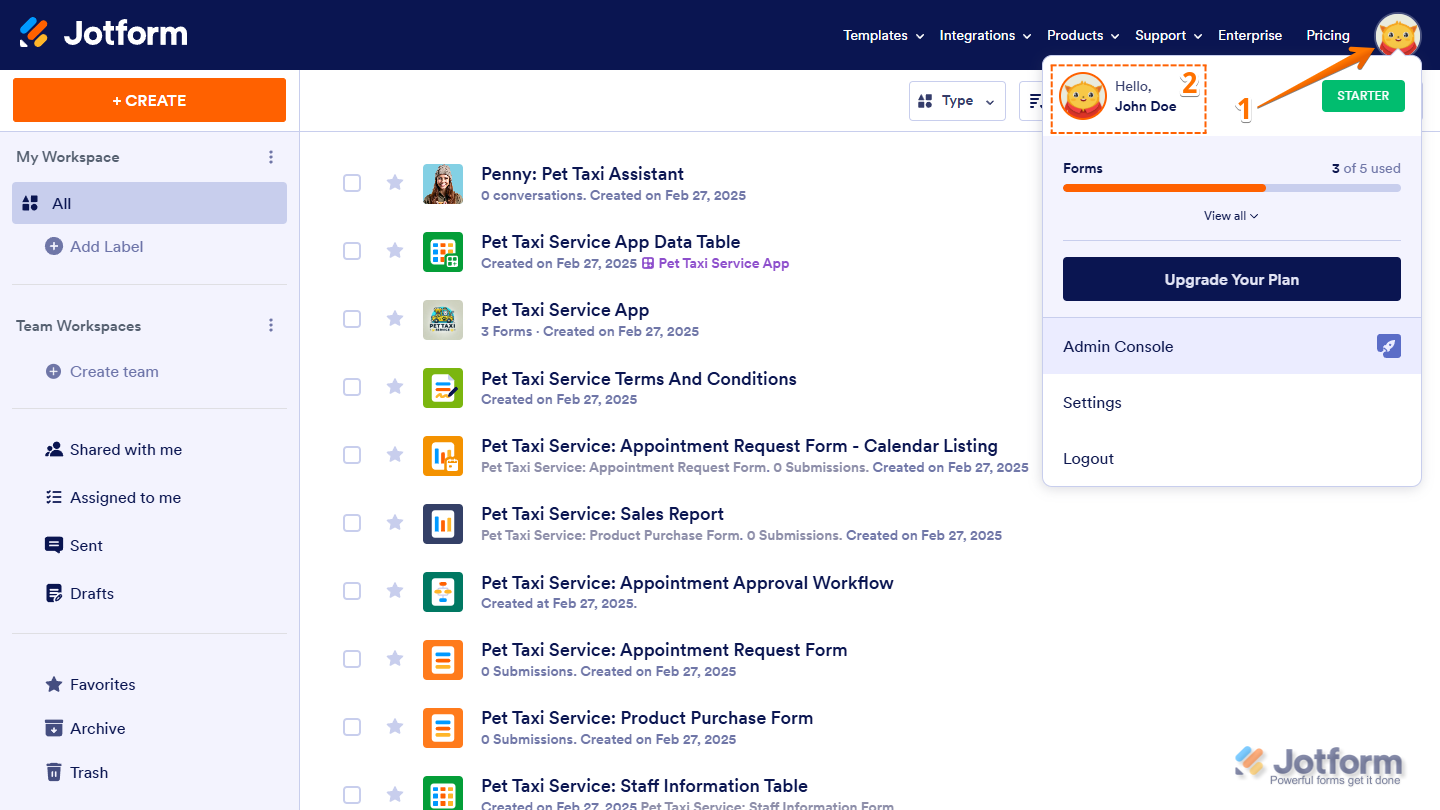
- On your Workspace page, click on your Profile Picture/Avatar on the top-right side of the screen.
- In the menu that opens up, click on your name to open your Account Page in a new browser tab.
- Now, click on Edit on the right side of your current email address.
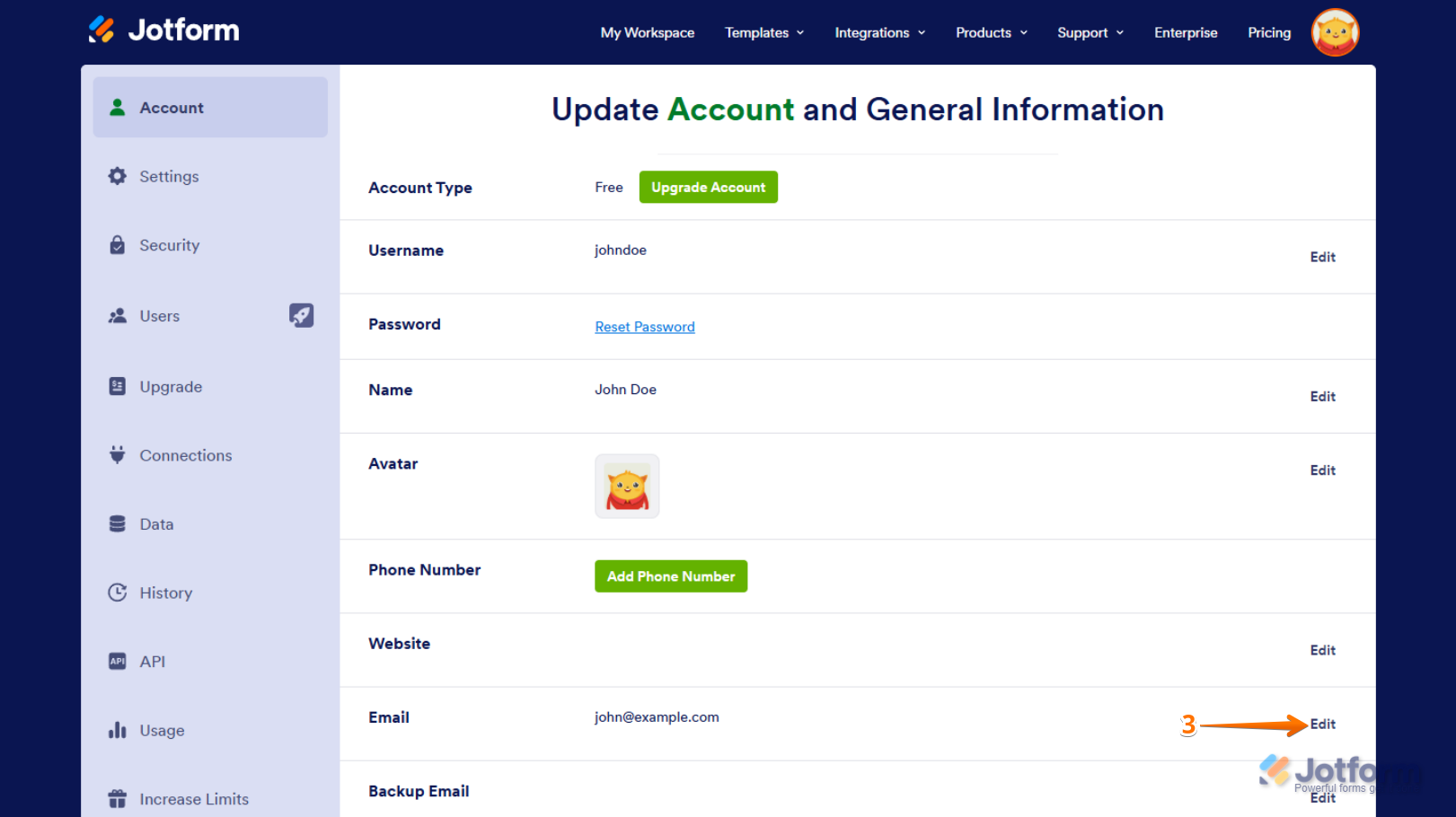
- Then, enter your new email address and click on Save.

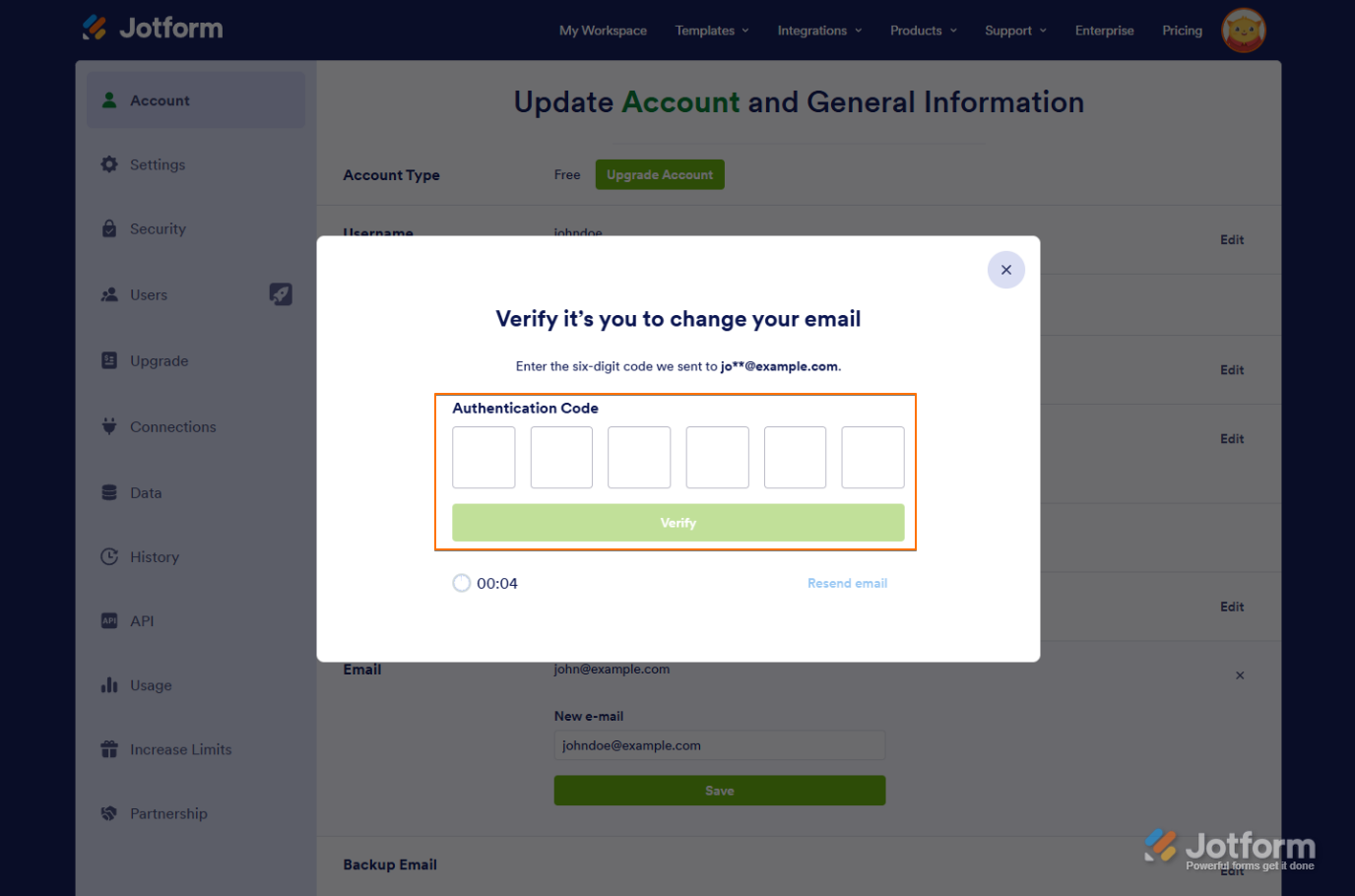
If the Require Verification to Change Email is enabled in your account’s Privacy Settings, you’ll first need to enter the authentication code sent to your current account email address to confirm the change.
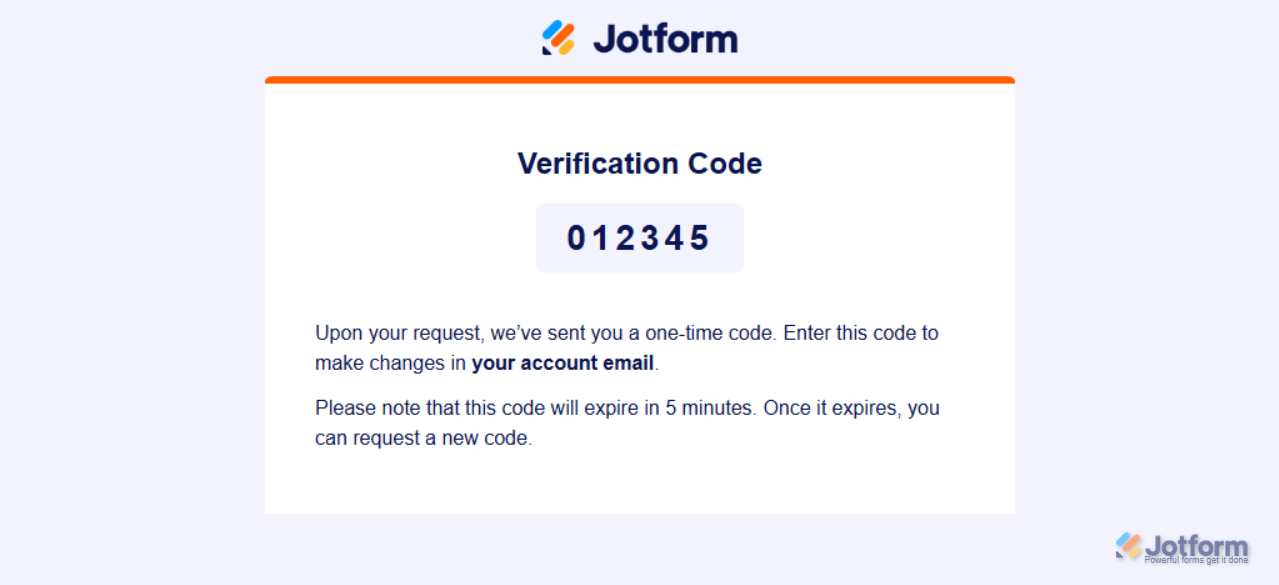
The email you’ll get with the verification code will look something like this:
Either way, you’ll receive an email sent to your new email address to verify it.
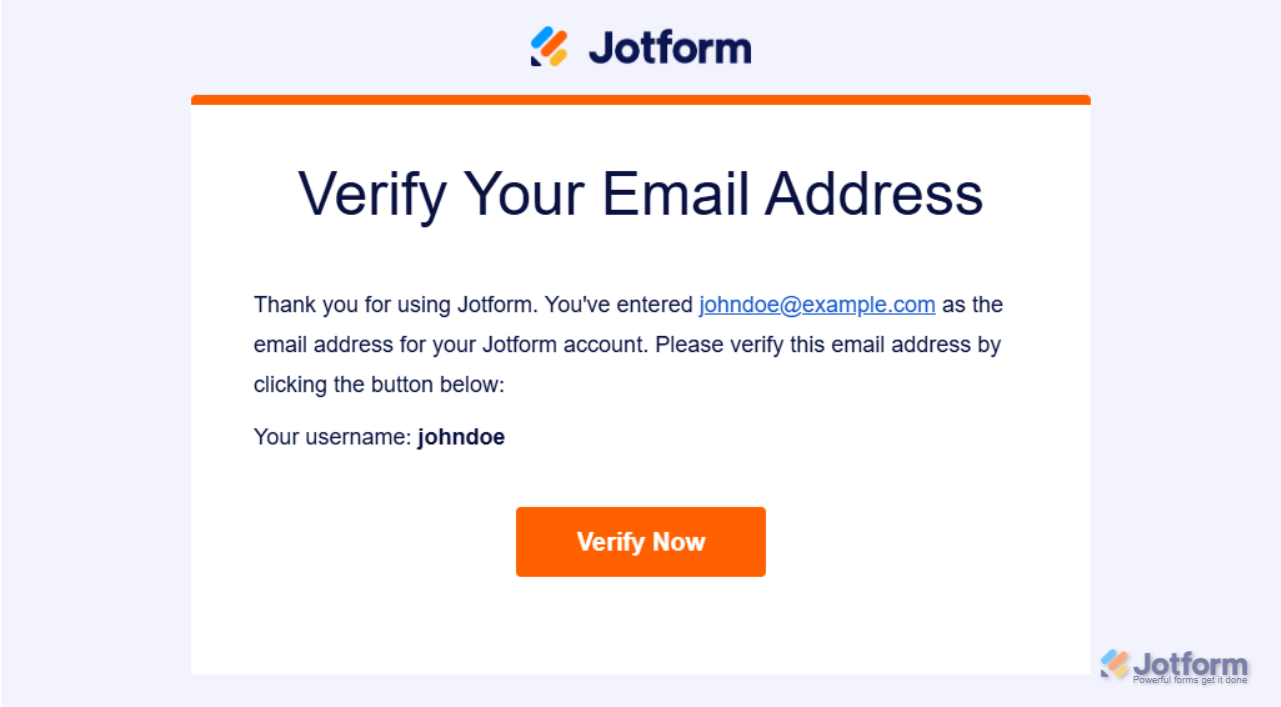
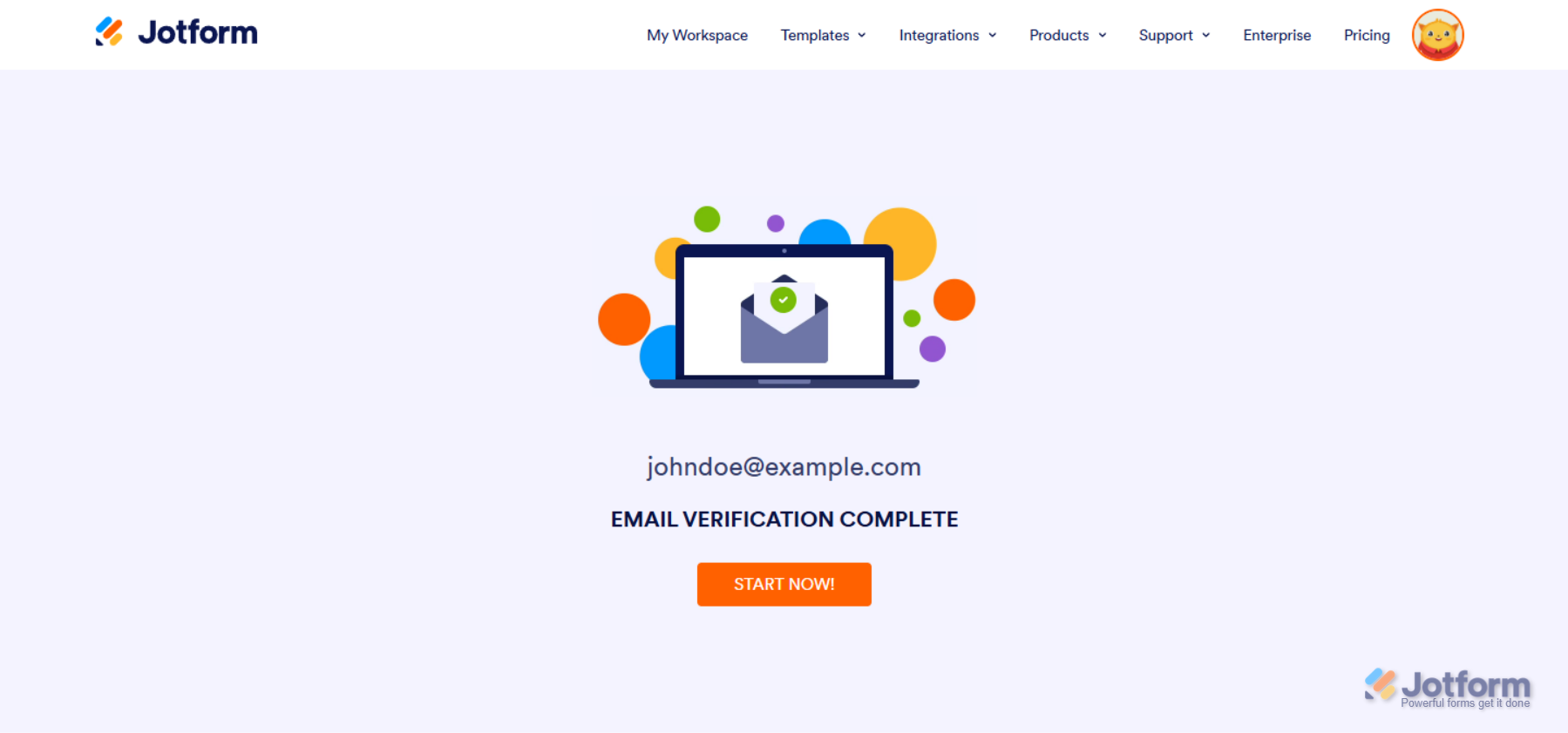
Clicking on the Verify Now button in the email will redirect you to a page saying your new email address has been verified.
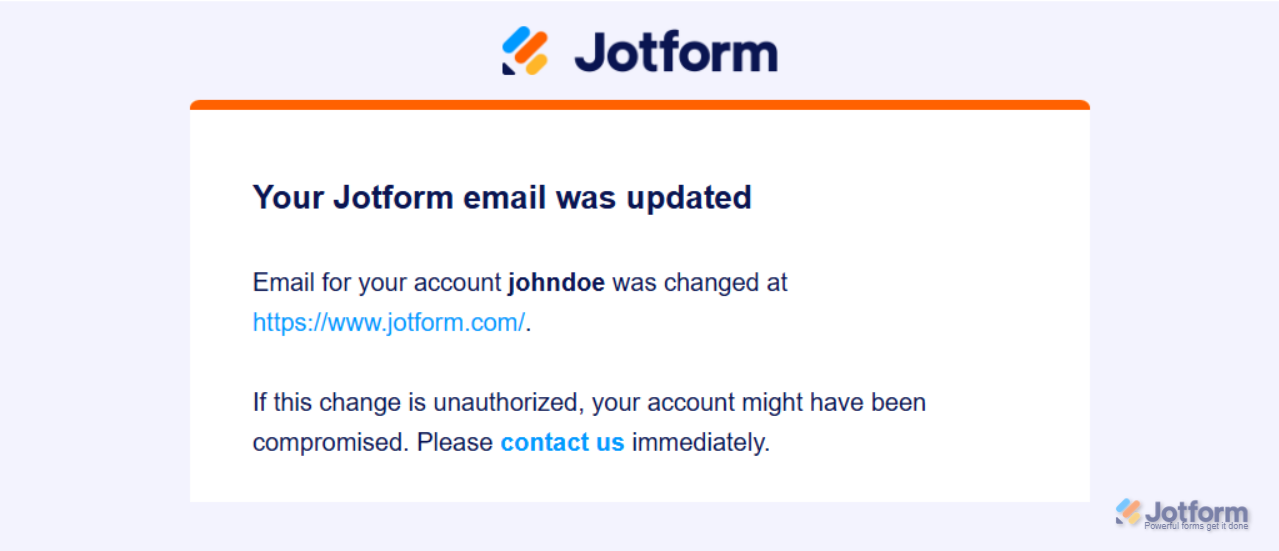
At the same time, a message will be sent to your old email address confirming that your account email address has been updated.
Note
If you only want to change the Email Notification recipients for a form, check out our guide about How to Change the Email Address Used for Notification Emails to see how to do that.

Send Comment:
28 Comments:
April 10, 2026
Its a bit difficult to do this when the problem is that I cant logon. Now I got declined for account recovery because my email address is already in use for a jotform account.
August 23, 2025
this is not working.
February 10, 2025
Hi,
I am trying to change my password but not receiving the email prompt to reset.
February 10, 2025
Hi
I have a free account that I would like to update/change the mail address connected to it, but it's not working...
January 30, 2025
What if you don't have access to the old email account anymore to verify?
December 28, 2024
Please, change our email
December 18, 2024
When I attempt to change the account email address, I get the following message:
"This email address is already associated with a Jotform account."
I was added as a user prior to being the administrator and am now unable remove my predecessor's email address tied to the account. What steps do I need to take to remedy this?
December 5, 2024
I am trying to change my email and the verification email never came, can someone assist?
July 30, 2024
This doesnt work if someone’s account is suspended. I cannot log in to update this because I have been suspended.
July 24, 2024
I am getting this error "This new email address has already requested to change."
July 16, 2024
No puedo restablecer contraseña
July 13, 2024
Hello, I want to reset my account, it appears as suspended
June 24, 2024
Hi
I have a free account that I would like to update/change the mail address connected to it, but it's not working...
July 4, 2023
ubdet my account &password
January 14, 2023
When you register for a Jotform account, you will be asked to provide your email address. If you signed up with your Google or Facebook account, Jotform will use your Gmail or registered email address with Facebook as your primary email address. All emails from Jotform, including email alerts from your forms, are sent to your email address. If you want to change your account email address, follow the steps below.
1. Hover over your avatar at the top right corner of the website.
2. Click on your name.
3. You’ll see your registered email address at the bottom of the Profile Page, click Edit. Like example.com to hary@gmail.com
4. Add the new email address and click the Save button.
If the Require verification to change email option is enabled in your Privacy Settings, you will get an email message to verify the email address change request.
Finally, you will get an email message to verify the new email address of the account.
November 4, 2022
I would like to keep my email address but put a security code so no one can use it
September 12, 2022
It keeps saying something went wrong. I have tried for 2 days now
May 21, 2022
Thanks alot
April 29, 2022
Thank you fo sending that info. My next question is that I have tried downloading the attachments numerous times and I never get the zip drive emailed to me.
February 3, 2022
Our Jotforms get sent to our service dept email and then went to the service secretary as well. We want to change the secretary email to the new secretary. How do we do that
October 26, 2021
Today, Husband helped me created a Jotform account to complete intake papers.
he got email address incorrect typed cathyscanlon@gmail.com, when it should have been cathyscan@gmail.com
And cathyscan@gmail.com is a used email account, so if that user did a Verify then they are getting my links to resume entering form.
Can I fix this?
can the clinic fix it?
they use Fraser.JotForm.Com
October 25, 2021
If we have 7 forms that need to be redirected to 7 different email addresses, is this possible?
August 24, 2021
I have yet to receive a confirmation email.
July 22, 2021
I need to change the username also,
here are the 3 requests
totaldanceworx
totaldanceworx_
total_danceworx
June 30, 2021
Yes but I need to change the username to the same email address. There is a message requesting me to contact jotform