Create Polished PDFs Automatically
Create beautiful PDFs from your submission data, customize them and automate this process with PDF Editor.
Guides
How Can I Import My Own PDF with Smart PDF Forms
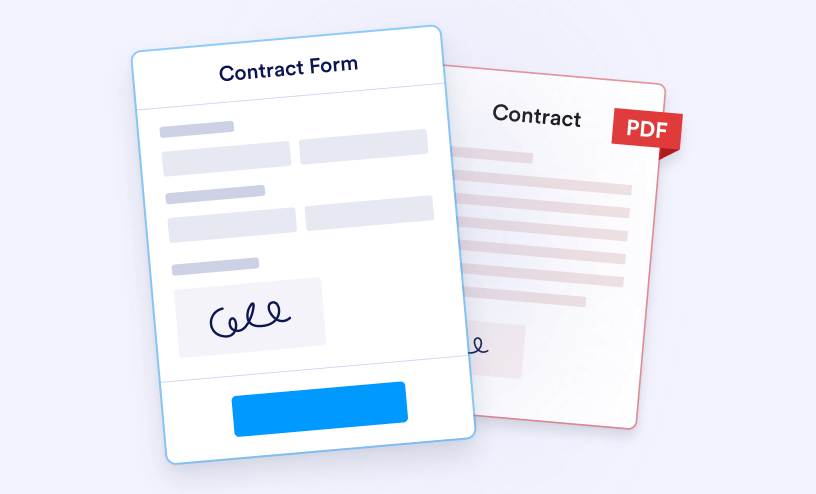
Smart PDF Forms let you convert your existing PDF document into an online form. Simply upload your PDF, map the form fields, and start collecting responses. You can then download the completed data directly onto your original PDF document....
How to Create a Customized PDF for Your Submissions
Update We’re thrilled to share that the new version of our PDF Editor is now live. If you’ve already used the Customize PDF Report feature, you’ll feel right at home. But if you’re looking to explore even more ways to create...
How to Add a Header and Footer to Your PDF Documents
You can easily add headers and footers to your PDF documents to organize and present submission data more effectively. This feature is especially useful when printing records, sharing them by email, or attaching them to notifications. Include...
How to Update the Original PDF Form Connected to Your Smart PDF Form
Smart PDF Forms let you convert your existing PDF forms into online forms, keeping your layout while making it easier for people to fill out and submit information. If you ever need to make changes to the original PDF—like fixing a typo,...
How to Create or Edit Your Form PDF Submission Report
A PDF Submission Report is a downloadable PDF document that contains the data collected through your form submissions. You can use it to print records, share information, or attach it to Email Notifications. The PDF Editor lets you customize the...
How to Enable SSO in PDF Editor
Users can restrict PDF access to people and require Single Sign-On (SSO) credentials within your organization. This way, users will sign in once through your trusted Identity Provider (IdP), keeping access simple for them and secure for your...
How to Set Up Password for PDF Attachment
With Smart PDF Forms, you can turn your PDF documents into fillable online forms and automatically generate completed PDF copies from each submission. These PDFs can be sent as attachments through notification and autoresponder emails after a...
How to Assign a Custom Filename to Your PDF Report With PDF Editor
The PDF Editor lets you create beautiful PDF templates for your submissions and even make multiple PDF documents. You can use these to send personalized PDFs based on the user’s answers in the form. You can also give each PDF a custom file name...
How to Update the Original PDF Form Connected to Your Smart PDF Form
Smart PDF Forms let you convert your existing PDF forms into online forms, keeping your layout while making it easier for people to fill out and submit information. If you ever need to make changes to the original PDF—like fixing a typo,...
How to Save the Original PDF From Smart PDF Forms to Cloud Services
Smart PDF Forms makes it easy to turn an existing fillable PDF into an online form while keeping the original document intact. Once responses are collected, the completed PDFs can be automatically saved to connected cloud services such as Google...