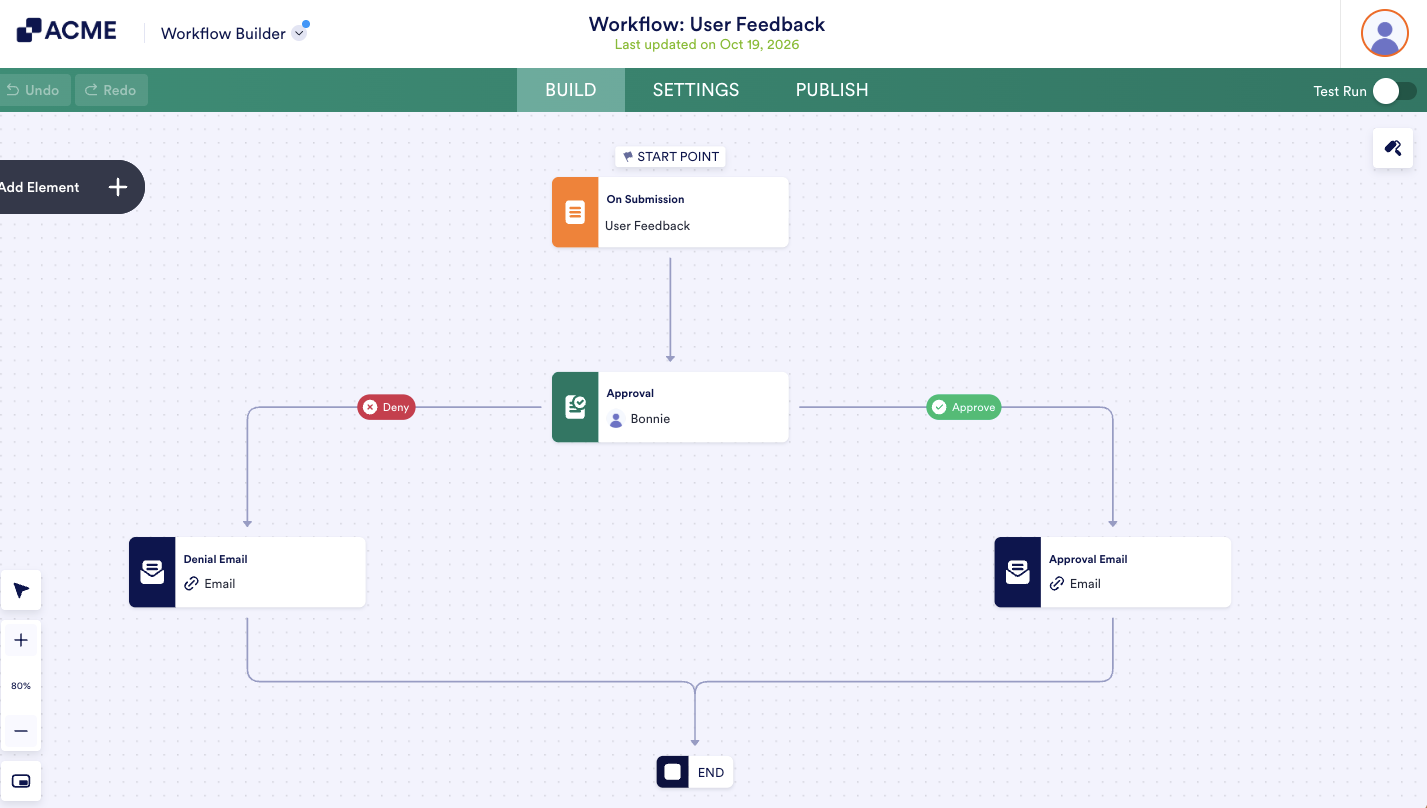
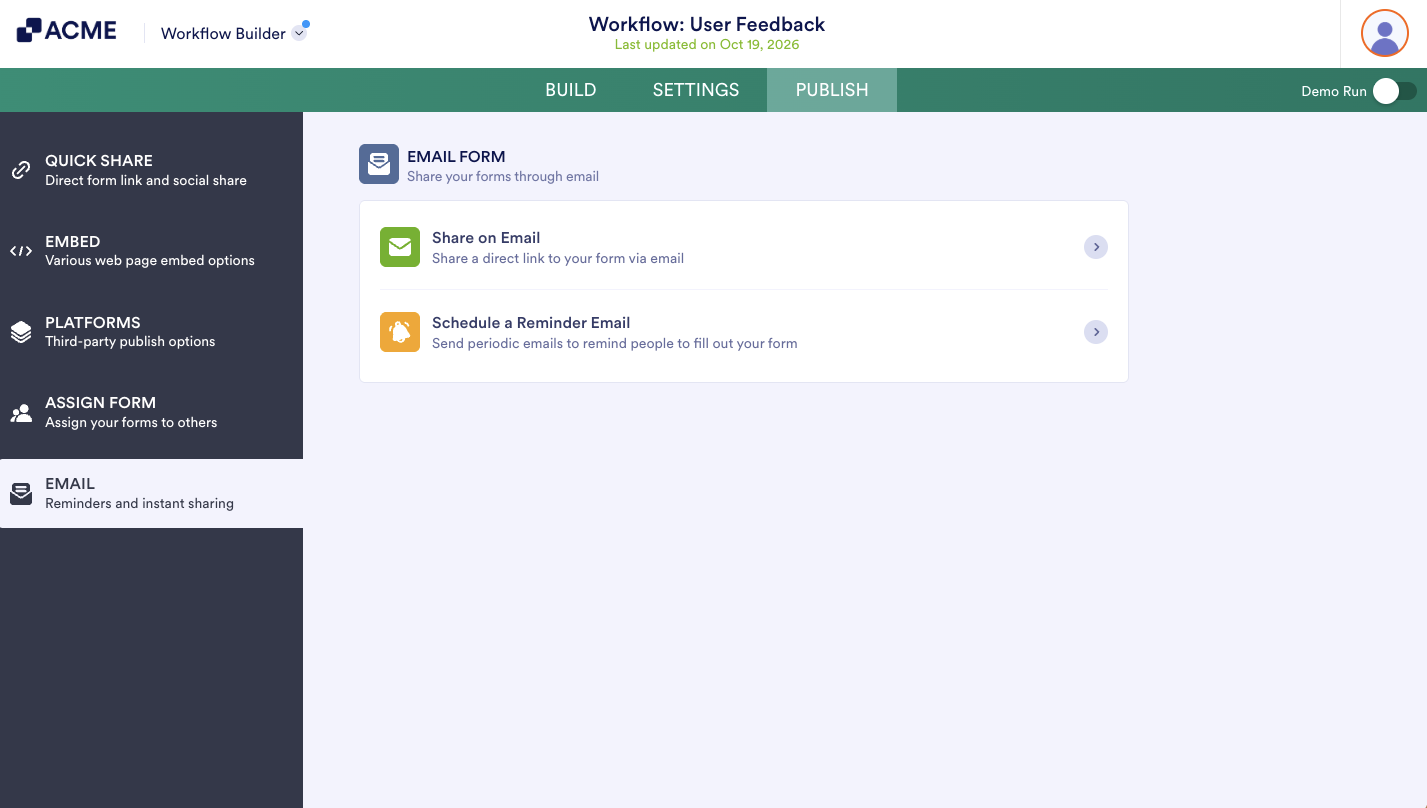
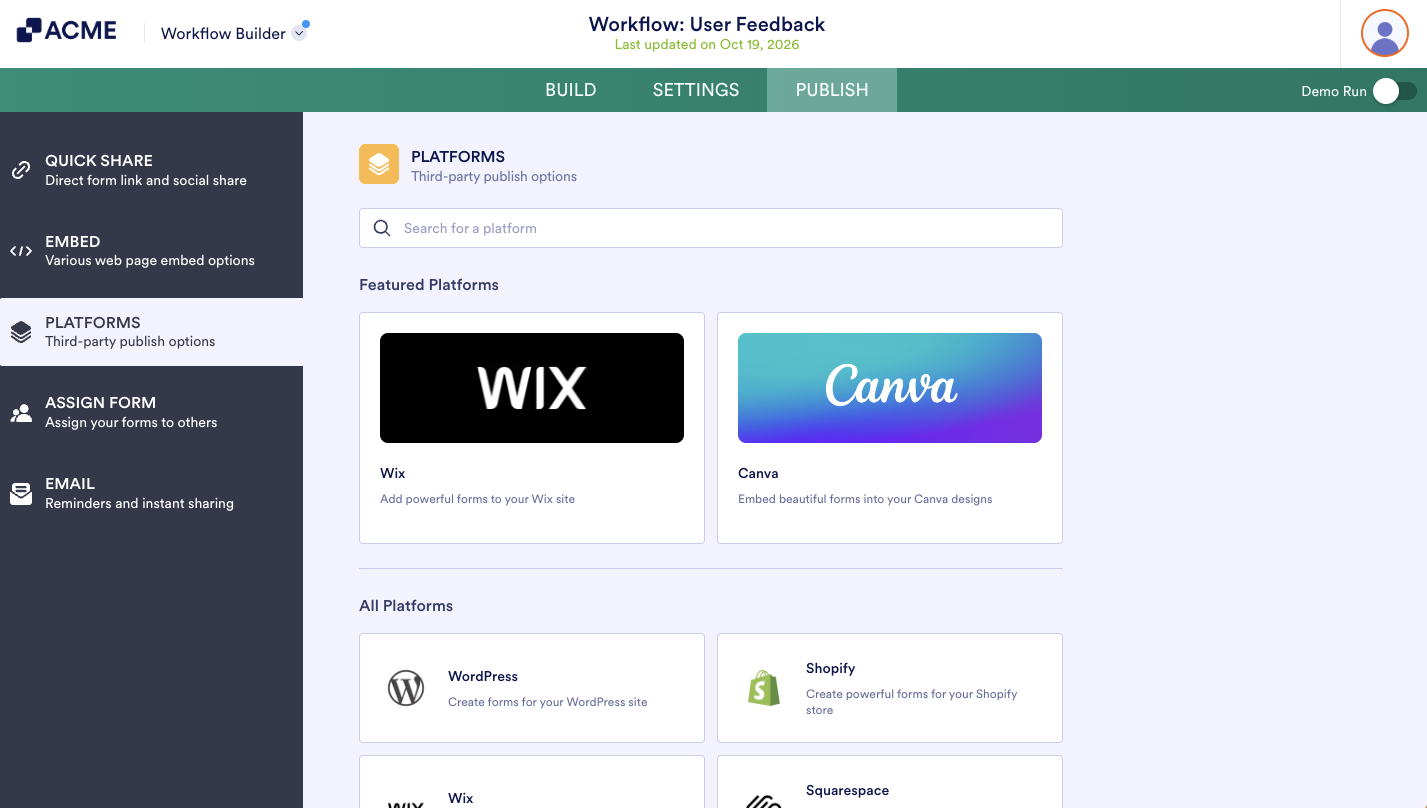
Workflows allows you to automate your approval process. You can set rules for each approval flow and track activity during the approval process via Inbox or Tables. This guide lists the available options in the Publish tab for sharing your approval workflow.
Quick Share
You can find your form’s URL and options to share your form in the Quick Share tab quickly.
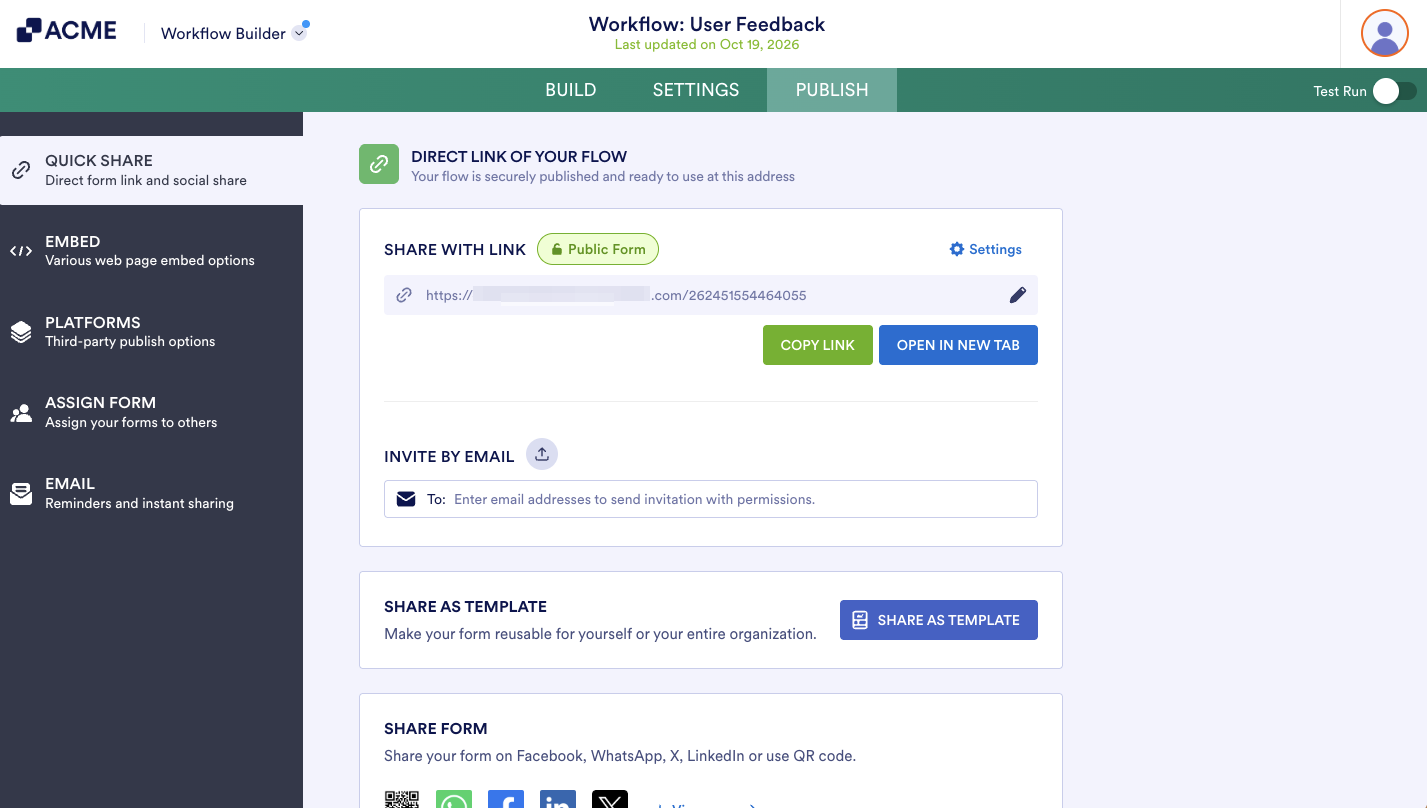
Share your form via email by entering the recipients’ addresses under Invite By Email. By selecting Share Options, you can also share your form via Twitter, Facebook, or QR code.
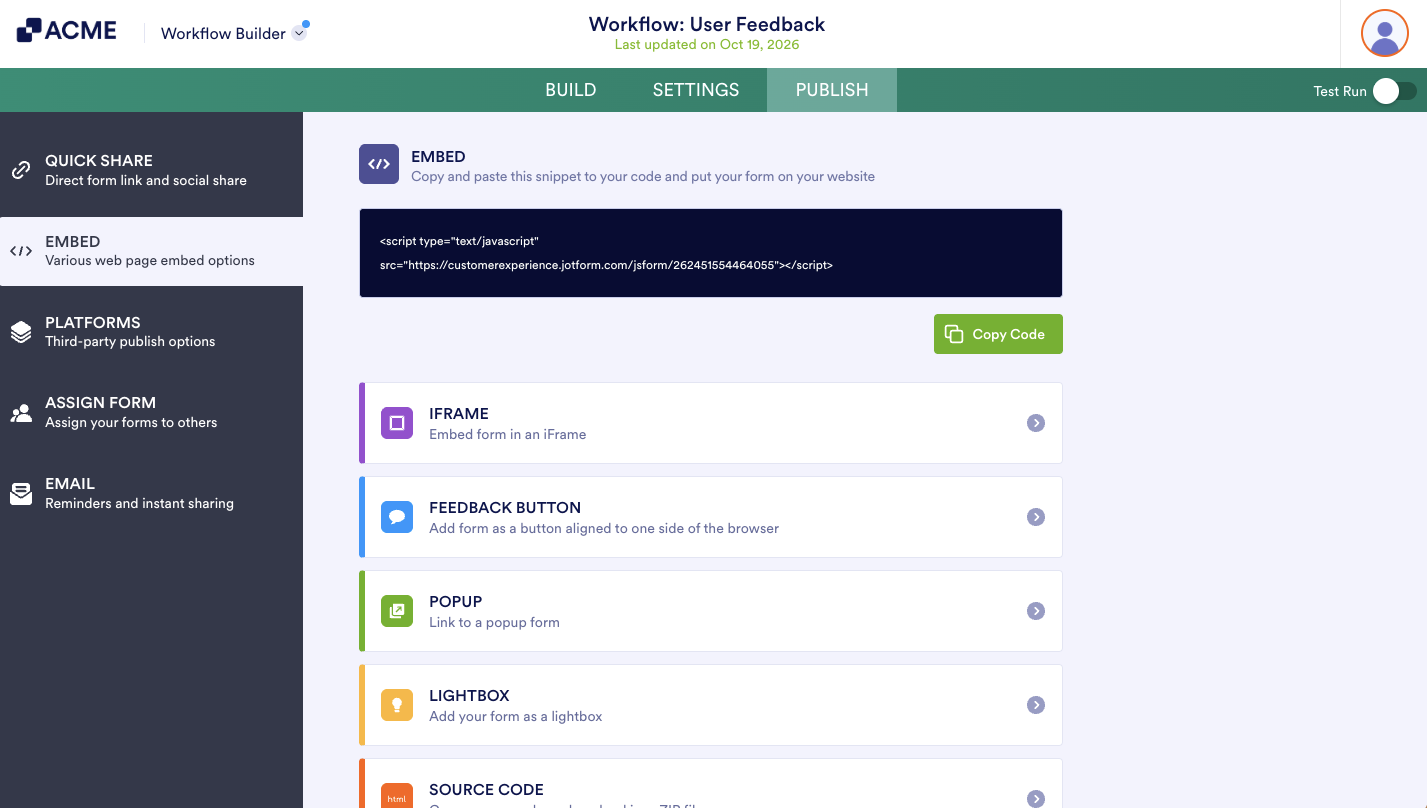
Embed
The Embed tab contains options for embedding your forms into a webpage.
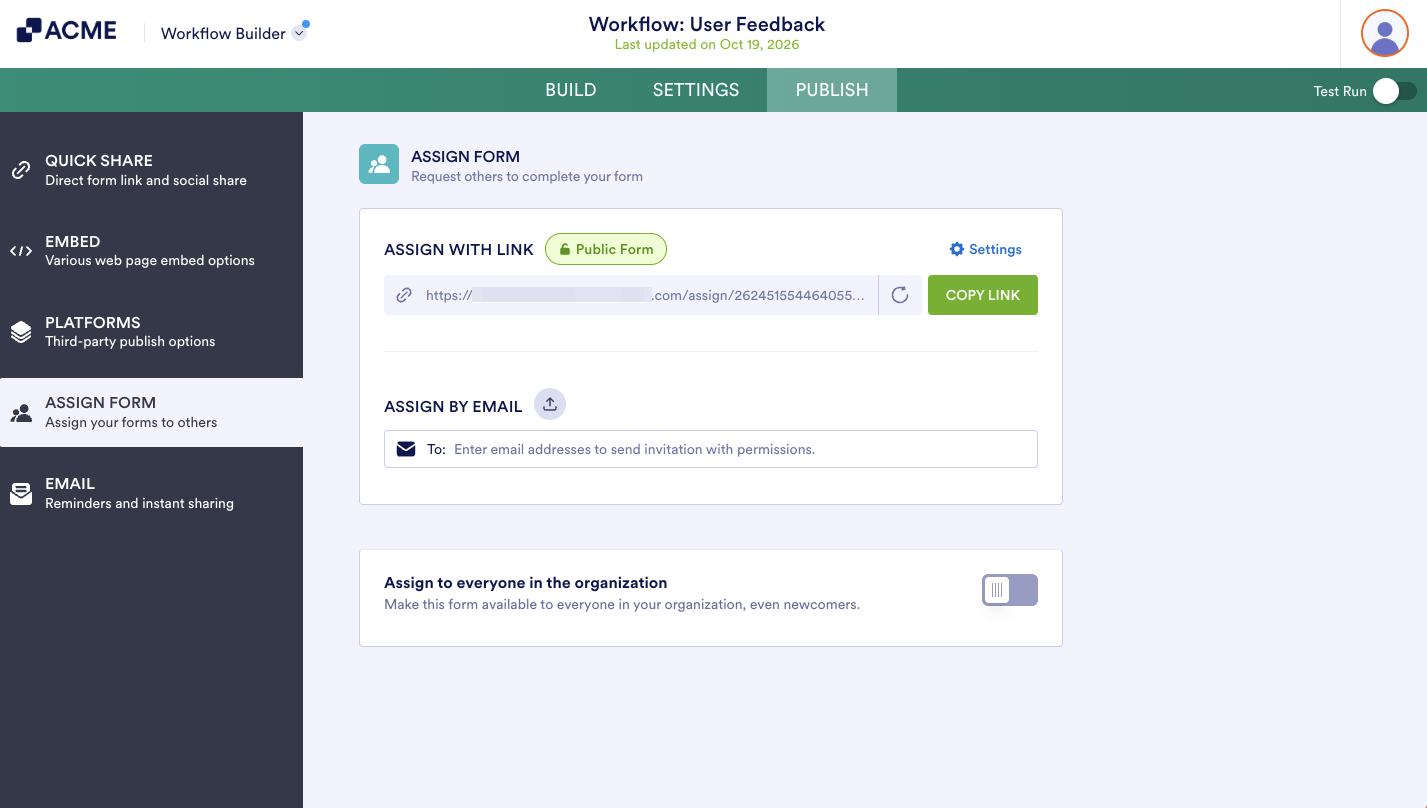
Assign Form
You can assign your form to your colleagues using the link found in the Assign Form tab. You can also invite your assignees via email.

Send Comment: