TANDA TANGAN JOTFORM

Free E-signature Software

Create, share, and e-sign documents in minutes using Jotform Sign. Automate your workflow with documents that can be signed on any device.

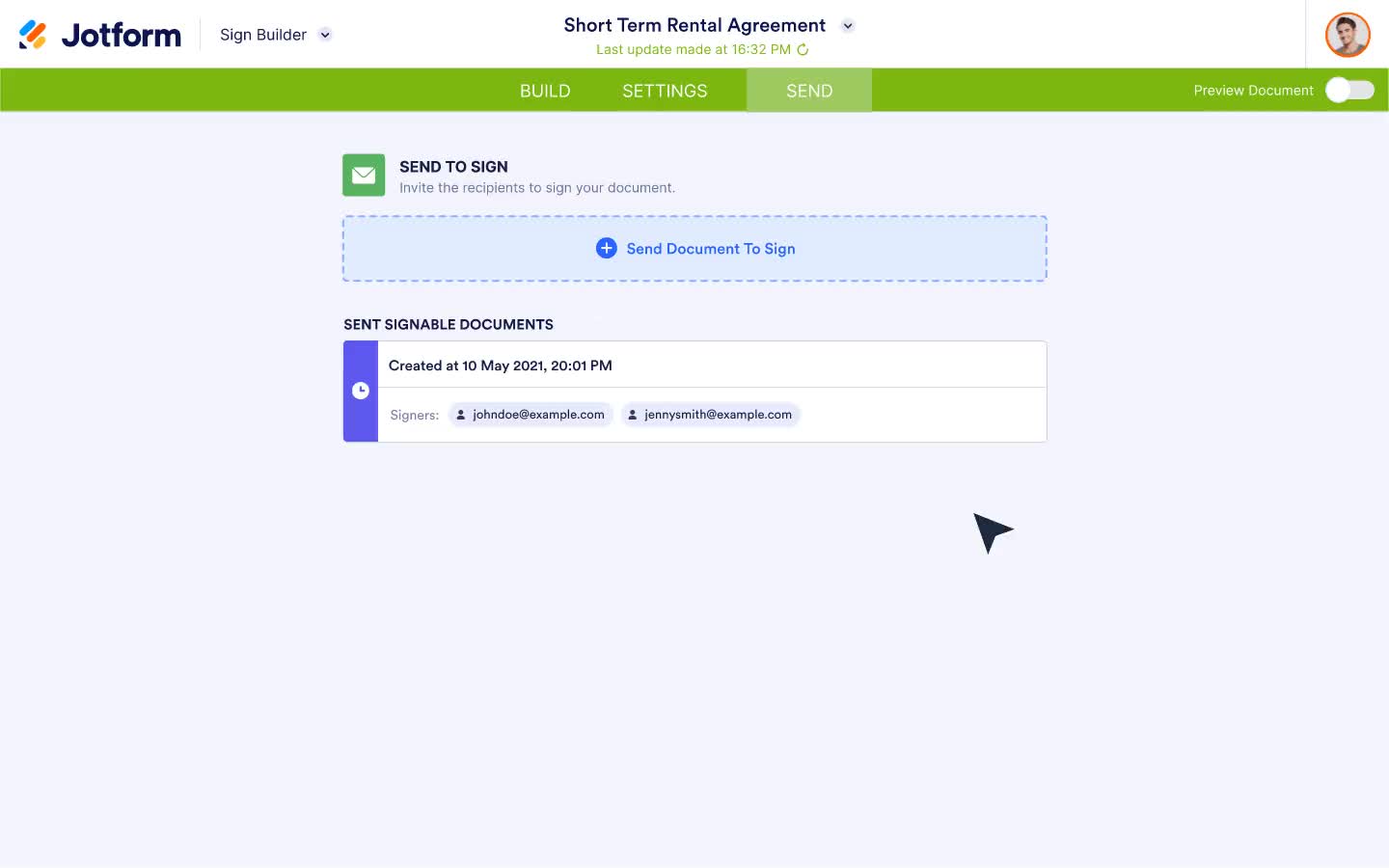
Send my document for signature

Preparing your document...

File type is not allowed.

Maximum file size limit exceeded. (5MB)

Terjadi kesalahan.

Solusi tanda tangan elektronik lengkap
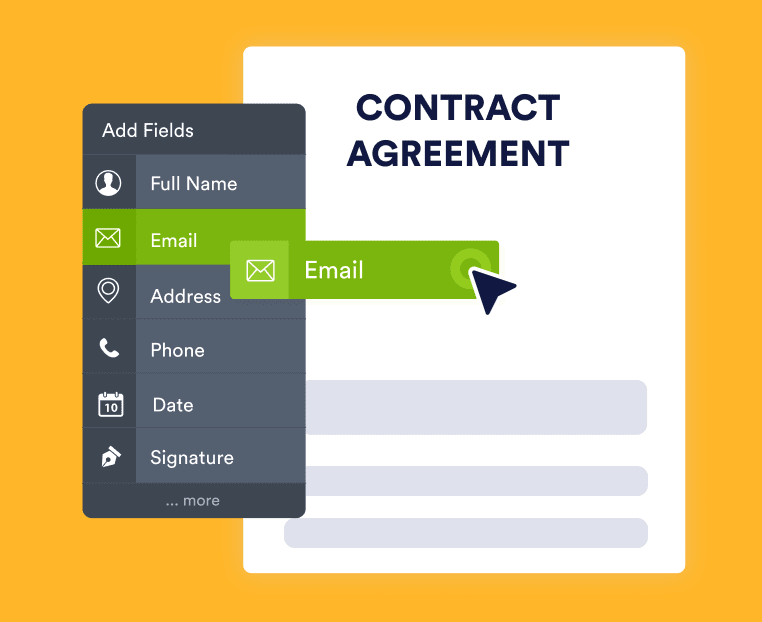
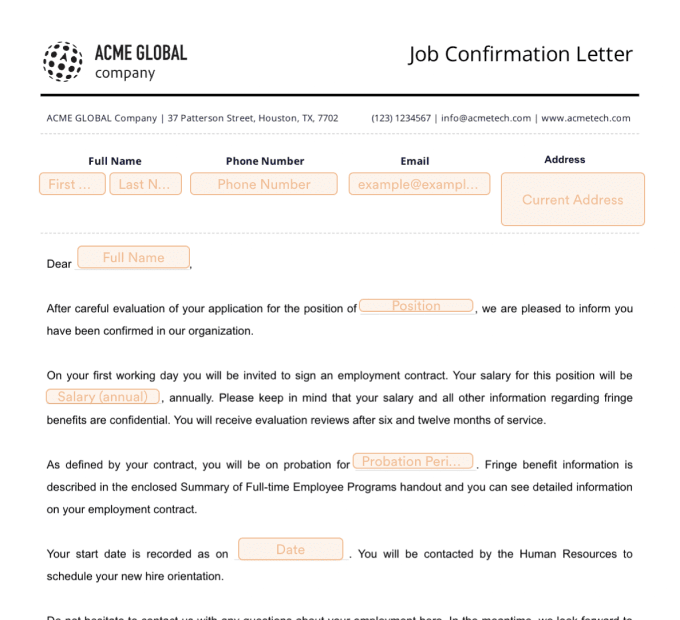
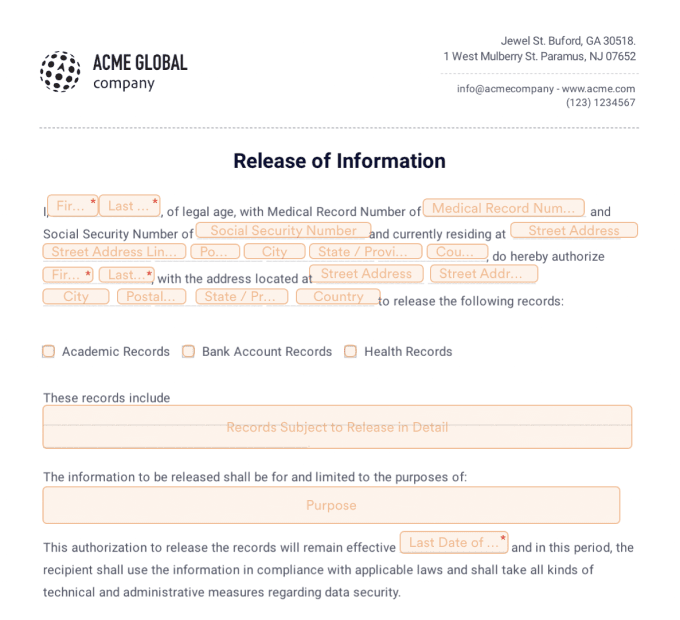
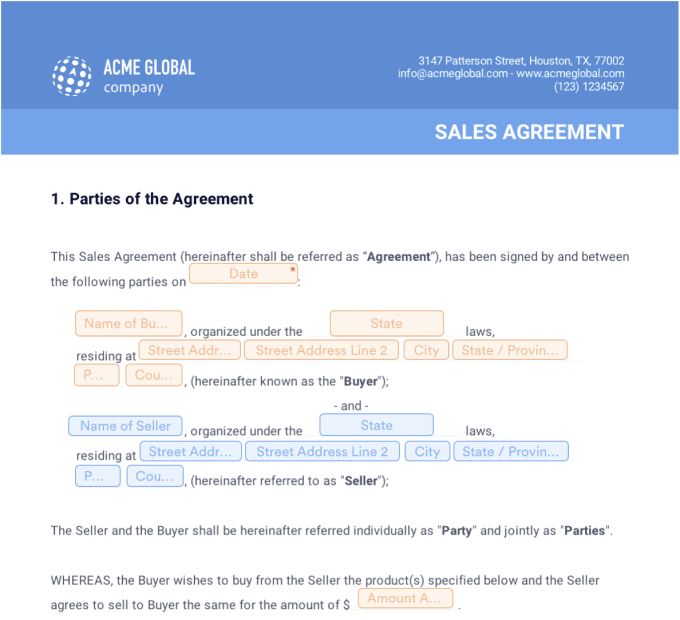
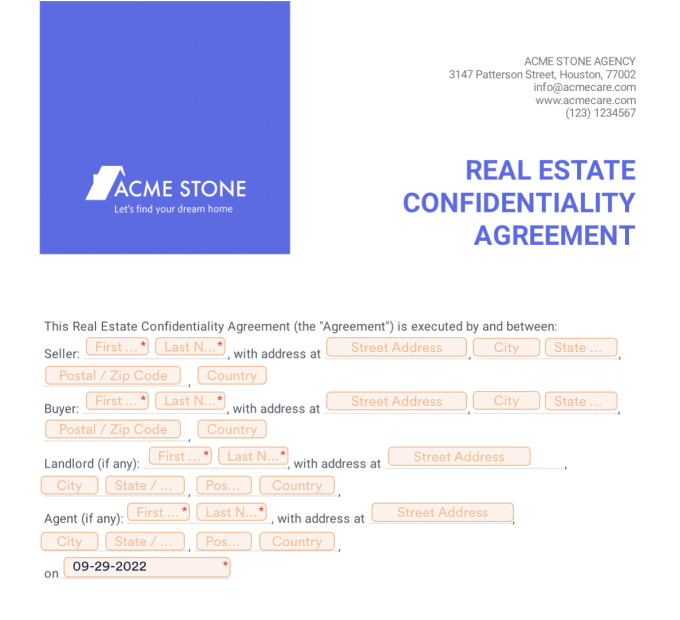
Buat dokumen dengan mudah

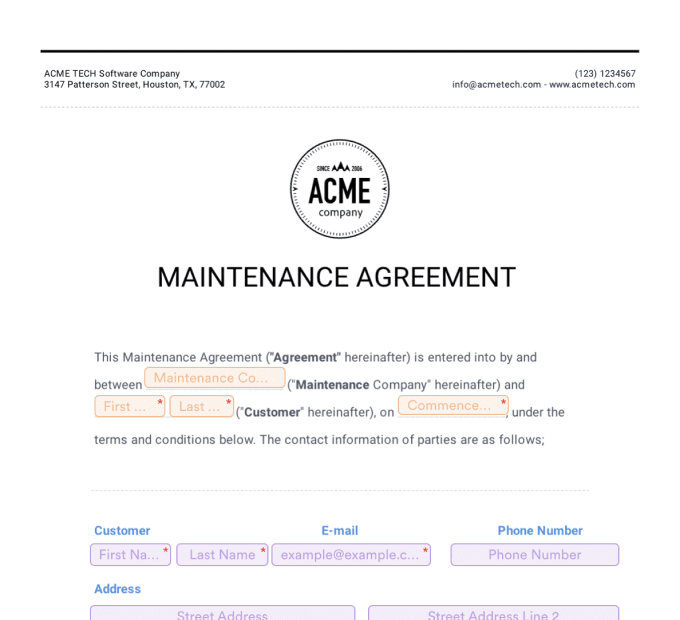
Turn your existing PDFs into e-sign documents in a single click.
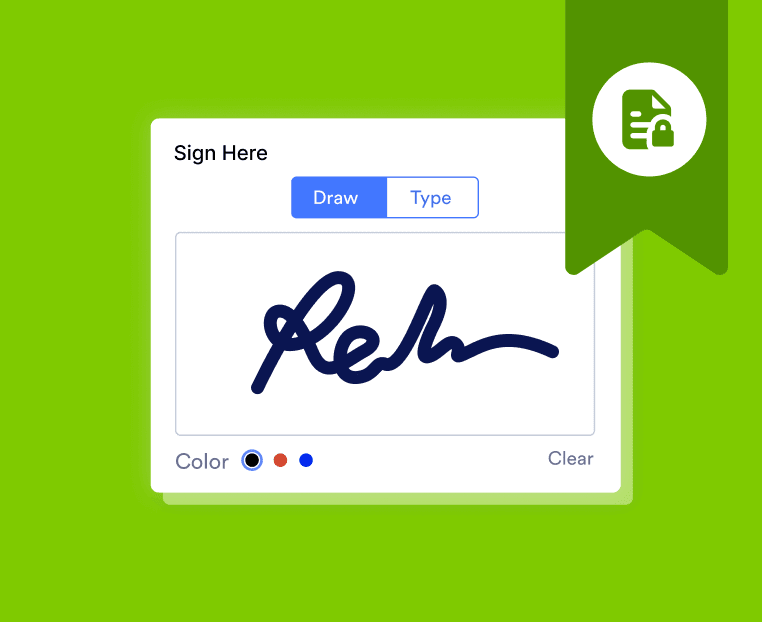
Collect signatures

Kumpulkan tanda tangan dengan aman kapan saja, di mana saja — tanpa masalah dokumen yang berantakan.

Otomatiskan proses dokumen

Hilangkan tugas manual dengan fitur otomatisasi Jotform Sign.

Jelajahi
Tanda Tangan Elektronik

Cari tahu bagaimana solusi tanda tangan elektronik dapat mengubah hidup Anda

Apa itu tanda tangan elektronik?

How secure is an electronic signature?

The legality of electronic signatures

Apa itu tanda tangan elektronik?

An introduction to electronic signatures

An electronic signature, or e-signature, is the digital equivalent of a handwritten signature that indicates the acceptance of an agreement, contract, or other document. Electronic signature technology allows users to approve or certify documents without having to sign a physical piece of paper.

E-signatures are as legally binding as any other type of signature in many countries. They also allow you to avoid the hassle of passing paper documents from one person to the next. As a modern approach to the signing process, e-signatures are now used in all kinds of documents worldwide.

Types of electronic signatures

There are several ways to add signatures to digital documents, from scanning and uploading an image of a handwritten signature to using specific e-signature software. With services like Jotform Sign, users can securely sign documents with just one click.

There are four basic types of electronic signatures: click-to-sign, simple e-signatures (SESs), advanced e-signatures (AdESs), and qualified e-signatures (QESs). Each has its own advantages and use cases, so it’s important to know which situations they work best for.

  • Click-to-sign
    Click-to-sign electronic signatures can be completed with just the click of a button. Typically, a user will create a signature that is stored for future use by a software platform, or the platform will generate a signature for them. Then, as the user moves through a document, they can click a button to insert their legally binding signature where needed.
  • Simple electronic signatures
    Simple e-signatures (SESs) are the most widely used because they don’t involve any type of advanced identity verification and can be as basic as a name or initials typed in a document. They can be used on all kinds of documents, from internal employment agreements to attendance sheets to permission slips.
  • Advanced electronic signatures
    Advanced e-signatures (AdESs), on the other hand, implement a higher level of identity verification, as they are usually transmitted through e-signature software that can provide an audit trail. They are certified by a certificate authority (CA), an entity that issues and stores unique digital certificates to confirm a person’s identity.
  • Qualified electronic signatures
    A qualified electronic signature (QES) is the most secure form of electronic signature and meets the requirements outlined in the European Union’s electronic Identification, Authentication and Trust Services (eIDAS) regulation. This type of e-signature verifies the signer’s identity through a digital certificate. As an additional step, the signer’s identity is confirmed face-to-face — either online (via video) or in person.

The evolution of electronic signatures

While the general public has only become familiar with electronic signatures in the past 20 years, the technology has been developing for much longer than that. The concept of electronic signatures was first introduced in 1976 by American cryptologists Whitfield Diffie and Martin Hellman in a research paper titled “New Directions in Cryptography,” which presented forward-thinking ideas like public-key cryptography and digital signatures. Then, in 1977, Ronald Rivest, Adi Shamir, and Len Adleman invented a cryptosystem called the RSA algorithm that was the first technology to transmit a signature through an electronic message.

The first widely marketed software to offer digital signatures broke onto the scene in the late 1980s, followed by the first instance of embedding digital signatures into PDFs in 1999. In 2000, U.S. President Bill Clinton passed the Electronic Signature in Global and National Commerce (E-sign) Act, which made digital signatures legally binding.

In 2008, ISO 32000 made the PDF a standard electronic document format and included guidance on how digital signatures in PDFs can be used to verify a signer’s identity. Since then, PDFs have been the primary tool for signing documents online, and e-signature technology has taken hold around the globe.

How secure is an electronic signature?

Electronic signatures are extremely secure — in fact, they’re generally more secure than pen-and-paper signatures. Wet signatures can be forged, and paper documents can be lost, damaged, or destroyed over time. Electronic signature software, on the other hand, is supported by advanced security practices such as encryption, digital certificates, and cryptographic algorithms that record audit trails and prevent signature tampering. Unlike paper documents, files with electronic signatures can be archived and kept safely for as long as needed without the risk of being damaged or lost.

The legality of electronic signatures

A number of countries have enacted specific legislation to recognize the validity of e-signatures.

Electronic Identification, Authentication, and Trust Services (eIDAS) — eIDAS is the EU regulation that replaced the e-signature directive of 1999/93/EC beginning on June 30, 2016. It outlines specific rules for electronic identification and trust services for electronic transactions in the European market.

E-SIGN Act. The U.S. Electronic Signatures in Global and National Commerce (E-SIGN) Act is a United States federal law that establishes guidelines and regulations for using electronic records and signatures in interstate and foreign commerce.

Uniform Electronic Transactions Act. The Uniform Electronic Transactions Act (UETA) is a U.S. law that gives electronic contracts and electronic signatures the same legal recognition as paper agreements and wet signatures. It has been adopted in 49 U.S. states, the District of Columbia, Puerto Rico, and the U.S. Virgin Islands.

Pelajari lebih lanjut tentang undang-undang tanda tangan elektronik di negara Anda di sini.

Buat sekali.Kirim beberapa kali.

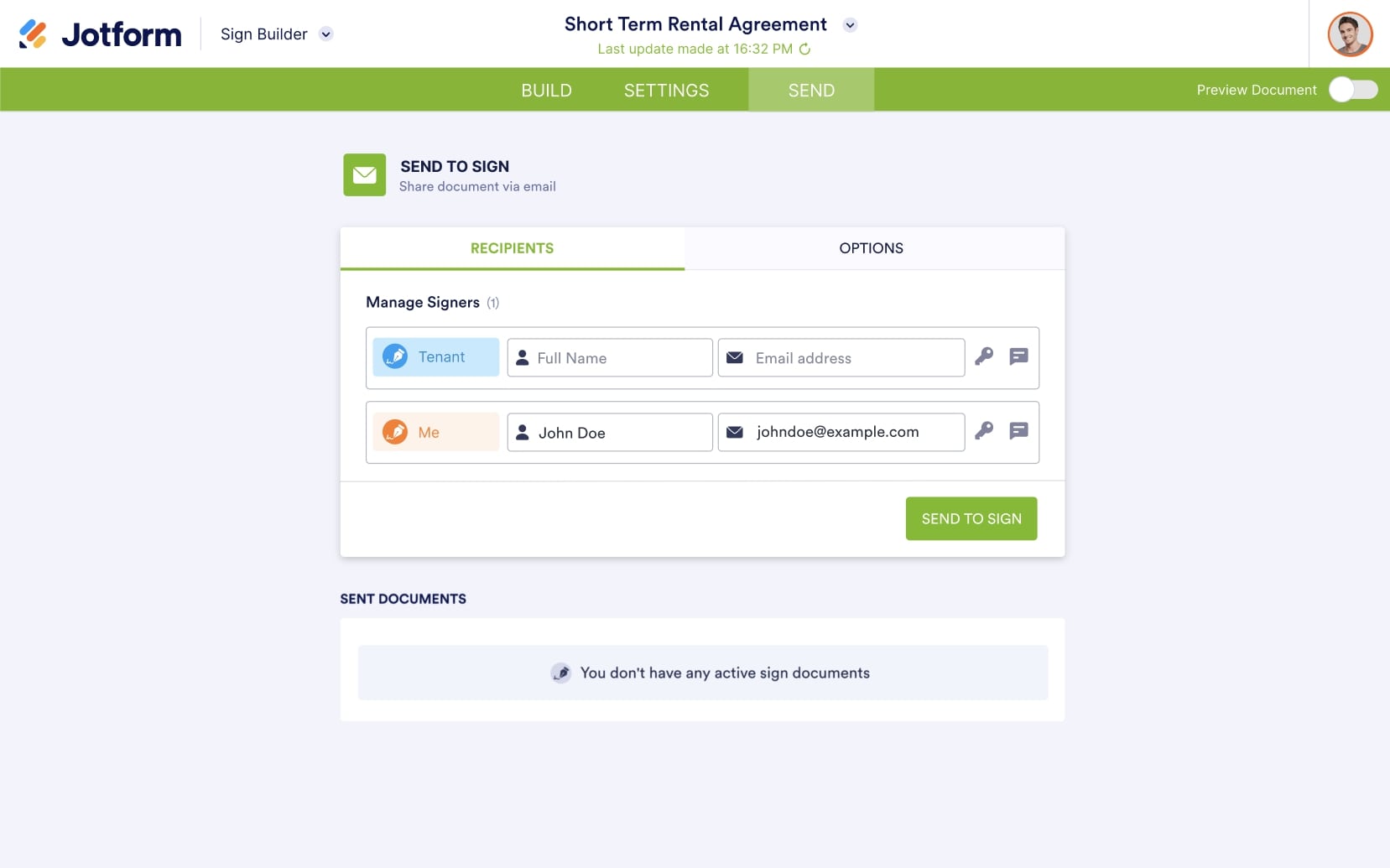
Create and customize your ideal document once and send it as many times as you need. Just add your desired fields, assign signer roles, and collect signatures with ease. Save time with our flexible build-and-send document structure.

Coba SekarangGratis!

Tingkatkan proses penandatanganan elektronik Anda dengan otomatisasi yang kuat

Otomatiskan proses penandatanganan elektronik Anda dari awal hingga akhir. Tambahkan dokumen dan penanda tangan Anda ke alur persetujuan — lalu unggah dokumen yang ditandatangani secara instan ke akun penyimpanan cloud Anda dengan integrasi penyimpanan online kami yang kuat.

Coba SekarangGratis!

Otomatiskan berbagi dokumen

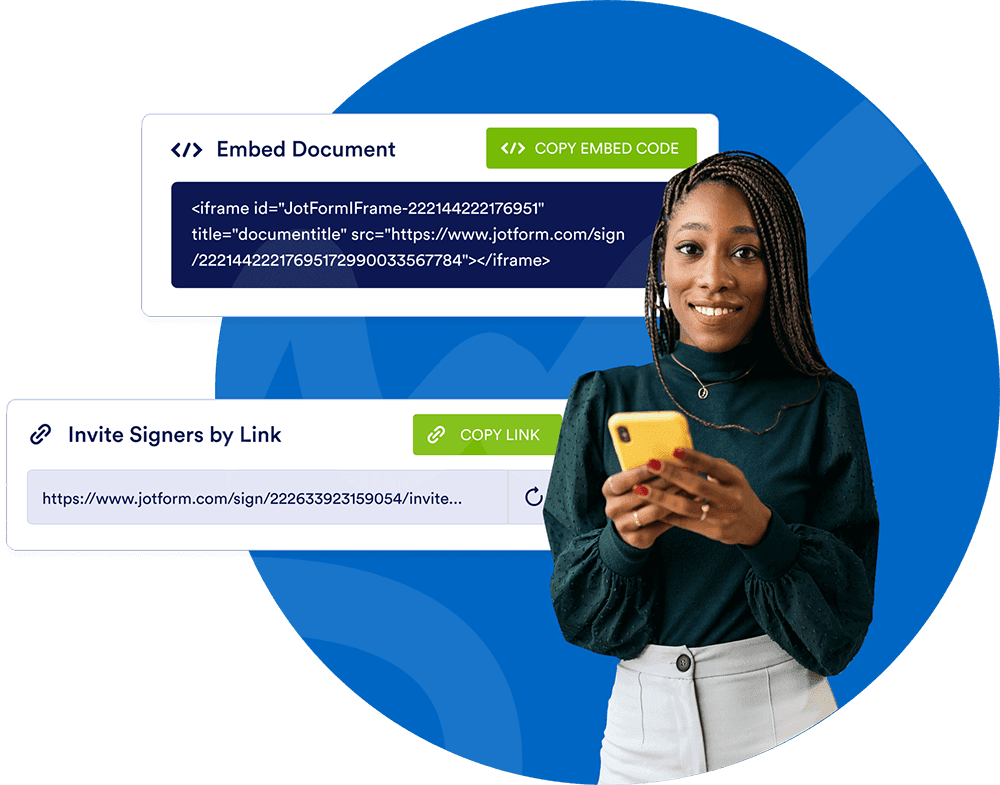
Kirim dokumen Anda ke penandatangan melalui email, bagikan dengan menyalin dan menempelkan tautan, atau menyematkannya di situs web Anda sehingga pengguna dapat menandatanganinya kapan saja.

Coba SekarangGratis!

800+ JOTFORM SIGN TEMPLATES

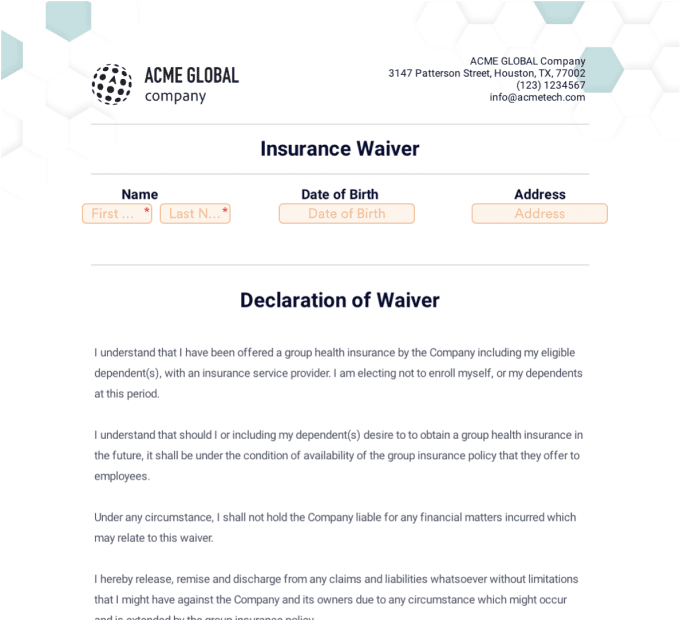
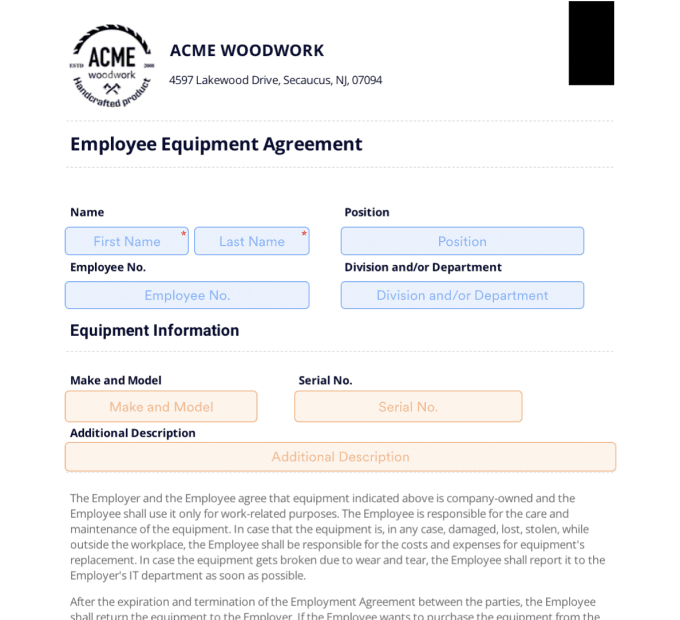
Dapatkan tanda tangan dengan cepat dengan template yang sudah jadi
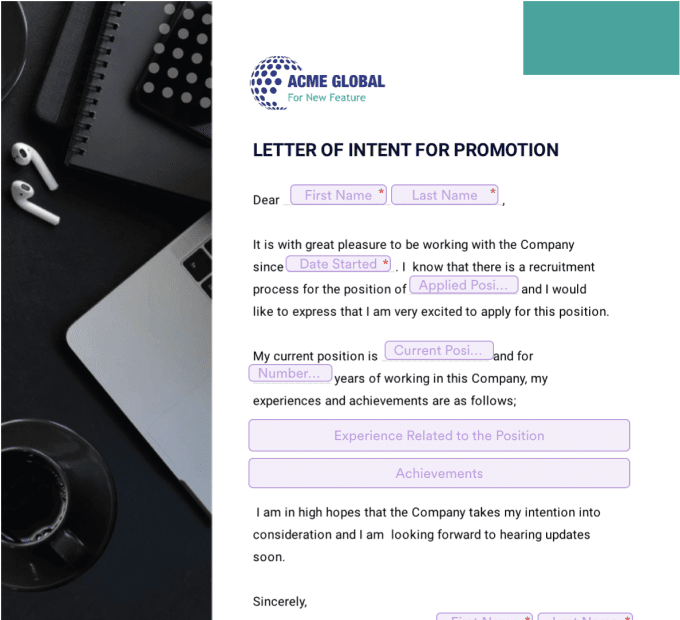
Temukan Semua Templat

Selesaikan lebih banyak dengan Kotak Masuk Tanda Tangan Jotform

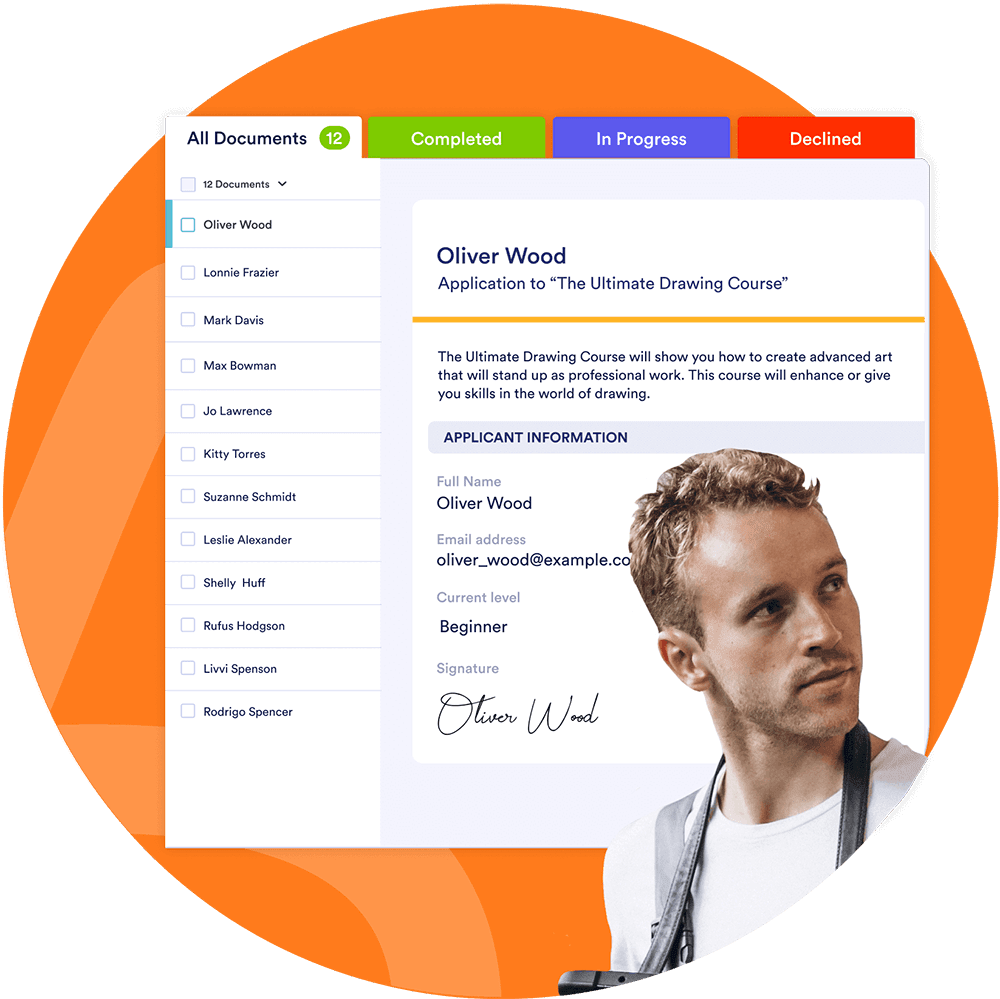
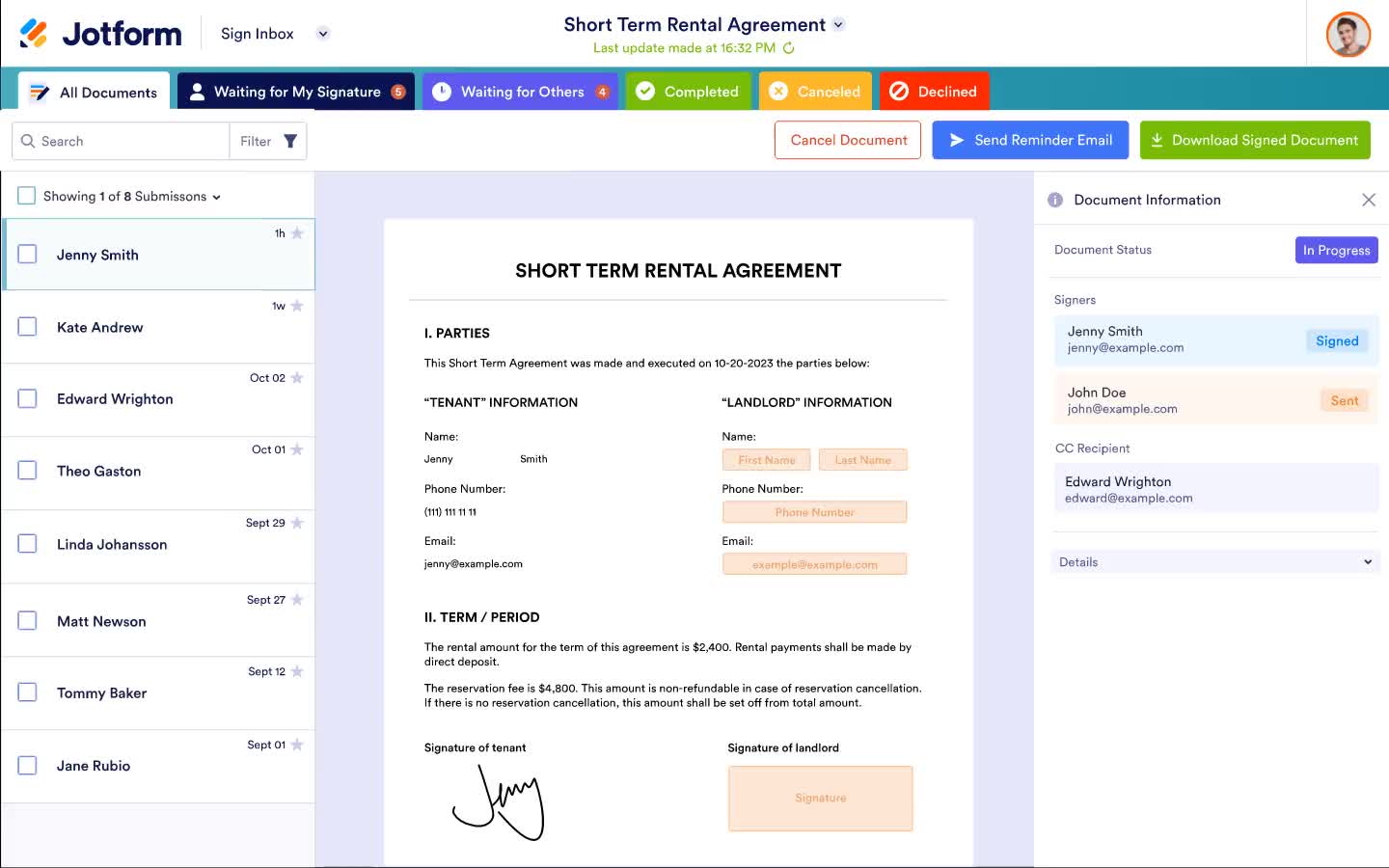
Pantau status dokumen Anda dengan Kotak Masuk Tanda Tangan Jotform. Anda bisa mendapatkan notifikasi instan tentang tindakan penandatangan, mengirim email pengingat, mengunduh dokumen yang ditandatangani, dan banyak lagi dari satu lokasi pusat.

Coba SekarangGratis!

Analisis dan visualisasikan data dokumen Anda

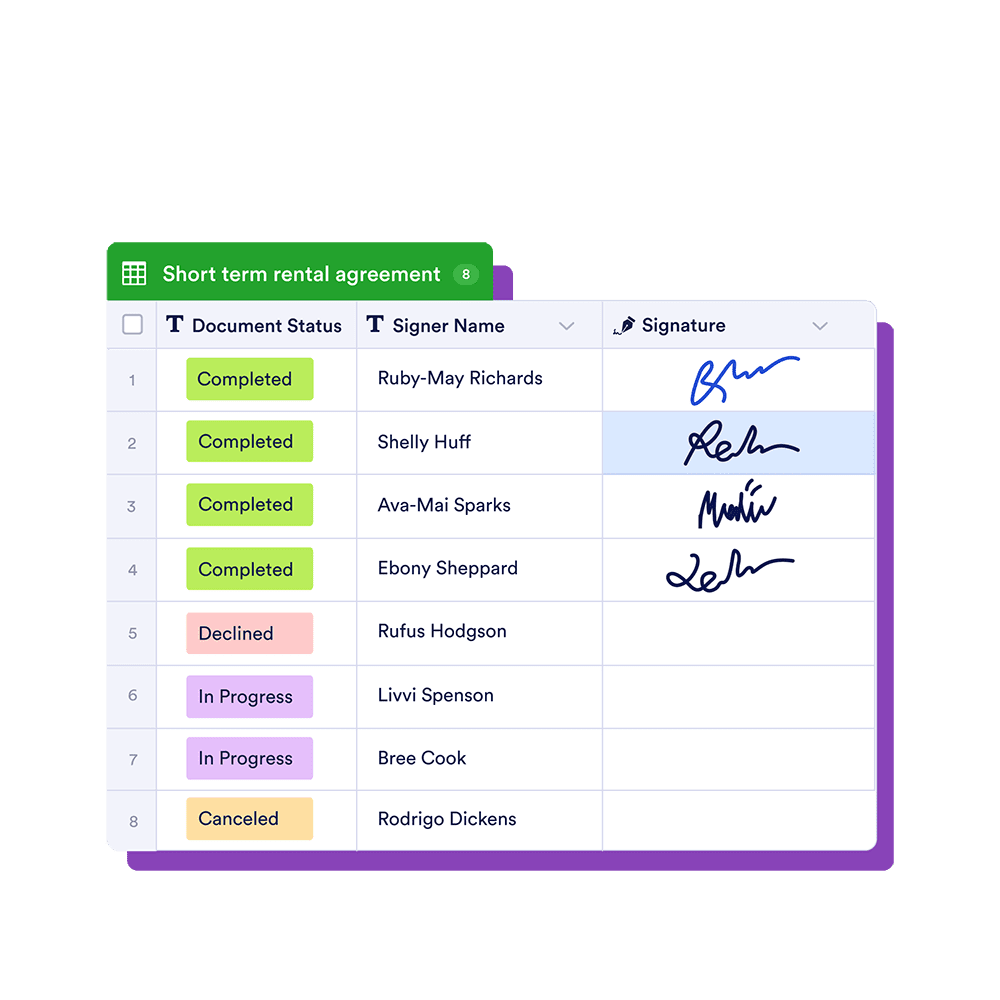
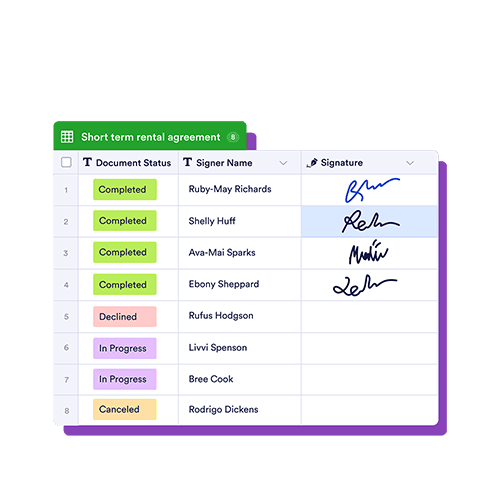
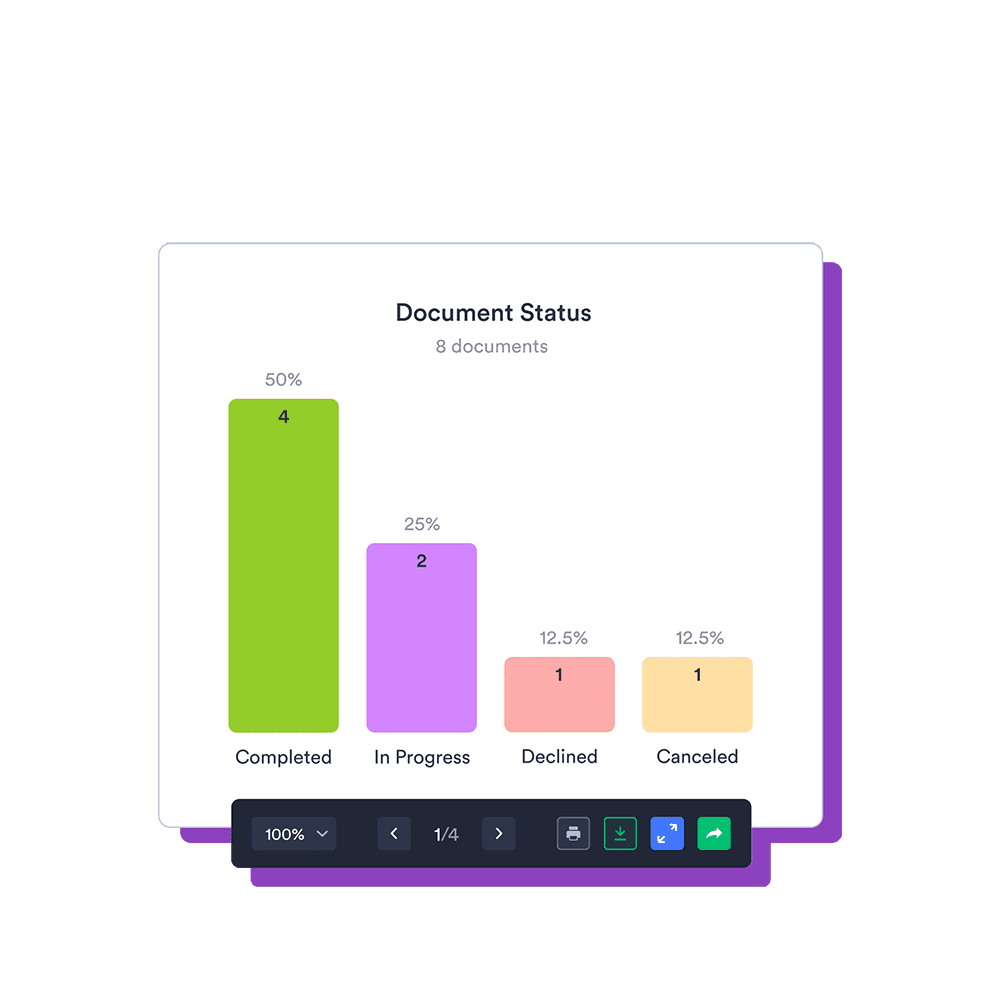
Atur dan kelola data yang dikumpulkan dari dokumen Anda dengan cara yang paling sesuai untuk Anda dengan Tabel Jotform. Anda juga dapat mengonversi data menjadi laporan yang terlihat profesional untuk mengungkap wawasan bisnis baru dan membuat keputusan yang tepat dengan Pembuat Laporan Jotform.

Coba SekarangGratis!

Dibuat untuk profesional yang sering bepergian

Pantau status dokumen Anda dengan Kotak Masuk Jotform Sign. Anda dapat menerima notifikasi instan tentang tindakan penanda tangan, mengirim email pengingat, mengunduh

Tanda Tangan Jotform Seluler All-in-one document signing app — built for mobile professionals
Pindai kode QR untuk mendapatkan Jotform Sign Mobile di perangkat Anda

CARA MENGGUNAKAN TANDA TANGAN JOTFORM

Kirim dan Tandatangani Dokumen dalam Beberapa Menit
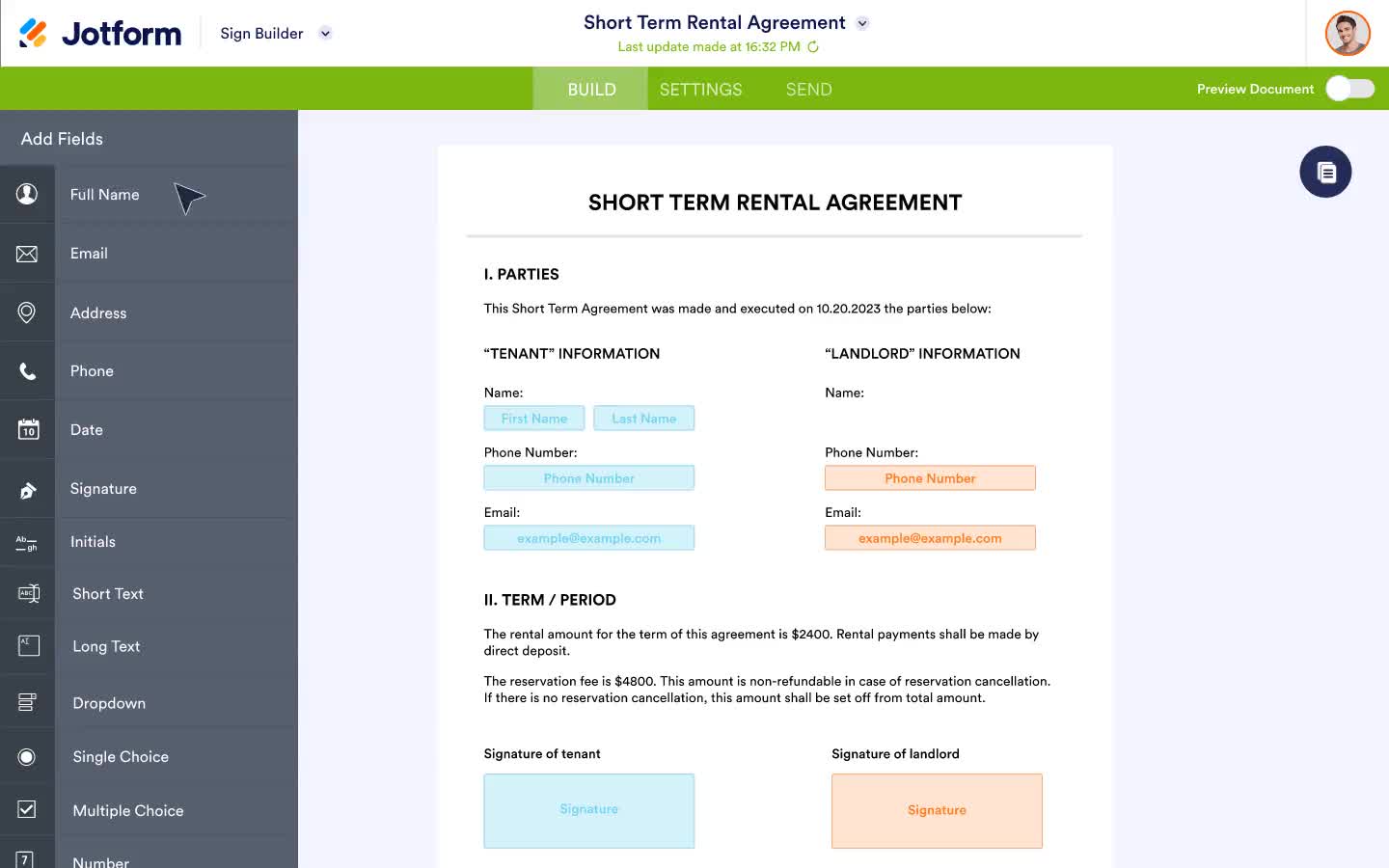
JELAJAHI APA YANG DIPIKIRKAN PENGGUNA TENTANG TANDA TANGAN JOTFORM

Saya telah lama menjadi pengguna Jotform dan terus merasa terkesan dengan bagaimana produk Jotform terus berkembang. Saya menggunakan setiap aspek platform Jotform dan ini merevolusi cara saya berbisnis. Saya akan terus menjadi pengikut setia Jotform!

Nasser Jones

Tanda tangan elektronik memenuhi otomatisasi