Create Online Wedding Invitations
Jotform’s online wedding invitation creator helps you build and customize wedding invitations that reflect your theme and event details. With this online wedding invitation creator, you can choose from templates or design from scratch, add photos and colors, share invitations via custom links, and collect RSVPs and guest info in Jotform Tables.
Templates
Online Wedding Invitation Templates
Don’t know where to start? No problem! Browse our collection of templates to find the perfect look and feel for your special day.
Floral Wedding Invitation Template

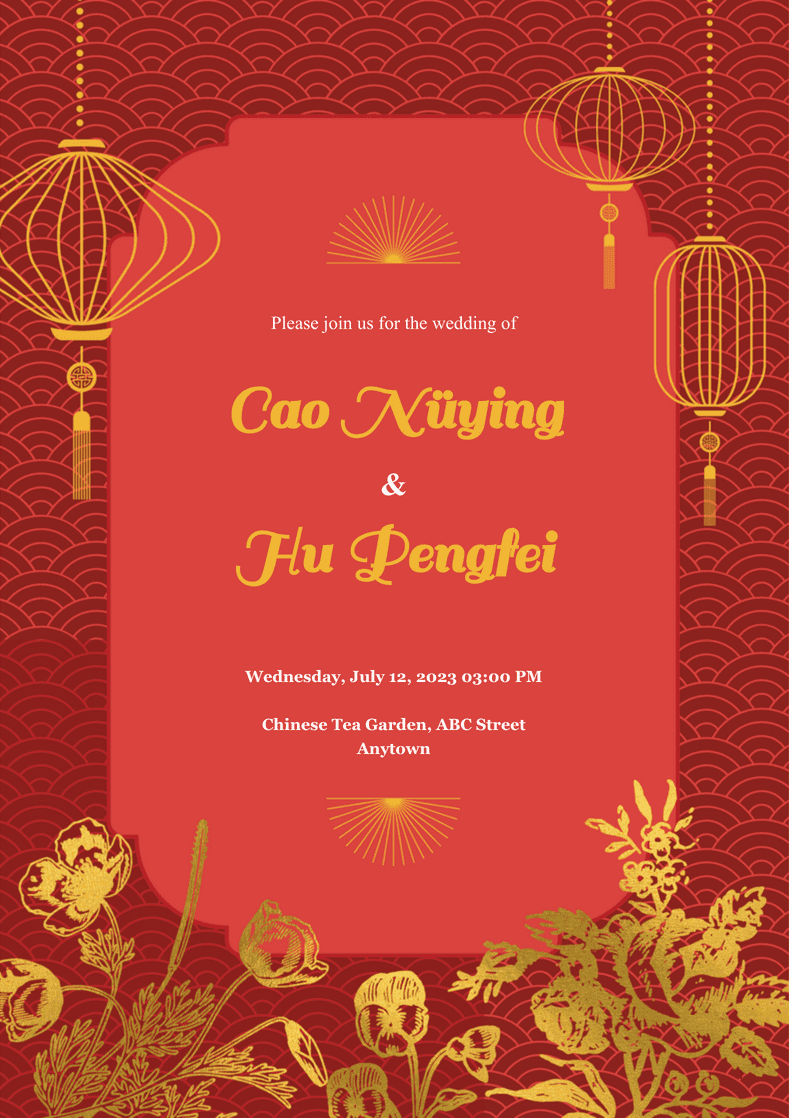
Chinese Wedding Invitation Template
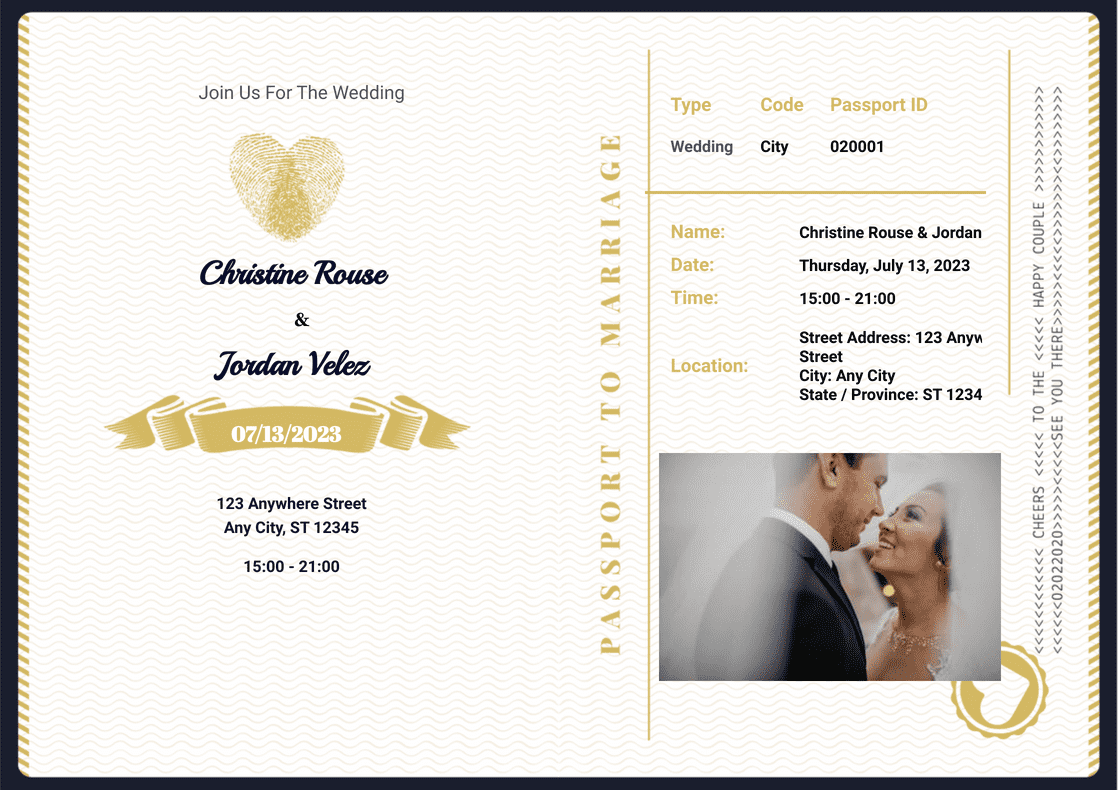
Passport Wedding Invitation Template
Voordelen
Save Time and Money on Your Invitations
Create and send online wedding invitations instead of printing and mailing paper invitations. Online invitations reduce manual work because guests can open the invitation and respond from the same page. Jotform invitations also help keep the invitation workflow in one place, so wedding planning feels less scattered.
Customize Your Wedding Invitation
Customize a wedding invitation in a few clicks with no coding required. Choose fonts and colors, then add photos and videos to match the wedding style. The invitation design stays flexible, so you can update details without rebuilding the invitation.
Publish and Share Your Wedding Invitation
Share the wedding invitation using a link, so guests can open it from any browser. You can create a custom form URL instead of sharing a long link with a form ID. This makes the invitation link easier to recognize and resend if needed.
Manage Your Invitations with Jotform Tables
View wedding invitation responses in Jotform Tables as a spreadsheet, so guest details stay organized in one workspace. You can search and filter the table to find specific guests or RSVP statuses faster. You can also share the table and send data to other platforms when another planner or tool needs the same guest list.
Easily Collect RSVPs
Start with an RSVP form template and customize it using Jotform’s drag-and-drop form builder. Guests can submit RSVPs from any device, so responses are easier to collect from people on mobile. RSVP submissions arrive instantly, so the guest list stays current while plans change.
Testimonials
Wat onze gebruikers zeggen over Jotform
Veelgestelde vragen
Al je vragen over Jotform - beantwoord. Bekijk onze veelgestelde vragen voor antwoorden op veelvoorkomende vragen, of neem contact op met ons ondersteuningsteam voor meer informatie.
How can I make a wedding invitation?
Making a wedding invitation is easy and fun with Jotform’s easy-to-use form builder. Simply drag and drop to customize your dream wedding invitation. Pick fonts and colors, upload images of you and your beloved, edit text, and more!
What should wedding invitations include?
Wedding invitations should include the name of the two individuals who are getting married, the date and time of the ceremony, the location of the ceremony, and a way for guests to RSVP.
Whose name goes first in a wedding invitation?
Traditionally, the bride’s name would go first on the wedding invitation. However, it’s up to you and your partner to decide.
When should I send out wedding invitations?
Though the time you choose to send out your wedding invitations is up to you, it’s usually best to send them out at least two months in advance of your big day, especially if you’re inviting family and friends from out of state or even out of the country who need to organize their travel plans.